New Trade Zone
Trade Zone is now live
Use the new Trade Zone for auctions and instant-price trades so Pokemon and item offers are easy to find.

Xvayyy
Registered User
-
Joined
-
Last visited
-
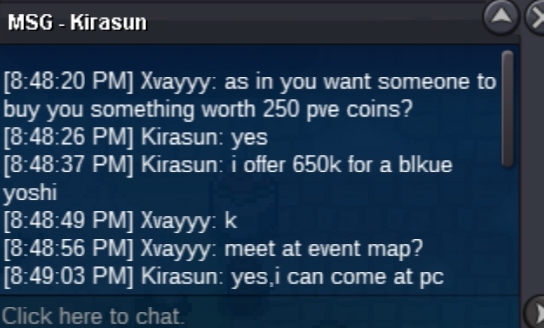
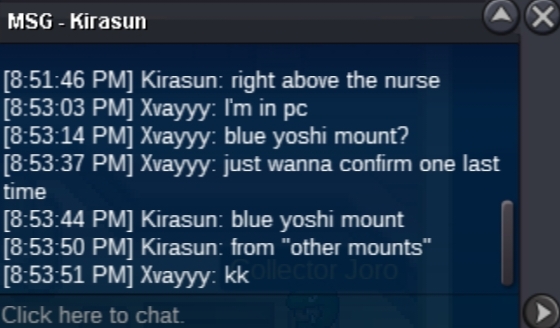
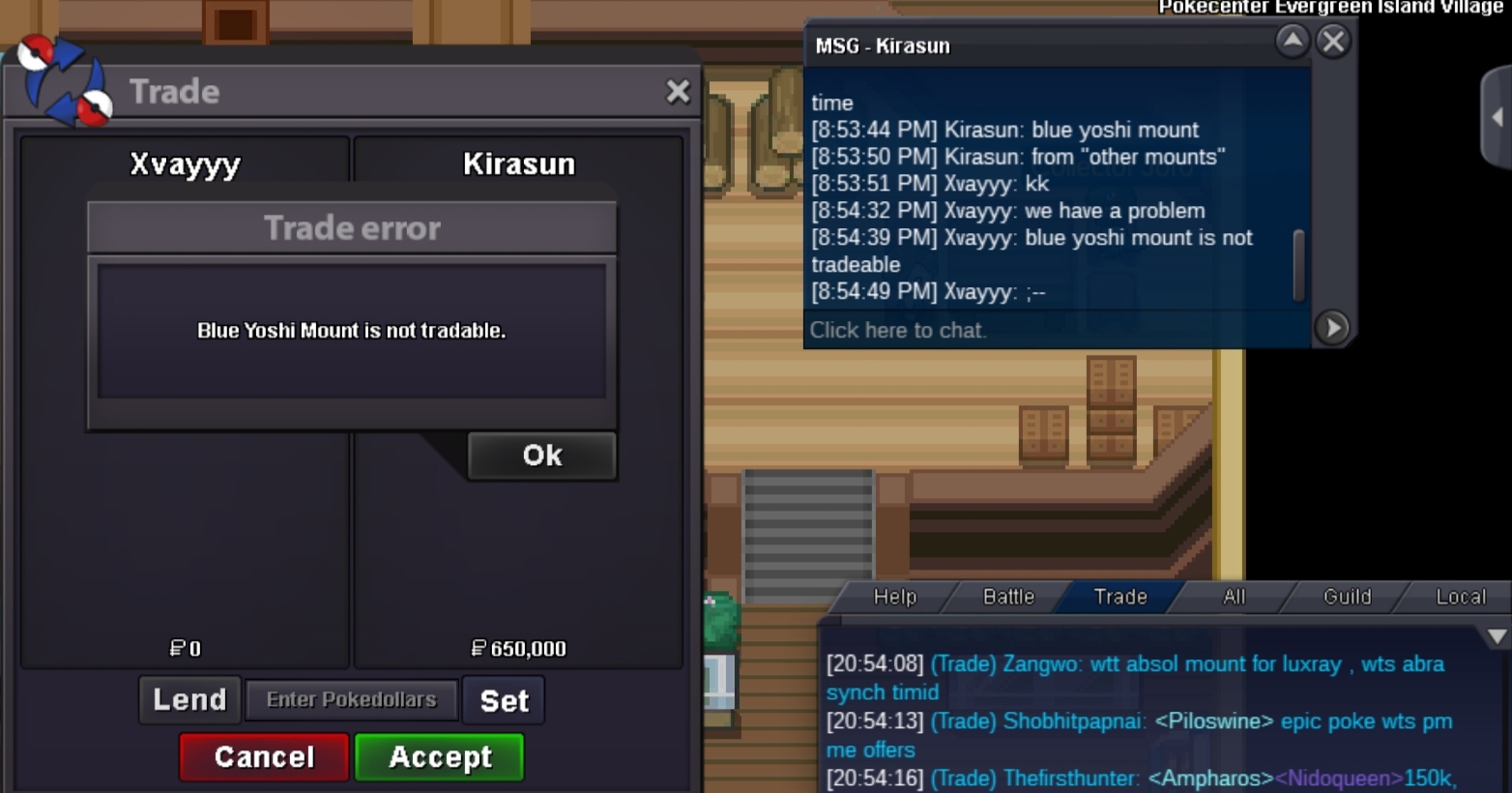
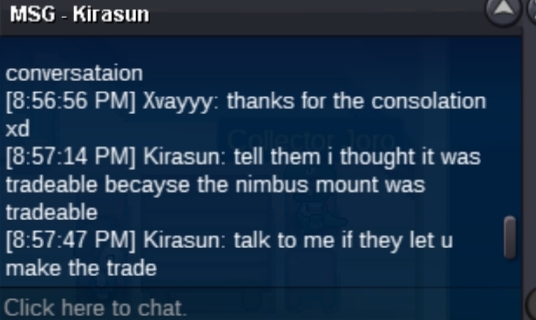
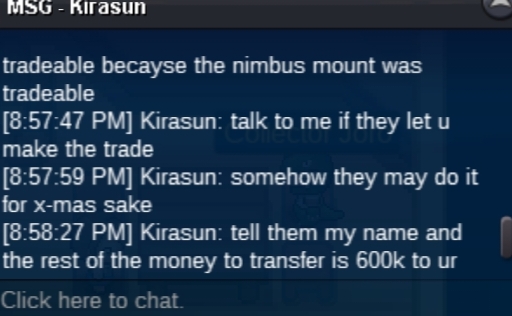
Someone(Kirasun) wanted to buy a blue yoshi mount worth 250 pve coins from someone for 650k pokedollars. I accepted the trade without knowing that the blue yoshi mount was not tradable. Please allow the blue yoshi mount to be moved into Kirasun's account from mine if possible. Otherwise please remove it from mine with a refund of 250 pve coins. I apologize for not knowing that the blue yoshi mount was not tradable (and I found out later from other people that there is a list of things that can't be traded).
-
so after I beat murky town's mayor in unison cave, I tried entering the cave but it said that I needed to enter his house first, so I did. There I found vlad and camelia. After talking to vlad he offered me a set of vampire clothes/houndoom mount. While I was deciding on which to pick, I disconnected and reconnected shortly after. When I did, both vlad and camelia were gone, and neither of the event rewards were in my backpack. I tried talking to the mayor but he instead talked about the phantump quest/challenge. I hope this is noticed, and if you're reading this, I hope you have a nice day. :-]