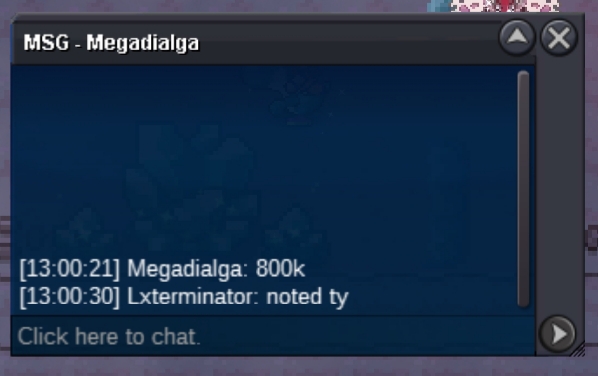
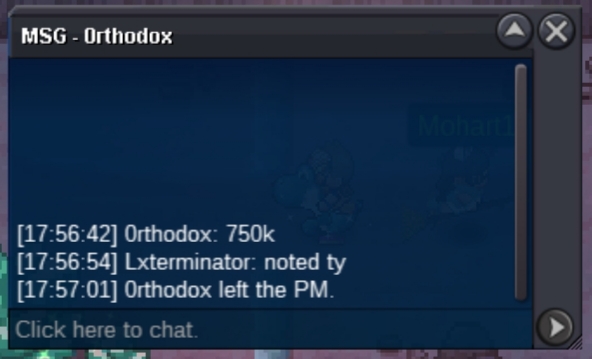
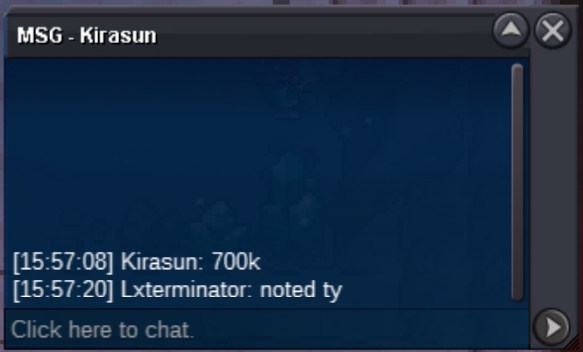
New Trade Zone
Trade Zone is now live
Use the new Trade Zone for auctions and instant-price trades so Pokemon and item offers are easy to find.

Lxterminator
Registered User
-
Joined
-
Last visited
Everything posted by Lxterminator
-
yes Gmartins you win the auction
-
Starting offer 100k Min raise 50k No insta Ends 24 hours after the first offer
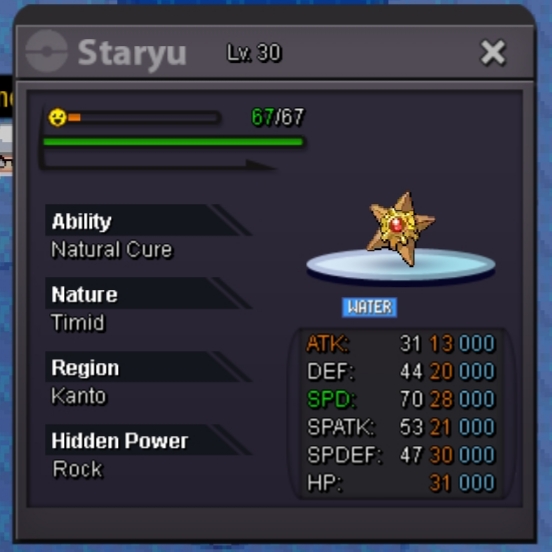 start(resolu, merci au moderateur d'avoir forcer l'enchere) Quand comptez-vous récupérer les dratini de Noël que vous avez gagnés aux enchères ? vous ne répondez pas au message et vous vous déconnectez lorsque je vous envoie des messages, je préviendrai les modérateurs si cela continue.@zorouami hello, possible to force the sale? he was connected but did not answer me he started the auction at 1m and no one else bid thank yousnappywnl you win the auctionstart by snappywnl
 c.o : 1 m min bids: 100k no insta time:48 hours after firdt auction
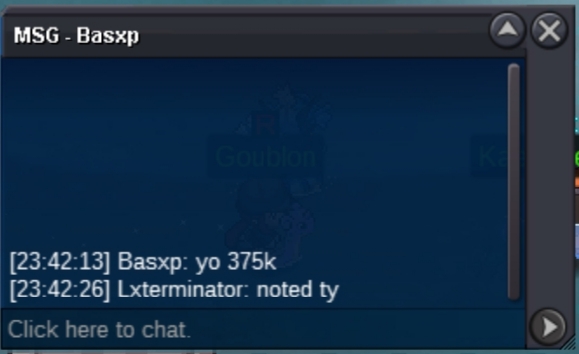
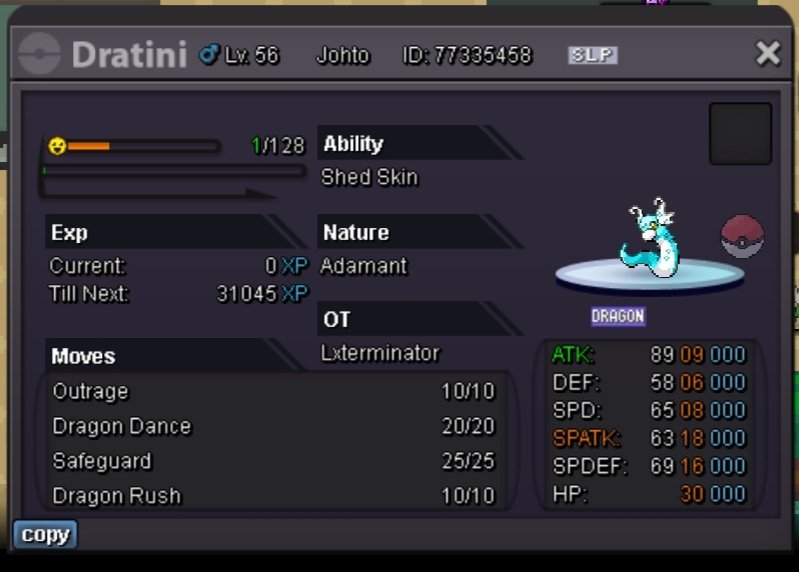 sold l0n3walk3r 400kLancer l'offre 100k Enchère minimale 50k insta : 1m5 Délai : 24 heures après le début de l'offre.
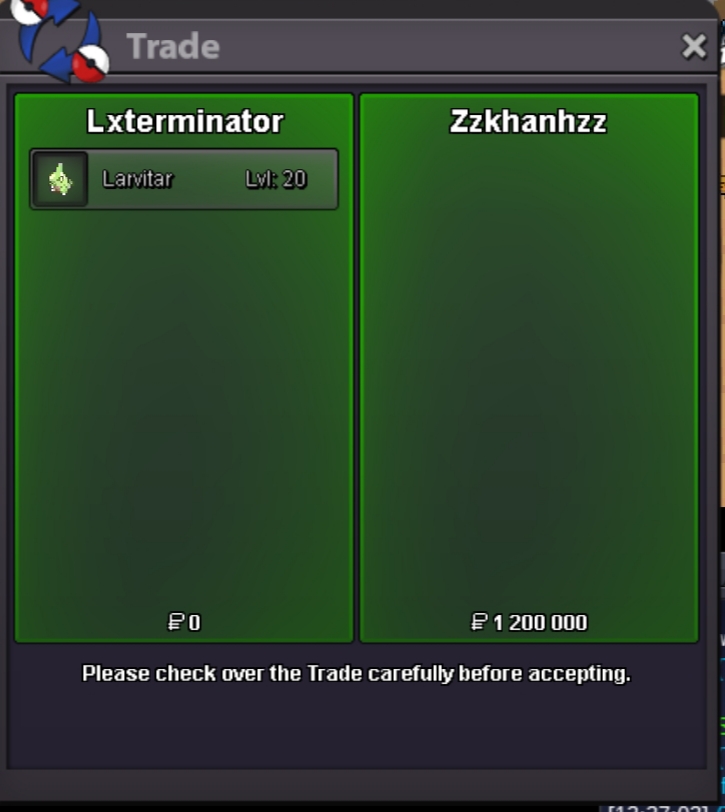
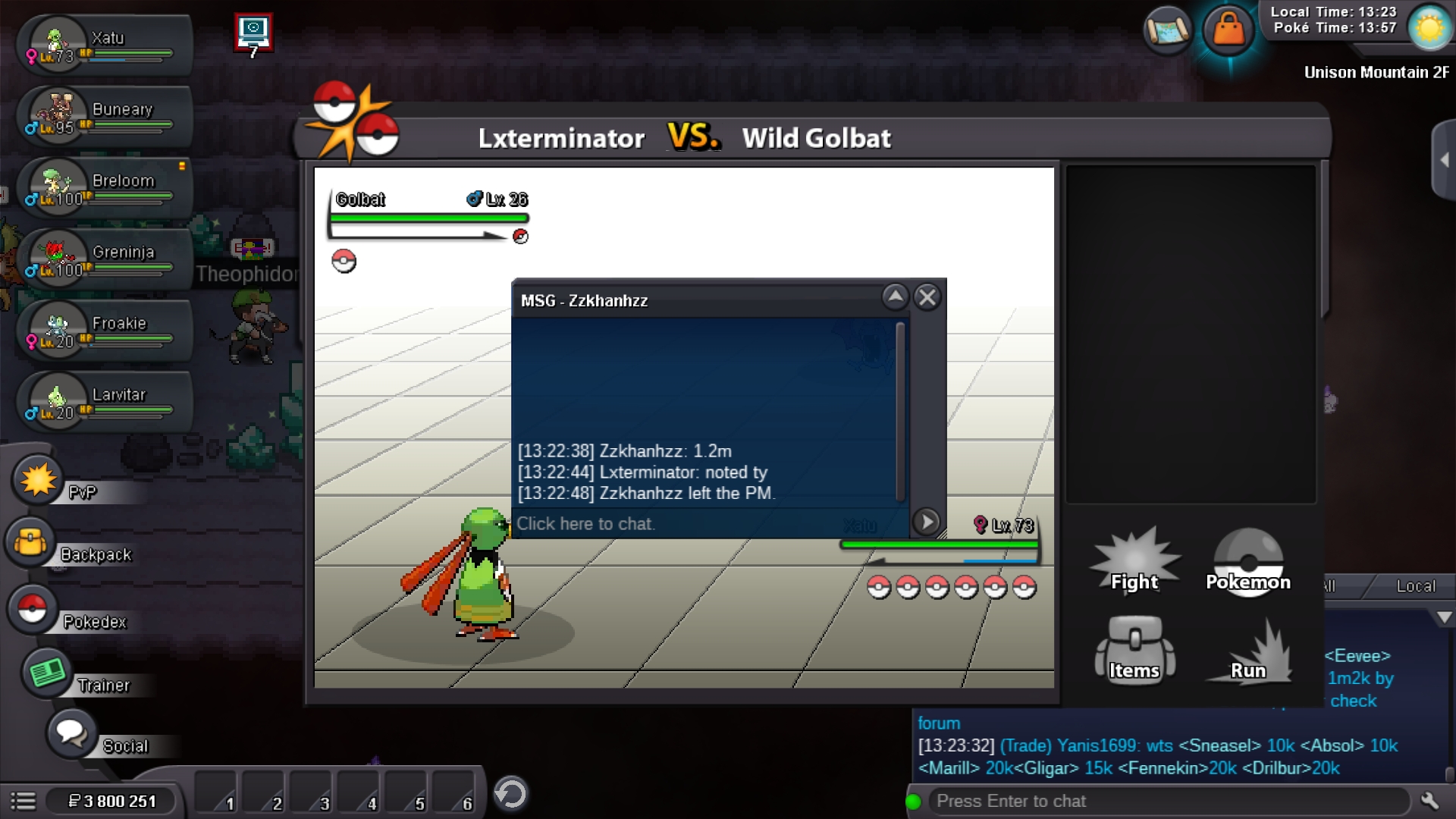
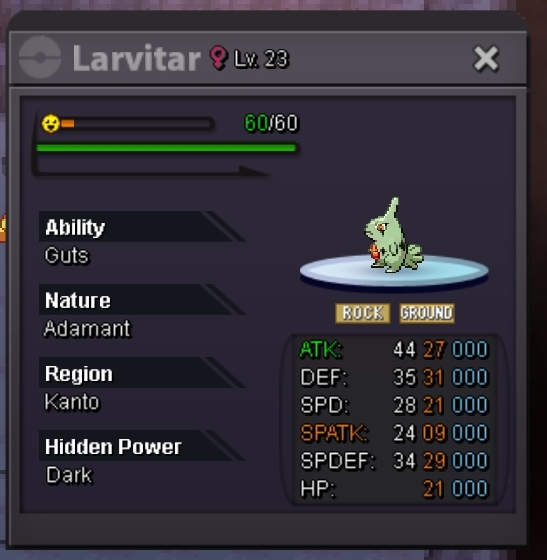 sold 1.2m by zzkhanhzz
Account
Navigation
Search
Configure browser push notifications
Chrome (Android)
- Tap the lock icon next to the address bar.
- Tap Permissions → Notifications.
- Adjust your preference.
Chrome (Desktop)
- Click the padlock icon in the address bar.
- Select Site settings.
- Find Notifications and adjust your preference.
Safari (iOS 16.4+)
- Ensure the site is installed via Add to Home Screen.
- Open Settings App → Notifications.
- Find your app name and adjust your preference.
Safari (macOS)
- Go to Safari → Preferences.
- Click the Websites tab.
- Select Notifications in the sidebar.
- Find this website and adjust your preference.
Edge (Android)
- Tap the lock icon next to the address bar.
- Tap Permissions.
- Find Notifications and adjust your preference.
Edge (Desktop)
- Click the padlock icon in the address bar.
- Click Permissions for this site.
- Find Notifications and adjust your preference.
Firefox (Android)
- Go to Settings → Site permissions.
- Tap Notifications.
- Find this site in the list and adjust your preference.
Firefox (Desktop)
- Open Firefox Settings.
- Search for Notifications.
- Find this site in the list and adjust your preference.