Poorwifi
Registered User
-
Joined
-
Last visited
-
username: Poorwifi server: gold timezone: GMT-4
-
God Bump
-
Winner is khanhminhne
-
1h left
-
8h left
-
FlyingS.O 400k, min bid 100k, 48 hours, no insta accept cc=370K gl
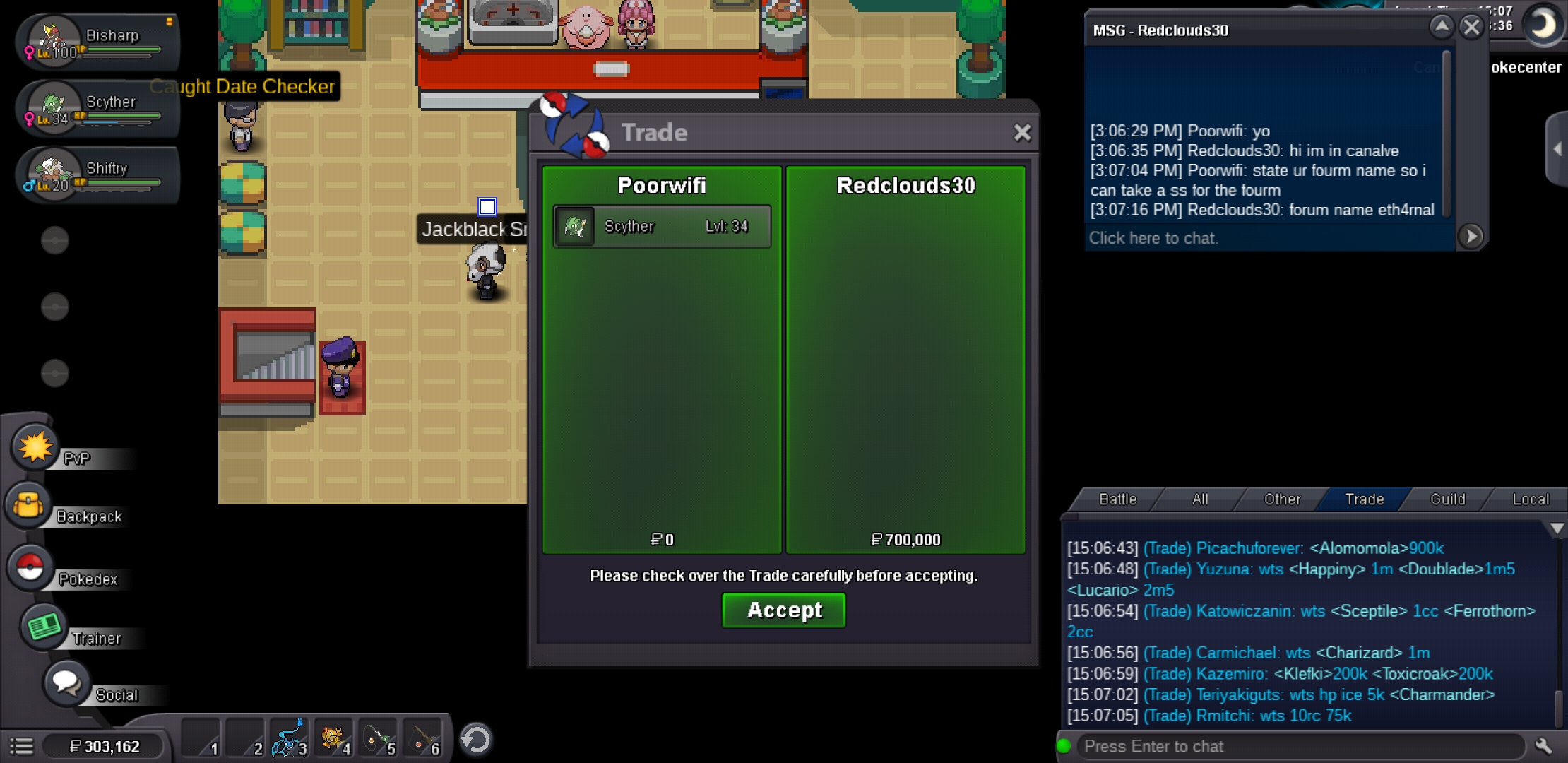
 yes you have won sorry for the delay, i will add you.God bump11 hours leftNotedS.O. 500k, min bid 100k, 48h. No insta, cc=370k, rr= 750k C.O 700k by eth4rnal Gl
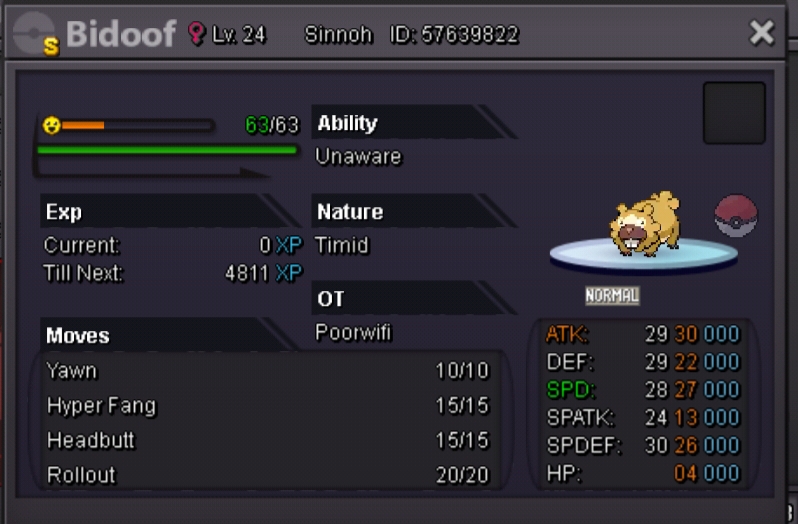
 Bidoof the creator of arceus, the true ancestor of pokemon is now up for auction to bless any player that has the wealth to claim it. It is said in urban legend, bidoof will grant its master with infinite RNG stats. Will it be yours? S.O. 500k is a generous price to start from. Insta 50m a reasonable price to pay for a divine being. Min bid is none, u can bid much as u like even 1 dollar. The god has decided to give the mortals 48 hours. GL the winner will have a bright future.