




New Trade Zone
Trade Zone is now live
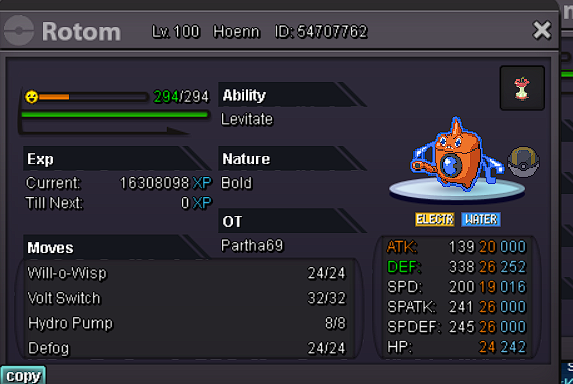
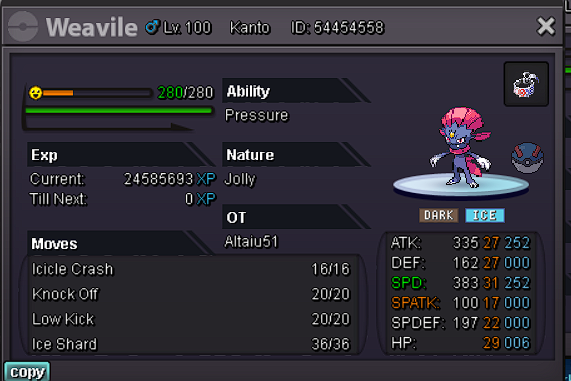
Use the new Trade Zone for auctions and instant-price trades so Pokemon and item offers are easy to find.

Forgiveme
Suspended
-
Joined
-
Last visited
Everything posted by Forgiveme
-
insta i will pick it up later
-
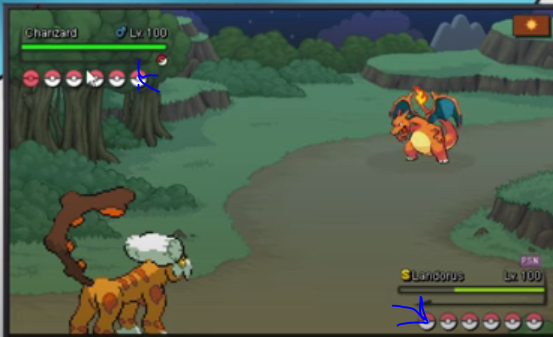
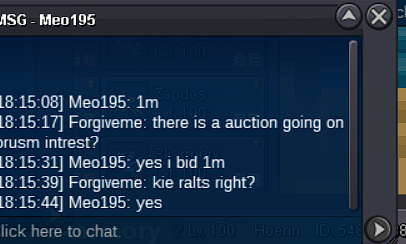
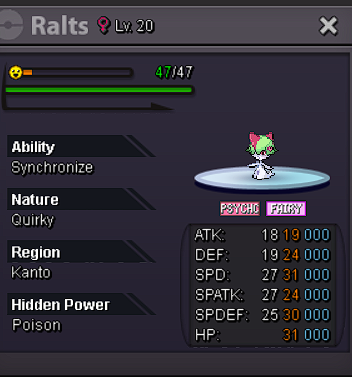
hey sorry m8 ive been havuing problems with my wifi contact me on forgiveme#7241already ended with you as winner by 1m which server you ongreat ballNice shop looking forward to new pokemon that might come out after this2mpretty self explanatory just a visual life upgrade instead of having empty pokeballs put the pokemon icons there dunno if it was suggested before just a idea this way you dont have to look at chat to know which pokemon are in the opponents team and you can check which ones are dead with comfort
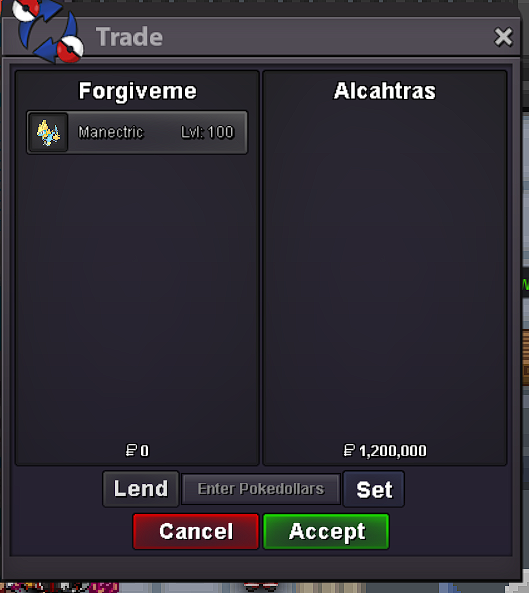
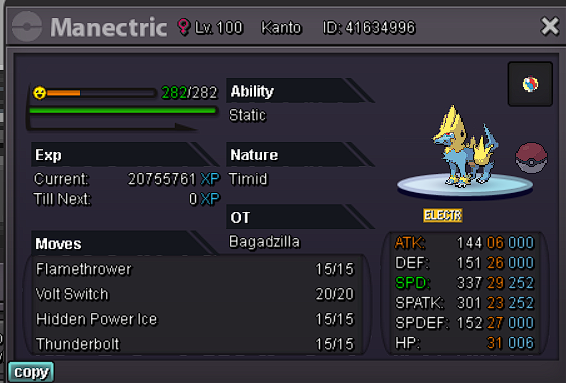
 doen 😛 waiting on manetirc guy
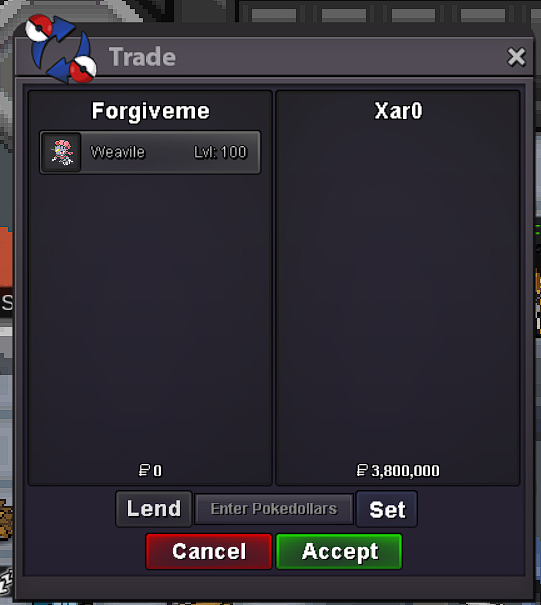 you won server you on?youve won which server you on4 hours left last bump!27 hours left50 hours leftNotedtoo late
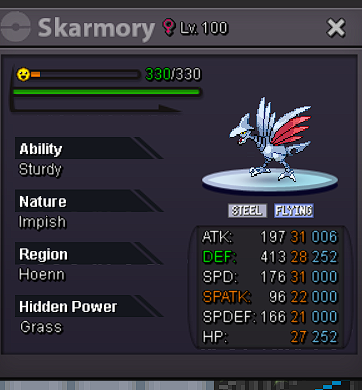


Account
Navigation
Search
Configure browser push notifications
Chrome (Android)
- Tap the lock icon next to the address bar.
- Tap Permissions → Notifications.
- Adjust your preference.
Chrome (Desktop)
- Click the padlock icon in the address bar.
- Select Site settings.
- Find Notifications and adjust your preference.
Safari (iOS 16.4+)
- Ensure the site is installed via Add to Home Screen.
- Open Settings App → Notifications.
- Find your app name and adjust your preference.
Safari (macOS)
- Go to Safari → Preferences.
- Click the Websites tab.
- Select Notifications in the sidebar.
- Find this website and adjust your preference.
Edge (Android)
- Tap the lock icon next to the address bar.
- Tap Permissions.
- Find Notifications and adjust your preference.
Edge (Desktop)
- Click the padlock icon in the address bar.
- Click Permissions for this site.
- Find Notifications and adjust your preference.
Firefox (Android)
- Go to Settings → Site permissions.
- Tap Notifications.
- Find this site in the list and adjust your preference.
Firefox (Desktop)
- Open Firefox Settings.
- Search for Notifications.
- Find this site in the list and adjust your preference.