




New Trade Zone
Trade Zone is now live
Use the new Trade Zone for auctions and instant-price trades so Pokemon and item offers are easy to find.

Everything posted by Lor3hcc
-
-
-
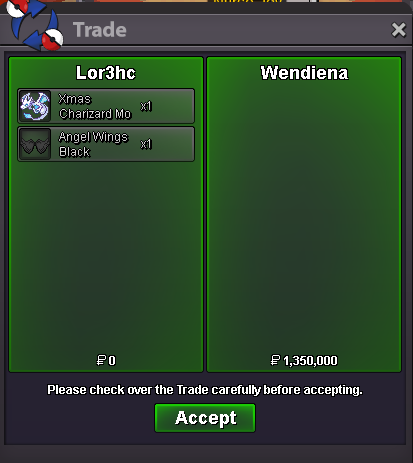
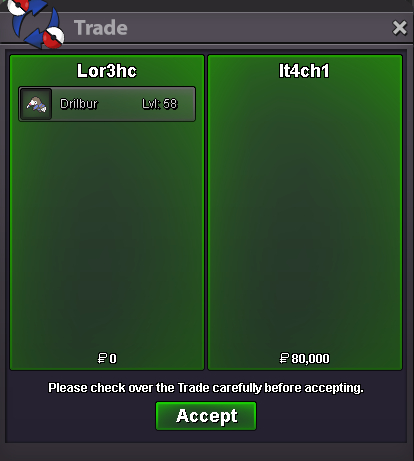
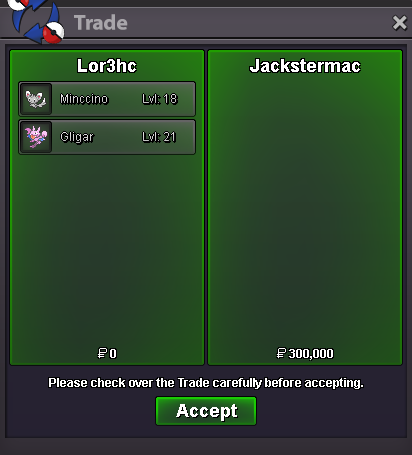
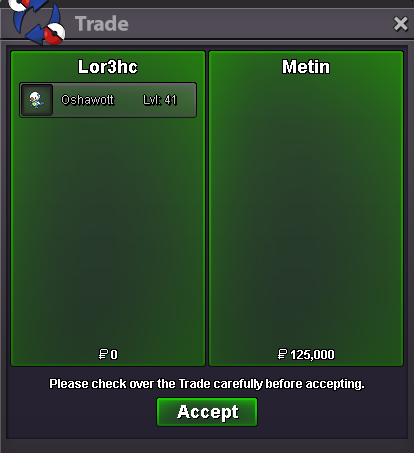
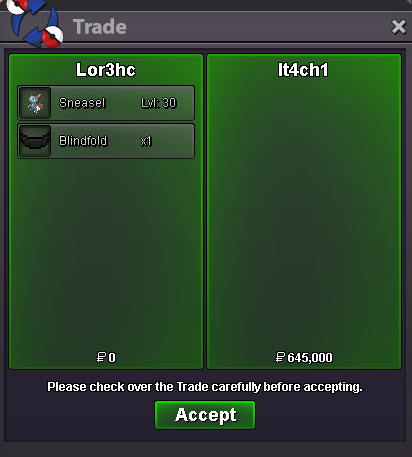
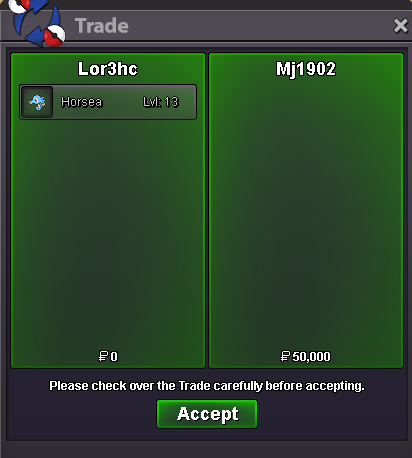
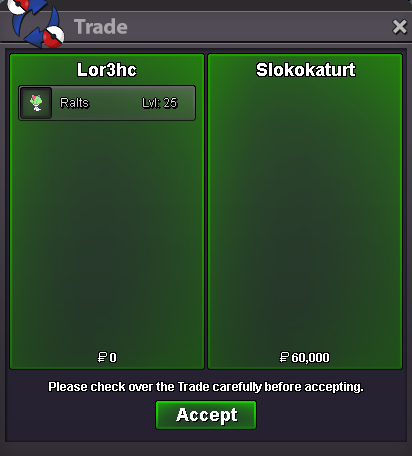
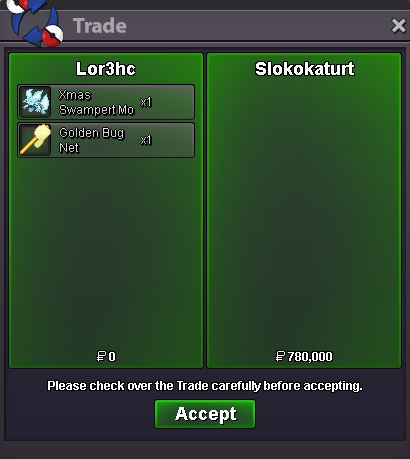
Selled Xmas Charizard Mount + Angel Wings Black at Wendiena
-
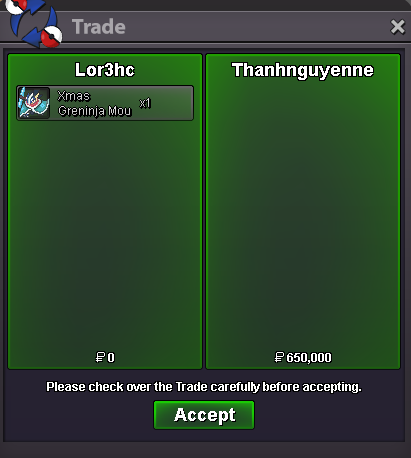
Selled Xmas Greninja Mount at Thanhnguyenne
-
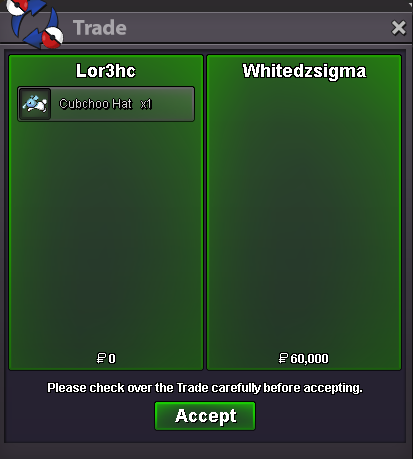
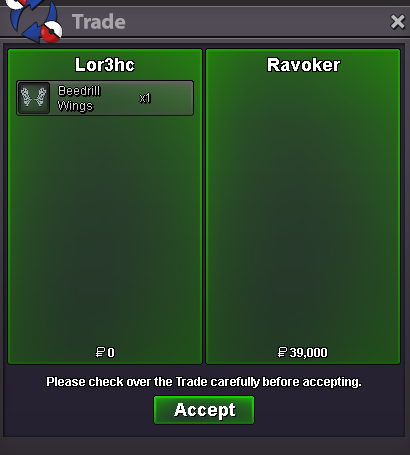
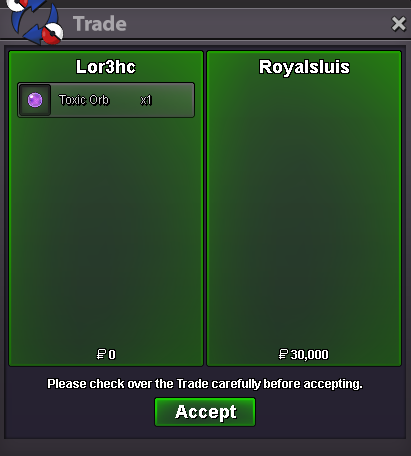
Selled Cubchoo Hat at Whitedzsigma Selled Beedril Wings at Ravoker Selled Toxic Orb at Royalsluis
-
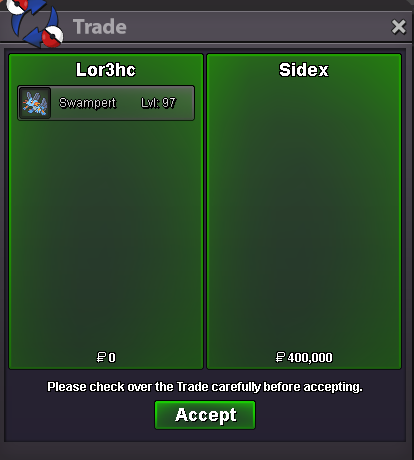
Selled Swampert at Sidex
-
bump
-
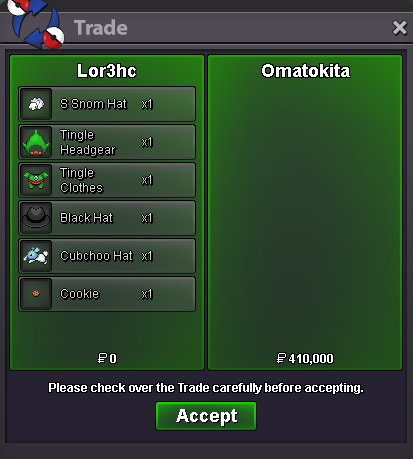
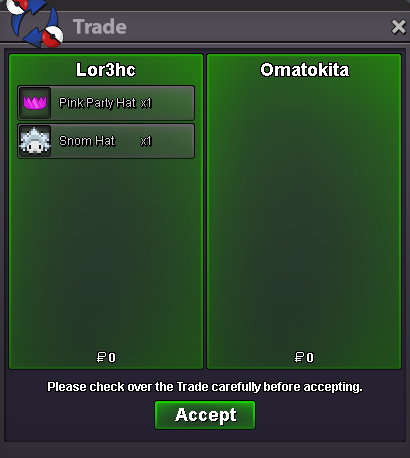
bumpSelled some cosmetics at Omatokita
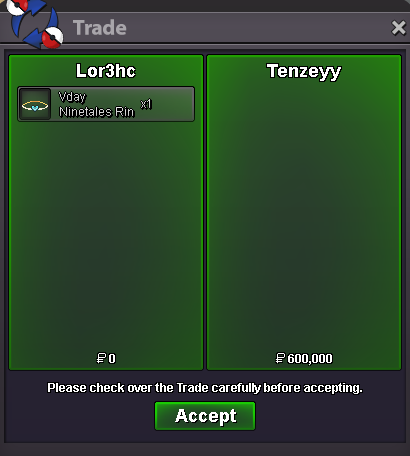
 im online at saffron or when u online dm me on disc : Lor3hcSelled Vday Ninetales Ring at Tenzeyy
 New Update 15/06 ~Untrained Pokemon~ ~Trained Pokemon~ ~Mounts & Clothes~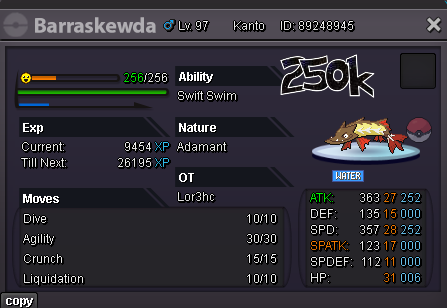
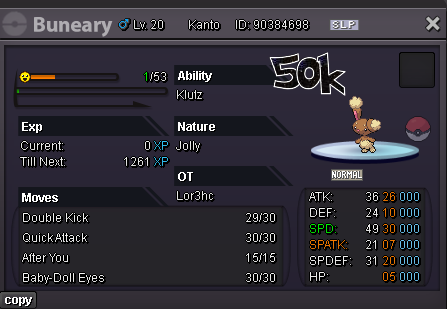
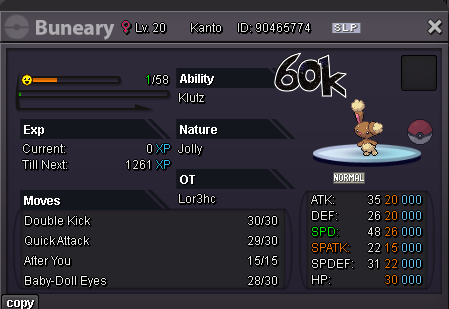
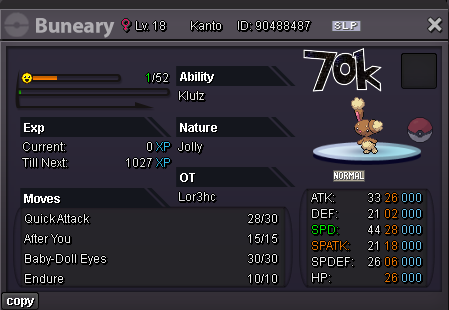
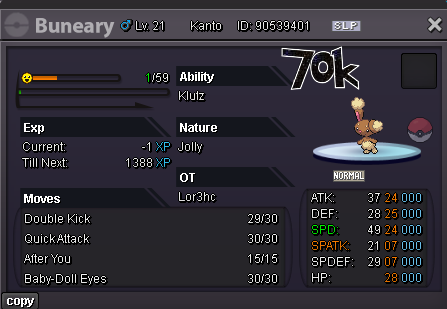
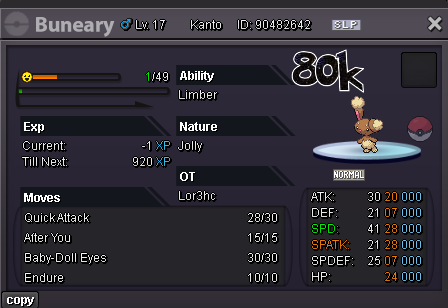
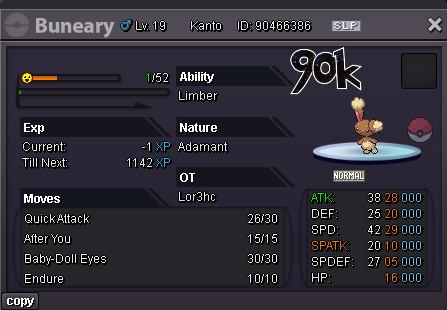
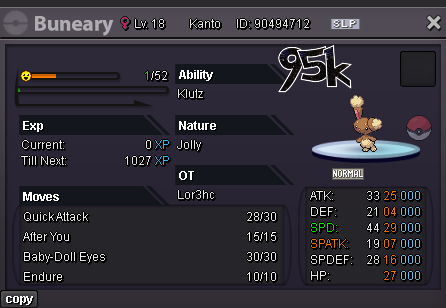
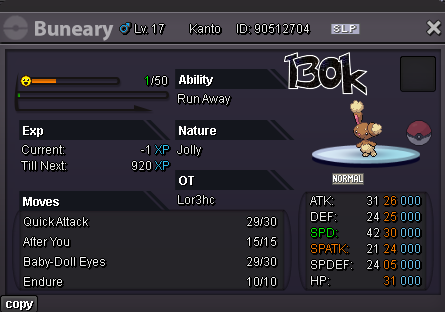
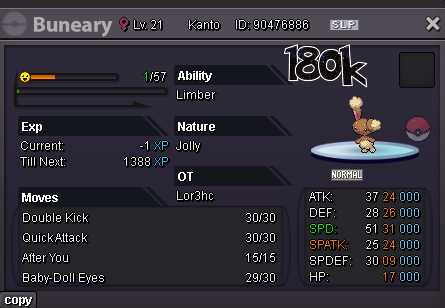
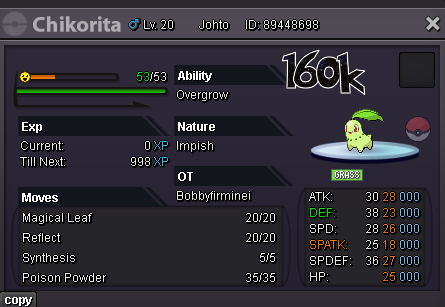
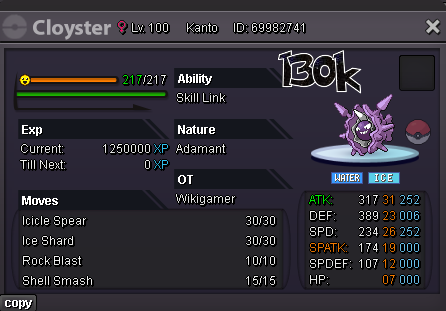
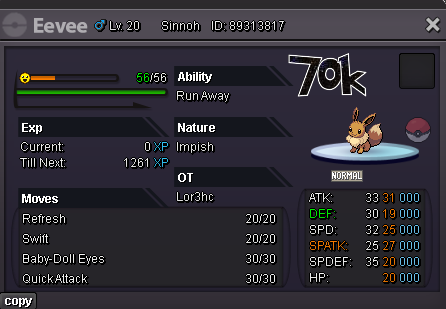
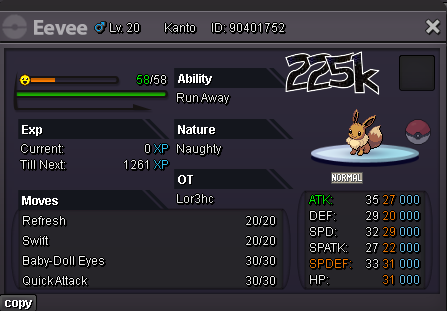
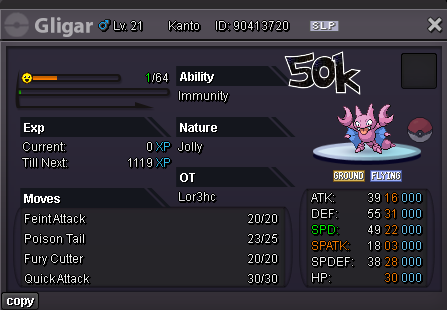
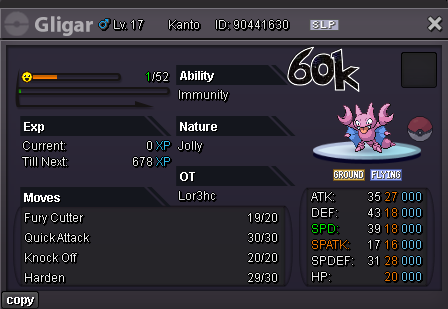
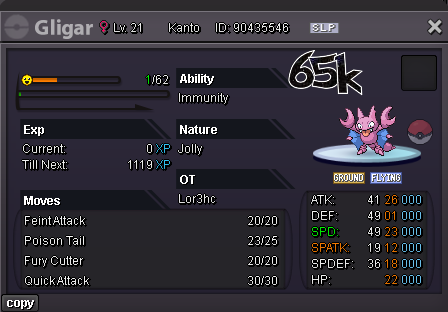
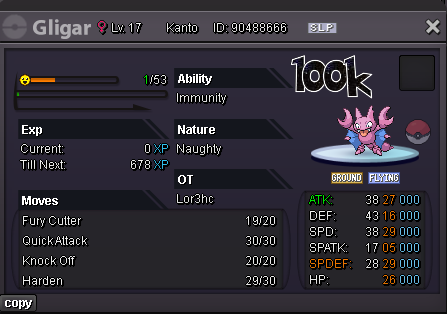
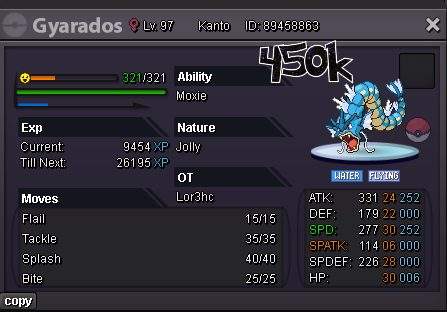
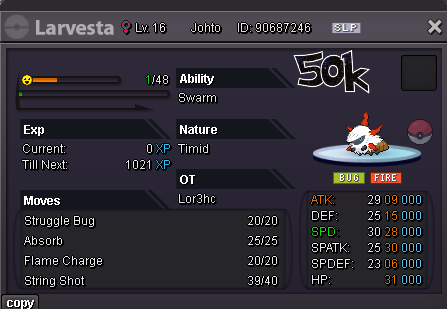
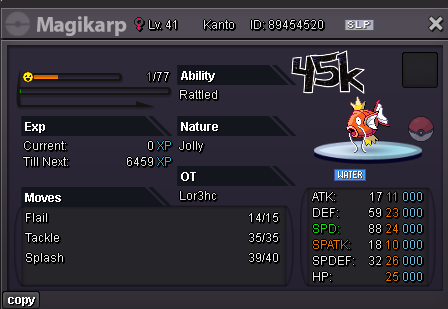
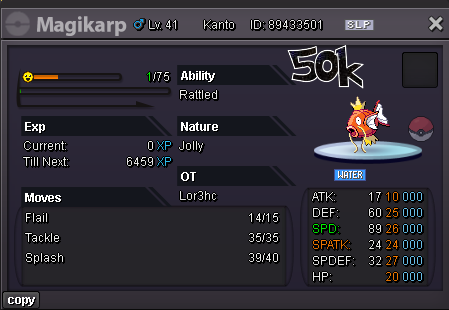
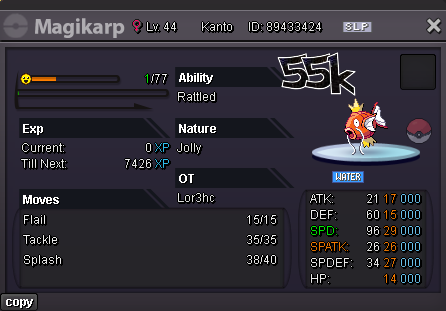
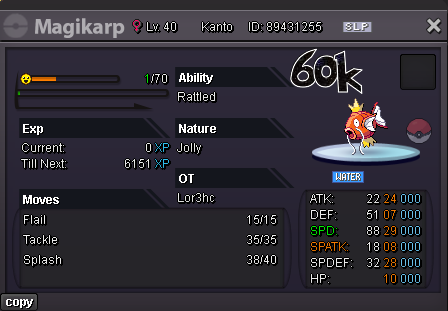
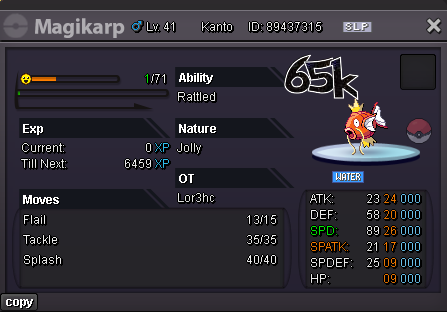
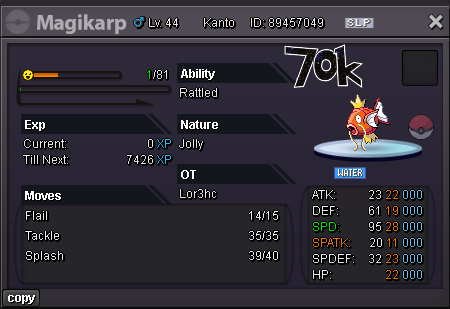
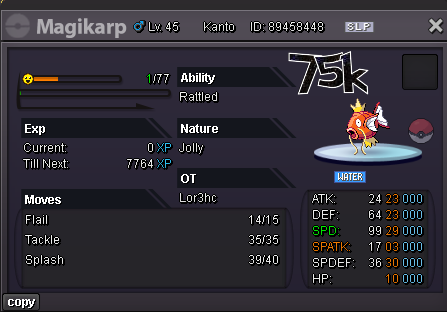
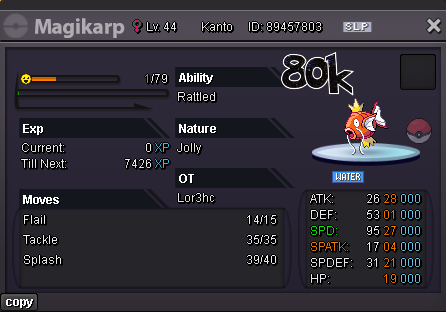
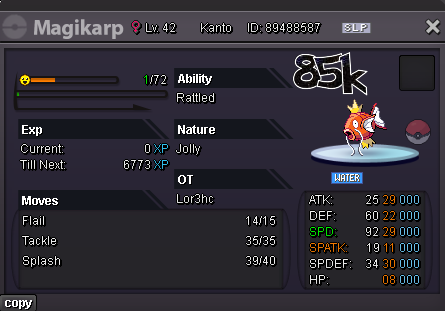
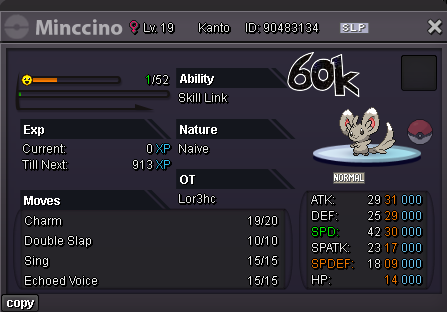
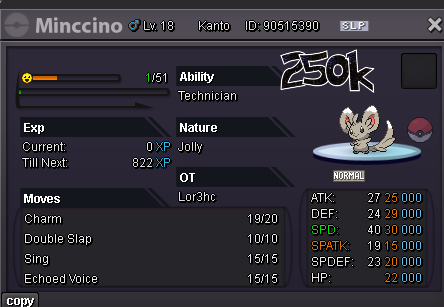
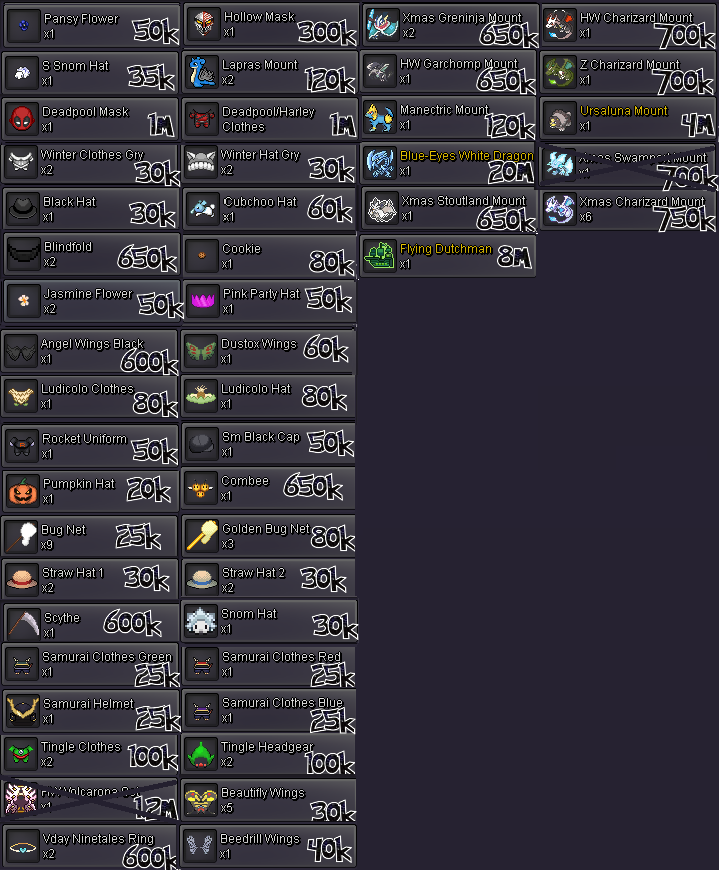
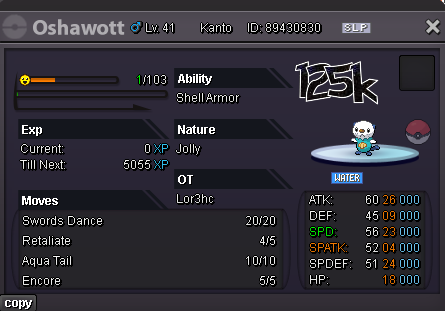
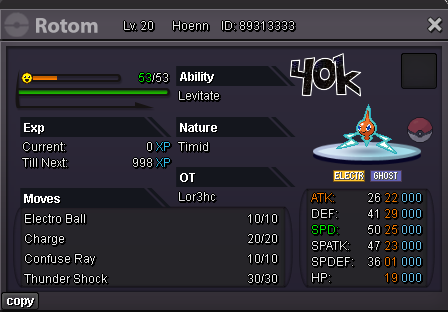
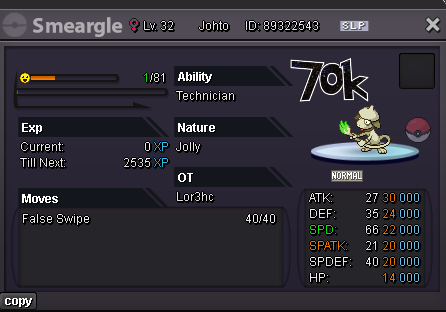
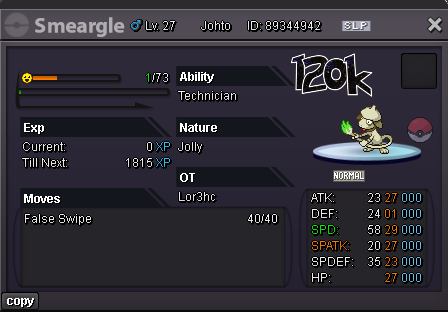 Selled Harley Wig at Aysdayb
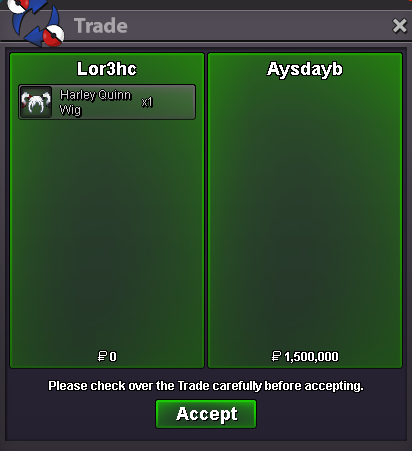 bumpSelled Shiny Kaisel Mount at Artic
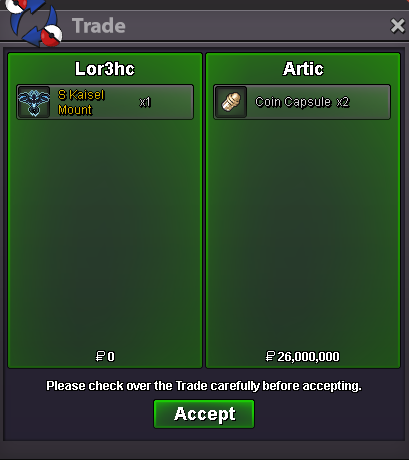 u on now? or dm me on disc : Lor3hcSelled Scyther at Hasher02
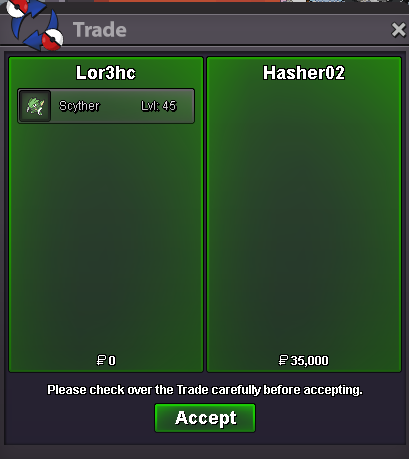 dm me via discord : Lor3hc

Account
Navigation
Search
Configure browser push notifications
Chrome (Android)
- Tap the lock icon next to the address bar.
- Tap Permissions → Notifications.
- Adjust your preference.
Chrome (Desktop)
- Click the padlock icon in the address bar.
- Select Site settings.
- Find Notifications and adjust your preference.
Safari (iOS 16.4+)
- Ensure the site is installed via Add to Home Screen.
- Open Settings App → Notifications.
- Find your app name and adjust your preference.
Safari (macOS)
- Go to Safari → Preferences.
- Click the Websites tab.
- Select Notifications in the sidebar.
- Find this website and adjust your preference.
Edge (Android)
- Tap the lock icon next to the address bar.
- Tap Permissions.
- Find Notifications and adjust your preference.
Edge (Desktop)
- Click the padlock icon in the address bar.
- Click Permissions for this site.
- Find Notifications and adjust your preference.
Firefox (Android)
- Go to Settings → Site permissions.
- Tap Notifications.
- Find this site in the list and adjust your preference.
Firefox (Desktop)
- Open Firefox Settings.
- Search for Notifications.
- Find this site in the list and adjust your preference.