New Trade Zone
Trade Zone is now live
Use the new Trade Zone for auctions and instant-price trades so Pokemon and item offers are easy to find.

Lor3hcc
Registered User
-
Joined
-
Last visited
Everything posted by Lor3hcc
-
Selled Tinkatink + x2 Toxel + Arrokuda at Darkdewaevil


-
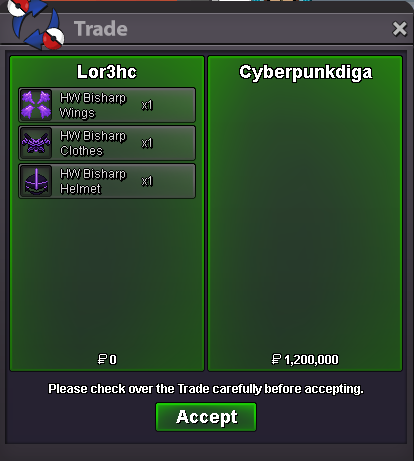
Selled HW Bisharp Set at Cyberpunkdiga
-
bump
-
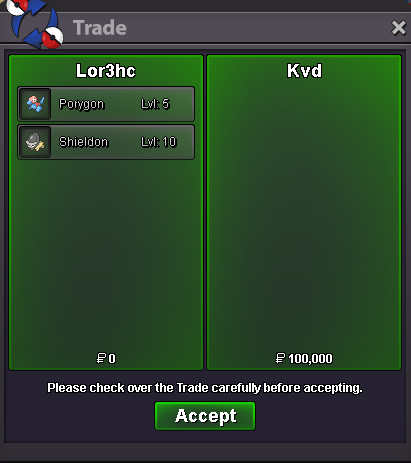
Selled Porygon + Shieldon at Kvd
-
dm me in game : Lor3hc
-
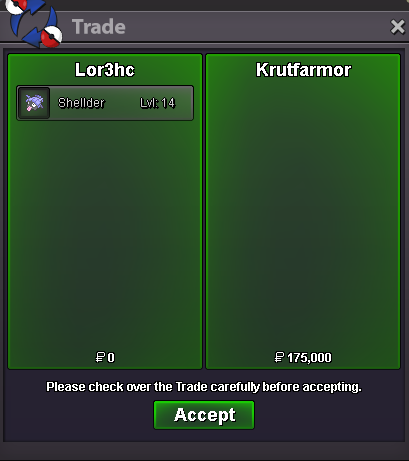
Selled Shellder at Krutfarmor
-
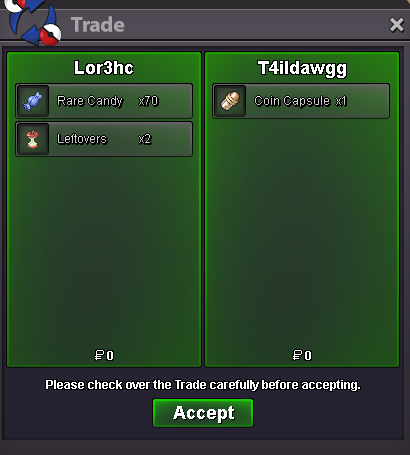
Selled x70 Rare Candy + x2 Leftovers at T4lidawgg
-
bump
-
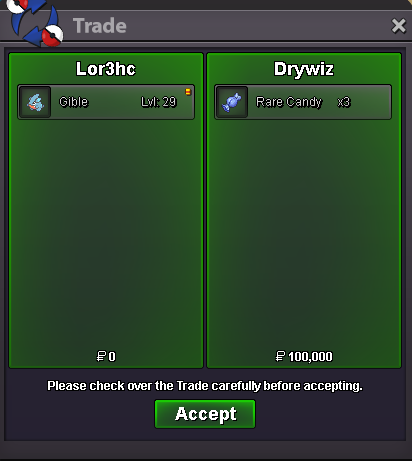
Selled Gible at Drywiz
-
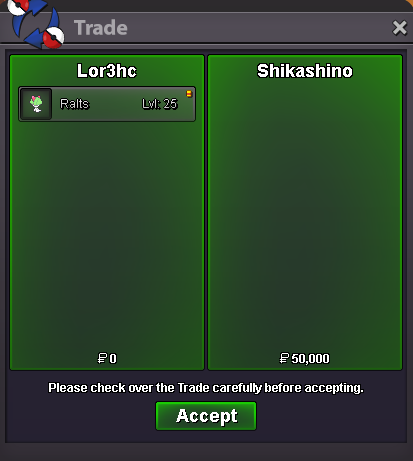
Selled Ralts at Shikashino
-
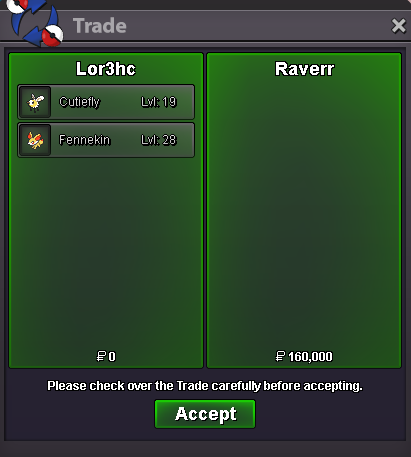
Selled Fennekin + Cutiefly at Raverr
-
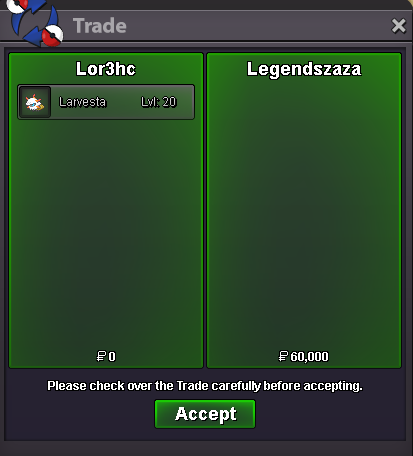
Selled Larvesta at Legendszaza
-
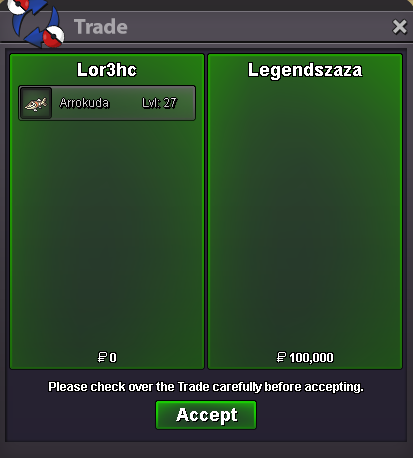
Selled Arrokuda at Legendszaza
-
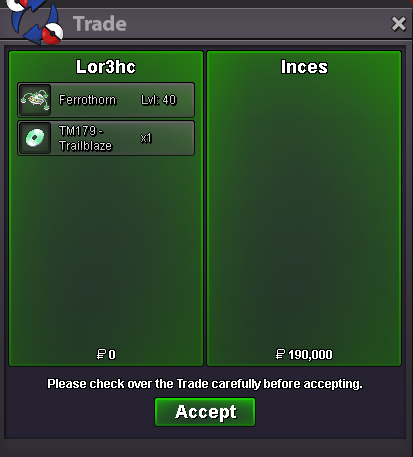
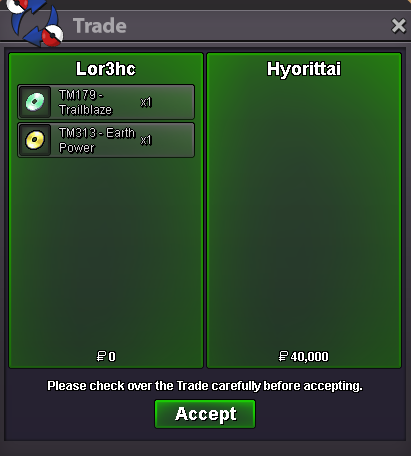
Selled Trailblaze TM + Earth Power TM at Hyorittai
-
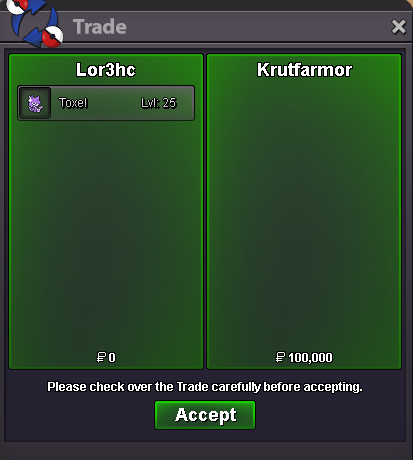
Selled Toxel at Krutfarmor
-
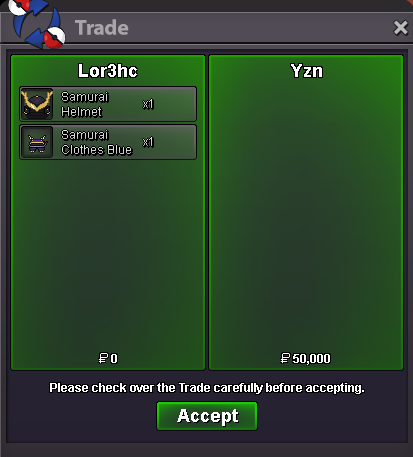
Selled Samurai set (Blue) at Yzn
-
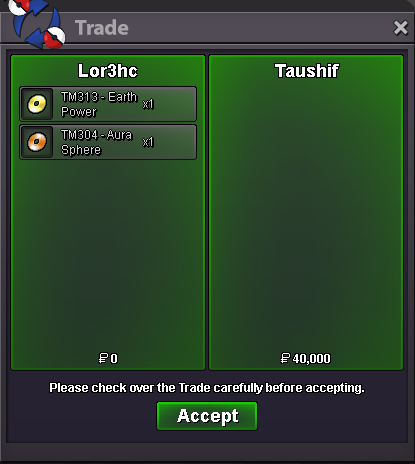
Selled Aura Sphere Tm + Earth Power Tm at Taushif
-
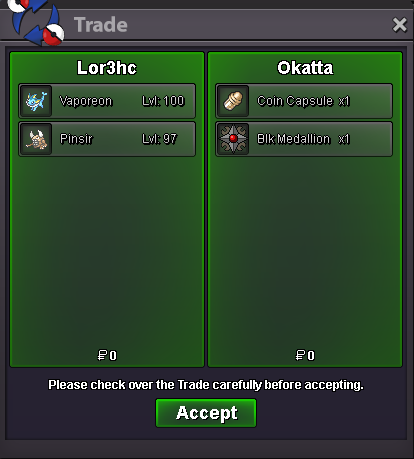
Selled Vaporeon + Pinsir at Okatta
-
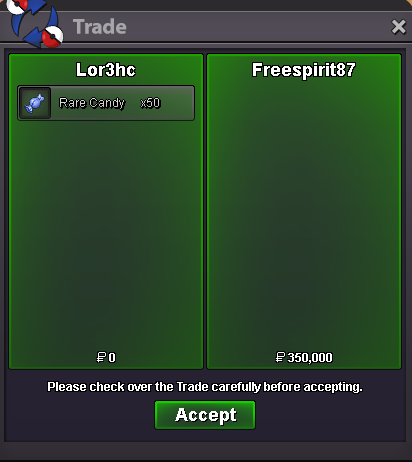
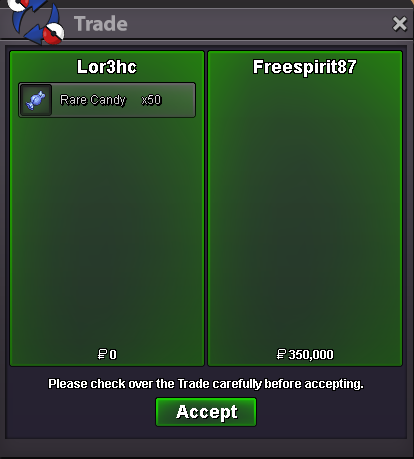
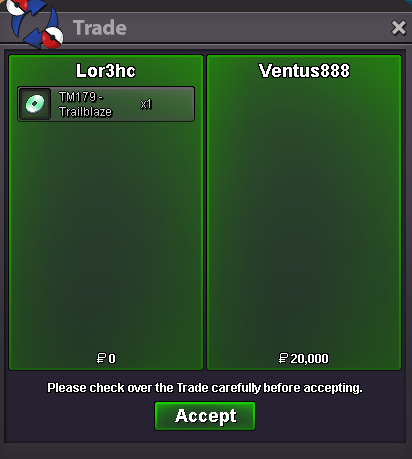
Selled x50 Rare Candy at Freespirit87 Selled Trailblaze TM at Ventus888
-
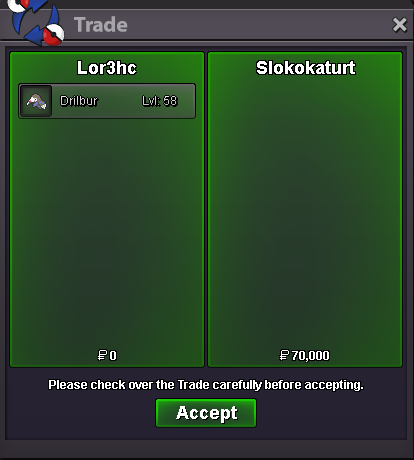
Selled Drilbur at Slokokaturt
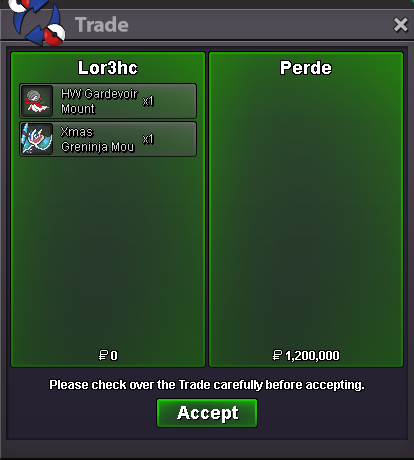
 Selled HW Gardevoir Mount + Xmas Greninja Mount at Perde (-100k discount price)
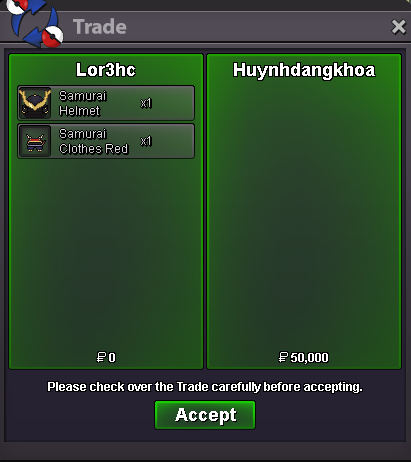
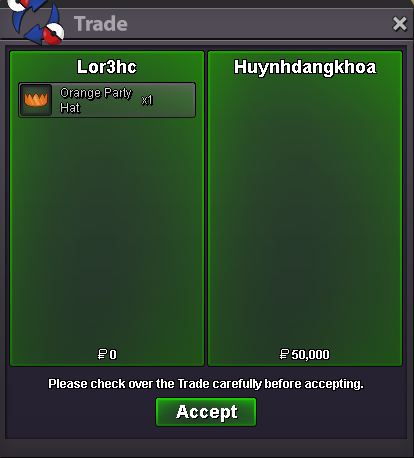
 Selled Samurai set Red + Orange Party Hat at Huynhdangkhoa
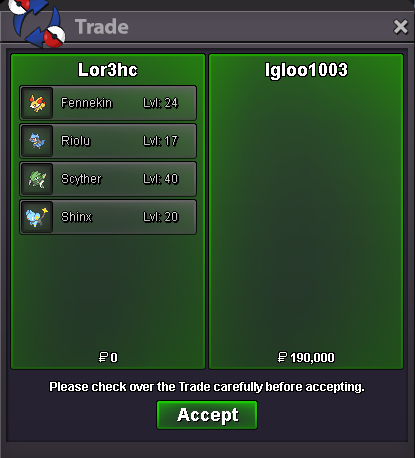
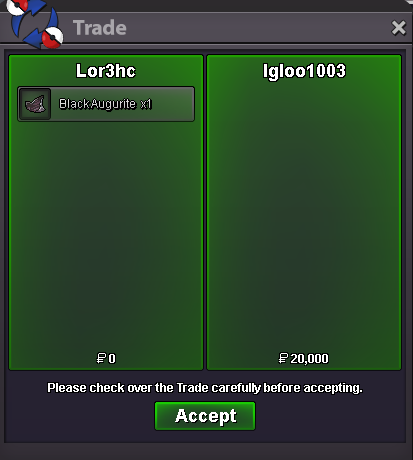
 Selled Fennekin + Riolu + Scyther + Shinx + Black Augurite at Igloo1003 (15% discount price)
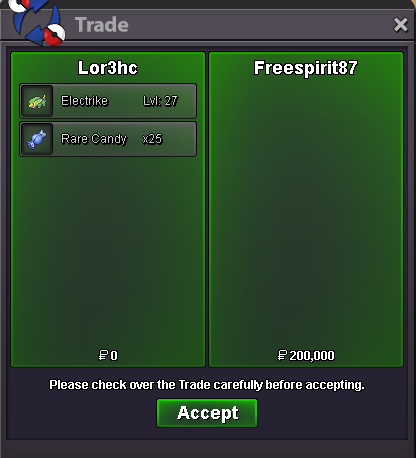
 Selled x75 Rare Candy + Electrike at Freespirit87