




New Trade Zone
Trade Zone is now live
Use the new Trade Zone for auctions and instant-price trades so Pokemon and item offers are easy to find.


Aergia
Registered User
-
Joined
-
Last visited
-
Ready to take orders now, customers!
-
Since the recent update, the Pokémon distribution across the mining areas in Sinnoh has changed significantly. Some Pokémon required for the Daily News Report quest, although classified as rare, used to be reasonably obtainable without activating MS or completing the region's Legendary quests. After the update, however, some of these Pokémon have become much harder to find. Today, my Daily News Report streak was broken because Cubchoo can now only be found in mining areas that require access to Legendary-related locations unless you have MS. This makes the quest extremely difficult for alternate accounts and new players who have not yet unlocked those areas. Losing a 5- or 6-day streak because of a requirement like this feels too punishing. I would like to suggest reviewing the Daily News Report Pokémon list. It might be worth removing some of the more difficult Pokémon and replacing them with some of the new Pokémon that were introduced to Sinnoh after the update. Please consider this suggestion. I would greatly appreciate your feedback, and I hope the team will take it into consideration. Thank you.
-
hi, pls pm me by discord or ingame, ty
-
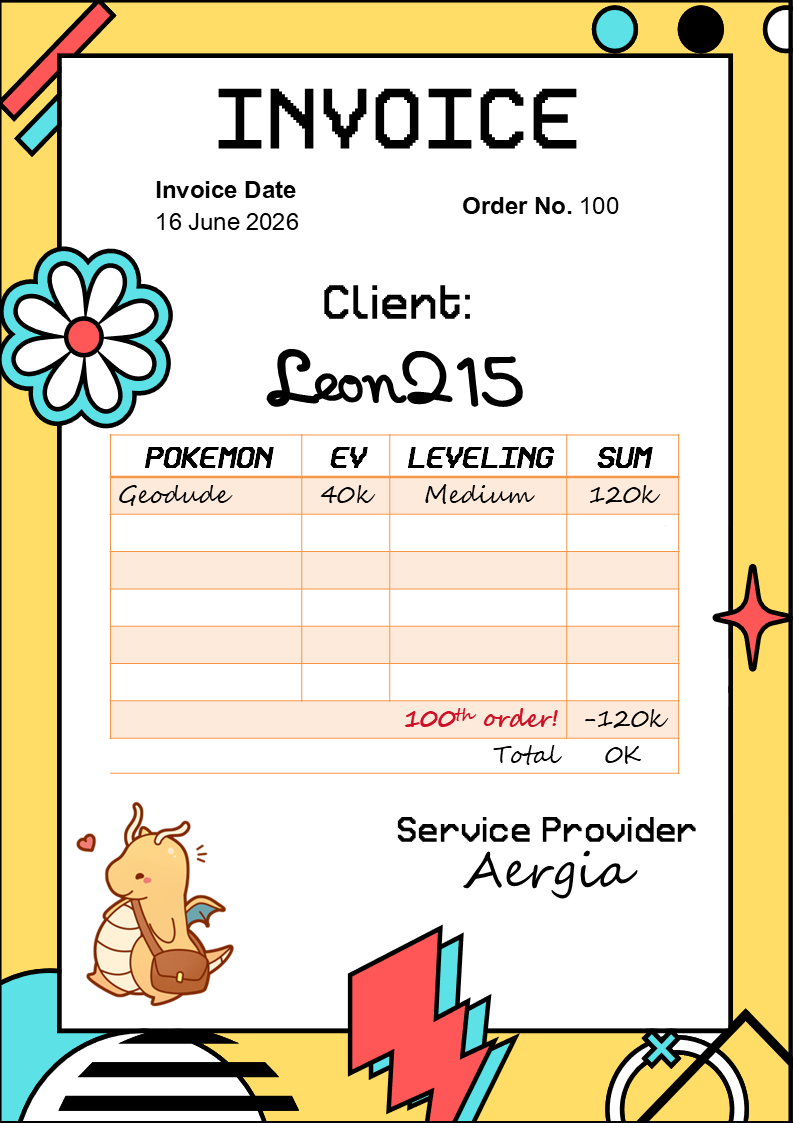
The 100th order had taken 100% coupon. Hope u guy can get some other special coupon
-
Ty bro. Looking forward to providing more services to you soon!
-
9m
-
I will also be selling EV-Service from now on ^_^
-
Back to work guys 07 in queue, looking for more
-
-
-
1m4
-
1m2
-
Thank you for using my services again. I hope to continue working with you for a long time.
-
he He bid during the last 15 minutes. You should add another 15 minutes, shouldn't you? Besides, I bid before the auction ended, didn't I?
-
