New Trade Zone
Trade Zone is now live
Use the new Trade Zone for auctions and instant-price trades so Pokemon and item offers are easy to find.

Sir
Registered User
-
Joined
-
Last visited
Everything posted by Sir
-
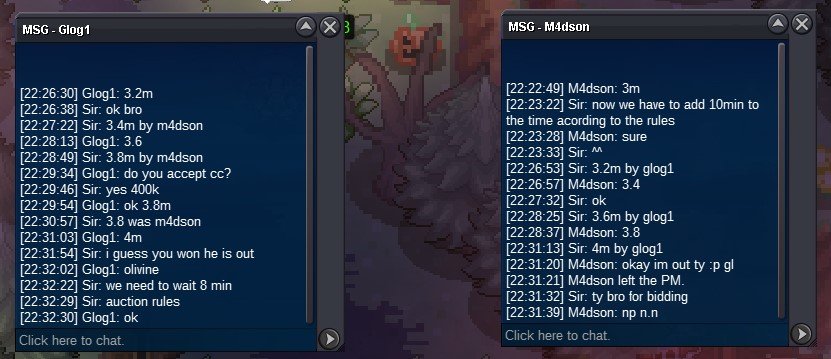
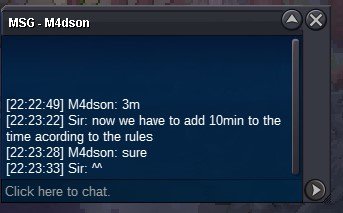
dear guys i am really sry about what happened and the misunderstood because the time zone and i take full responsibility for itS.o 200k min bid 25k insta 800k 48h Auction S.O will be 2M with minimum bid 200k Duration will be 48H from the moment that the bidding start Accepting CC : 400k RR : 550K RC : 6K
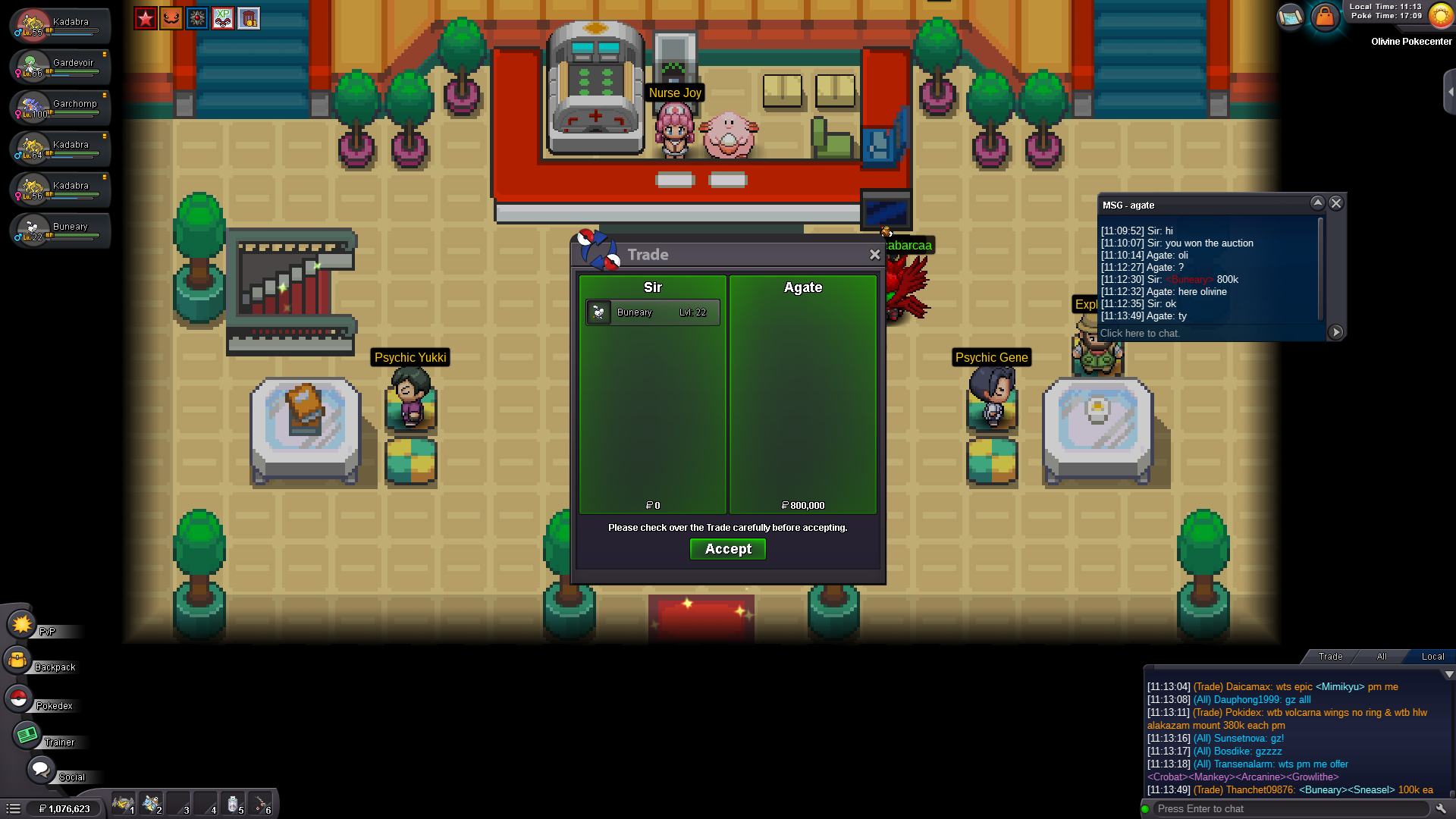
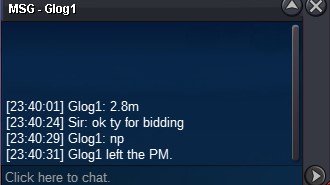
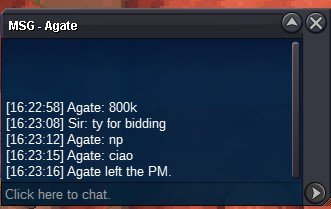
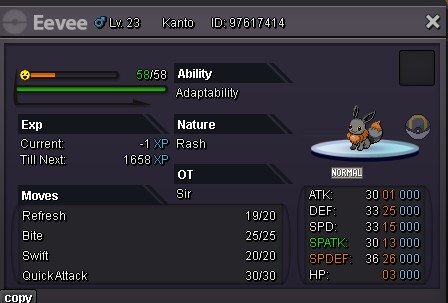 auction ended .. the winer is Agate with 800k bidthe auction started at 20:16 +0 GMT .. will end at the same time tomorrow
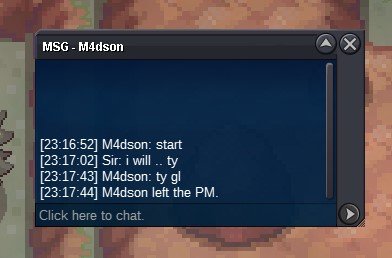 Hello Everyone and Welcome to this Auction S.O will be 500k with minimum bid 100k Duration will be 24H from the moment that the bidding start Accepting CC : 400k RR : 550K RC : 6K GooD LucK
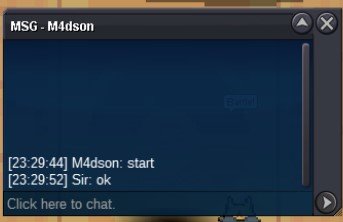
 S.O 400k .. min bid 100k accepting CC : 400k RR : 550k 24H Auction from start bidding
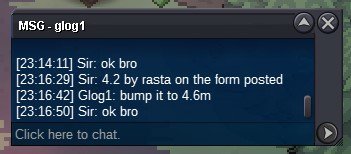
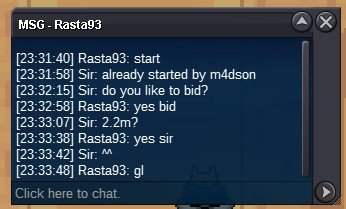
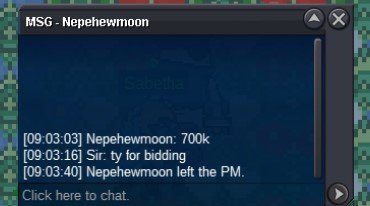
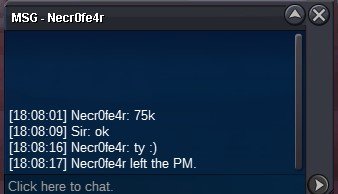
 Auction closed .. winner is Rasta93Auction ended and the winner is (necr0fe4r) offer was 75kWts shiny spinarak s.o 50k min bid 25k 24h auction ends 17/10 at (19:00 pm) +0 GMT
Account
Navigation
Search
Configure browser push notifications
Chrome (Android)
- Tap the lock icon next to the address bar.
- Tap Permissions → Notifications.
- Adjust your preference.
Chrome (Desktop)
- Click the padlock icon in the address bar.
- Select Site settings.
- Find Notifications and adjust your preference.
Safari (iOS 16.4+)
- Ensure the site is installed via Add to Home Screen.
- Open Settings App → Notifications.
- Find your app name and adjust your preference.
Safari (macOS)
- Go to Safari → Preferences.
- Click the Websites tab.
- Select Notifications in the sidebar.
- Find this website and adjust your preference.
Edge (Android)
- Tap the lock icon next to the address bar.
- Tap Permissions.
- Find Notifications and adjust your preference.
Edge (Desktop)
- Click the padlock icon in the address bar.
- Click Permissions for this site.
- Find Notifications and adjust your preference.
Firefox (Android)
- Go to Settings → Site permissions.
- Tap Notifications.
- Find this site in the list and adjust your preference.
Firefox (Desktop)
- Open Firefox Settings.
- Search for Notifications.
- Find this site in the list and adjust your preference.