




New Trade Zone
Trade Zone is now live
Use the new Trade Zone for auctions and instant-price trades so Pokemon and item offers are easy to find.

Terminator20
Registered User
-
Joined
-
Last visited
-
but what about my arbok caught data?
-
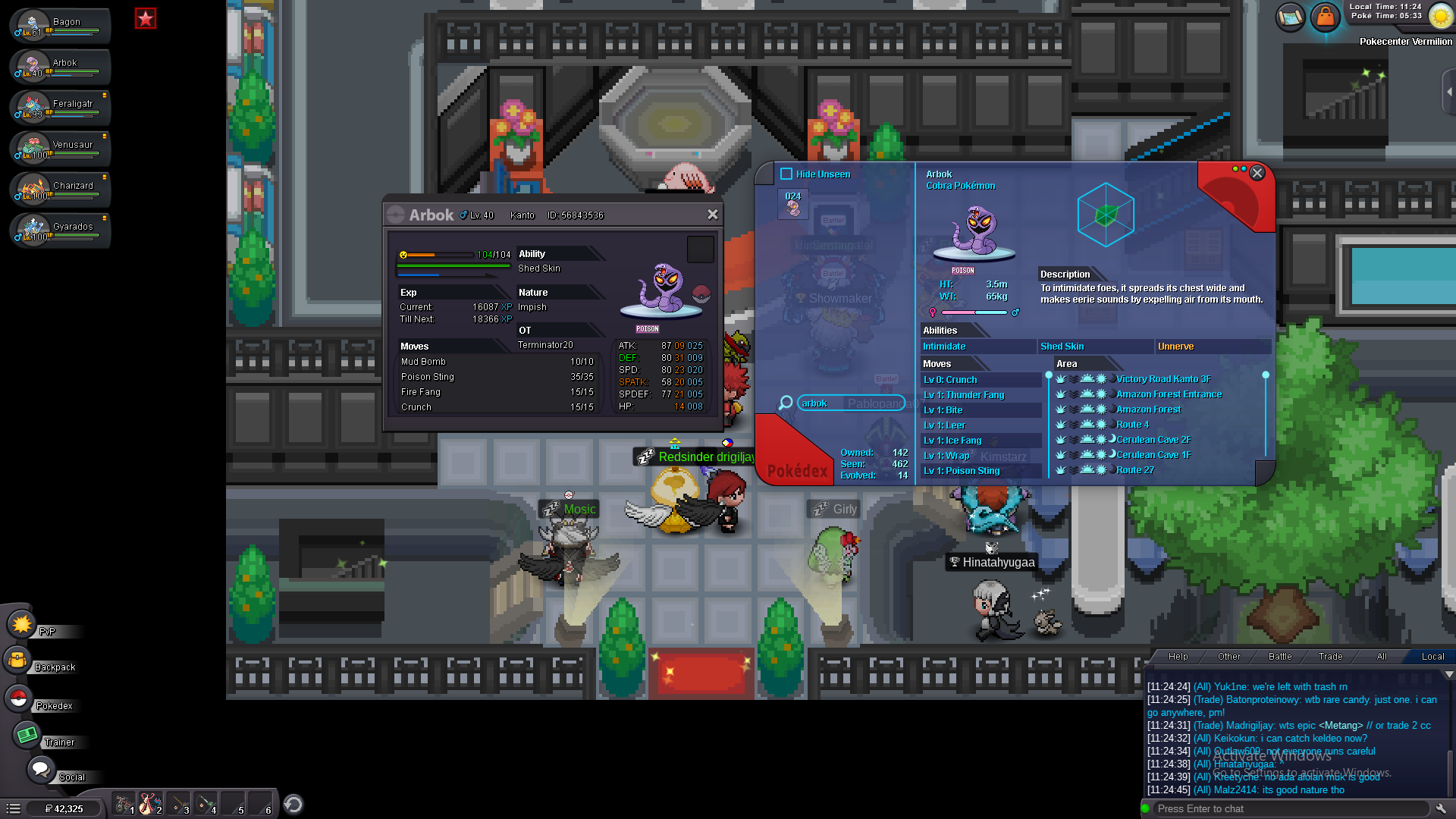
thank you very much for helping me yes i have many screen shots in which i have a pokemon on my ot but i dont have its caught data in the below pictures you can see that i have a arbok and oddish on my ot but i dont have its caught data

-
i am a new player in pokemon revolution online and i want to unlock the cereluen cave for fast levelling. when i came to the point where i had to get 240 pokemons i check my pokedex and was shocked. in the pc i have almost 170+ pokemons but i only have caught data for 138 this is really weird as i have a many pokemons on my ot that i donthave caught data for. i really hope this gets fixed.
-
no problem sir. i found a ditto yesterdaty and i got a the bike thanks for the reply
-
pls tell me if there is any way to reset the quest
-
I need a bike. i wne to the vermillionn city Old biker for the voucher. I mistakely accepted the ditto quest. now i cant seem to find the ditto any where. Is there any way for me to reset the bike quest and buy it for 60k with the ditto?
-
even now it is not connecting