




New Trade Zone
Trade Zone is now live
Use the new Trade Zone for auctions and instant-price trades so Pokemon and item offers are easy to find.

Jacksonlim
Registered User
-
Joined
-
Last visited
Everything posted by Jacksonlim
-
It work , finally it work , now I can play Pokemon Revolution Online on my Laptop. Thanks you, Kvar
-
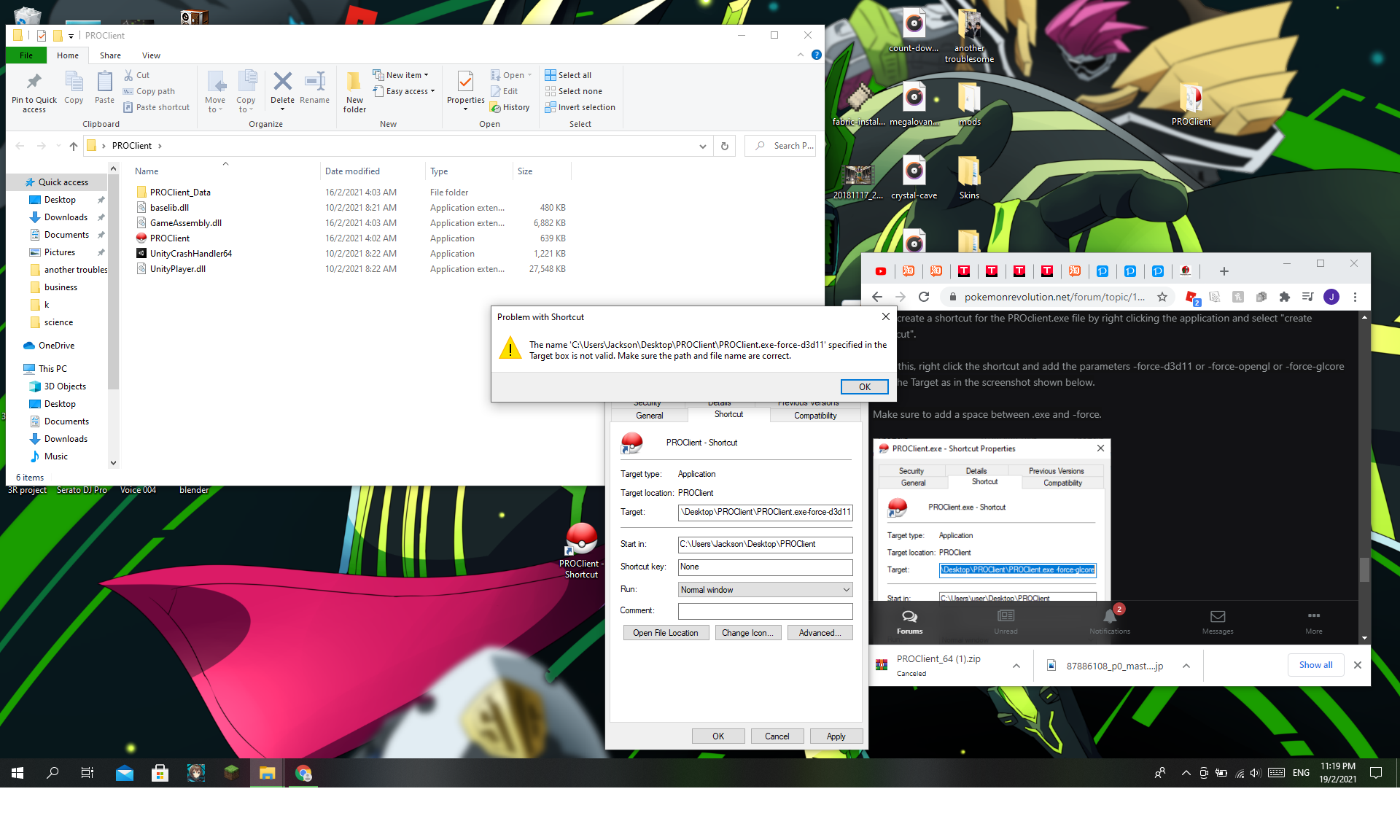
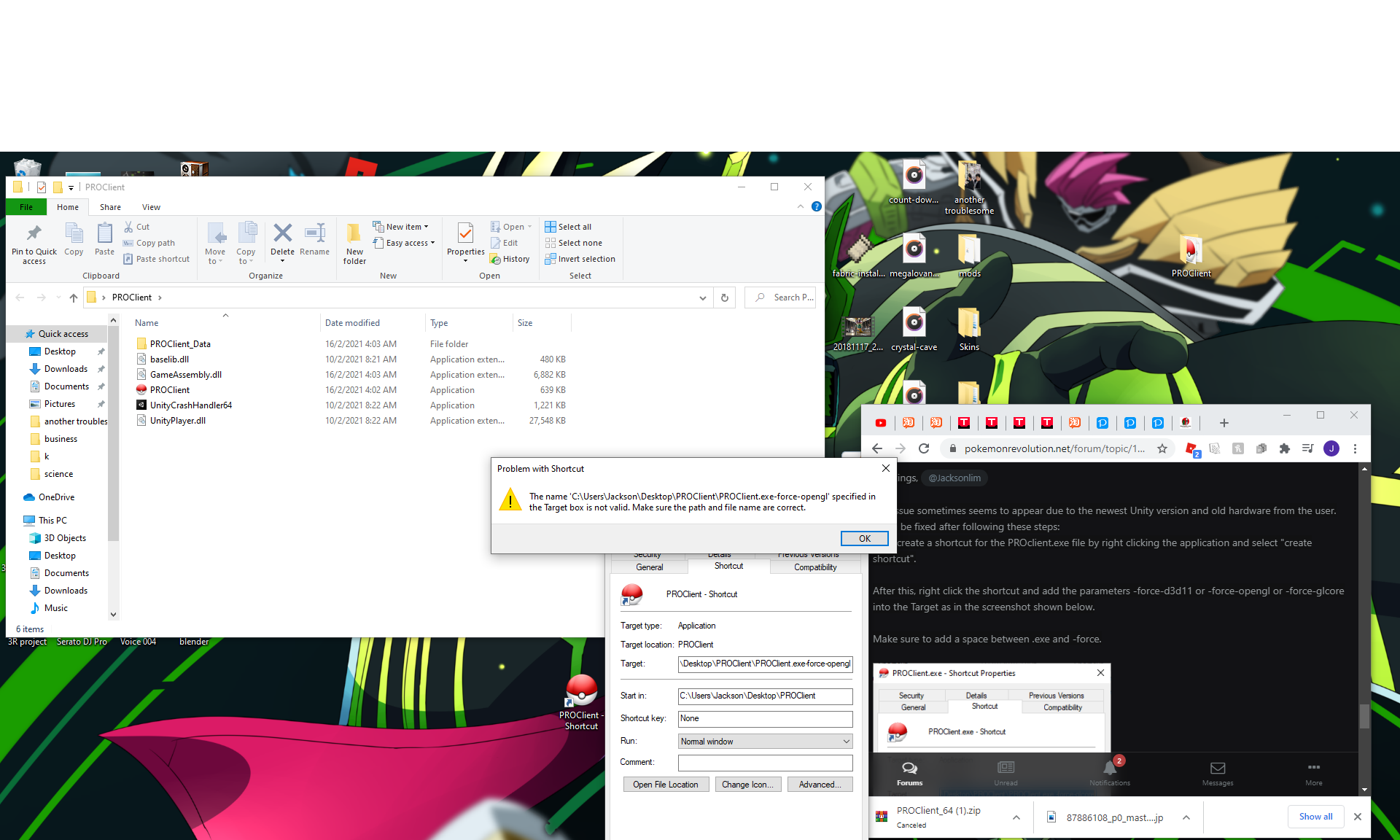
Kvar I don't know is this suppose to happen ? I actual follow everything you say unstil the end ......

-
I disable the Antivirus but it still not working at all . I delete Pro file every time when I try to re download it. I also try 32 client is still the same . Is there something also blocking it other than Antivirus .
-
Ok
-
The device is Window 10 I download from https://pokemonrevolution.net/download ,Window 64 bit , DDL I delete it already and than I download again , but it keep giving me this error again and again . Which it keep closing everytime I click on it . I also check on Youtube to see how to download but all of them seen to have no problem . I still don't get it , what went wrong ? Sorry booN ,I should have refresh the website because I thought no one seen it so I was waiting
-
Today ,I found out there this kind of game and I really want to try to play it .After I download it ,it end up like this .I try to re download again to see can play or not ,but still won't work .It keep on reject me from opening every time I click on the ProClient . How to solve this problem ?
