New Trade Zone
Trade Zone is now live
Use the new Trade Zone for auctions and instant-price trades so Pokemon and item offers are easy to find.

N0tluffy
Registered User
-
Joined
-
Last visited
Everything posted by N0tluffy
-
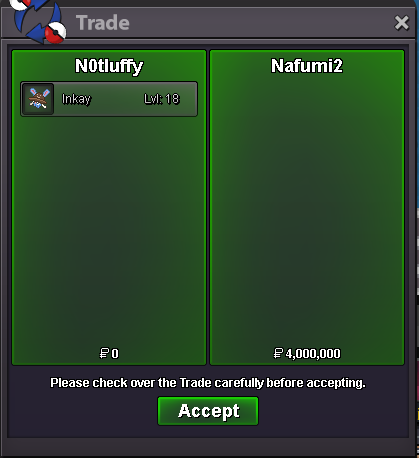
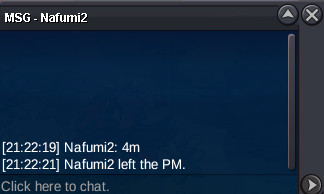
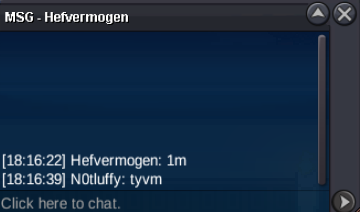
@Nafumi2 pls pm me in game you wonbumpC.O : 4m Auction Terms: Start Offer (S.O.): 1,000,000 Pokédollars Minimum Raise: 100,000 Pokédollars Insta Price : No insta Price Accepted Payments : pokedollars, cc (480k), iv rr (650k), Auction Ends: 72h ( after first bid ) Rules: Auction starts with the first valid bid at or above the S.O. Anti-snipe: Any bid in the last 15 minutes extends the auction by 15 minutes. Bids are final and cannot be withdrawn or edited. Winner will be announced in the thread and trade screenshot will be posted.
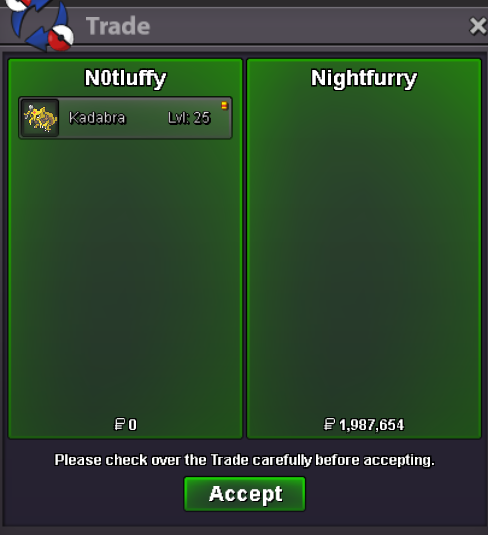
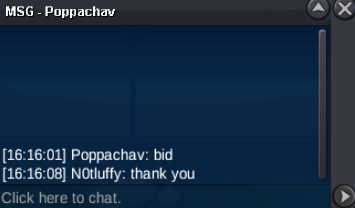
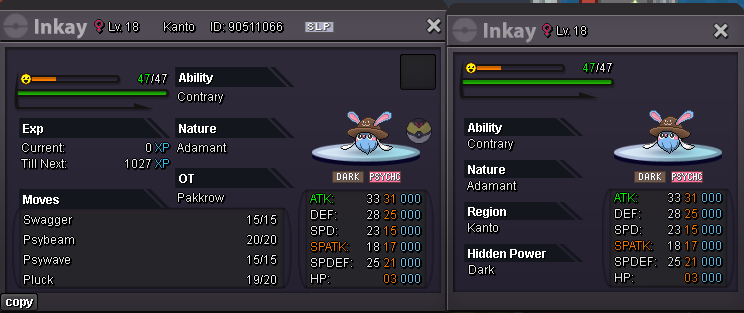 3m2.4m2mgg auction is over @nightfurry contact me in gamereset 15mreset 15min15m resetreset 15m15 min resetBUMP 24H LEFT
Account
Navigation
Search
Configure browser push notifications
Chrome (Android)
- Tap the lock icon next to the address bar.
- Tap Permissions → Notifications.
- Adjust your preference.
Chrome (Desktop)
- Click the padlock icon in the address bar.
- Select Site settings.
- Find Notifications and adjust your preference.
Safari (iOS 16.4+)
- Ensure the site is installed via Add to Home Screen.
- Open Settings App → Notifications.
- Find your app name and adjust your preference.
Safari (macOS)
- Go to Safari → Preferences.
- Click the Websites tab.
- Select Notifications in the sidebar.
- Find this website and adjust your preference.
Edge (Android)
- Tap the lock icon next to the address bar.
- Tap Permissions.
- Find Notifications and adjust your preference.
Edge (Desktop)
- Click the padlock icon in the address bar.
- Click Permissions for this site.
- Find Notifications and adjust your preference.
Firefox (Android)
- Go to Settings → Site permissions.
- Tap Notifications.
- Find this site in the list and adjust your preference.
Firefox (Desktop)
- Open Firefox Settings.
- Search for Notifications.
- Find this site in the list and adjust your preference.