




New Trade Zone
Trade Zone is now live
Use the new Trade Zone for auctions and instant-price trades so Pokemon and item offers are easy to find.


Shadowmonarc
Registered User
-
Joined
-
Last visited
Everything posted by Shadowmonarc
-
let me know when u are online
-
price of summer clothes w-r
-
@Houndstonesry for tagging firstly, I can wait some more days for sure, but will they approve the request in at least a 30days?
-
-
@1cloudzcan u wait till @Atsukizrespond since he posted first
-
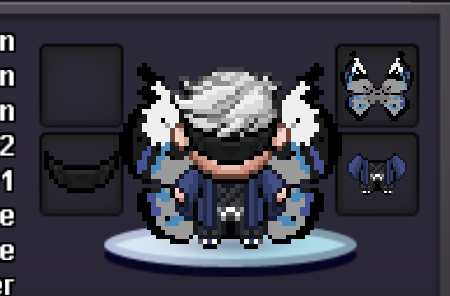
@Atsukiz blind fold -1m // kimino-100k // wings-400k // mount -650k
-
@Darthshadowland
-
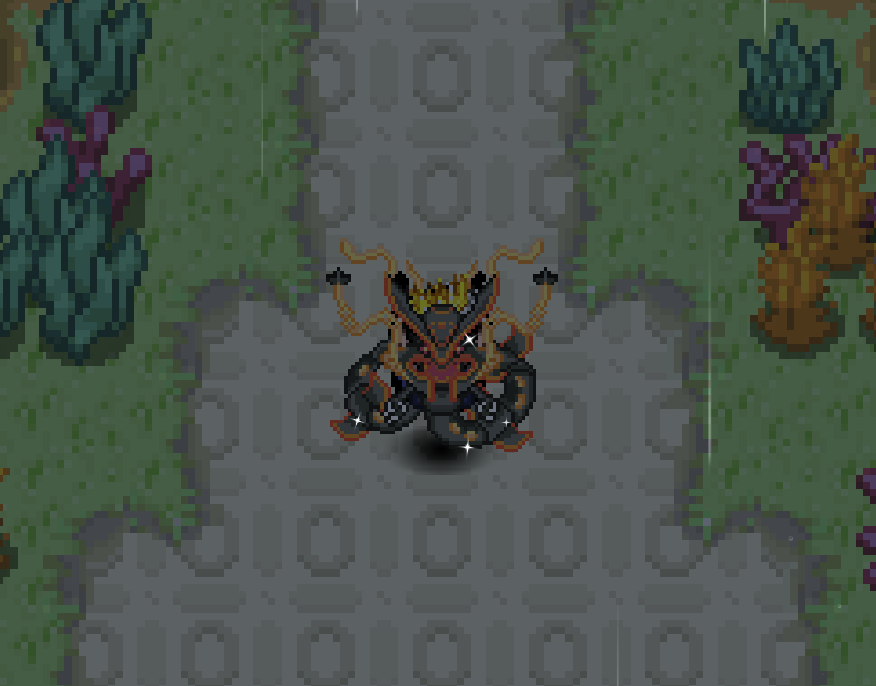
Welcome to shadows shop !! ACCEPT PAYMENTS: Pokedollar Coin Capsule: 500k Rare Candy: 5k COSMETICS THANK YOU !!
-
Got one ty
-
Pm your price fast( in 24hrs)
-
wtb deadpool clothes and ghost rider mask
-
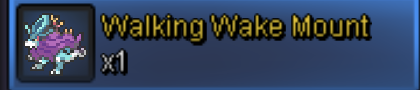
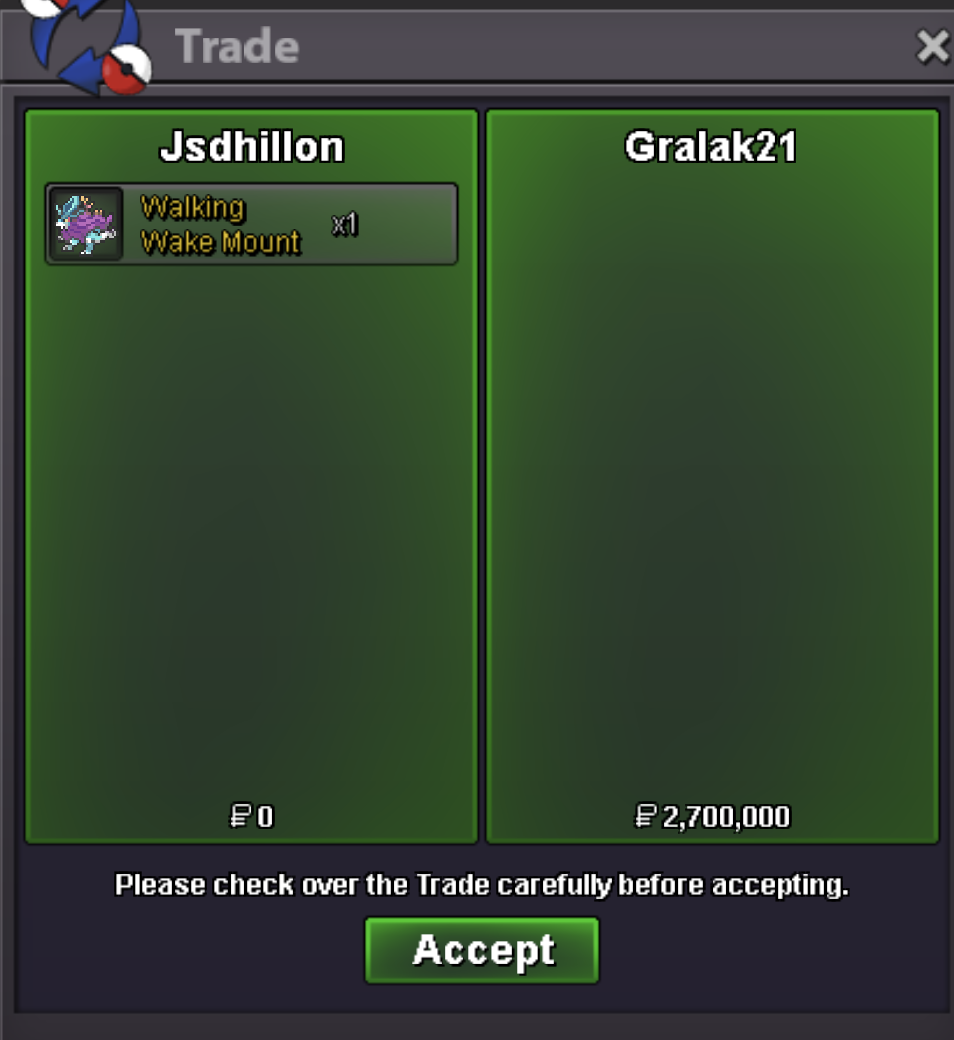
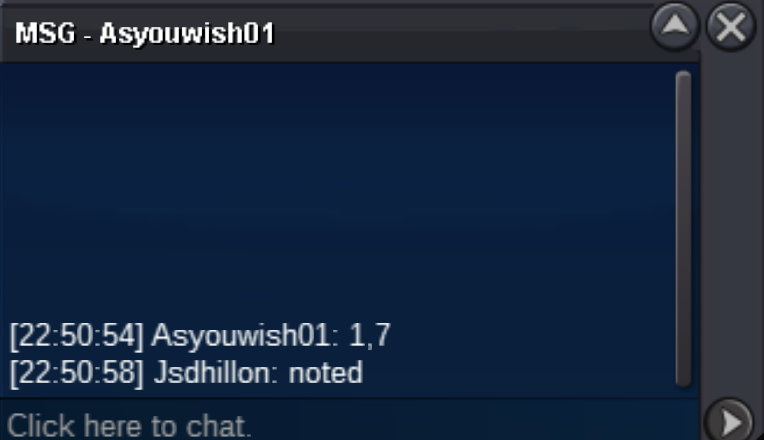
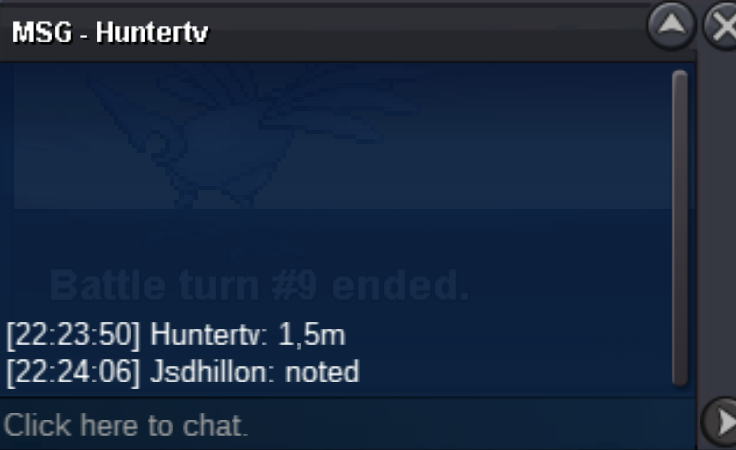
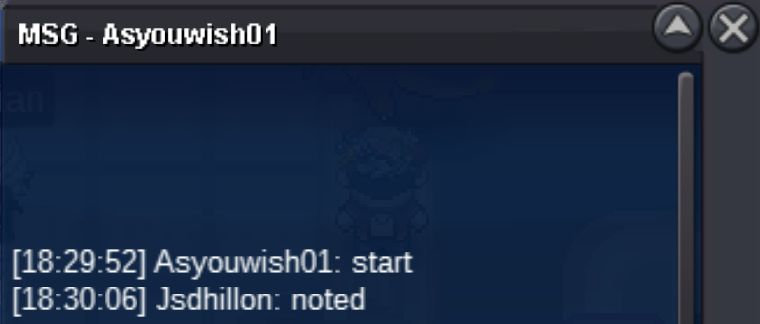
@Gralak21congratulations u won the auction !! Let me know when u are online, bro.35 mins left (ending alert !! )Wtb ghost rider mask@Smallboyyour bid is taken as 2.5m since min raise is 200kBump 10hrs moremin raise 200k @Asyouwish01 should I count it as 1.7m ?timer ends at 6:30 pm on thursday ISTstart offer reduced to 1mWalking Wake strides with power and grace, turning every step into an epic chase! Unleash the legend with every move you make!😉 c.o 2.7m by gralak21 raise 200k insta 5m ends after 2days from start !! accept cc 500k note:15mins rule applies





Account
Navigation
Search
Configure browser push notifications
Chrome (Android)
- Tap the lock icon next to the address bar.
- Tap Permissions → Notifications.
- Adjust your preference.
Chrome (Desktop)
- Click the padlock icon in the address bar.
- Select Site settings.
- Find Notifications and adjust your preference.
Safari (iOS 16.4+)
- Ensure the site is installed via Add to Home Screen.
- Open Settings App → Notifications.
- Find your app name and adjust your preference.
Safari (macOS)
- Go to Safari → Preferences.
- Click the Websites tab.
- Select Notifications in the sidebar.
- Find this website and adjust your preference.
Edge (Android)
- Tap the lock icon next to the address bar.
- Tap Permissions.
- Find Notifications and adjust your preference.
Edge (Desktop)
- Click the padlock icon in the address bar.
- Click Permissions for this site.
- Find Notifications and adjust your preference.
Firefox (Android)
- Go to Settings → Site permissions.
- Tap Notifications.
- Find this site in the list and adjust your preference.
Firefox (Desktop)
- Open Firefox Settings.
- Search for Notifications.
- Find this site in the list and adjust your preference.