




New Trade Zone
Trade Zone is now live
Use the new Trade Zone for auctions and instant-price trades so Pokemon and item offers are easy to find.

Shuvrooo
Registered User
-
Joined
-
Last visited
-
The trade was successful, auction is over.

-
I couldn't come online in time, But @Veldrin made the bid before time ran out, so the winner of the auction is Veldrin.
-
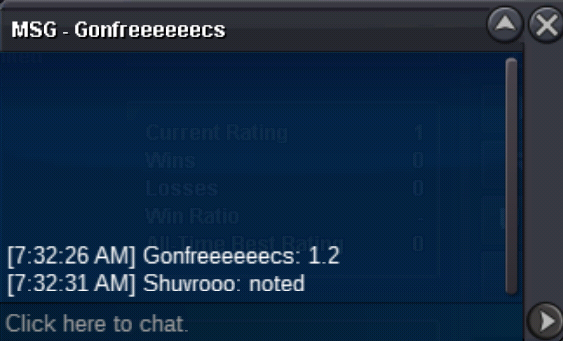
1.2m by Gonfreeeeeecs in game
-
About 9 hours left
-
Bump
-
Noted
-
Start Bid: 1m Minimum Raise: 200k No Insta Auction will end 36 hours after the first bid Payment Methods- CC- 380k, IV rr - 680k, and Pokecash Discord - Tahmid#2835 In Game - Shuvrooo

-
I'd really appreciate an answer. I think you can solve this very easily. I request you to consider.
-
It was stated that on August 1st Arceus mount will be 600 pvp coins and there will be an option to change the mounts type. That's why I bought Arceus mount. But the change hasn't been made yet. I would really appreciate it if mods consider to refund me 500 pvp coins (and take back the mount of course) or help me to trade with another pvp mount. As I would never buy it if I knew the change wouldn't come. I'll wait for your considerate reply.
-
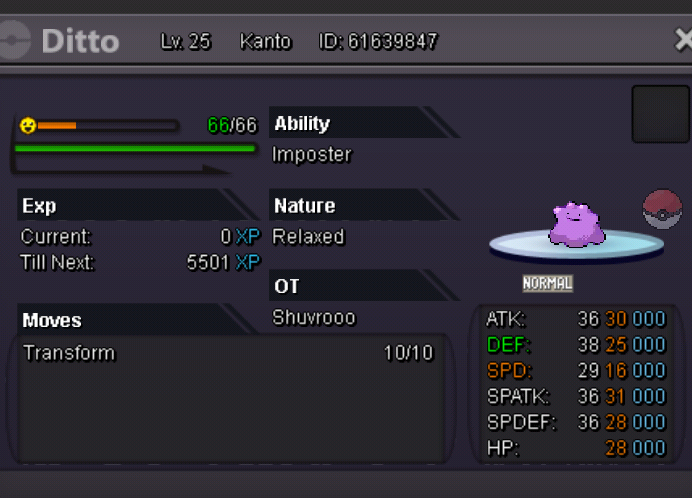
Start Bid : 300k Min raise : 100k No Insta Auction ends 36 hrs after the Start offer is met. I accept Pokedollars and CC (350k) IGN: Shuvrooo Discord: Tahmid#2835
-
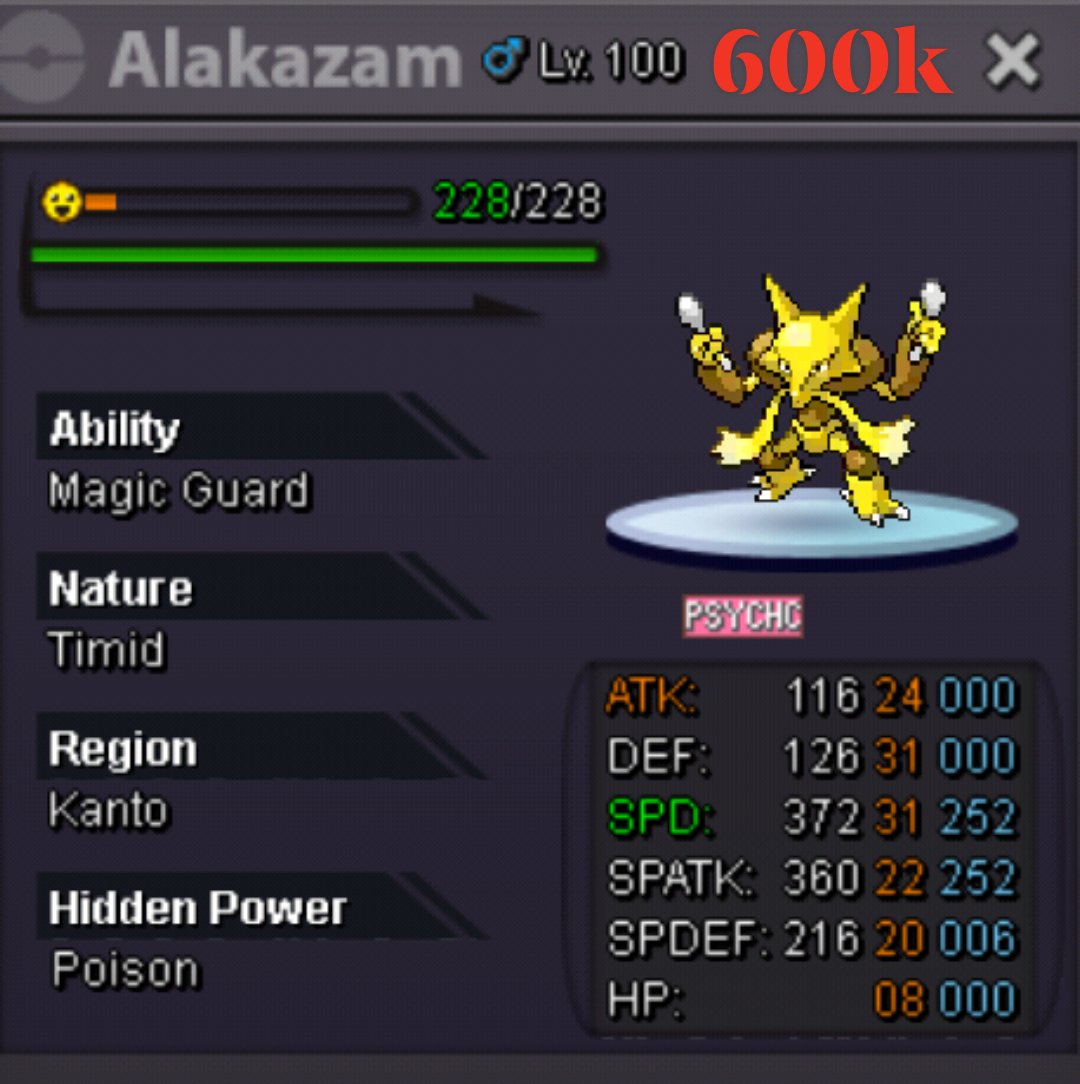
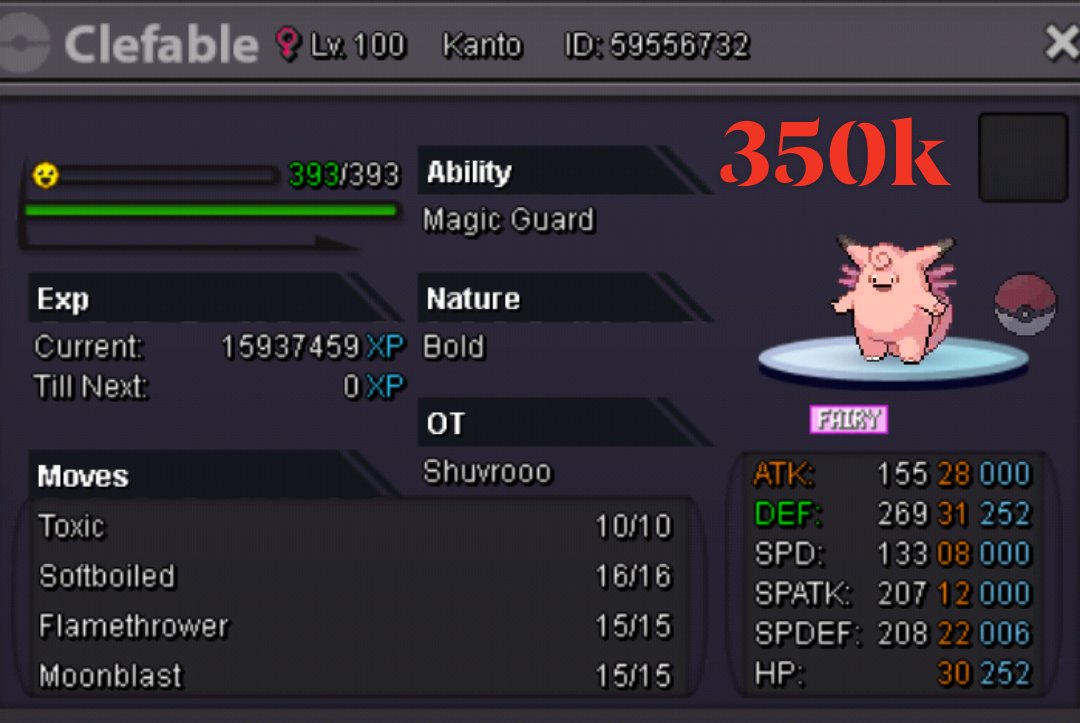
I accept cc as 370k Discord: Tahmid#2835 IGN: Shuvrooo
-
Start Bid : 1M Min raise : 100k No Insta Auction ends 24 hrs after the Start offer is met. I accept Pokedollars and CC (370k) IGN: Shuvrooo Discord: Tahmid#2835
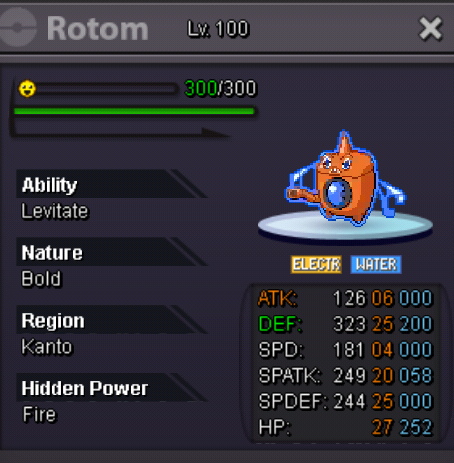
-
The trade was successful. This post can be closed.
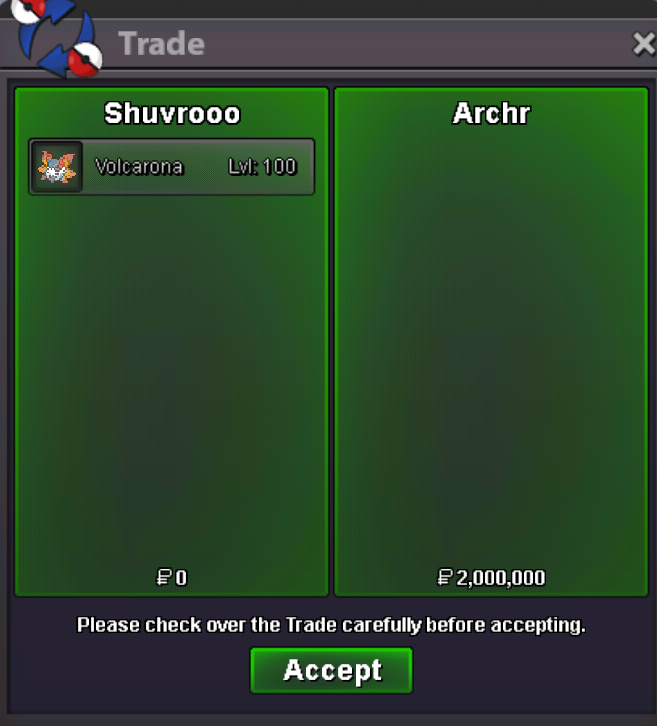
-
Auction ended. Archr won. Please contact me.
-
1 hr 30 mins left
