New Trade Zone
Trade Zone is now live
Use the new Trade Zone for auctions and instant-price trades so Pokemon and item offers are easy to find.

Blarkle2
Registered User
-
Joined
-
Last visited
-
Hello, Tried this multiple times over the past couple days, but it's still happening. Seeing some other people run into the same issues as well. Edit: Tried a couple more times and it just worked.
-
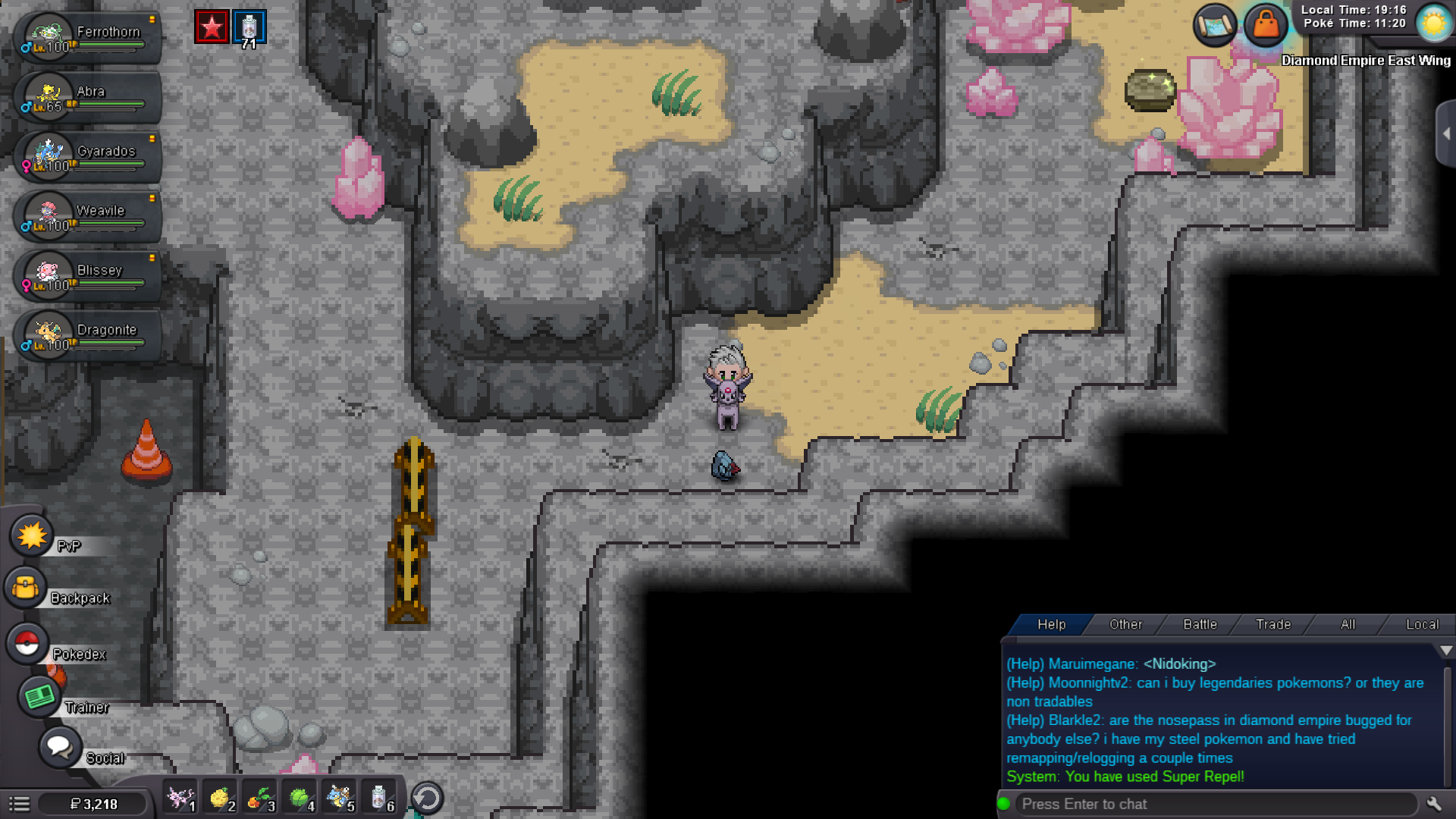
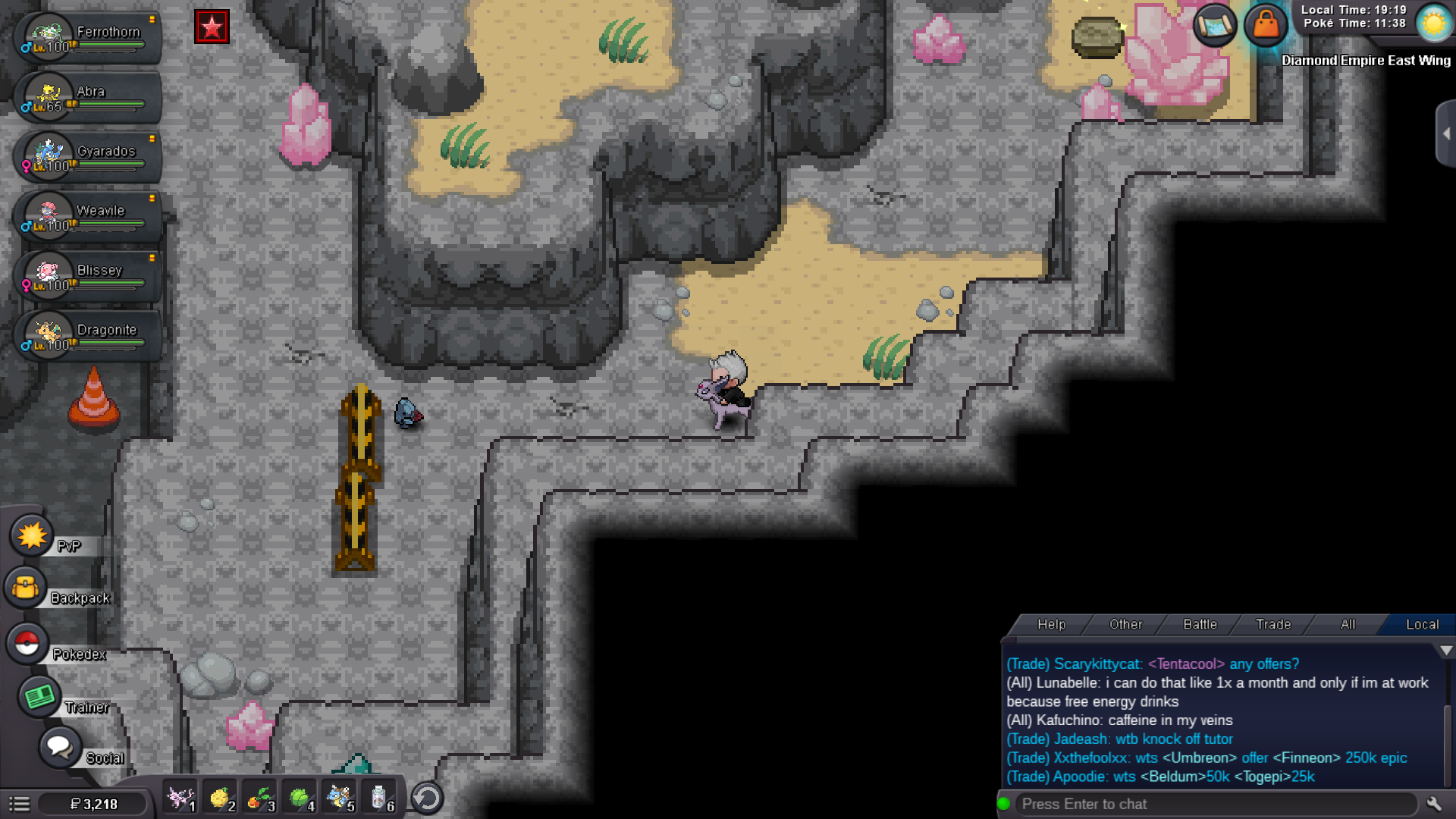
Is anybody else getting this bug when trying to move the Nosepass for the Easter event? This one is either not following me, or it won't follow me to turn after it follows me to the right or left. I have my Ferrothorn and have tried remapping/refreshing/relogging a few times but I'm still running into this issue. Sometimes it'll follow until I get toward the right, relogging sometimes makes it give the initial wild Pokemon music then it stays there.
-
I'm getting the same bug. I've tried remapping/refreshing/relogging and one of the Nosepass is getting stuck in the same spot everytime. Can't click on them to make them turn and follow.