New Trade Zone
Trade Zone is now live
Use the new Trade Zone for auctions and instant-price trades so Pokemon and item offers are easy to find.

Choxx
Registered User
-
Joined
-
Last visited
Everything posted by Choxx
-
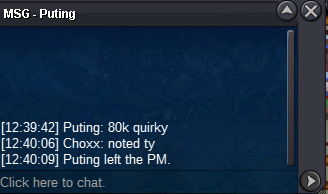
80k on #4
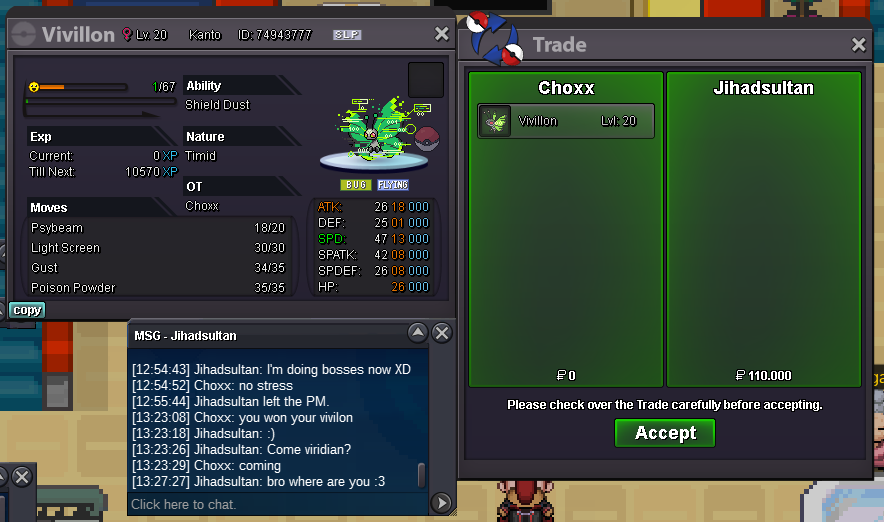
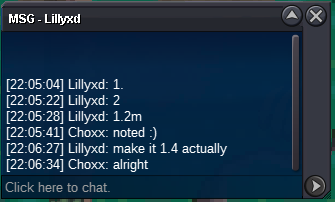
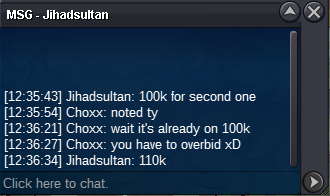
 - 110k on #2
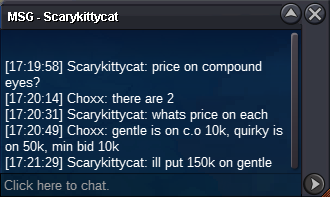
 160k on #3
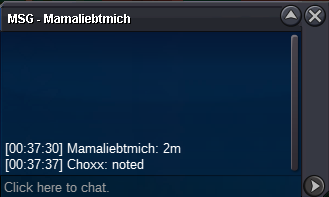
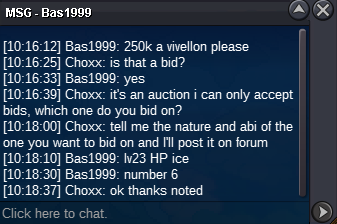
 250k - #6
 150k on #3
 50k on #4
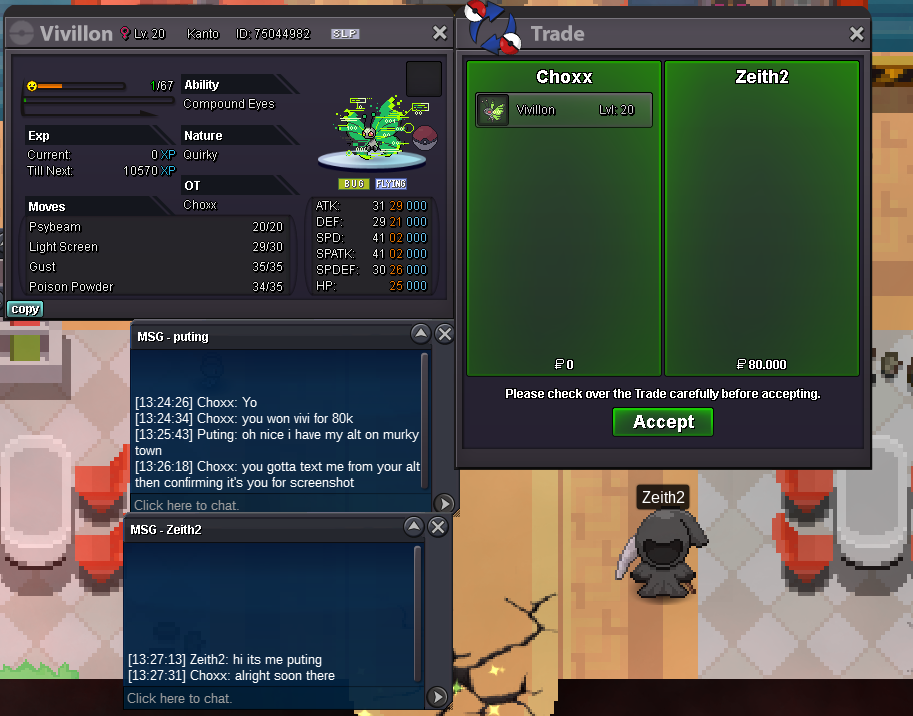
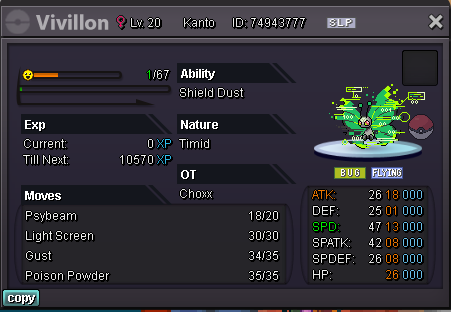
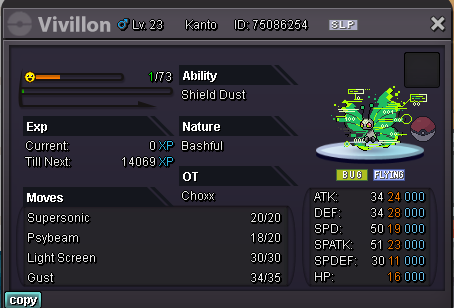
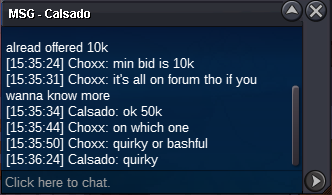 Selling Hallo Vivillons, state with the corresponding number for which one you are bidding. - 1 c.o 70k - ended, Soma1014 won - 2 c.o 110k - ended Jihadsultan won - 3 c.o 160k - ended, Lolurface won - 4 c.o 80k - ended, Puting won - 5 c.o 260k - ended, Puppyhun won - 6 c.o 250k - ended, Bas1999 won Start offer 10k each Min bid 10k Each auction ends 1 day after start. accept pokedollars only Good luck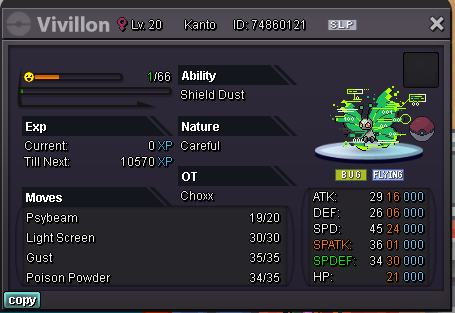
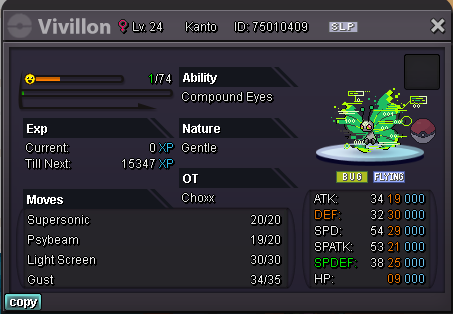

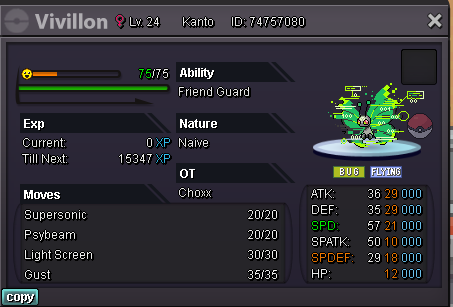
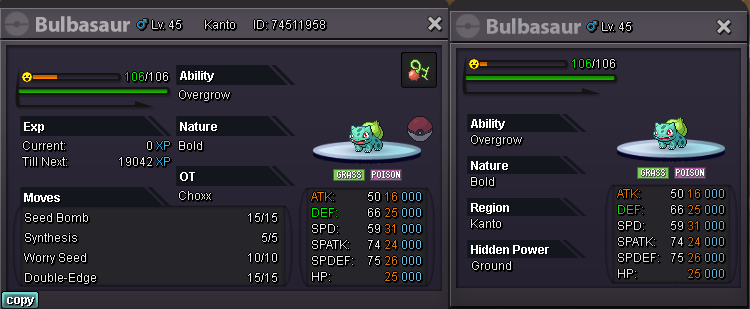
 s.o. 500k min. bid 50k no insta auctions end 48 hours after first bid accept pokedollars, cc (360k), iv reroll (660k)
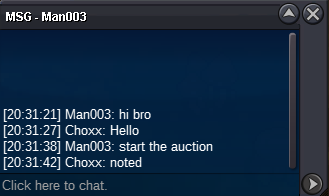
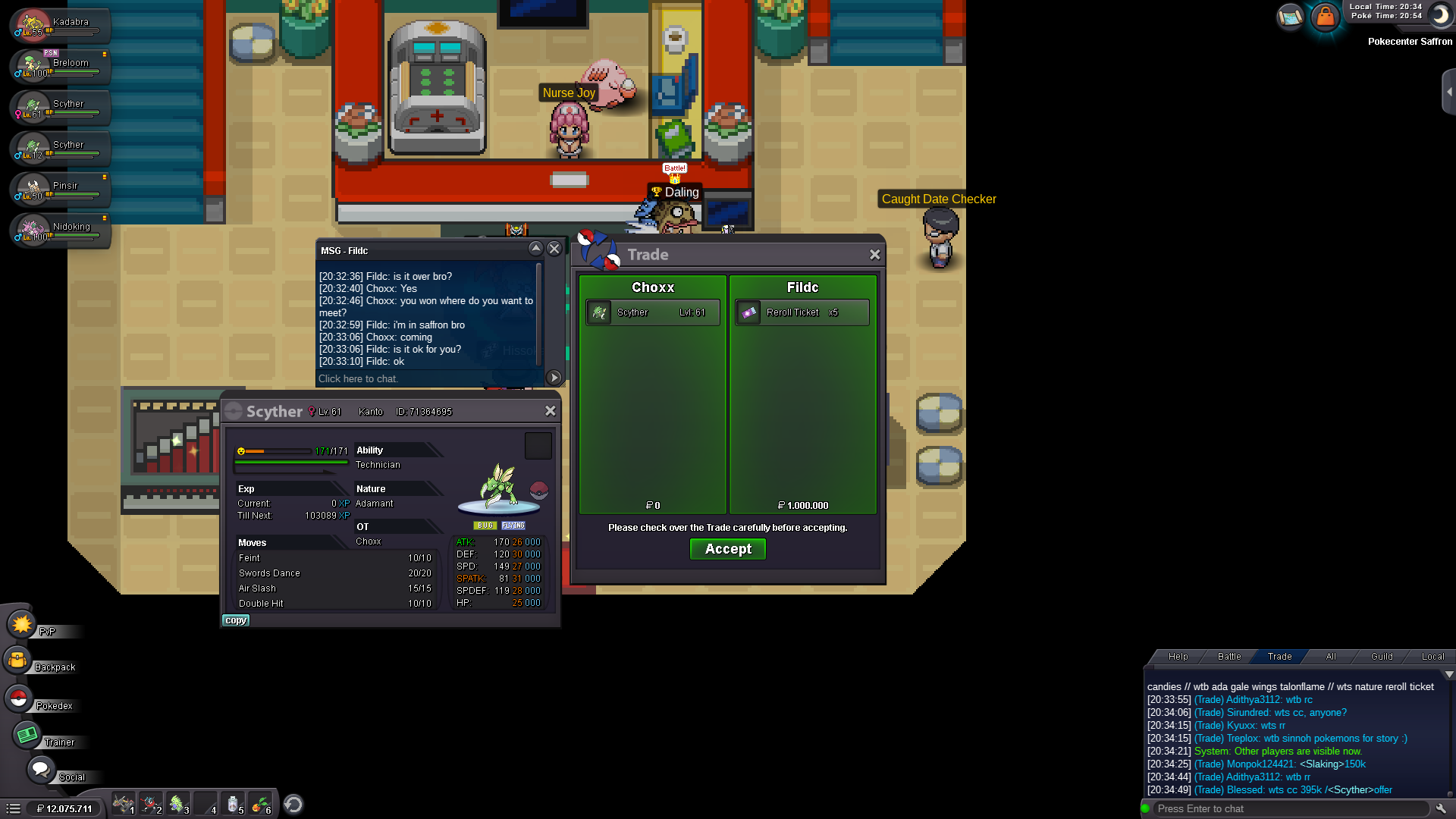
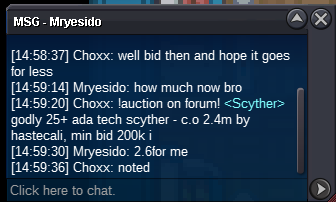
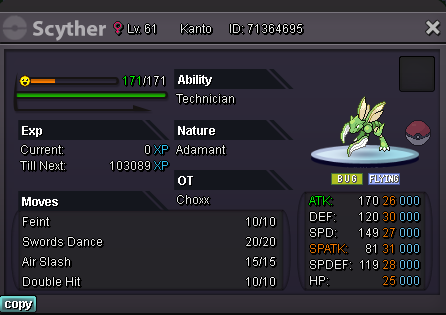
 And that's the end - FilDC won for 4.5mHello everyone I'm selling my event winning scyther. Godly stats 25+ Ada-Tech S.O 1m min bid 200k Insta 7m ends 72h after first bid. accept pokedollars, cc=400k, RR=700k Thanks and good luck!
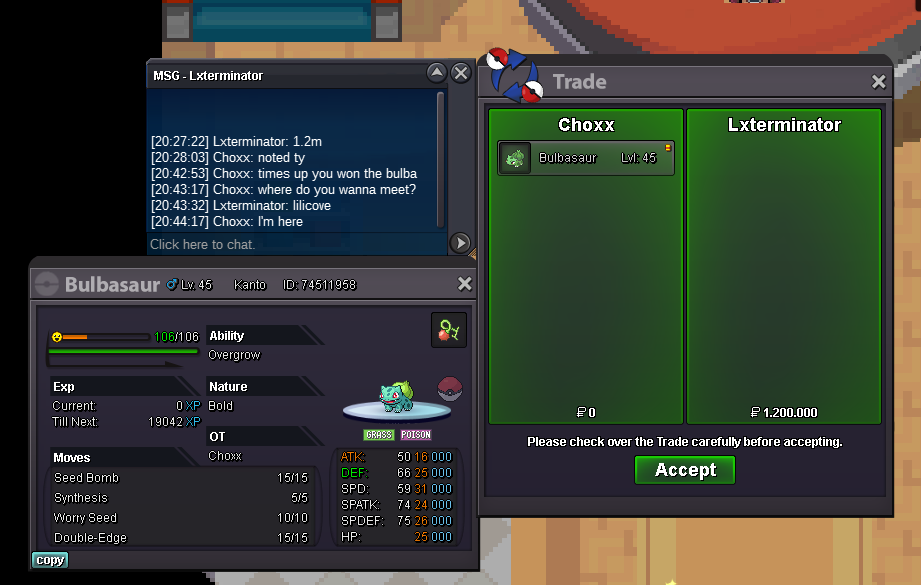
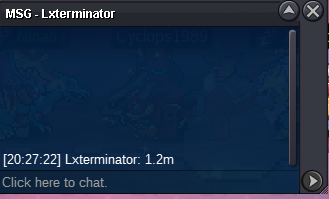
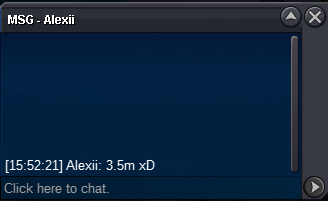
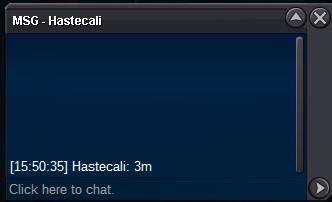
 5m
5mAccount
Navigation
Search
Configure browser push notifications
Chrome (Android)
- Tap the lock icon next to the address bar.
- Tap Permissions → Notifications.
- Adjust your preference.
Chrome (Desktop)
- Click the padlock icon in the address bar.
- Select Site settings.
- Find Notifications and adjust your preference.
Safari (iOS 16.4+)
- Ensure the site is installed via Add to Home Screen.
- Open Settings App → Notifications.
- Find your app name and adjust your preference.
Safari (macOS)
- Go to Safari → Preferences.
- Click the Websites tab.
- Select Notifications in the sidebar.
- Find this website and adjust your preference.
Edge (Android)
- Tap the lock icon next to the address bar.
- Tap Permissions.
- Find Notifications and adjust your preference.
Edge (Desktop)
- Click the padlock icon in the address bar.
- Click Permissions for this site.
- Find Notifications and adjust your preference.
Firefox (Android)
- Go to Settings → Site permissions.
- Tap Notifications.
- Find this site in the list and adjust your preference.
Firefox (Desktop)
- Open Firefox Settings.
- Search for Notifications.
- Find this site in the list and adjust your preference.