




New Trade Zone
Trade Zone is now live
Use the new Trade Zone for auctions and instant-price trades so Pokemon and item offers are easy to find.

Kaynewarren93
Registered User
-
Joined
-
Last visited
Everything posted by Kaynewarren93
-
Hello, iv not played the game in a few months but when i did Dig, Headbutt and login rewards stopped working. Does anyone know if have they been fixed, being fixed etc?
-
Yes
-
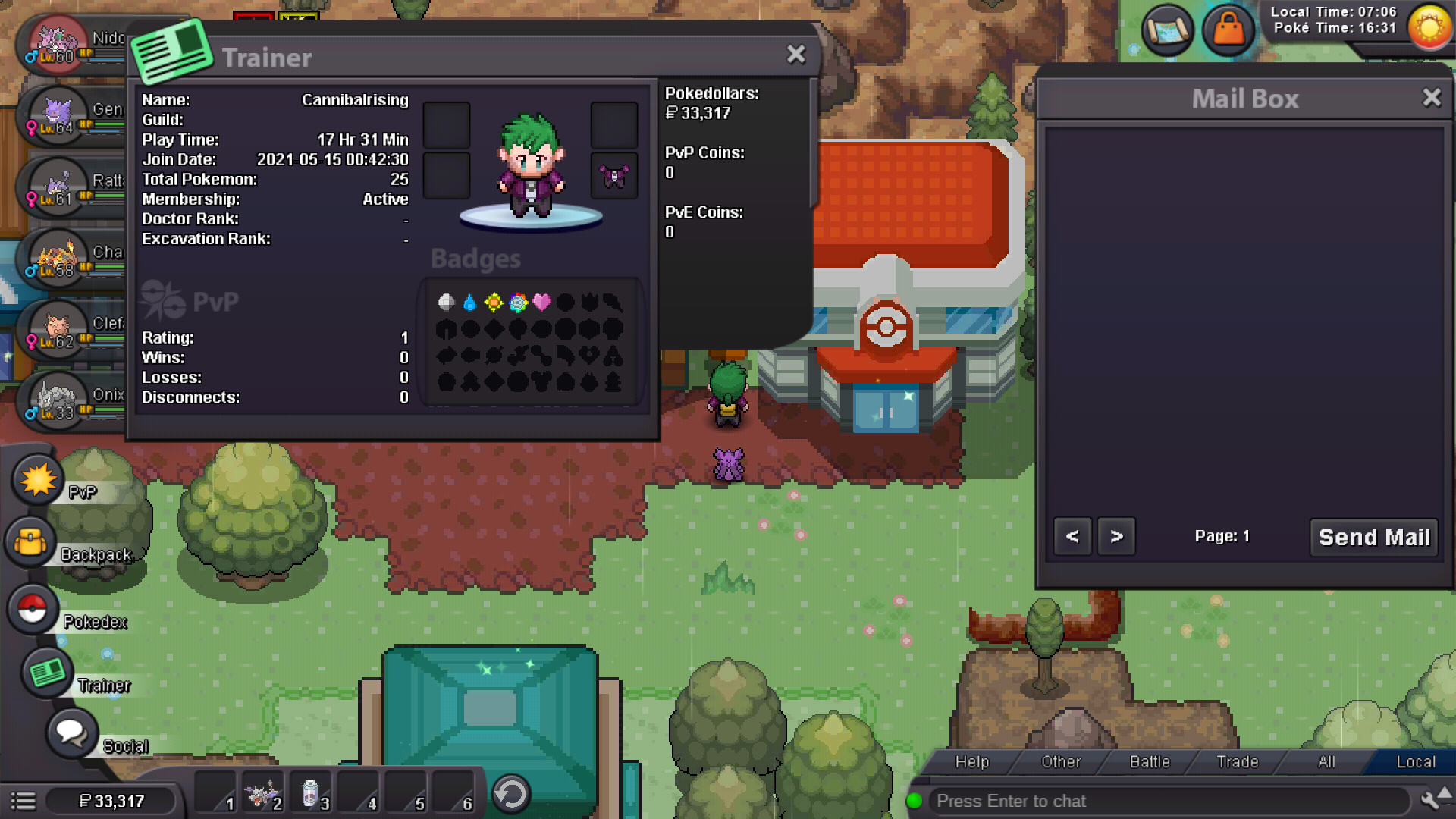
Ok, So i have now transferred both to silver and still no mail? I have transferred the servers, are you able to retract the mails and il resend them please?
-
I have transferred the servers, are you able to retract the mails and il resend them please?
-
Hi, iv mailed items between alternative accounts (Kaynewarren93) to (cannibalrising) and the mails not showing up in my mail, please can someone help me out?