New Trade Zone
Trade Zone is now live
Use the new Trade Zone for auctions and instant-price trades so Pokemon and item offers are easy to find.

Talz1
Registered User
-
Joined
-
Last visited
Everything posted by Talz1
-
Hi sorry its not possible Eva21 :
-
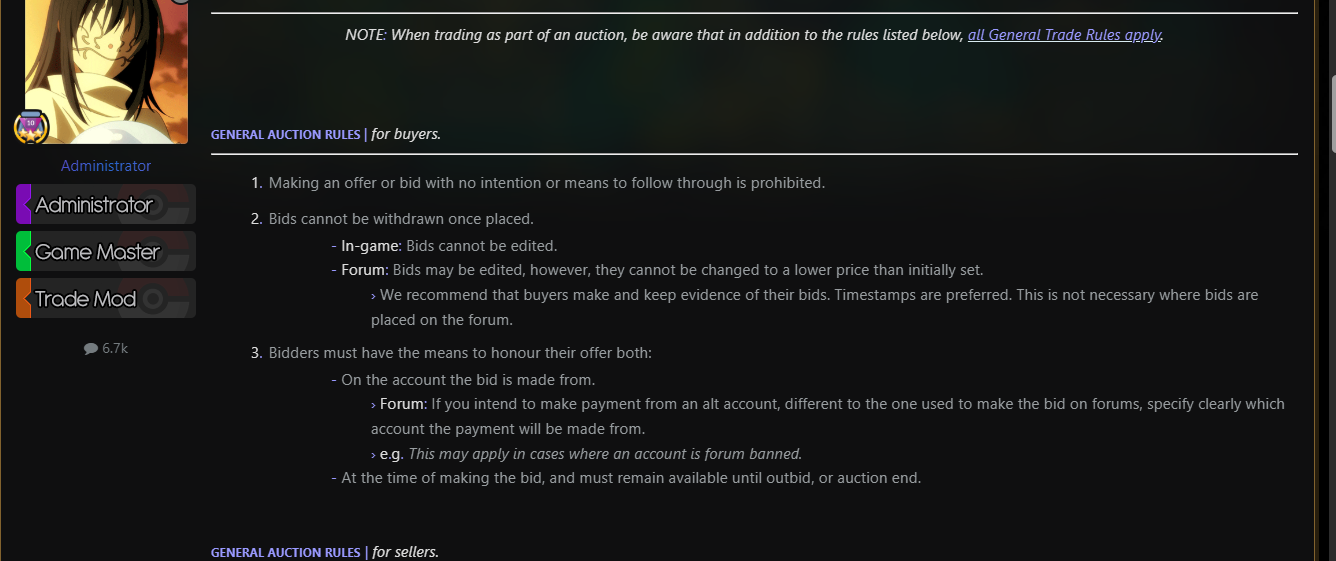
S.O: 100k Min bid : 50k 48h auction after first bid. No insta. Accept only money. Nice day all.
-
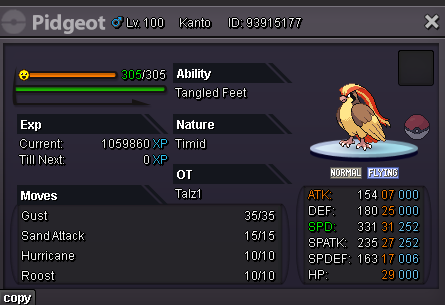
Hi i have do what i see here in the wiki pro. This can be knowing a specific move, or just having reached its evolutionary level. As long as the conditions for its evolution are met, the Pokémon can evolve by using the candy from your inventory. However, the Mysterious Candy won't work for happiness evolutions. You'll need to make your Pokémon faint once in a Wild Battle (Knockout drops don't lower happiness), then getting back the lost happiness to reach 255 if you previously refused the evolution so he have loose some hapiness after a ko vs a wild poke and win again after but he not evolv. I have try again but its the same thing. here i post the ss Ty fr your help.
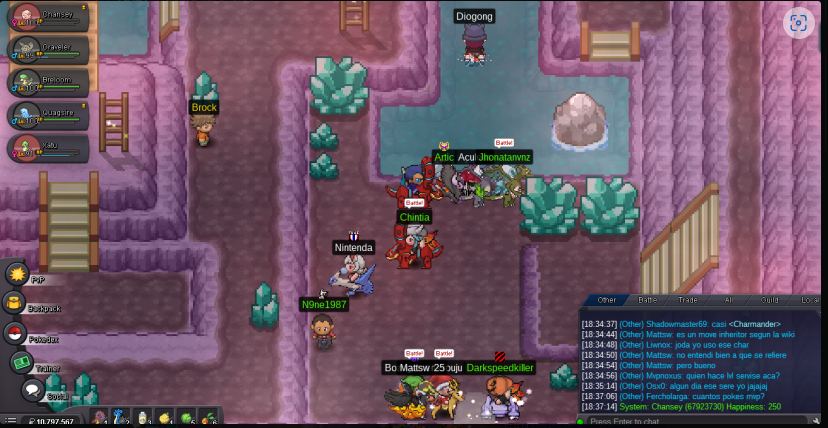
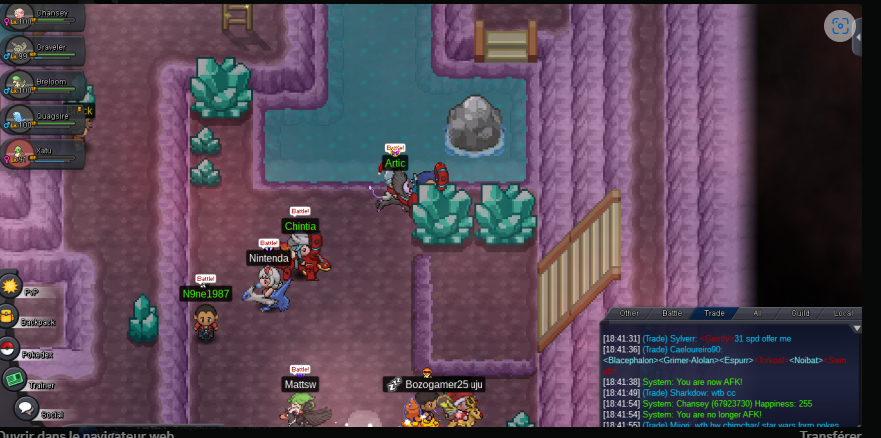
-
auction can be closed

-
Tefxia you win the auction. Pm me in the forum for see when we can trade. Nice day all.

-
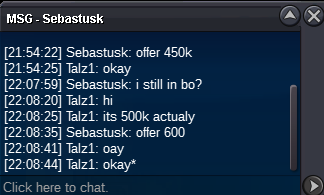
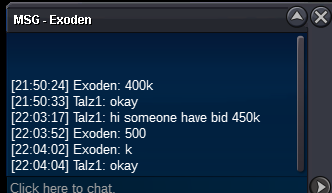
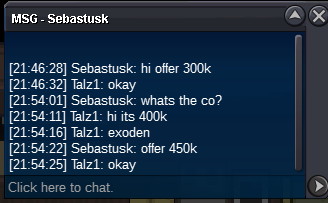
auction endedS.O : 100k Min bid : 50k No insta. Time : 48h after first bid. Accept : cc = 450k RR IV = 500k RR NAT = 250k Nice Week-End all.
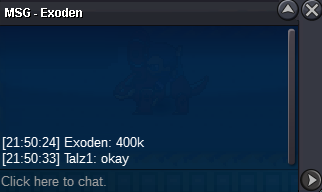
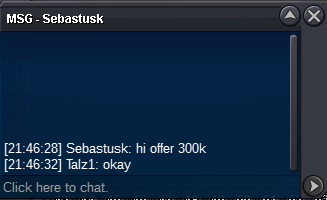
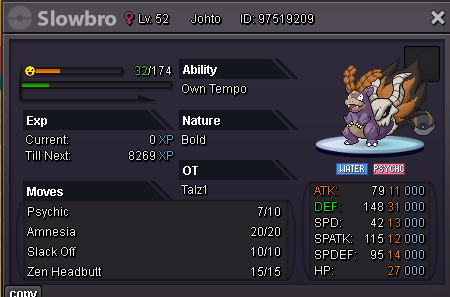 auction endedS.O : 400k Min bid : 100k No insta 48h auction after first bid Accept cc = 450k Reroll IV = 500k Reroll Nat = 250k Have good game all.
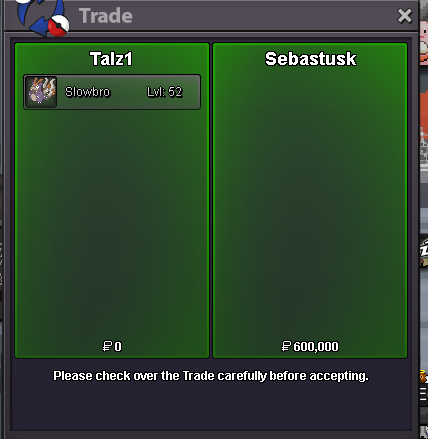
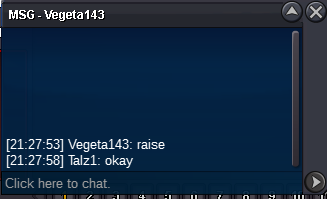
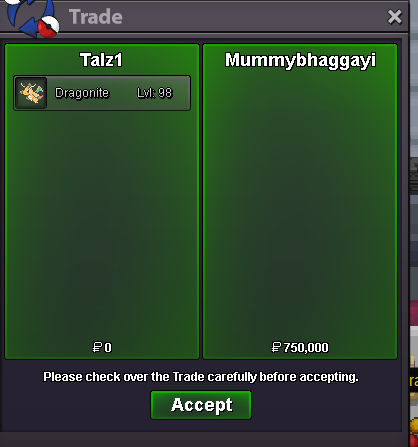
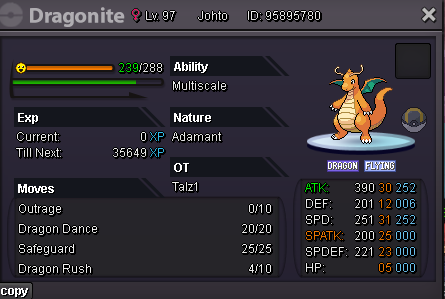 1m550k1m3850k
Account
Navigation
Search
Configure browser push notifications
Chrome (Android)
- Tap the lock icon next to the address bar.
- Tap Permissions → Notifications.
- Adjust your preference.
Chrome (Desktop)
- Click the padlock icon in the address bar.
- Select Site settings.
- Find Notifications and adjust your preference.
Safari (iOS 16.4+)
- Ensure the site is installed via Add to Home Screen.
- Open Settings App → Notifications.
- Find your app name and adjust your preference.
Safari (macOS)
- Go to Safari → Preferences.
- Click the Websites tab.
- Select Notifications in the sidebar.
- Find this website and adjust your preference.
Edge (Android)
- Tap the lock icon next to the address bar.
- Tap Permissions.
- Find Notifications and adjust your preference.
Edge (Desktop)
- Click the padlock icon in the address bar.
- Click Permissions for this site.
- Find Notifications and adjust your preference.
Firefox (Android)
- Go to Settings → Site permissions.
- Tap Notifications.
- Find this site in the list and adjust your preference.
Firefox (Desktop)
- Open Firefox Settings.
- Search for Notifications.
- Find this site in the list and adjust your preference.