New Trade Zone
Trade Zone is now live
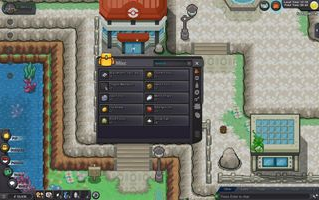
Use the new Trade Zone for auctions and instant-price trades so Pokemon and item offers are easy to find.

Juez177
Registered User
-
Joined
-
Last visited
-
Juez177 changed their profile photo
-
-
1.1m
-
800k
-
Thank you very much but I would like to know if it is already possible to make the Mega Quest of Swampert or I wait for a ratism anymore xD?
-
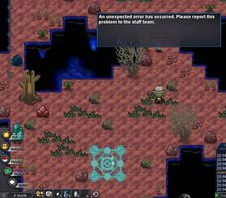
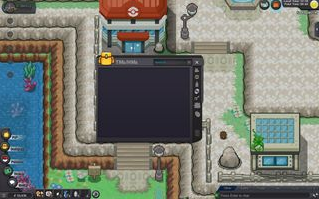
Problem: bug of character Player: Juez177 Hello, good morning, when I was going to do the swampert mega quest I received a strange message that an error had occurred and I should report it after this I left the quest map and when I checked my backpack all my backpack had been emptied (and worse is that I lost something extremely important which is the HM) I cannot move from where I am since I lost the HM and I need to surf, fortunately I did not lose the pokes that I brought with me but I still need the items in my backpack to be returned since without them I will not be able to continue playing normally I await the response of an administrator