




New Trade Zone
Trade Zone is now live
Use the new Trade Zone for auctions and instant-price trades so Pokemon and item offers are easy to find.

86adrian86
Registered User
-
Joined
-
Last visited
Everything posted by 86adrian86
-
@Carry210k
 @Carry 190k
 166k @Carry
 C.o 130k @Carry
 @Carry 110k
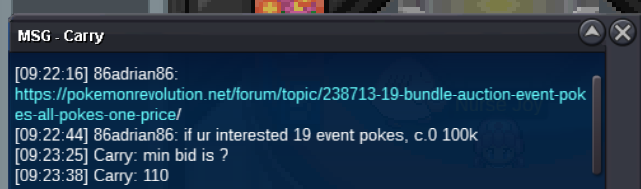 please pm in gameENDED-> trasfer complete. made an error but added 2 extra pokes, as i doubled on pics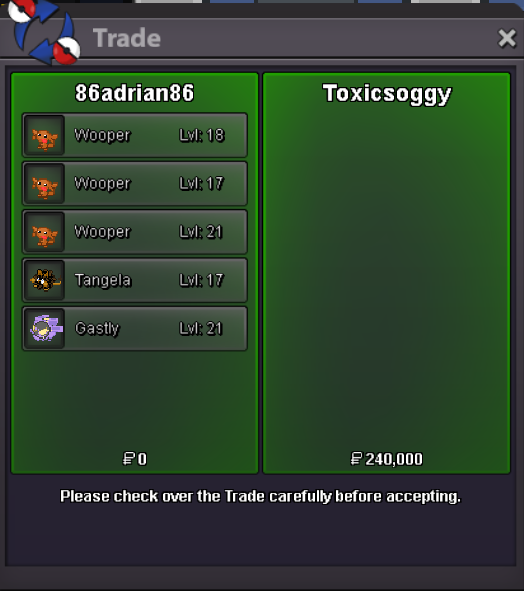
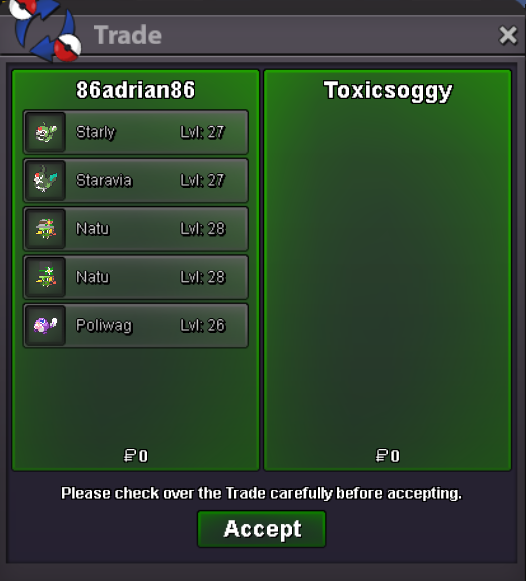
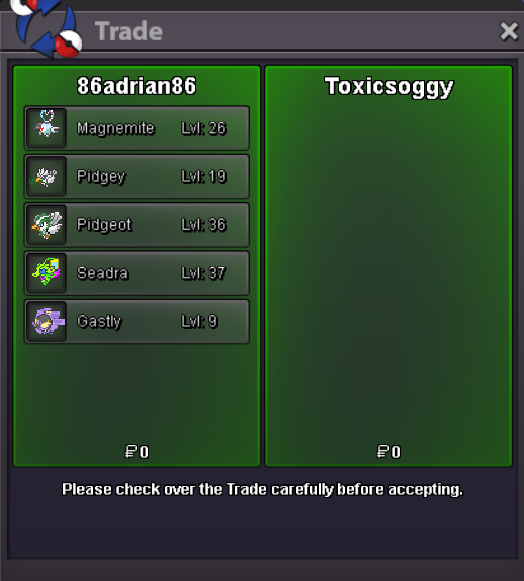
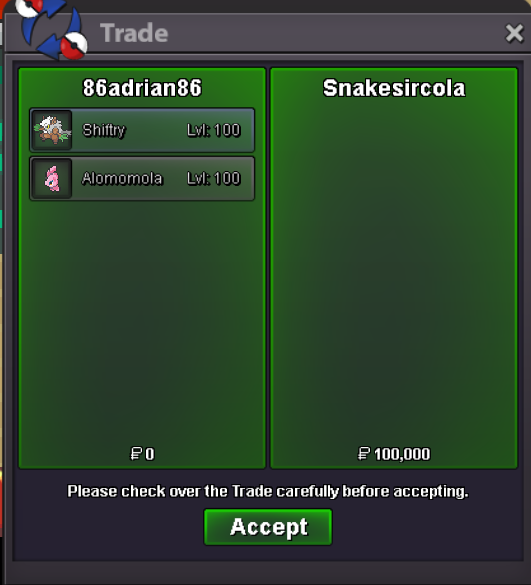
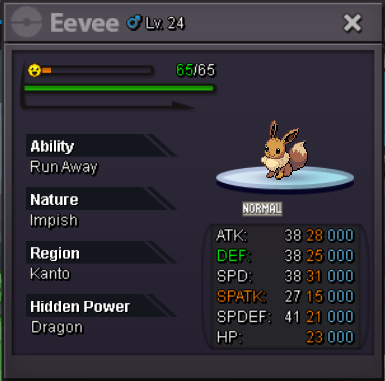
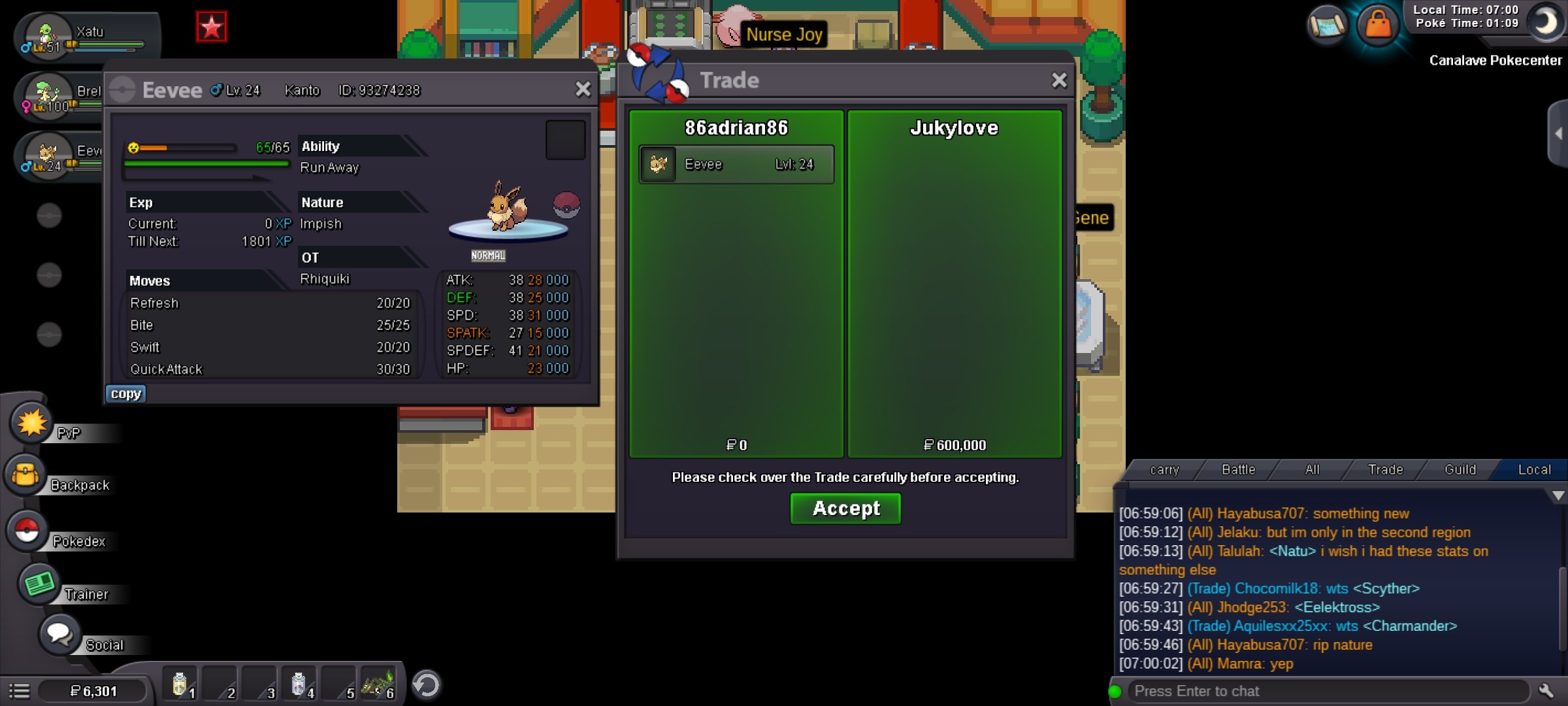
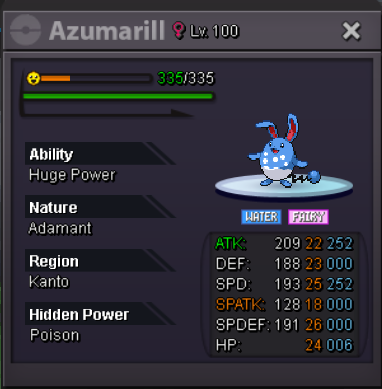
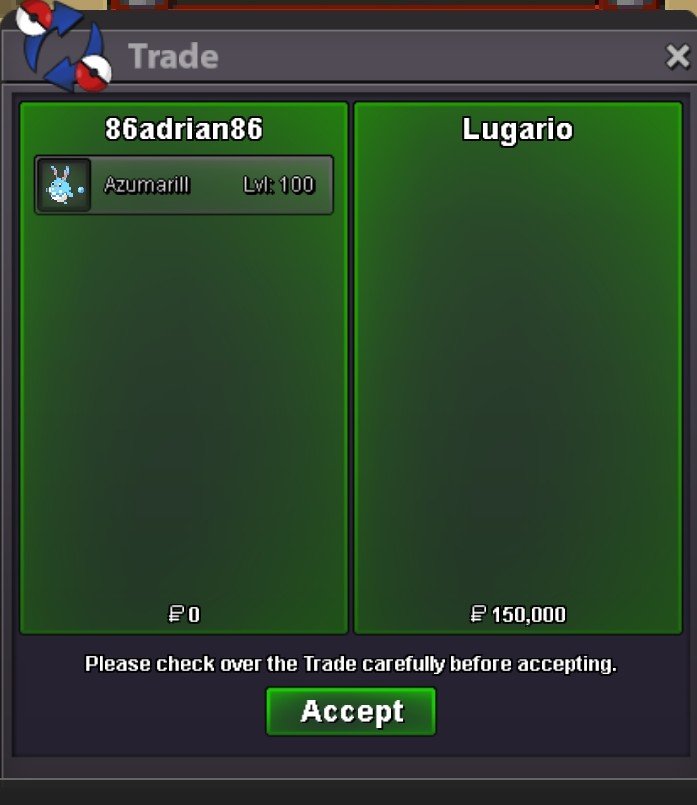
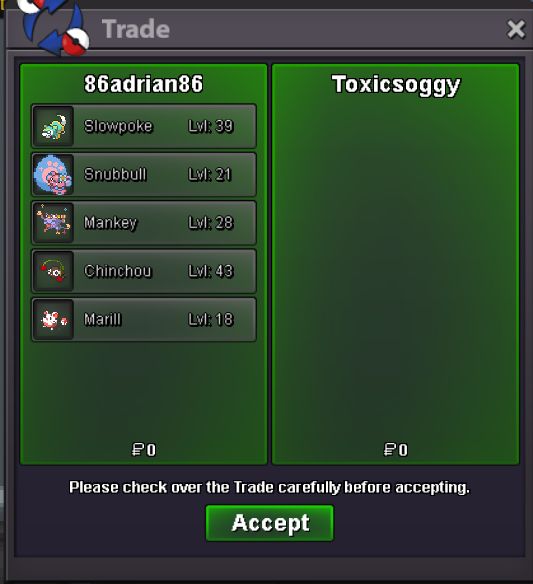 Close. All bided pokes have been delivered. All non bids on pokes have been removed due to no interestMy apologies for late reply. I had forgotten about this. Lmfao. Was supposed to remove it. But congrats bro. Please feel free to pm in game when your availableignore, made in request in wrong area@minmin79115 please contact me in game to collectBumbEver got a really nice skin for your poke? And all you are able to see is its rear end. My suggestion is -> When you are in battle, you have the option the click on your poke, to be able to switch between front and back views. its has no effect on the game, only changes on your side, and if its server based, set a timer 1min before you can click on image, pokes that enter battle do so normally facing forward..startstart: 50k. bid min: 50k. 24h from start. inst: 3cc or 1.2m accept cc @ 400k ea.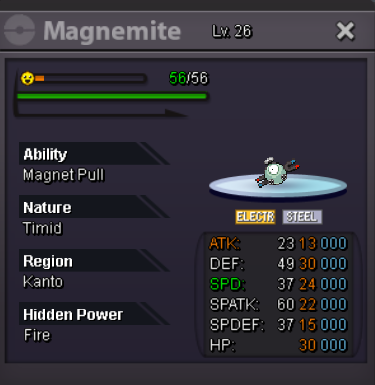
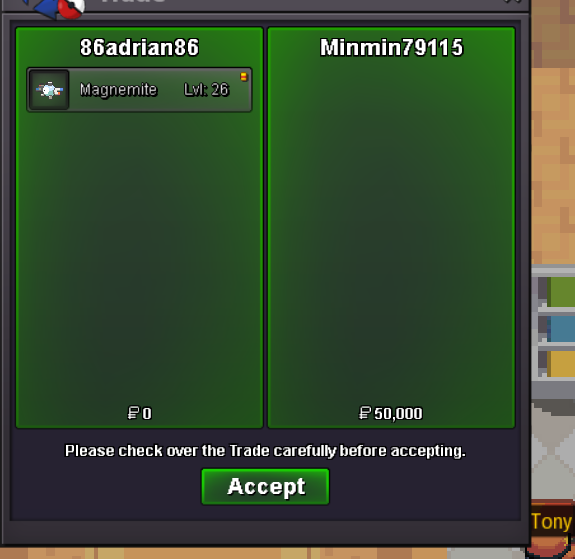 -1 click delete. Before saying yes or no the poke number appears on top. Drag one of your recent caught pokes into chat and change the last 4 digits.Yours bro🙂↕️110k mag



Account
Navigation
Search
Configure browser push notifications
Chrome (Android)
- Tap the lock icon next to the address bar.
- Tap Permissions → Notifications.
- Adjust your preference.
Chrome (Desktop)
- Click the padlock icon in the address bar.
- Select Site settings.
- Find Notifications and adjust your preference.
Safari (iOS 16.4+)
- Ensure the site is installed via Add to Home Screen.
- Open Settings App → Notifications.
- Find your app name and adjust your preference.
Safari (macOS)
- Go to Safari → Preferences.
- Click the Websites tab.
- Select Notifications in the sidebar.
- Find this website and adjust your preference.
Edge (Android)
- Tap the lock icon next to the address bar.
- Tap Permissions.
- Find Notifications and adjust your preference.
Edge (Desktop)
- Click the padlock icon in the address bar.
- Click Permissions for this site.
- Find Notifications and adjust your preference.
Firefox (Android)
- Go to Settings → Site permissions.
- Tap Notifications.
- Find this site in the list and adjust your preference.
Firefox (Desktop)
- Open Firefox Settings.
- Search for Notifications.
- Find this site in the list and adjust your preference.