New Trade Zone
Trade Zone is now live
Use the new Trade Zone for auctions and instant-price trades so Pokemon and item offers are easy to find.

Darkshadow2211
Registered User
-
Joined
-
Last visited
-
Darkshadow2211 changed their profile photo
-
@Eon pls help me this situation. I have already s.o drillbur for 4 days. And the time close yesterday. During the time auction, the host Suz doesnt confirm or online to check. Even now when the time close, Suz doesnt reply anything. But i check the last time visit is one hour ago. Please help me. Thank you so much.
-
Suz i really need confirm . Its been 2 day already since i s.o 400k. The time i s.o is 04/10 05:31 PM. End at 6/10 05:31 PM. SUZ online pls
-
Hi Suz. It has been almost a day after i s.o. Can u confirm about this?
-
Hi suz. i want to s.o excadrill 400k
-
What is hp of electrike 28 29 shop?
-
-
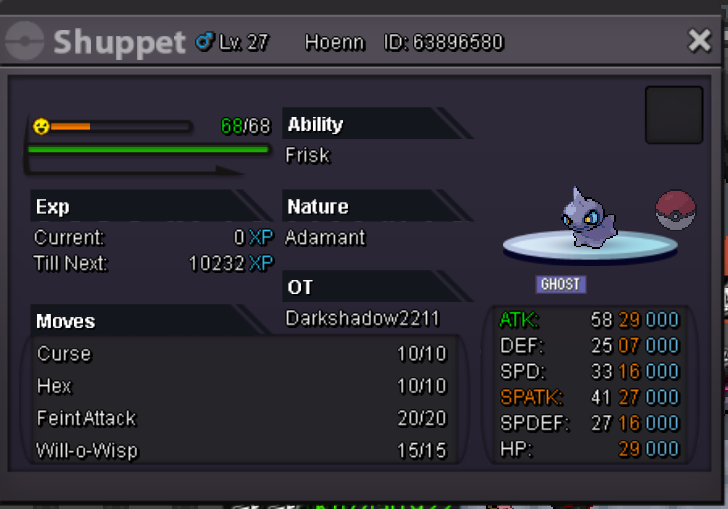
i dont have 31 atk shupper for now bro.
-
RULE 1. All prices are insta. 2. Prices can be negotiated. 3. Best way to contact me is via Discord (Nacht#4598), but u can PM me in game too. 4. I accept money ingame and rare candy. 5. I don't trade for other pokes. 6. If you have any questions, ask me here or on Discord. IGN: DarkShadow2211 Discord: Nacht#4598 MY SHOP 25k 25k 60k 100k( already sold ingame to Khurshid) 160k(already sold ingame to Lyn1711)
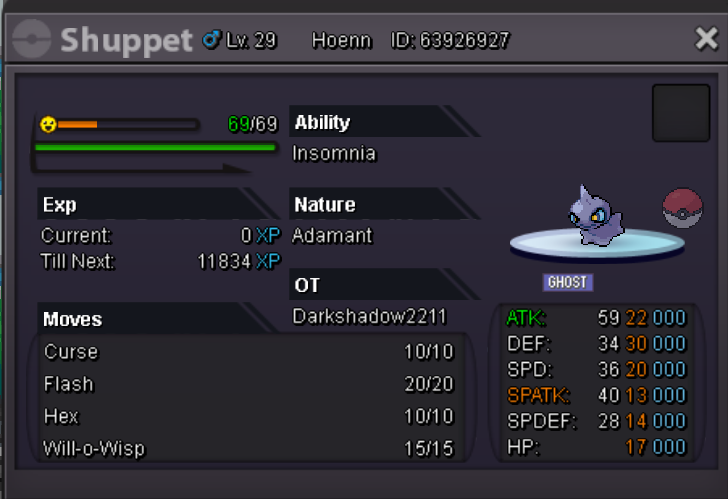

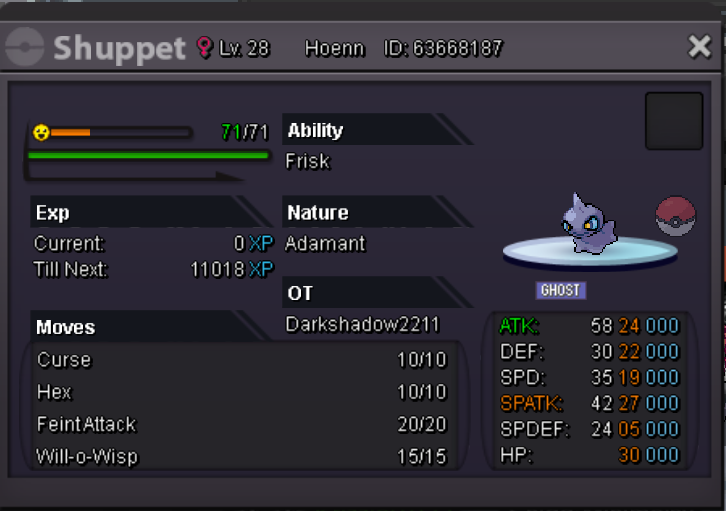
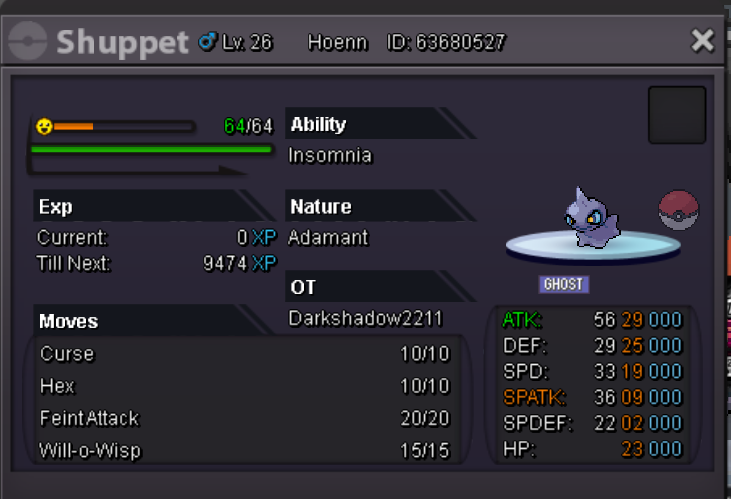
-
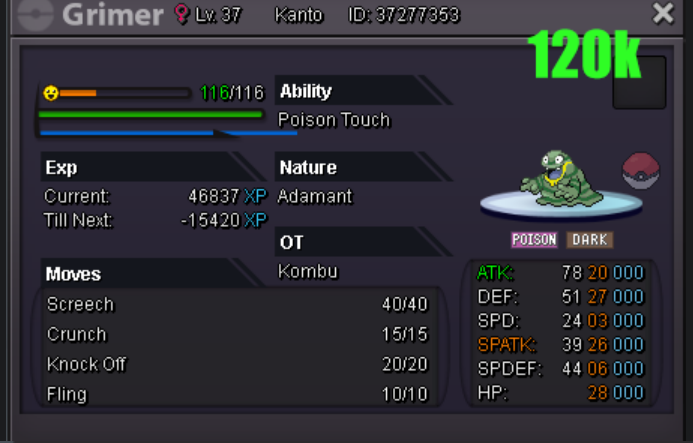
wtb this grimmer alolan 120k Dm me if u free to trade Discord Nacht #4598