New Trade Zone
Trade Zone is now live
Use the new Trade Zone for auctions and instant-price trades so Pokemon and item offers are easy to find.

Gonizt
Registered User
-
Joined
-
Last visited
Everything posted by Gonizt
-
I have received all my supplies And I thank you for helping me through these difficult days
-
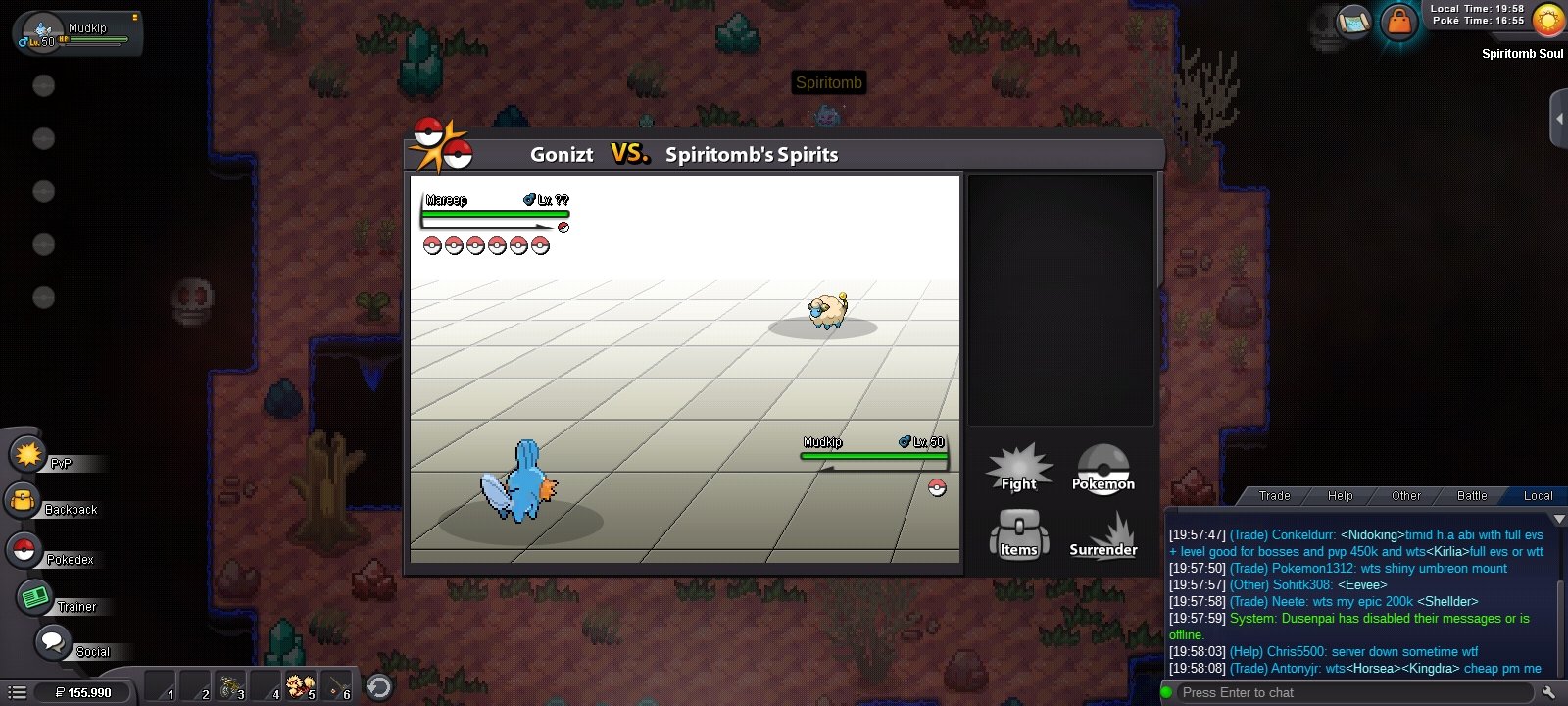
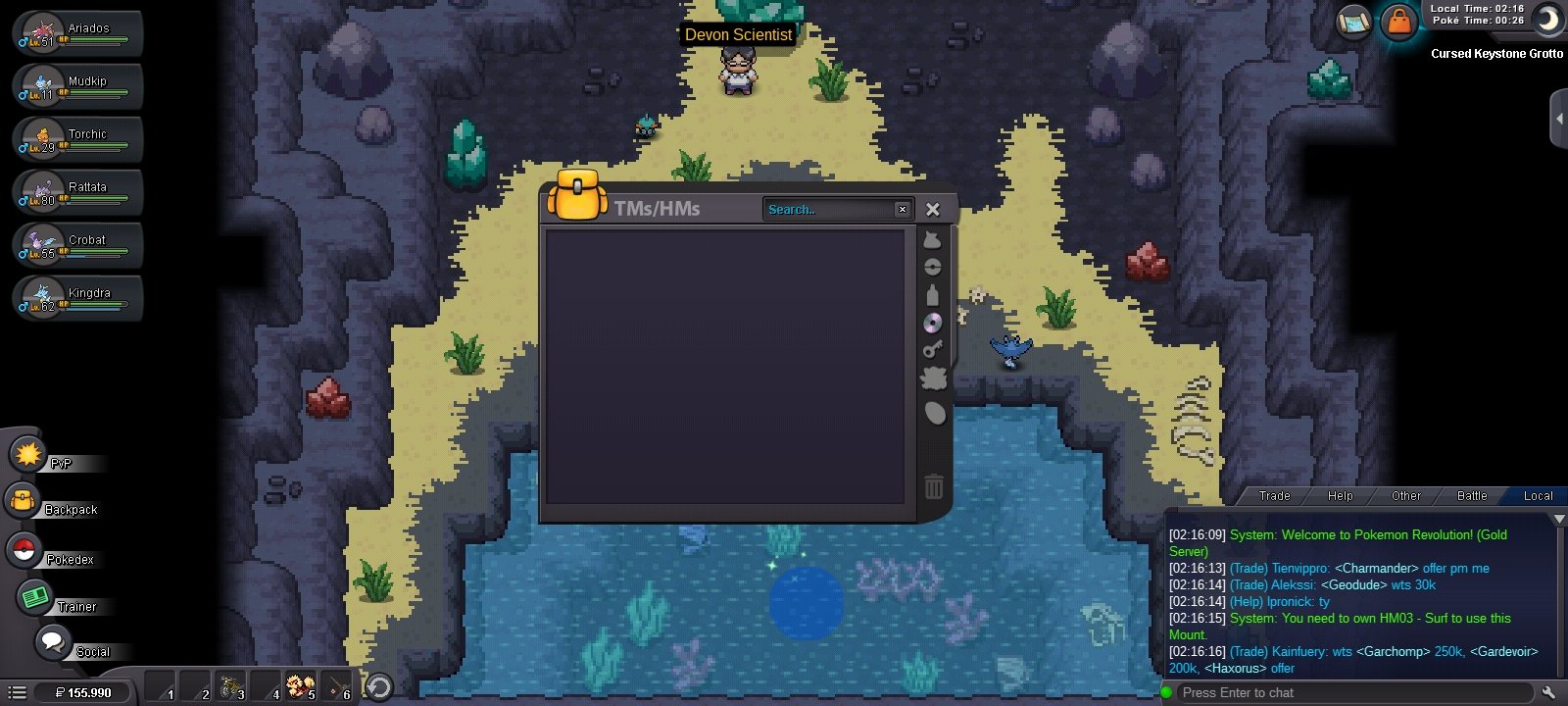
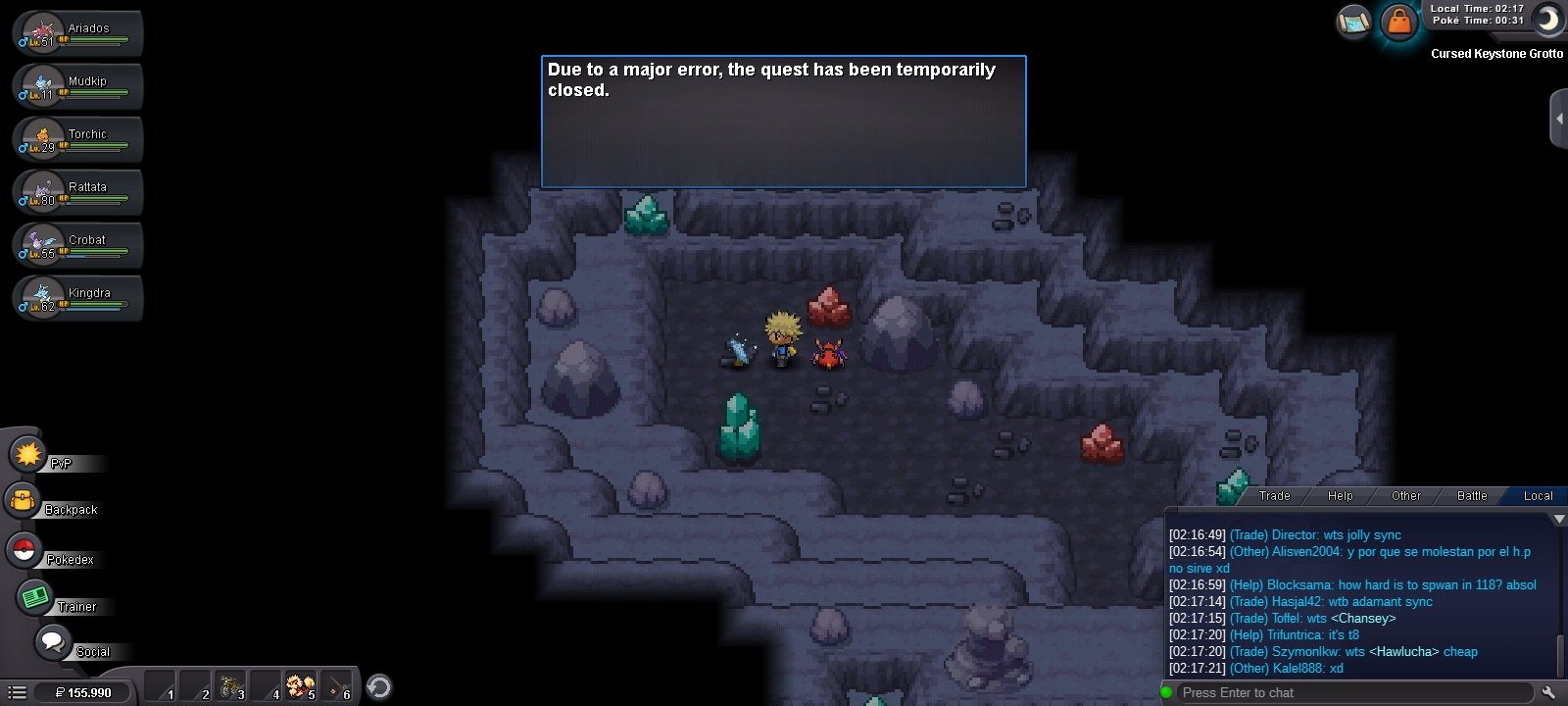
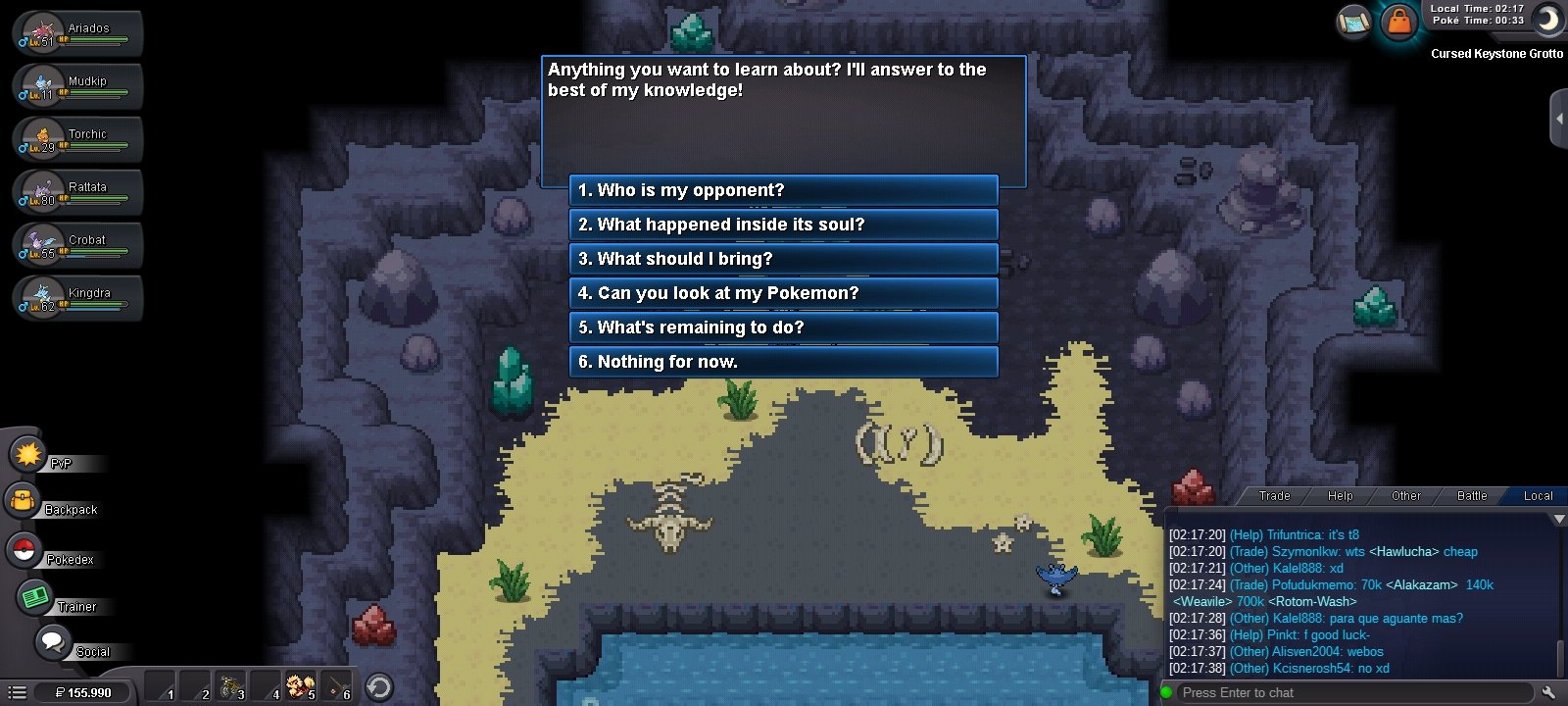
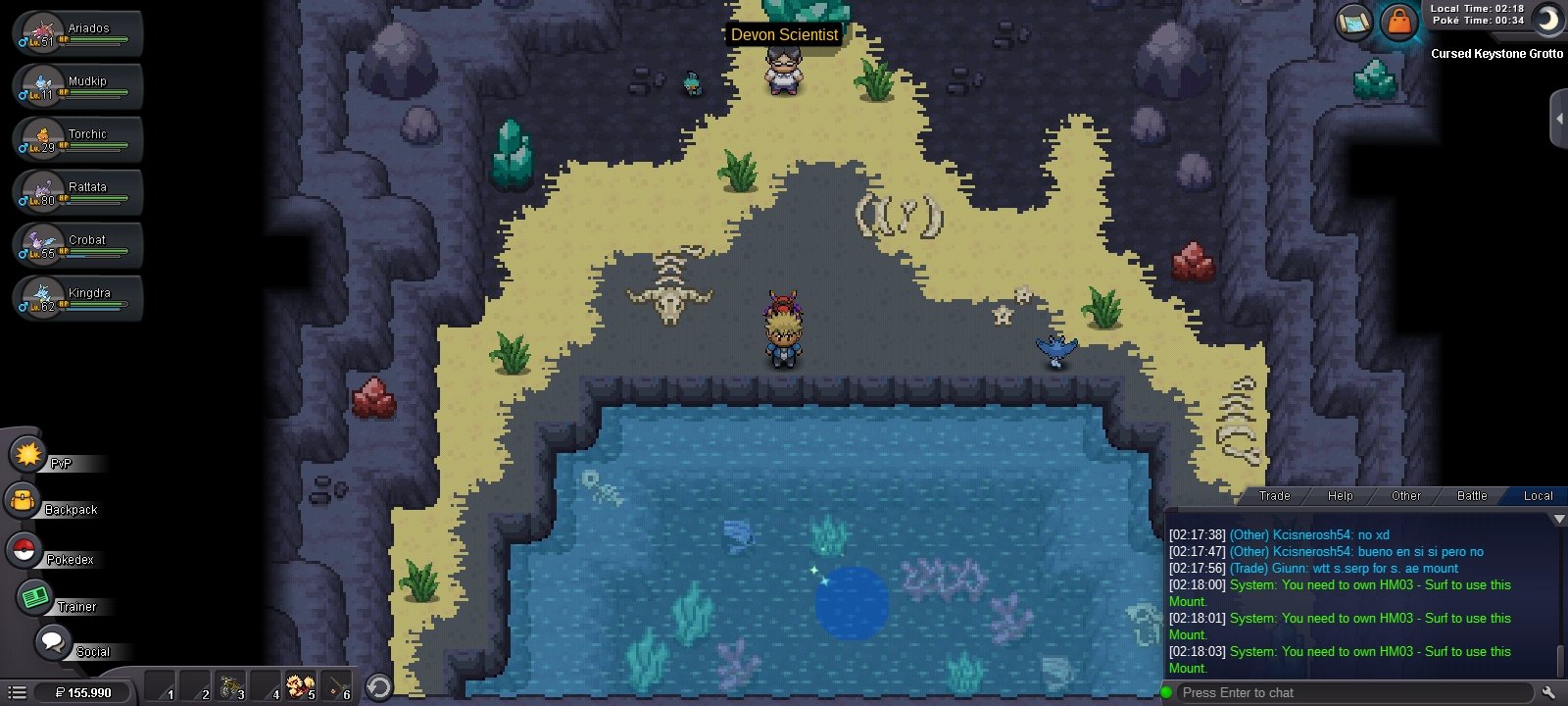
-sorry I can't have the video.But I'll tell you in detail - after I did the quest to get into the Cursed Keystone I immediately engaged Spiritomp. But I couldn't complete it because I kept getting kicked out of the game. I gave up and wanted to get out but it was impossible without HM03 . After the maintenance on 2/8/2021 I entered the game but the result is still can't exit. Yes I'm like robinson on a deserted island and that makes me so sad - I hope the game developer can help me with this Would like to thank
-