




New Trade Zone
Trade Zone is now live
Use the new Trade Zone for auctions and instant-price trades so Pokemon and item offers are easy to find.

pinklazeee
Registered User
-
Joined
-
Last visited
Everything posted by pinklazeee
-
Auction is over, gz on the win Boatslanger!!
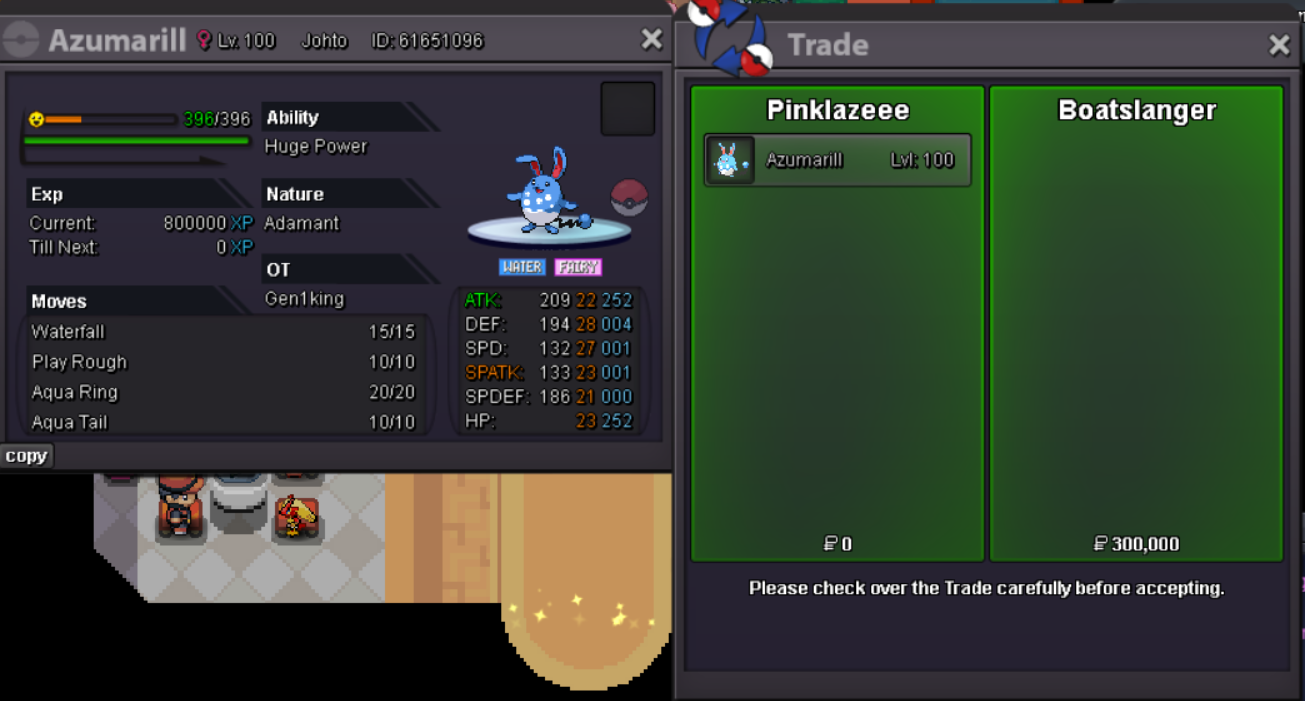
-
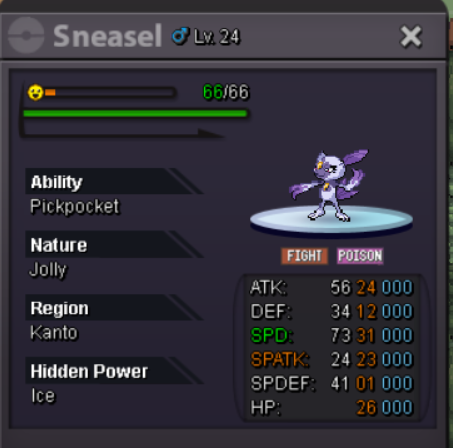
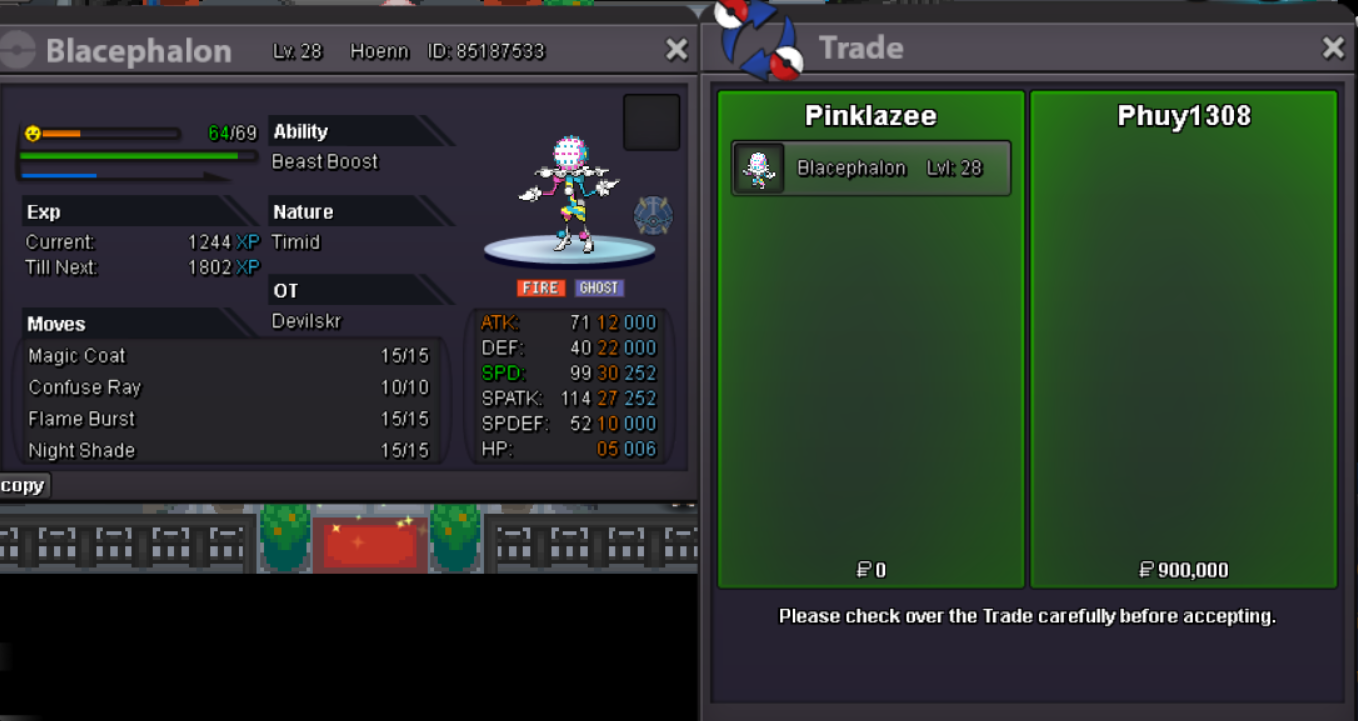
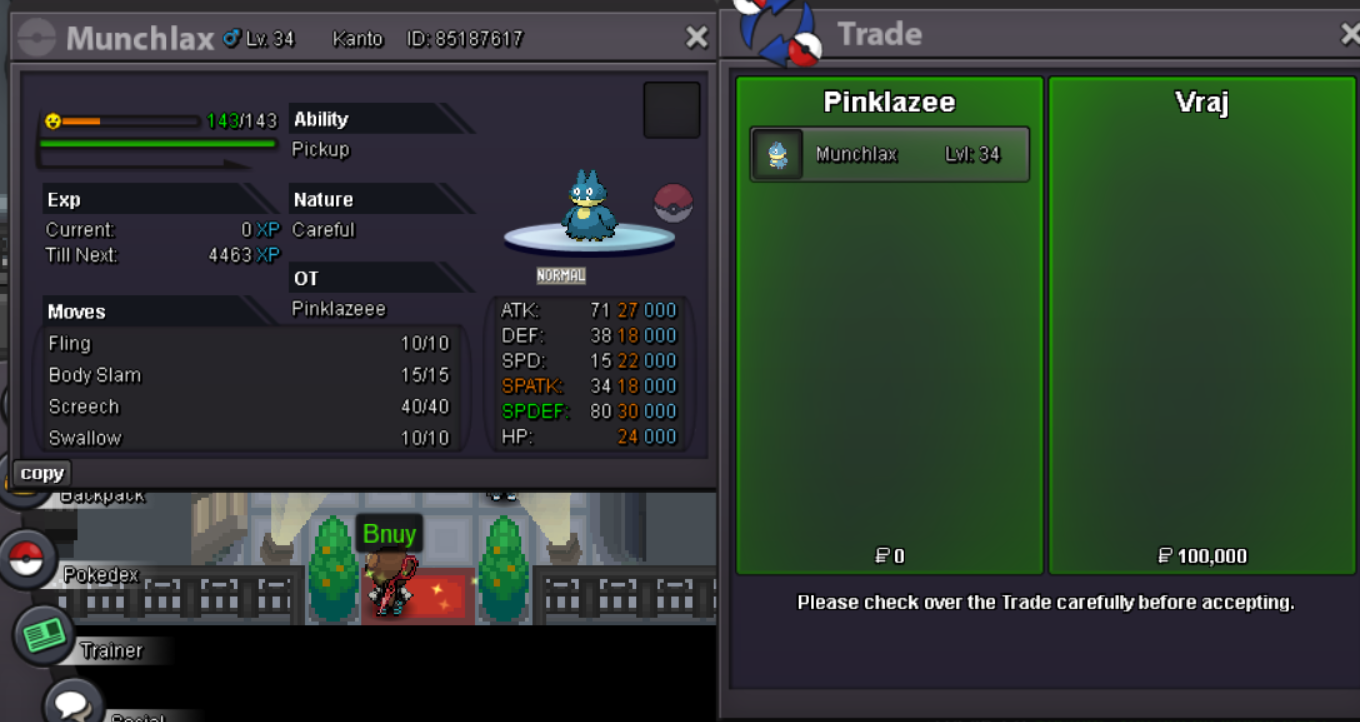
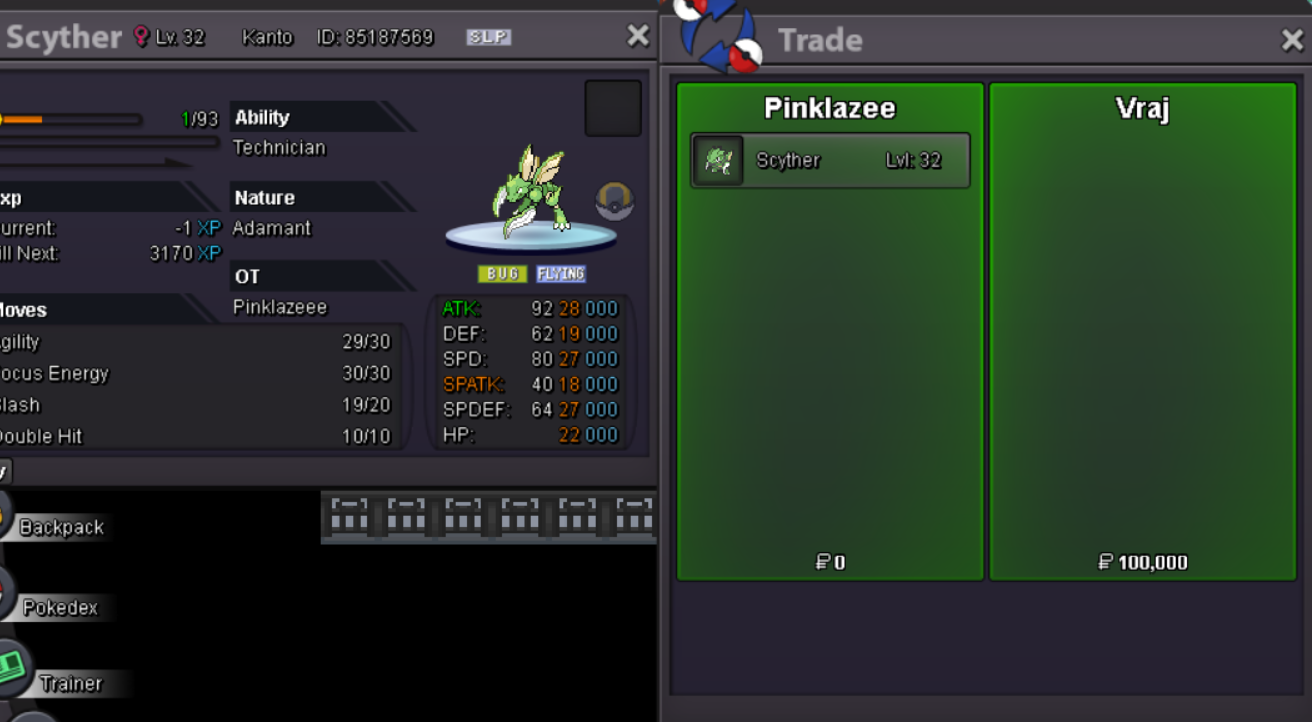
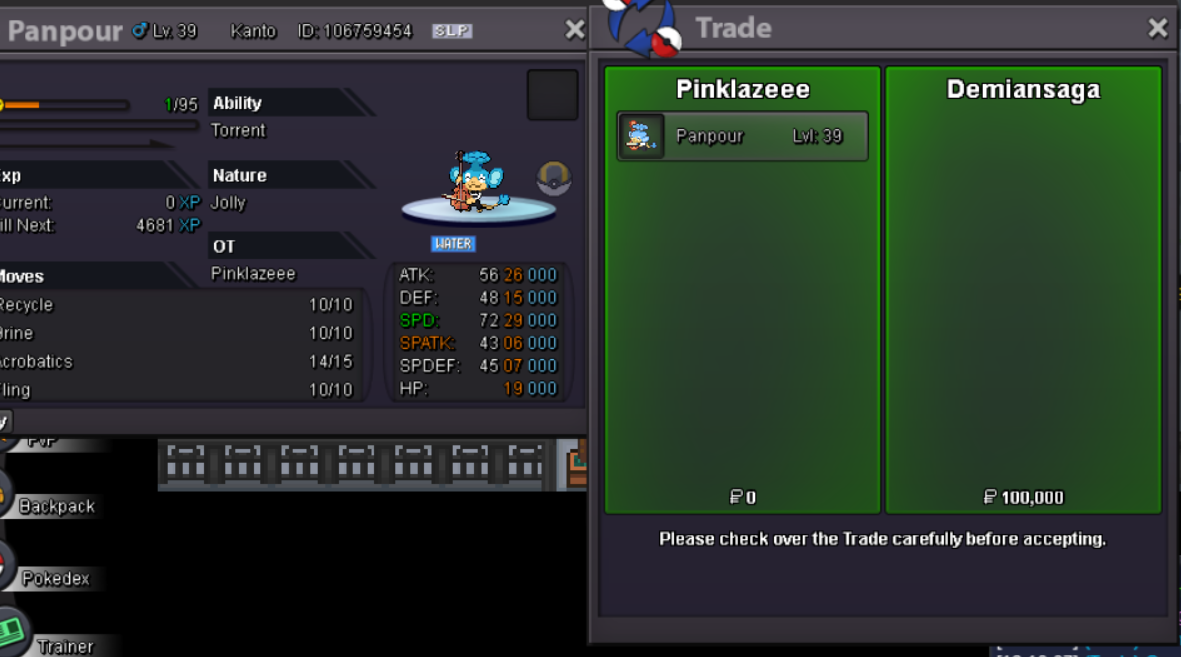
startNope, dont have any for sales.o: 500k min bid: 50k insta: N/A ends: 48hr after first bid accepted payment: pokedollar & cc ( 450k each )
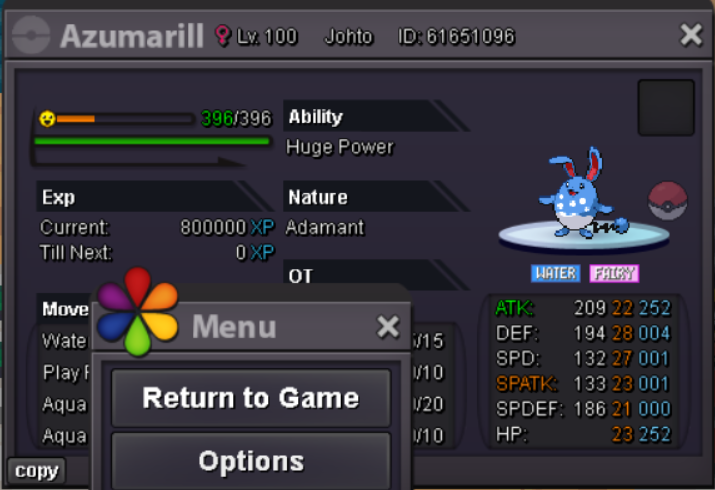
 s.o: 50k min bid: 50k ends: 36hr after first bid insta: 4.5m accepted payment: Pokedollar & cc ( 450k each )
 Ty Axaero 😄 gl & hf o7
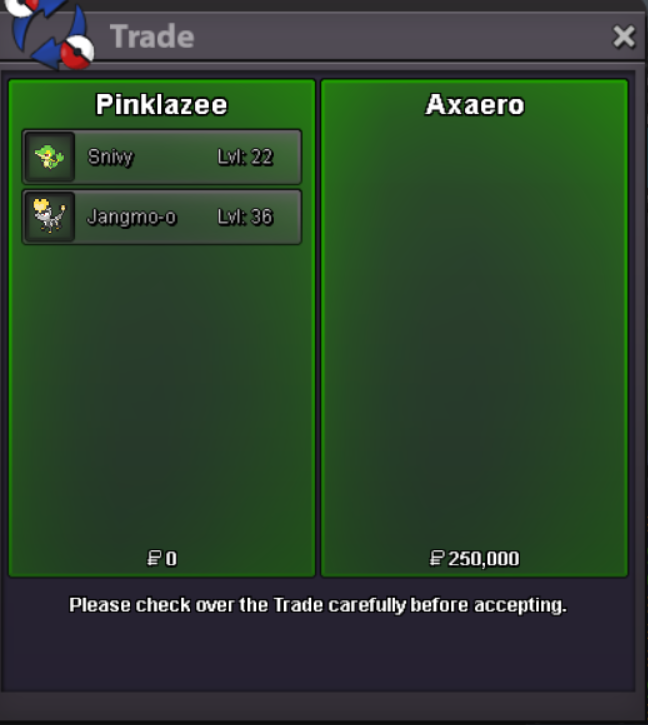 I will be online in 30-60minsI'll pass for 70k, ty.Please contact me ingame or discord for which particular one's.Done .... Tyyy Krubyyy 😄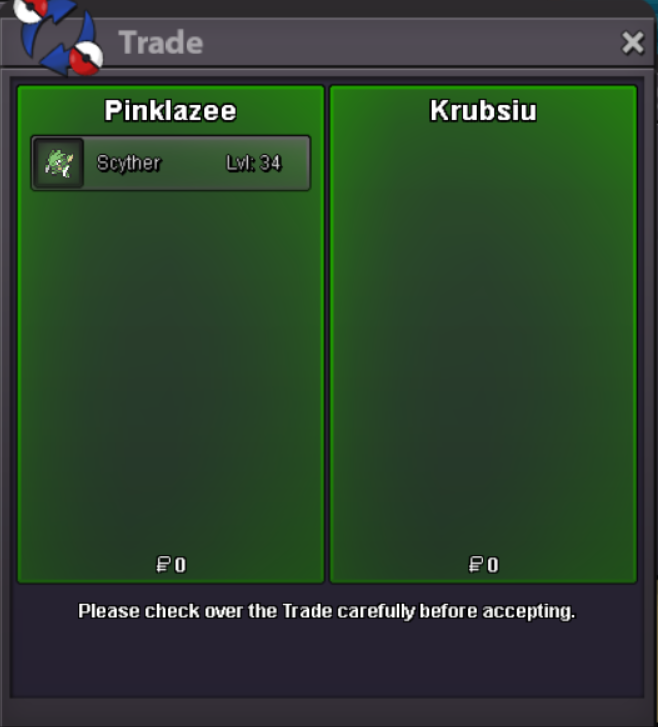
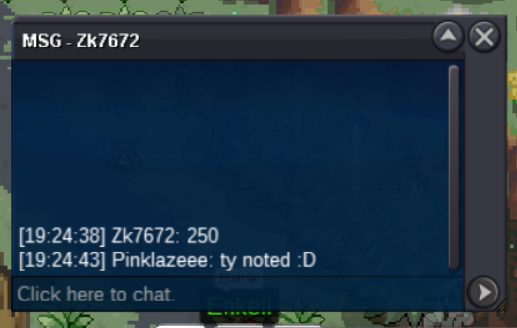
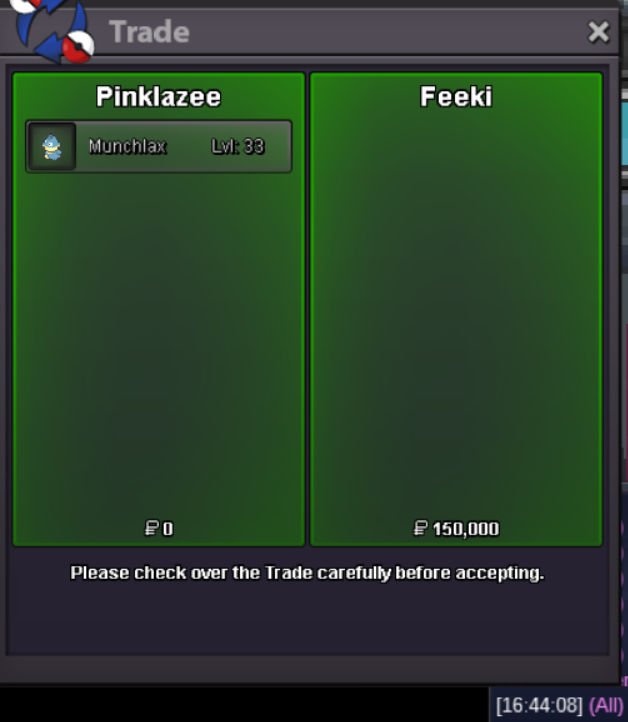
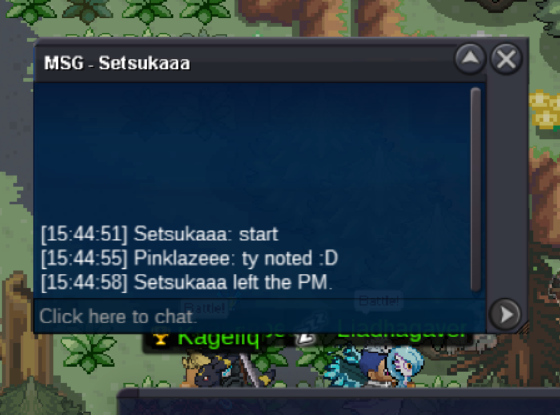
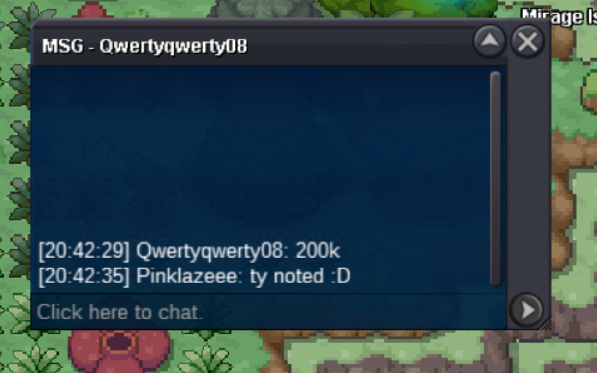
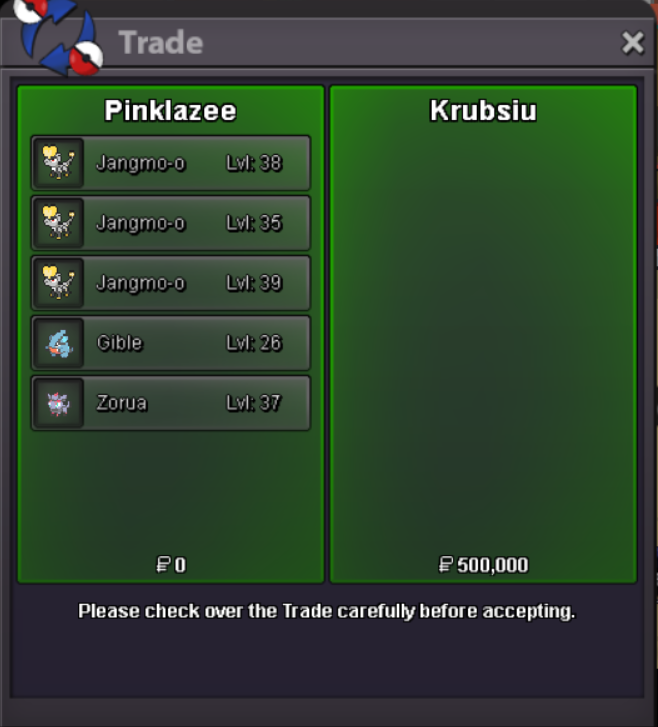 Bump ( more pokemon to be added in future )@Demiansaga you won the auction with final bid, let me know when available for trade.Bump 2hr 30min leftStart 😃
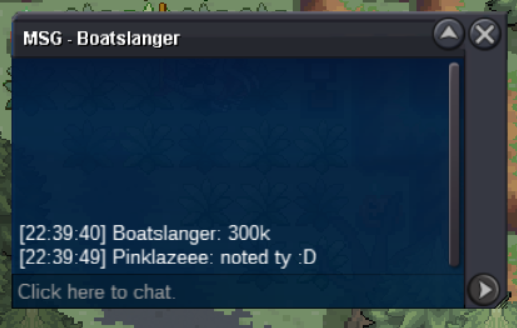
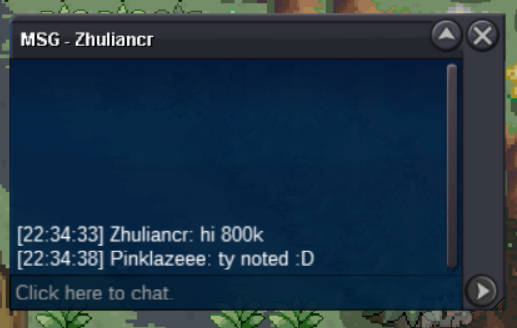


Account
Navigation
Search
Configure browser push notifications
Chrome (Android)
- Tap the lock icon next to the address bar.
- Tap Permissions → Notifications.
- Adjust your preference.
Chrome (Desktop)
- Click the padlock icon in the address bar.
- Select Site settings.
- Find Notifications and adjust your preference.
Safari (iOS 16.4+)
- Ensure the site is installed via Add to Home Screen.
- Open Settings App → Notifications.
- Find your app name and adjust your preference.
Safari (macOS)
- Go to Safari → Preferences.
- Click the Websites tab.
- Select Notifications in the sidebar.
- Find this website and adjust your preference.
Edge (Android)
- Tap the lock icon next to the address bar.
- Tap Permissions.
- Find Notifications and adjust your preference.
Edge (Desktop)
- Click the padlock icon in the address bar.
- Click Permissions for this site.
- Find Notifications and adjust your preference.
Firefox (Android)
- Go to Settings → Site permissions.
- Tap Notifications.
- Find this site in the list and adjust your preference.
Firefox (Desktop)
- Open Firefox Settings.
- Search for Notifications.
- Find this site in the list and adjust your preference.