Skip to content
View in the app

A better way to browse. Learn more.

Pokemon Revolution Online

A full-screen app on your home screen with push notifications, badges and more.

To install this app on iOS and iPadOS
  1. Tap the Share icon in Safari
  2. Scroll the menu and tap Add to Home Screen.
  3. Tap Add in the top-right corner.
To install this app on Android
  1. Tap the 3-dot menu (⋮) in the top-right corner of the browser.
  2. Tap Add to Home screen or Install app.
  3. Confirm by tapping Install.

Itstyrac

Registered User
  • Joined

  • Last visited

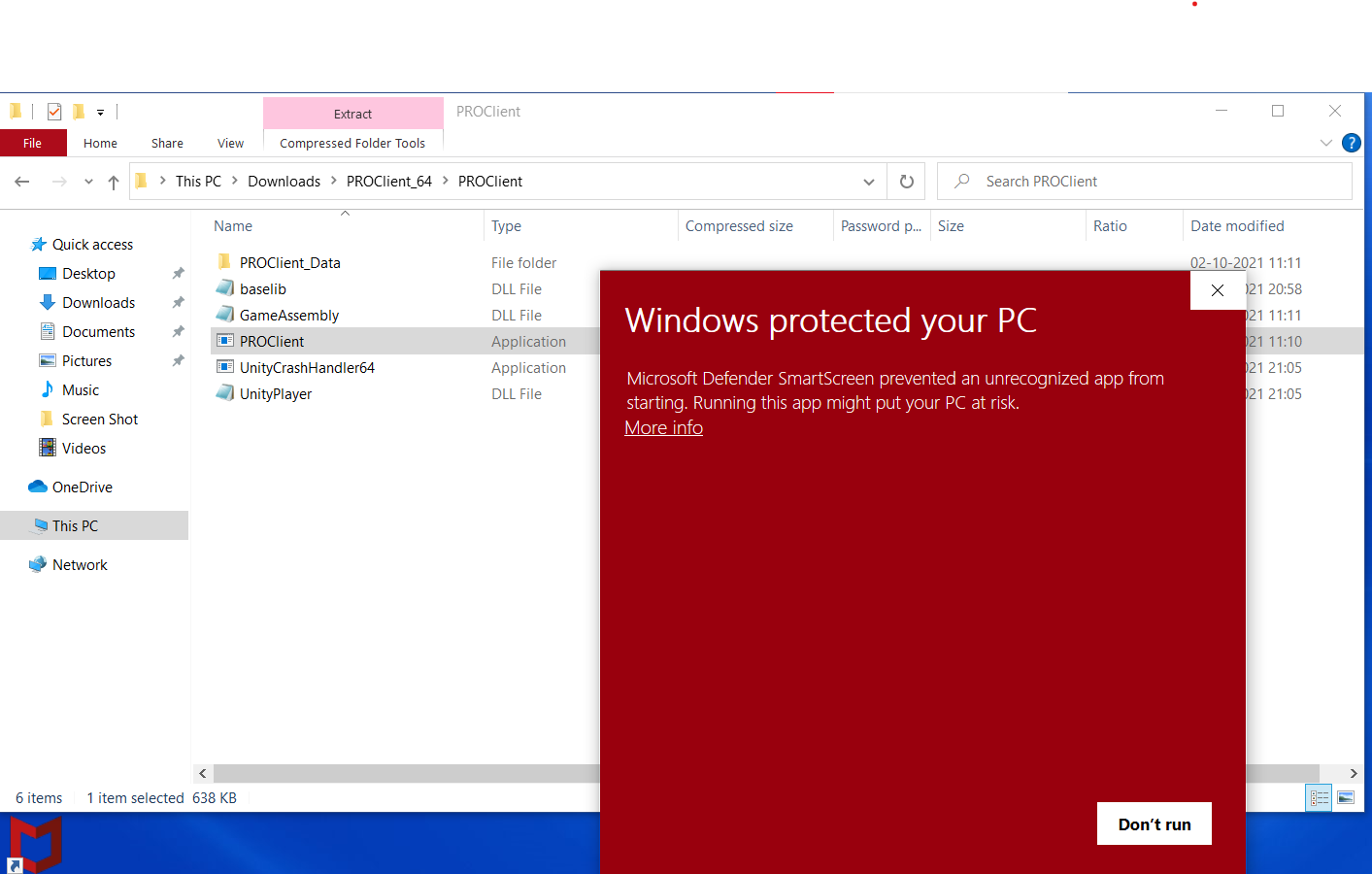
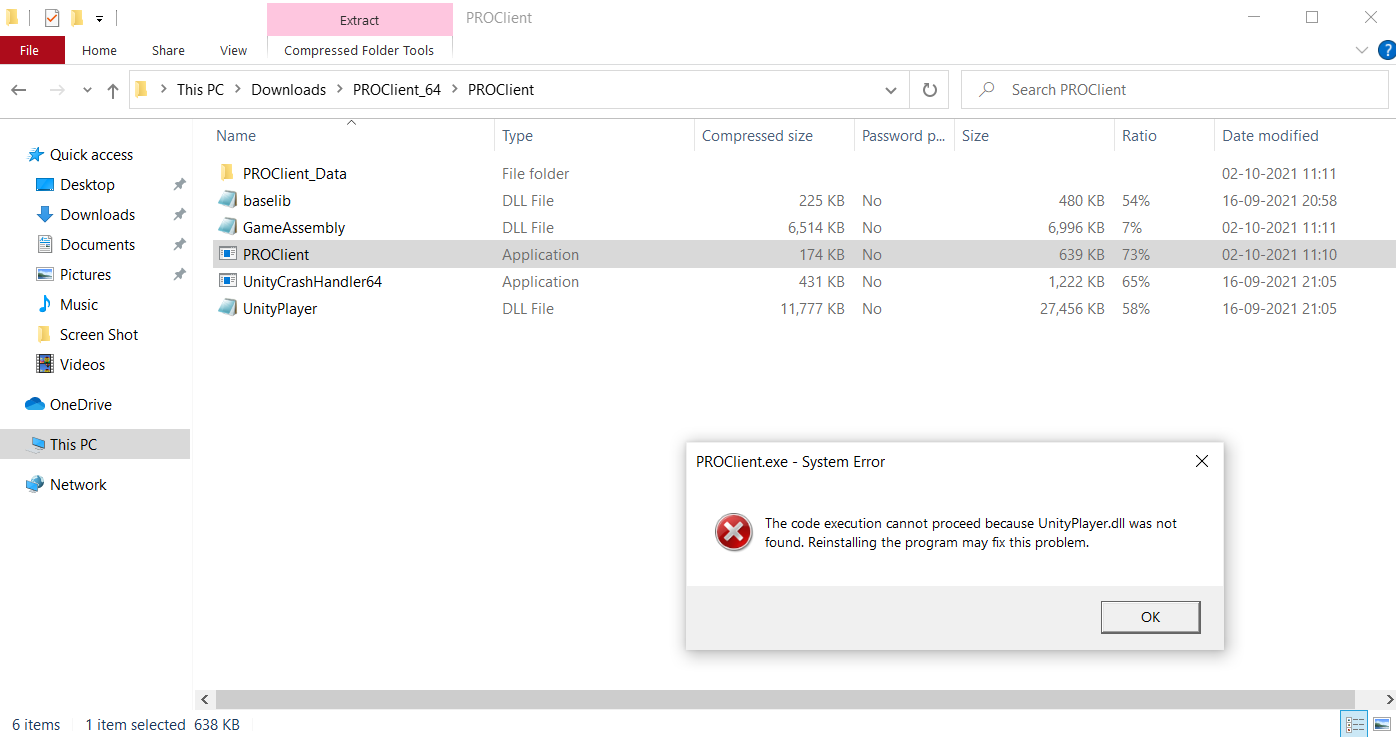
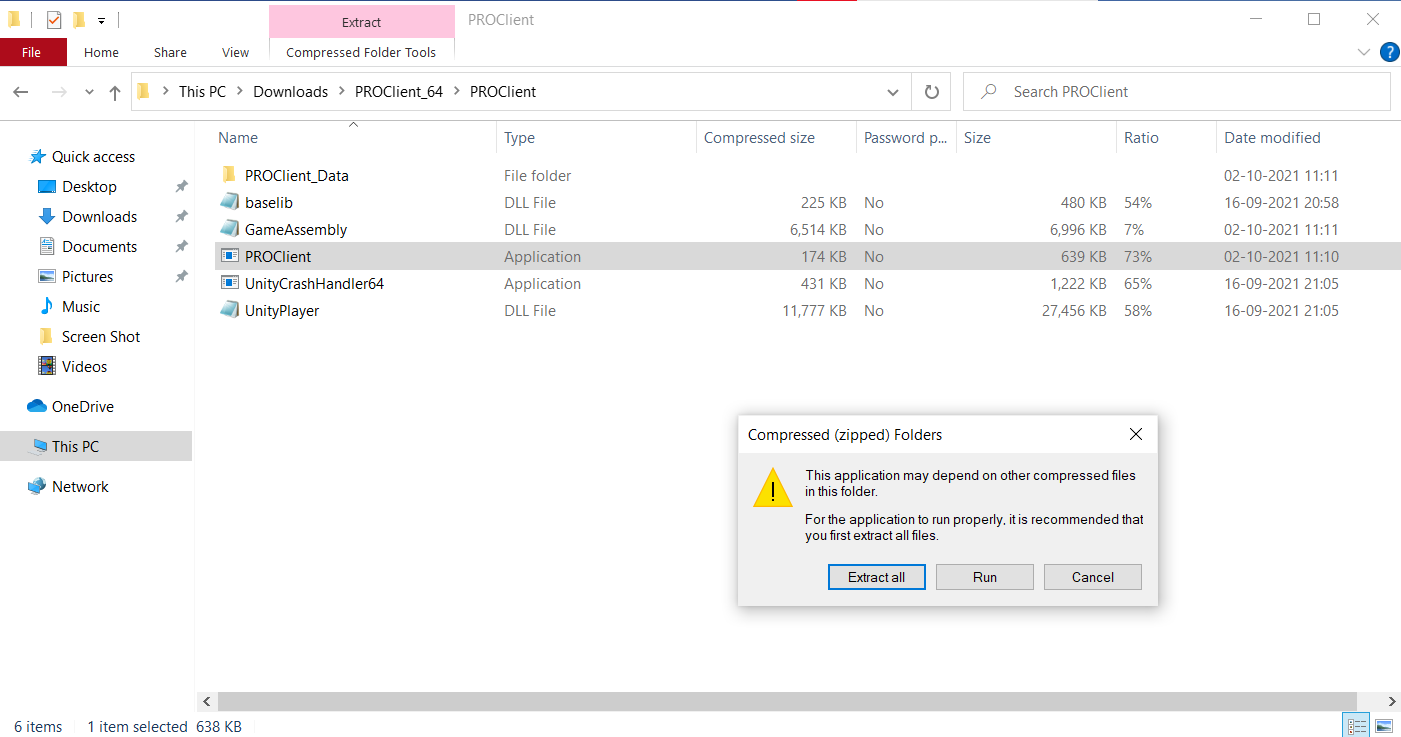
  1. as you can see in the 3rd picture, even if I click "run anyway" it just pops up that message shown in 3rd picture
  2. i did it 4 times still nothing
  3. hey. i bought a new laptop and downloaded the game in it but when i try to run it this happens
  4. Recently I tried to defeat mewtwo but failed 2 times.but mewtwo just won't battle with me again.can anyone help me?
  5. Itstyrac changed their profile photo
  6. Is there another way to get zoomed out view? If so,tell us

Account

Navigation

Search

Search

Configure browser push notifications

Chrome (Android)
  1. Tap the lock icon next to the address bar.
  2. Tap Permissions → Notifications.
  3. Adjust your preference.
Chrome (Desktop)
  1. Click the padlock icon in the address bar.
  2. Select Site settings.
  3. Find Notifications and adjust your preference.