New Trade Zone
Trade Zone is now live
Use the new Trade Zone for auctions and instant-price trades so Pokemon and item offers are easy to find.

Fazejrome
Registered User
-
Joined
-
Last visited
Everything posted by Fazejrome
-
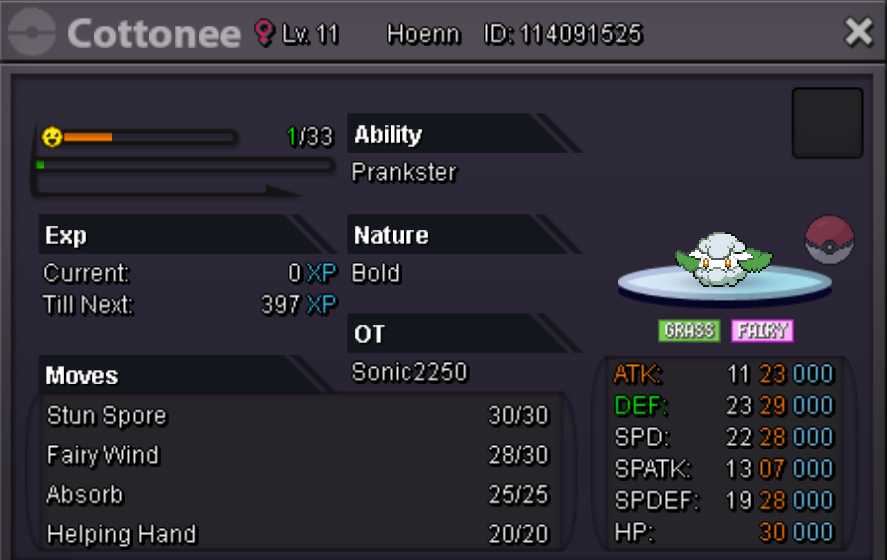
Details: Start Price : 500k Min Bid: 250k Insta: n/a End point: 48 hours after initial bid Accepted Payment: Pokedollars, Coin Capsules (x1 Coin Capsule = 500k) This is a silver Server auction. You may bid from any server but you must transfer to silver Server upon winning the auction. You may place bids here or in game. The 15 Minute rule will go into effect if a bid is placed in the last 15 minutes
-
sold, can be closed
-
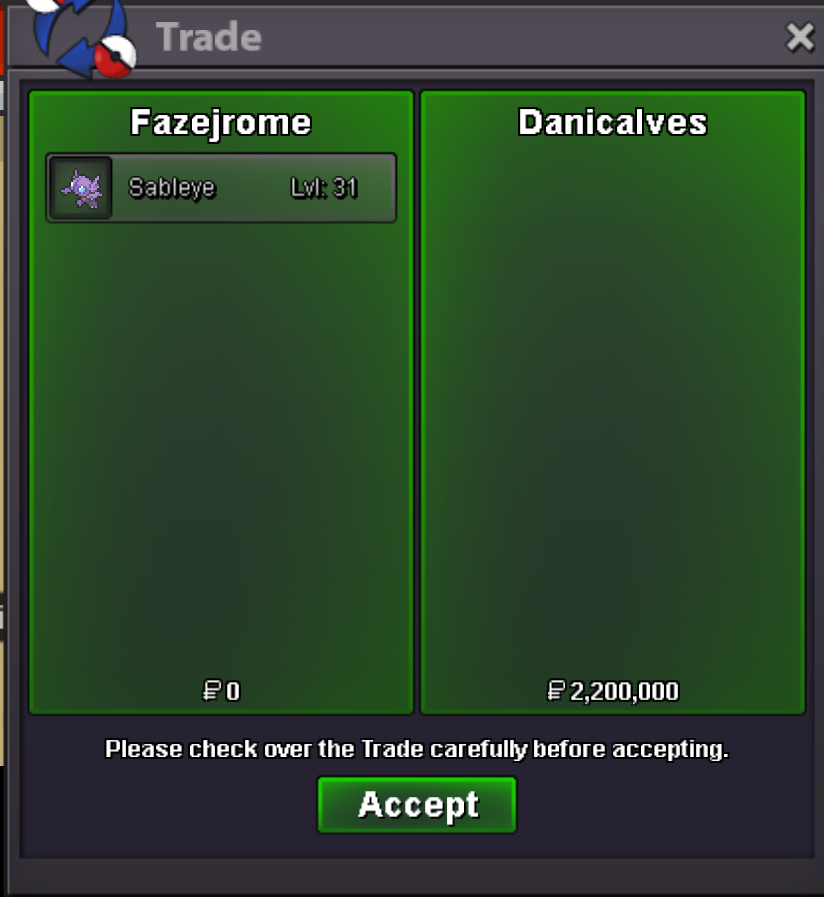
the auction has concluded
-
-
Details: Start Price : 1m Min Bid: 200k Insta: n/a End point: 48 hours after initial bid Accepted Payment: Pokedollars, Coin Capsules (x1 Coin Capsule = 500k) This is a cross server auction. You may bid from any server, if you are in gold a transfer will be made after winning the auction. You may place bids here or in game. The 15 Minute rule will go into effect if a bid is placed in the last 15 minutes
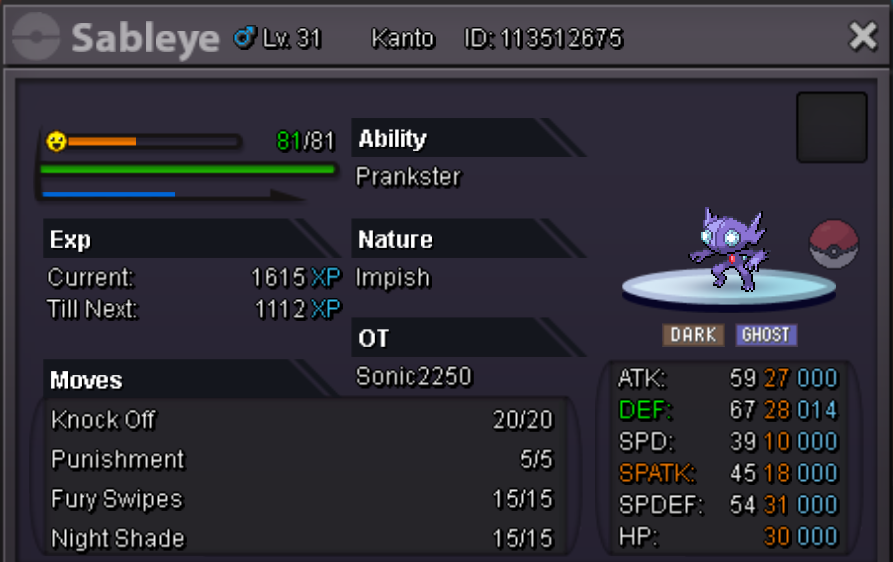 sold, can be closed
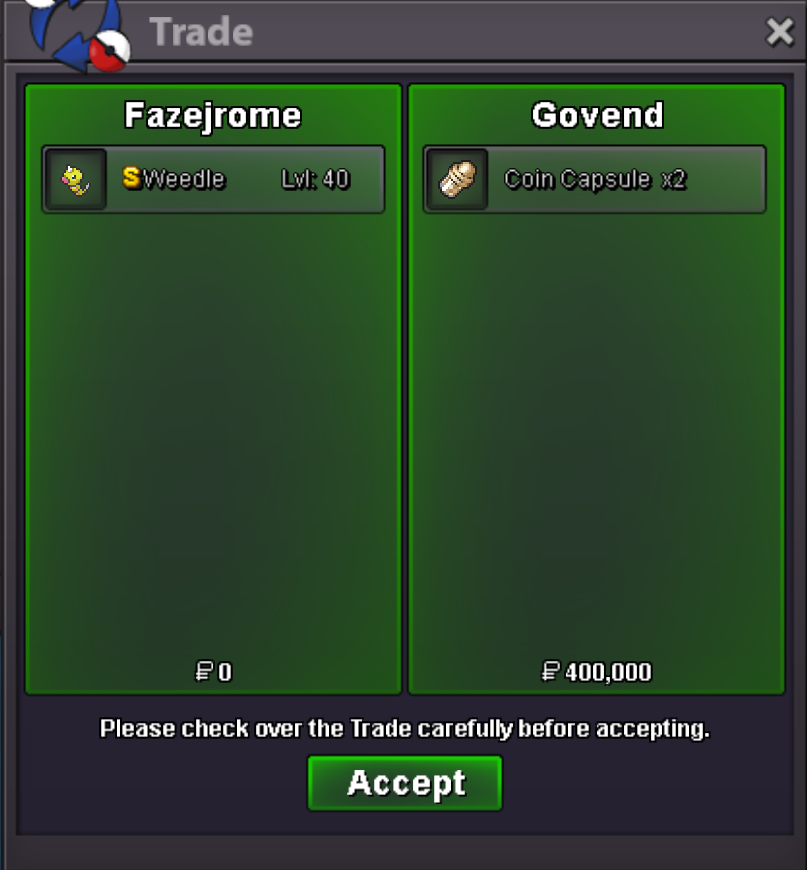 Details: Start Price : 1m Min Bid: 200k Insta: n/a End point: 48 hours after initial bid Accepted Payment: Pokedollars, Coin Capsules (x1 Coin Capsule = 500k) This is a cross server auction. You may bid from any server, if you are in gold a transfer will be made after winning the auction. You may place bids here or in game. The 15 Minute rule will go into effect if a bid is placed in the last 15 minutes
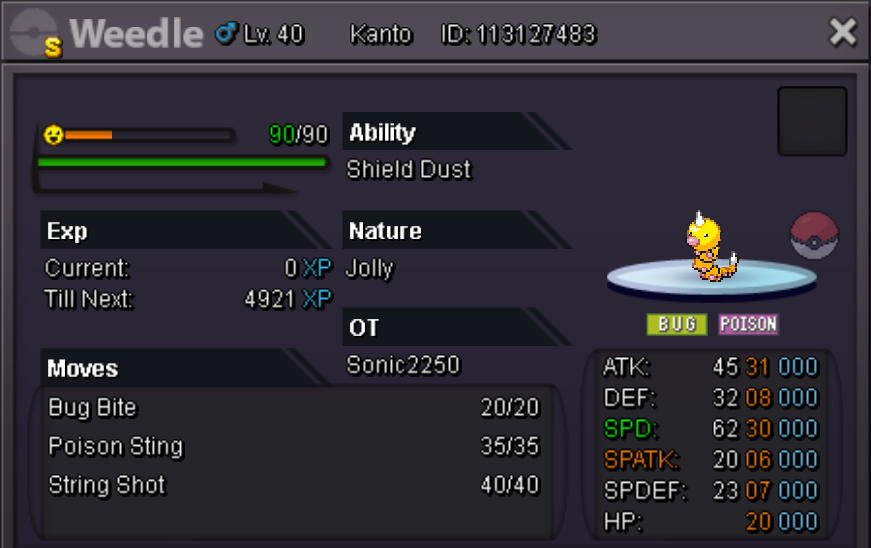 sold, can be closed
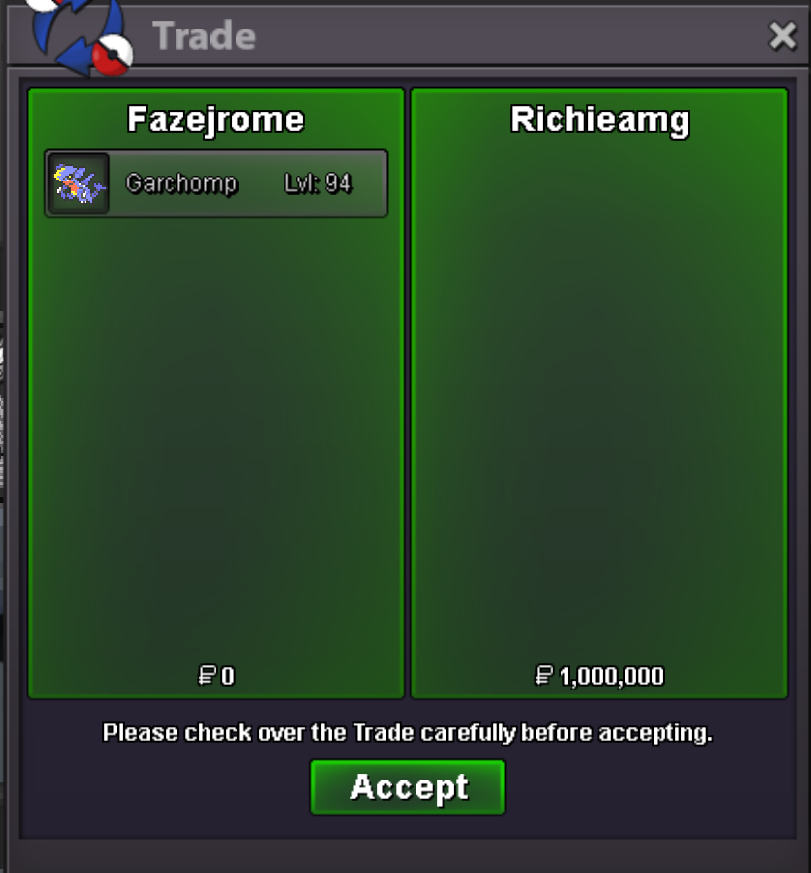 the auction has concludedDetails: Start Price : 1m Min Bid: 200k Insta: n/a End point: 72 hours after initial bid Accepted Payment: Pokedollars, Coin Capsules (x1 Coin Capsule = 500k) This is a cross server auction. You may bid from any server, if you are in gold a transfer will be made after winning the auction. You may place bids here or in game. The 15 Minute rule will go into effect if a bid is placed in the last 15 minutes
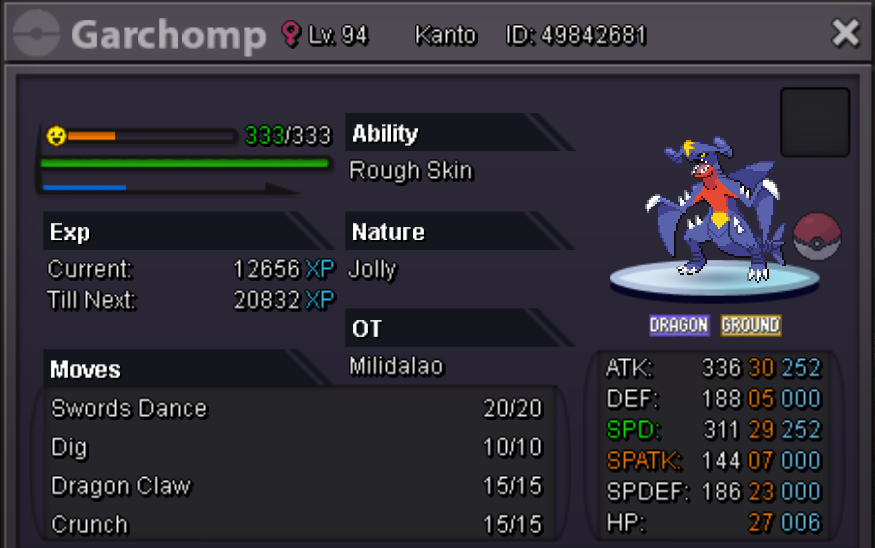 sold, can be closed
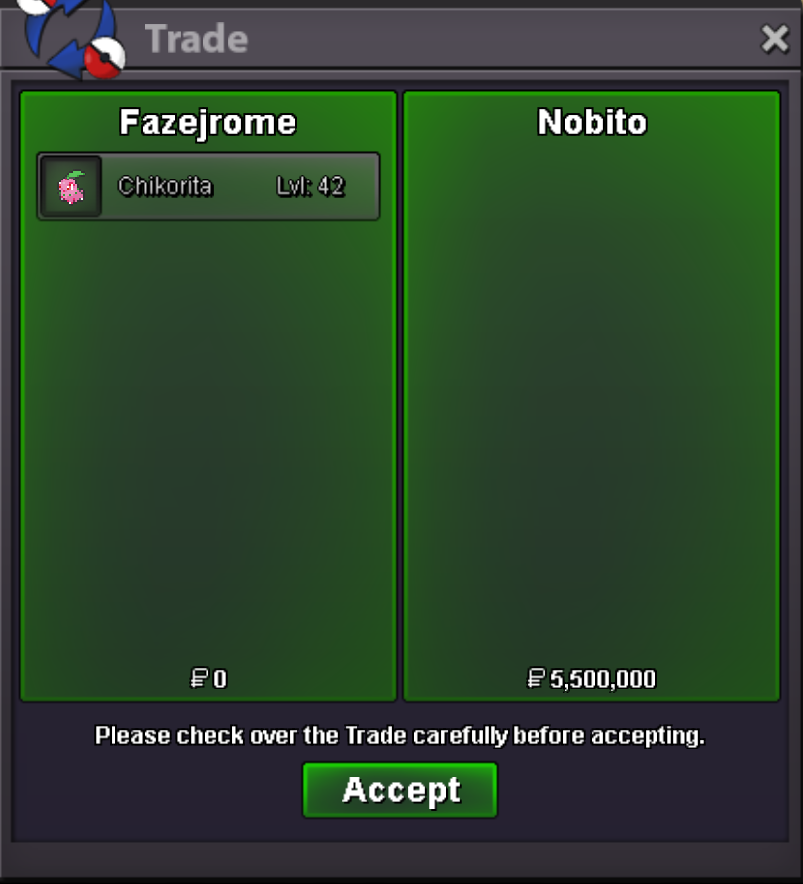 the auction has concludedDetails: Start Price : 3m Min Bid: 500k Insta: n/a End point: 48 hours after initial bid Accepted Payment: Pokedollars, Coin Capsules (x1 Coin Capsule = 500k) This is a cross server auction. You may bid from any server, if you are in gold a transfer will be made after winning the auction. You may place bids here or in game. The 15 Minute rule will go into effect if a bid is placed in the last 15 minutes
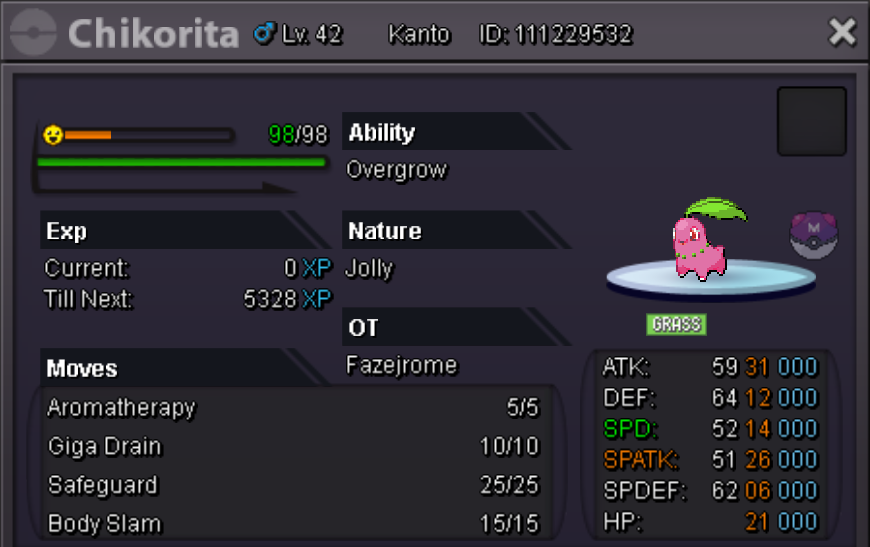 failed to start, can be closedDetails: Start Price : 500k Min Bid: 100k Insta: n/a End point: 48 hours after initial bid Accepted Payment: Pokedollars, Coin Capsules (x1 Coin Capsule = 500k) This is a silver Server auction. You may bid from any server but you must transfer to silver Server upon winning the auction. You may place bids here or in game. The 15 Minute rule will go into effect if a bid is placed in the last 15 minutes
 sold, can be closed
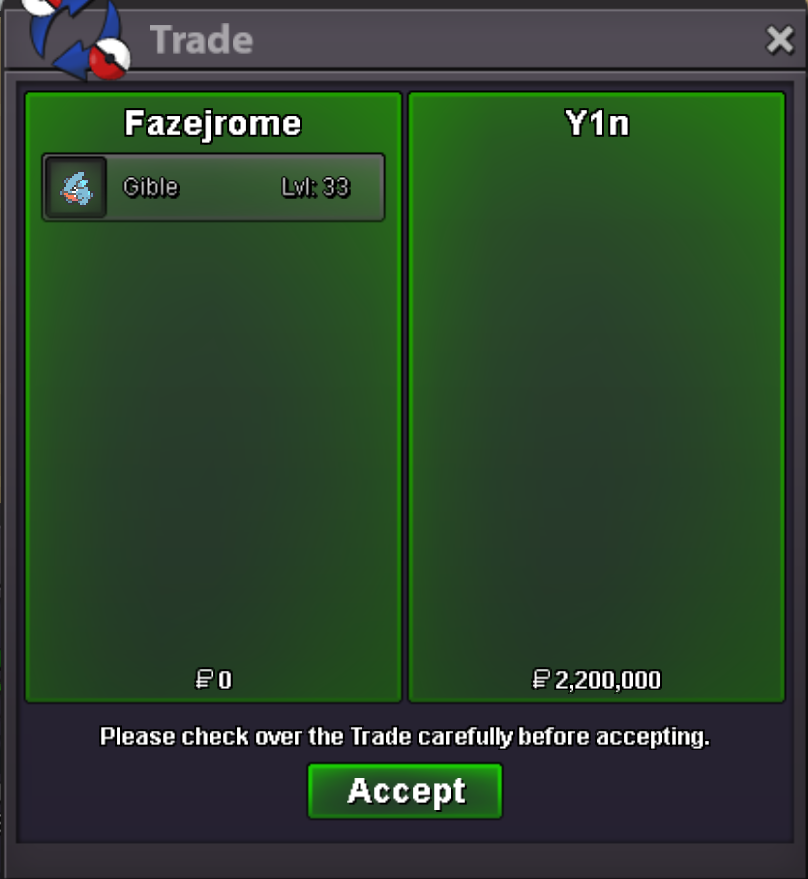 the auction has concluded51kstartStarted Prior, Can be ignored
 Details: Start Price : 500k Min Bid: 200k Insta: n/a End point: 48 hours after initial bid Accepted Payment: Pokedollars, Coin Capsules (x1 Coin Capsule = 500k) This is a silver Server auction. You may bid from any server but you must transfer to silver Server upon winning the auction. You may place bids here or in game. The 15 Minute rule will go into effect if a bid is placed in the last 15 minutes
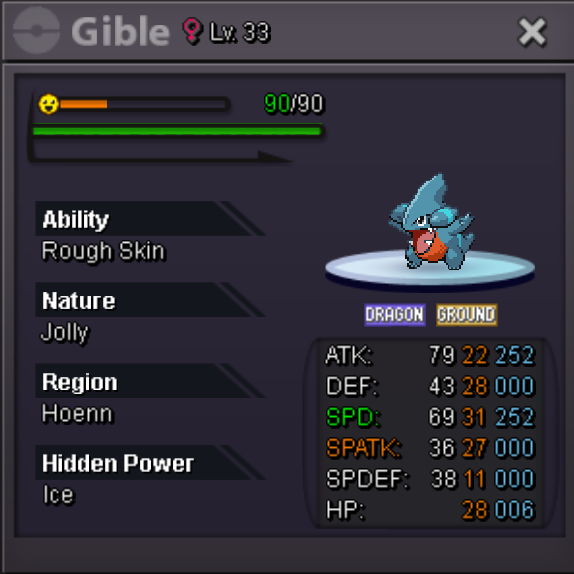 sold, can be closed
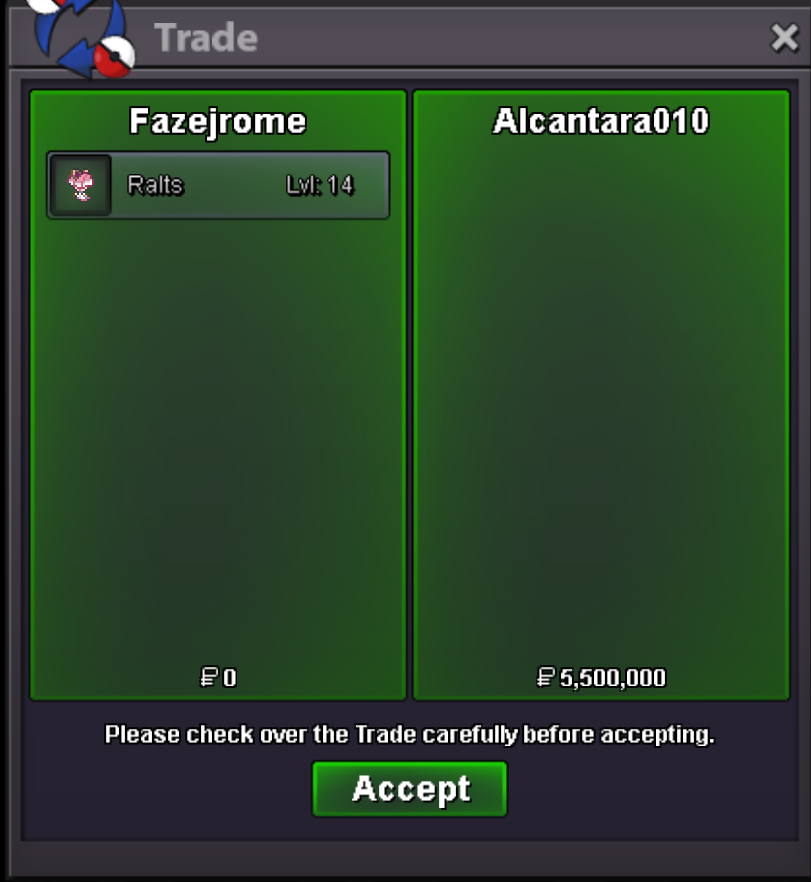 the auction has concluded