




New Trade Zone
Trade Zone is now live
Use the new Trade Zone for auctions and instant-price trades so Pokemon and item offers are easy to find.

Lonelyforuonly
Registered User
-
Joined
-
Last visited
Everything posted by Lonelyforuonly
-
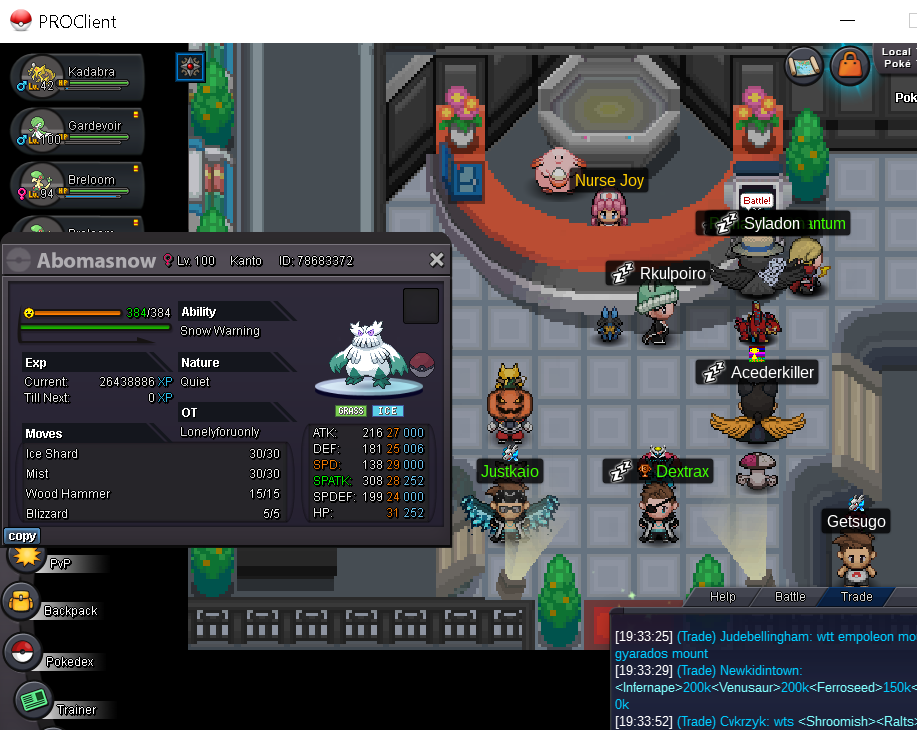
vclock.com/timer/#countdown=47:00:00&date=2023-02-13T22:05:43&title=aution+abomasnow+&sound=xylophone&loop=1 only 24 mins left
-
noted
-
noted
-
really thanks you admin for remind me ❤️
-
note
-
note
-
note countdown web: vclock.com/timer/#countdown=47:00:00&date=2023-02-13T22:05:43&title=aution+abomasnow+&sound=xylophone&loop=1
-
S.O: 300k Min Bid: 50k 48 hours from first bid bid here/discord: crybabyyy #6220 or ingame: lonelyforuonly accept iv reroll 700k/ cc 380k curent bid: 1M time countdown web: https://vclock.com/timer/#countdown=47:00:00&date=2023-02-13T22:05:43&title=aution+abomasnow+&sound=xylophone&loop=1
-
coming online in game now and at fuchsia IGN: Lonelyforuonly
-
1.4m+1 iv rr
-
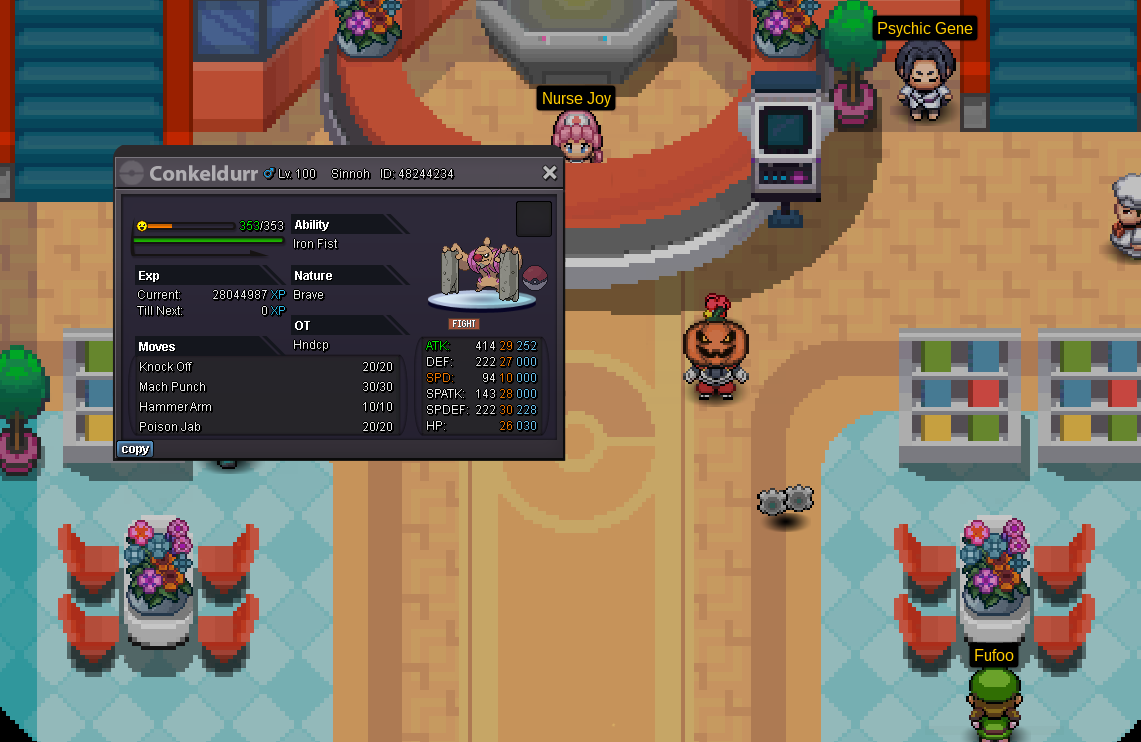
Start: 500k Min bid : 200k Accept payment : CC(350k)/ IV reroll (620k) Time : 48 hours from first bid No Insta Contact IGN : lonelyforuonly discord tag : crybabyyy1701#6220
-
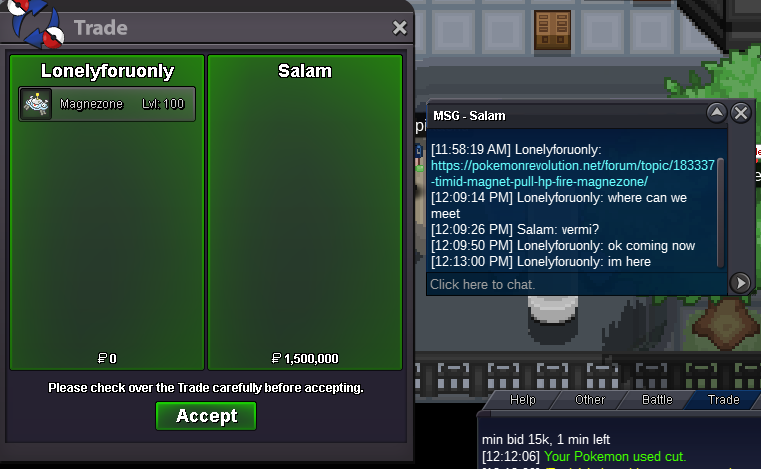
close salam winning aution
-
1,5mil from salam

-
bumpok i notedok i notedok i will post it on for u really sorry man
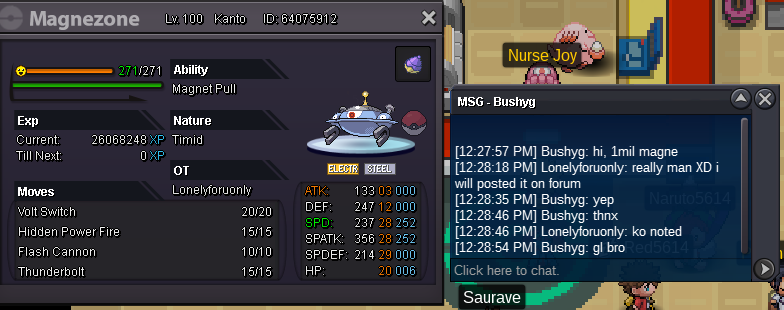
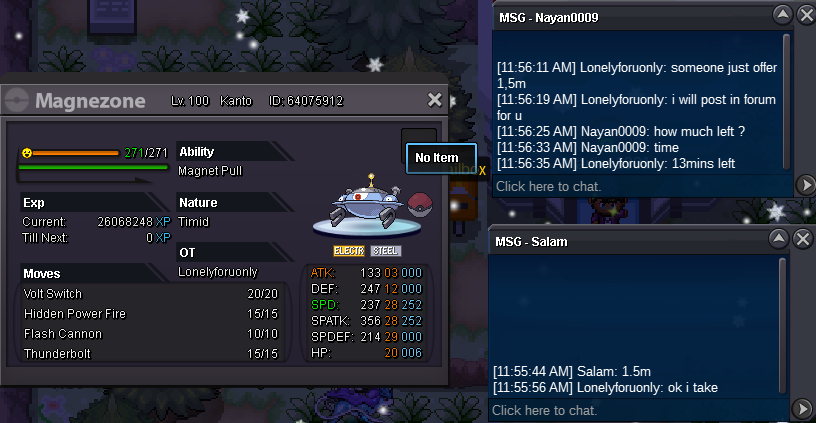
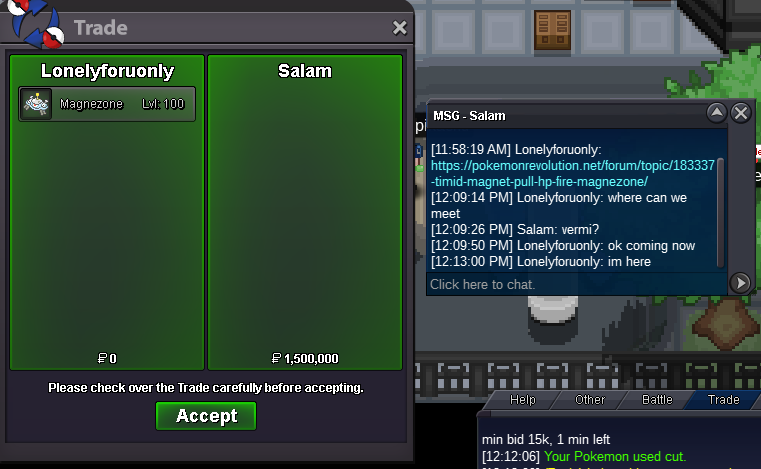
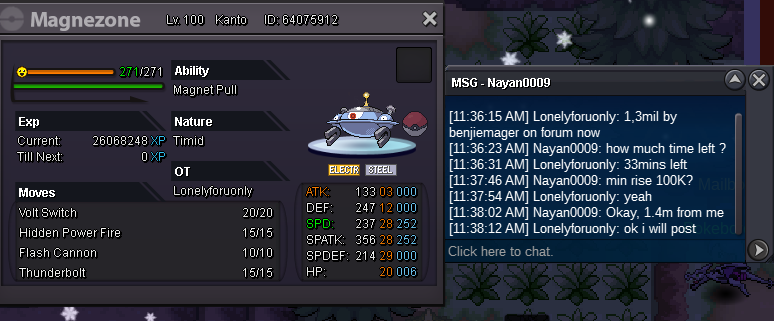
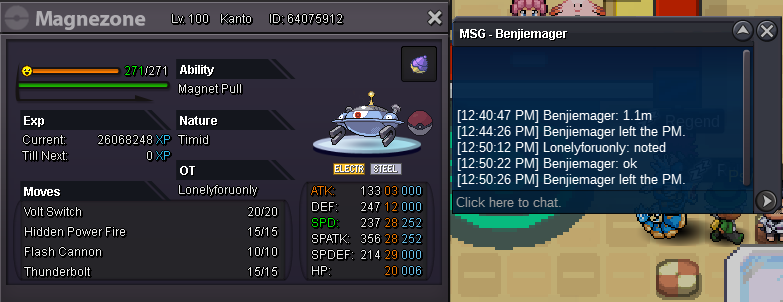
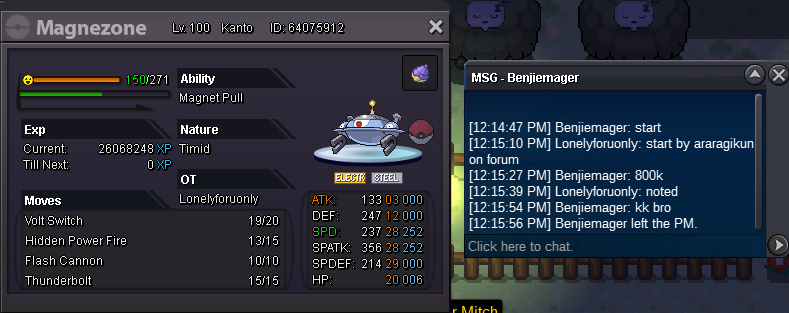
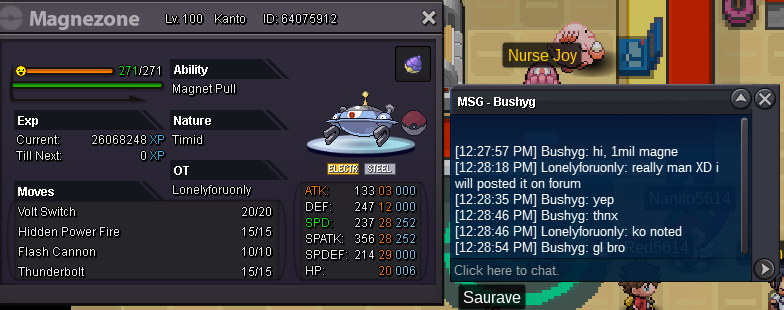 notedwinning by salam 1,5mil (comment below in page 2) minimum up is 100k No insta End in 48 hours (countdown link below) Form silver server Accept cc=380k/reroll ivs= 700k open by araragikun (below) https://vclock.com/timer/#countdown=48:00:00&date=2021-09-03T12:09:47&title=aution&sound=xylophone&loop=1 winning by salam 1,5mil (comment below in page 2)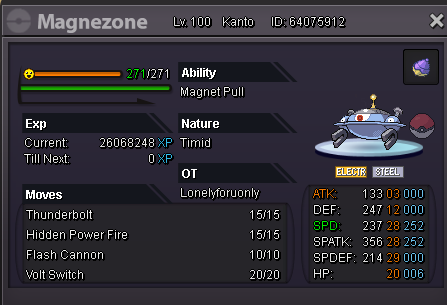



Account
Navigation
Search
Configure browser push notifications
Chrome (Android)
- Tap the lock icon next to the address bar.
- Tap Permissions → Notifications.
- Adjust your preference.
Chrome (Desktop)
- Click the padlock icon in the address bar.
- Select Site settings.
- Find Notifications and adjust your preference.
Safari (iOS 16.4+)
- Ensure the site is installed via Add to Home Screen.
- Open Settings App → Notifications.
- Find your app name and adjust your preference.
Safari (macOS)
- Go to Safari → Preferences.
- Click the Websites tab.
- Select Notifications in the sidebar.
- Find this website and adjust your preference.
Edge (Android)
- Tap the lock icon next to the address bar.
- Tap Permissions.
- Find Notifications and adjust your preference.
Edge (Desktop)
- Click the padlock icon in the address bar.
- Click Permissions for this site.
- Find Notifications and adjust your preference.
Firefox (Android)
- Go to Settings → Site permissions.
- Tap Notifications.
- Find this site in the list and adjust your preference.
Firefox (Desktop)
- Open Firefox Settings.
- Search for Notifications.
- Find this site in the list and adjust your preference.