New Trade Zone
Trade Zone is now live
Use the new Trade Zone for auctions and instant-price trades so Pokemon and item offers are easy to find.

Falconzin
Registered User
-
Joined
-
Last visited
Everything posted by Falconzin
-
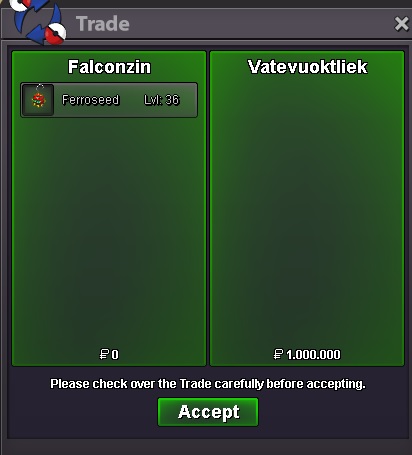
150k Ferroseed hp dark 1m Mudkip
-
1.5m Mudkip
-
1m Mudkip
-
1.5m
-
850k Mudkip
-
Hello friends, after searching for years I finally found a solution, I am able to use the mouse with the Octopus application. Have a good game!
-
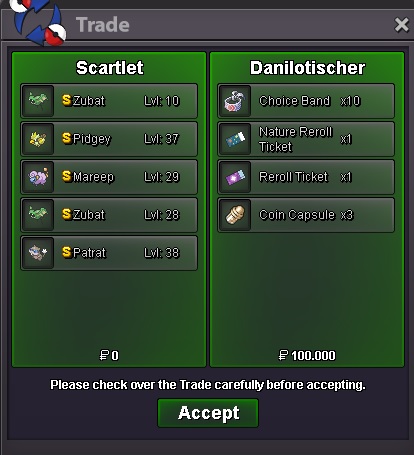
Just call me in the game, you won the auction!Sold.BUMP!!!Start bid: 350k End: 12h after the 1st bid Minimum bid: 50k Insta: no insta Accept: coin capsule 360k - reroll ticket 600k - rare candy 6k - nature reroll - 300k
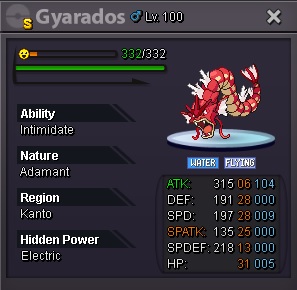 The following were included in the negotiation: S Roserade S Wurmple S Horsea S Numel S Girafarig S Caterpie S Dustox S Teddiursa S Sentret S Sandshrew
 UPDATE!!! ADDED: XMAS LOPUNNY XMAS ABOSMASNOW S ROSERADEBUMP!!!
Account
Navigation
Search
Configure browser push notifications
Chrome (Android)
- Tap the lock icon next to the address bar.
- Tap Permissions → Notifications.
- Adjust your preference.
Chrome (Desktop)
- Click the padlock icon in the address bar.
- Select Site settings.
- Find Notifications and adjust your preference.
Safari (iOS 16.4+)
- Ensure the site is installed via Add to Home Screen.
- Open Settings App → Notifications.
- Find your app name and adjust your preference.
Safari (macOS)
- Go to Safari → Preferences.
- Click the Websites tab.
- Select Notifications in the sidebar.
- Find this website and adjust your preference.
Edge (Android)
- Tap the lock icon next to the address bar.
- Tap Permissions.
- Find Notifications and adjust your preference.
Edge (Desktop)
- Click the padlock icon in the address bar.
- Click Permissions for this site.
- Find Notifications and adjust your preference.
Firefox (Android)
- Go to Settings → Site permissions.
- Tap Notifications.
- Find this site in the list and adjust your preference.
Firefox (Desktop)
- Open Firefox Settings.
- Search for Notifications.
- Find this site in the list and adjust your preference.