




New Trade Zone
Trade Zone is now live
Use the new Trade Zone for auctions and instant-price trades so Pokemon and item offers are easy to find.

Falconzin
Registered User
-
Joined
-
Last visited
Everything posted by Falconzin
-
CANCELED!!!
-
START!!!!!
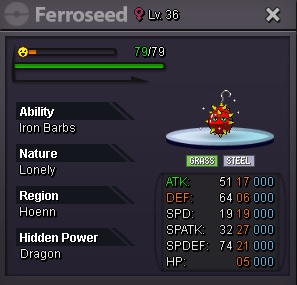
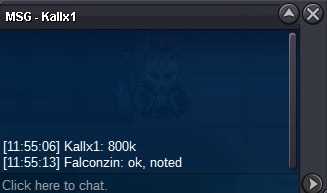
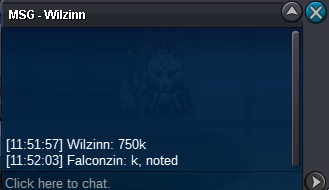
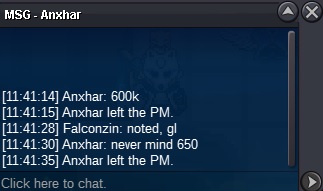
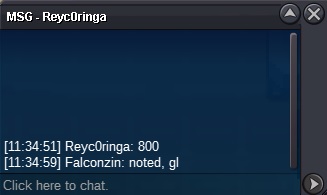 Start bid: 700k End: 24h after the 1st bid Minimum bid: 50k Insta: no insta Accept: coin capsule 360k - reroll ticket 600k - rare candy 6k
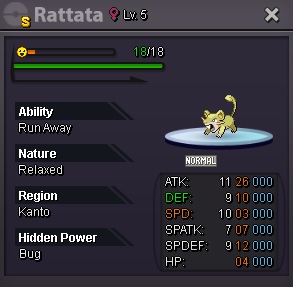
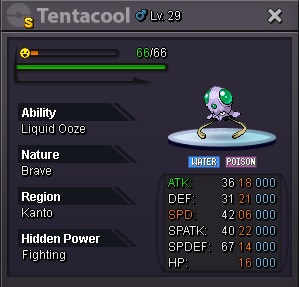
 WELCOME TO THE MY SHOP!!! PAYMENT METHODS: CONTACT ME: ALL PRICES ARE NEGOTIABLE!!! ----------------------------------------- SHINY / EVENT FORM 50K 100K 150K 200K 300K 350K+
.jpg.b807af9cad2301184de7efb8e830eb4e.jpg)
.jpg.a14e70467c648ddc3f379ee1c4dd4fde.jpg)
.jpg.40d9c5ac8bb34f8c2b36cd0b2c2a1392.jpg)
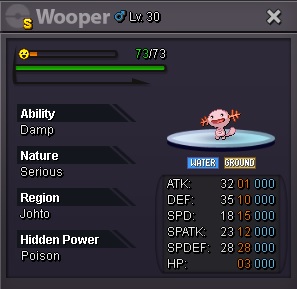
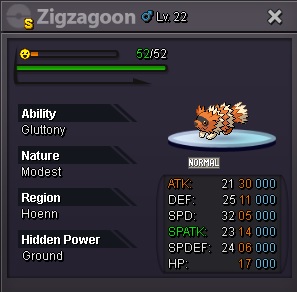
.jpg.2cf7d496e1a215fe7676987acc82b753.jpg)
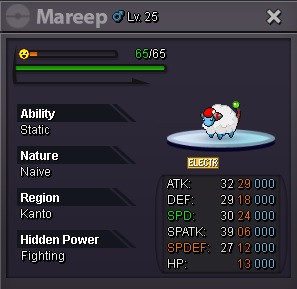
.jpg.7e7ef7ec3b396f64a0e6088170758dc2.jpg)
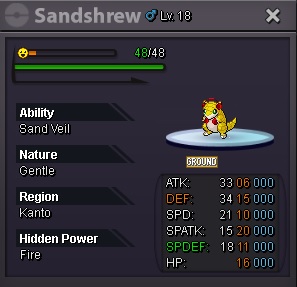
.jpg.f263c0d0bc957de2cbcb454de7af25f1.jpg)
.jpg.bf6b86fa46e3003762d2e37548824747.jpg)
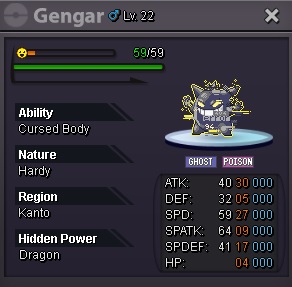
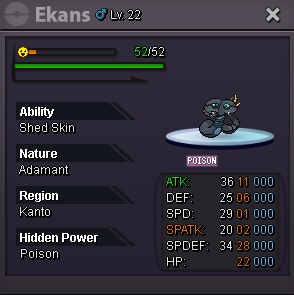
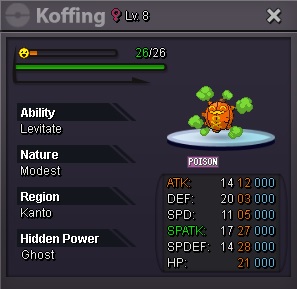
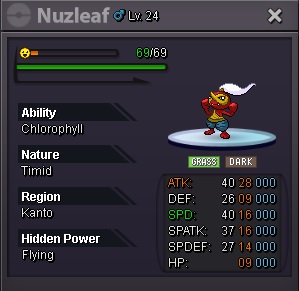
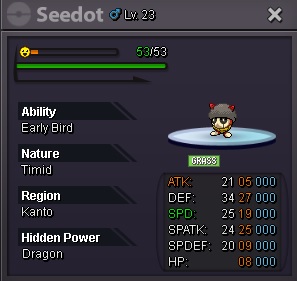
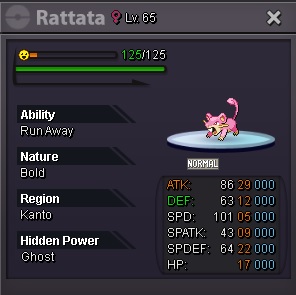
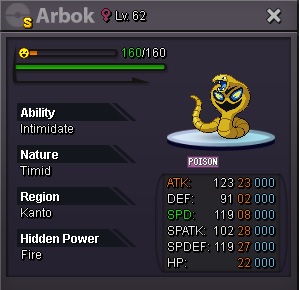
.jpg.fb44a4146eaede698cb17c74854c7725.jpg)
.jpg.afcd2ad0e1ffc04d0a5840d15169afb8.jpg)
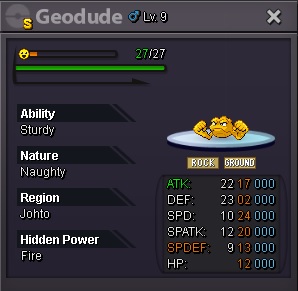
.jpg.561e94698dd4aed58686d71a938387c4.jpg)
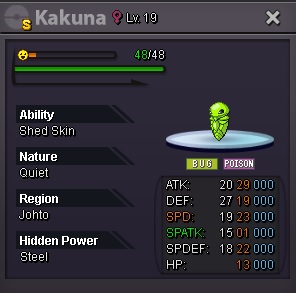
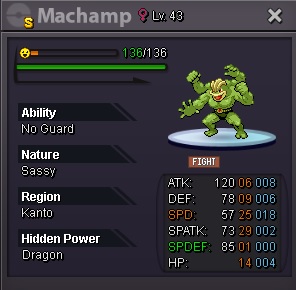
.jpg.9a6d7c18582820bfa6e29feec3463bfb.jpg)
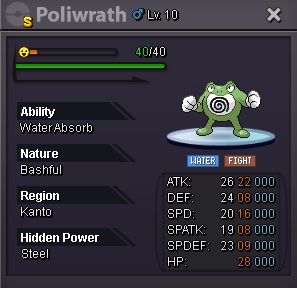
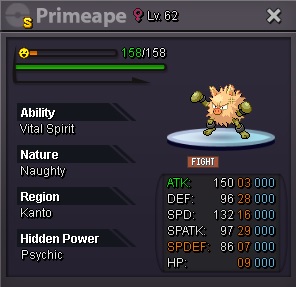
.jpg.f749a52d6c0931e3ca7b15ad2bedee8d.jpg)
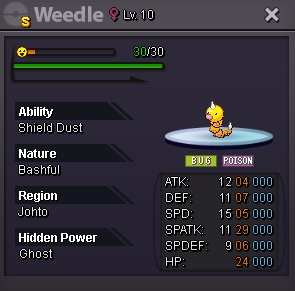
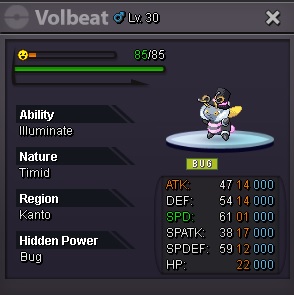
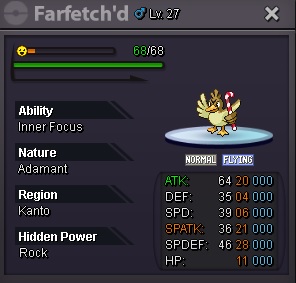
.jpg.2fb248af65f05bd0cd7a5e9259282477.jpg)
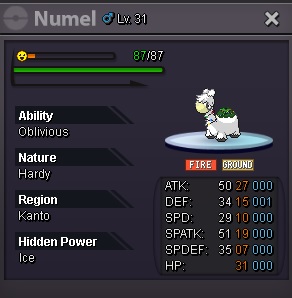
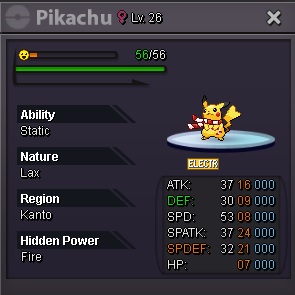
.jpg.189f72371123d09b238e447165be892a.jpg)
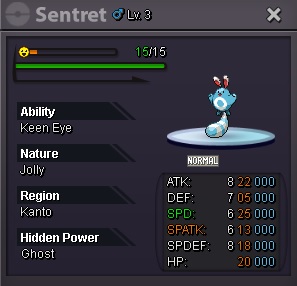
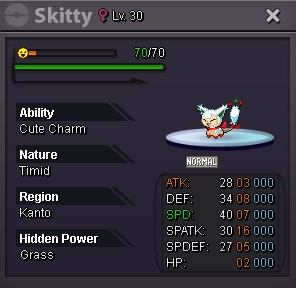
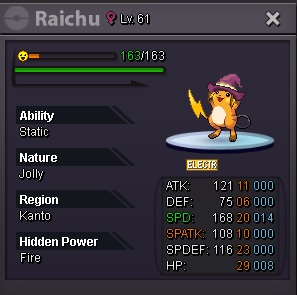
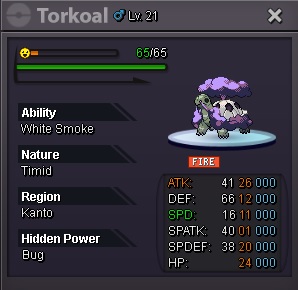
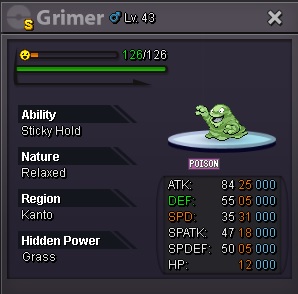
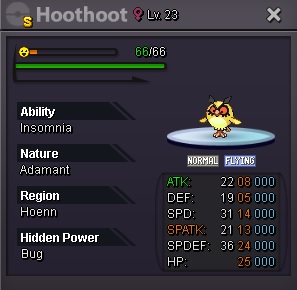
.jpg.72f67bfb0890bd0766ed87e4fc2982ef.jpg)
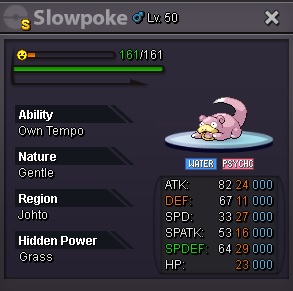
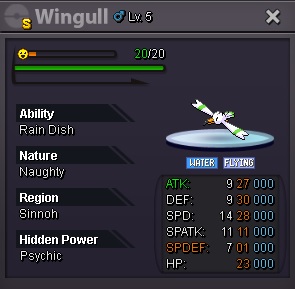
.jpg.cfbdc3c41994c78090ccde8ca709a4a9.jpg)
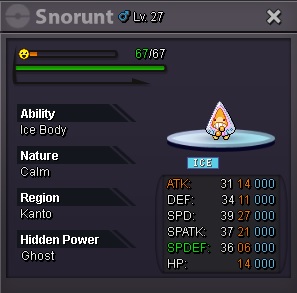
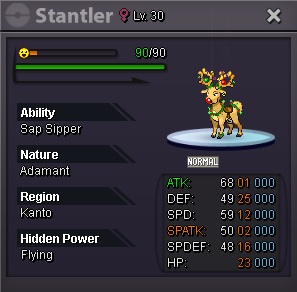
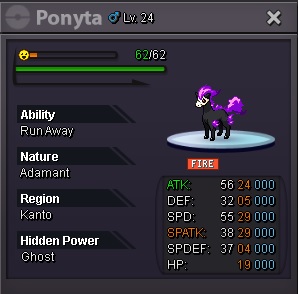
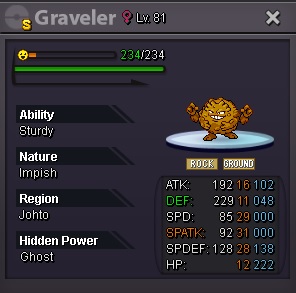
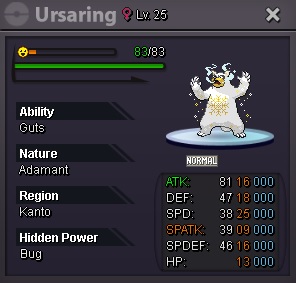
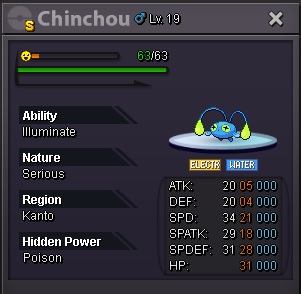
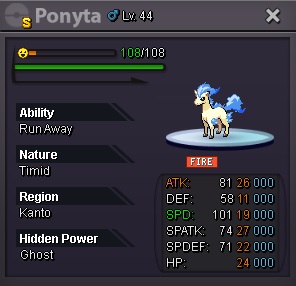
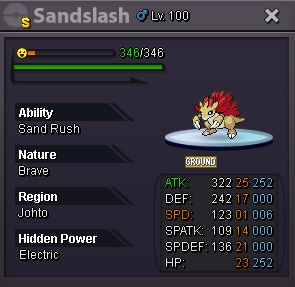
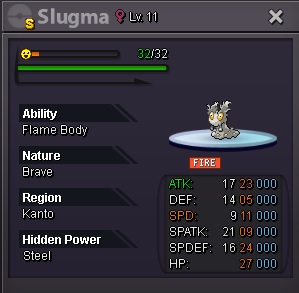
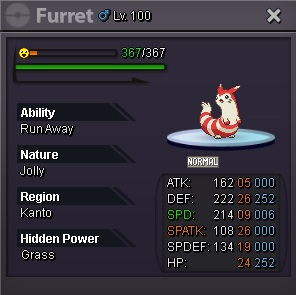
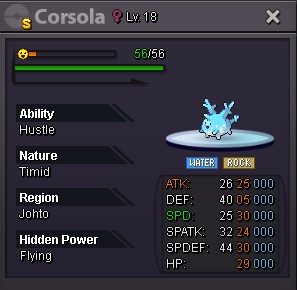
.jpg.0e32e016446f246b951b5bebfdd36ffd.jpg)
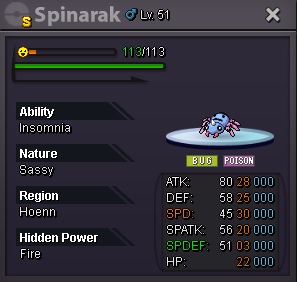 What are the forms of payment? cash only?Sold - Jaccard1
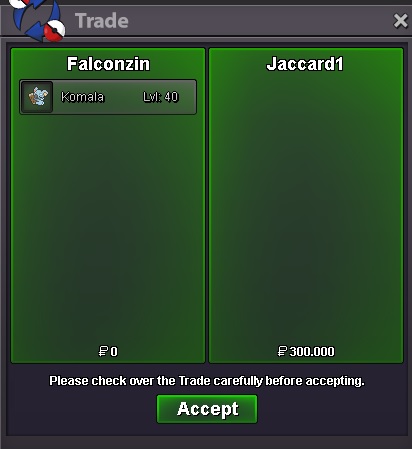 I opened an auction topic, until then everything was normal.. I'm trying to post the bids I received.. instead of posting, I'm editing my previous post.. how do I solve it?1.5m (1rr+850k)Start bid: 75k End: 24h after the 1st bid Minimum bid: 25k Insta: no insta Accept: coin capsule 360k - reroll ticket 620k - rare candy 6k StarT!!!!!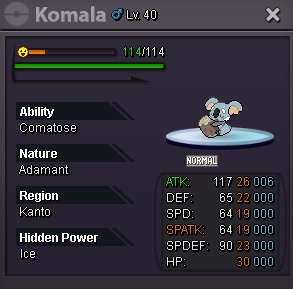
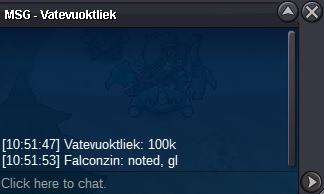
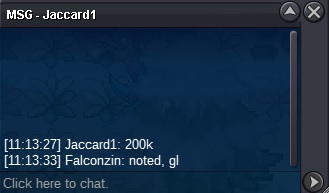
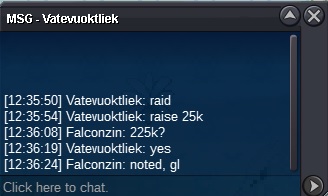
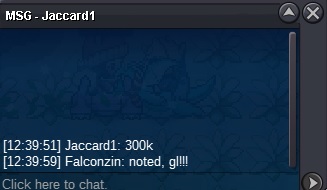 1.3m ~Sold by Thiagarrar - 900k
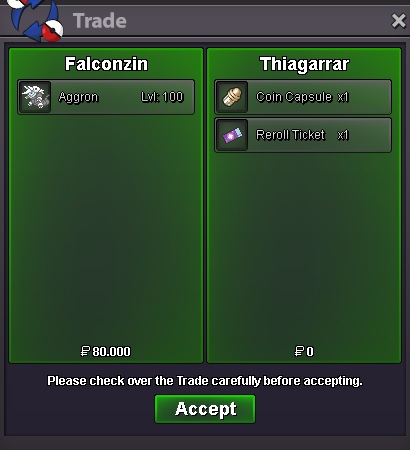 Noted, good luck!Start!!!
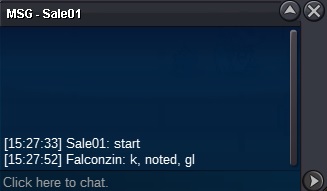 Bump!!!Bump!!!Start bid: 500k End: 24hours after the 1st bid Minimum bid: 100k Insta: no insta Accept: cc 360k / reroll ticket 620k / rare candy 6k
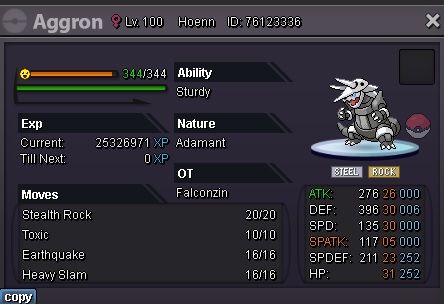 Sold
Sold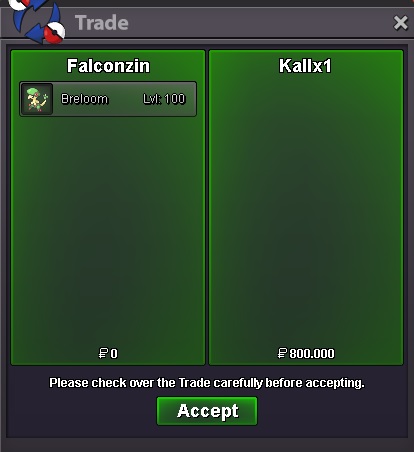 15 minutes left
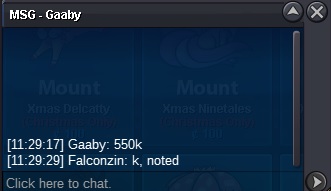 Less than 2 hours to finish...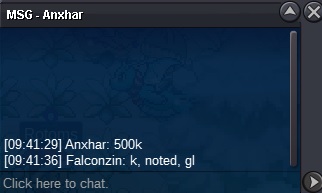
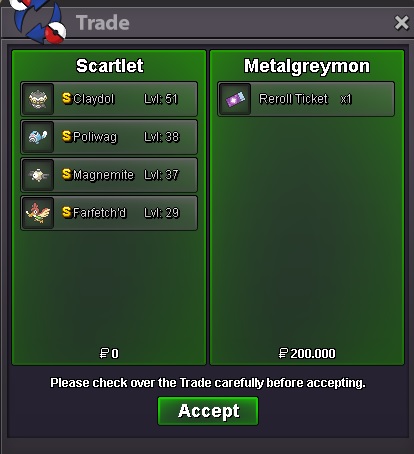
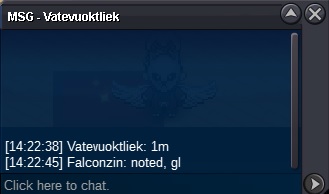
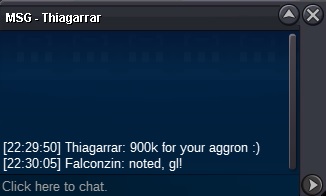

Account
Navigation
Search
Configure browser push notifications
Chrome (Android)
- Tap the lock icon next to the address bar.
- Tap Permissions → Notifications.
- Adjust your preference.
Chrome (Desktop)
- Click the padlock icon in the address bar.
- Select Site settings.
- Find Notifications and adjust your preference.
Safari (iOS 16.4+)
- Ensure the site is installed via Add to Home Screen.
- Open Settings App → Notifications.
- Find your app name and adjust your preference.
Safari (macOS)
- Go to Safari → Preferences.
- Click the Websites tab.
- Select Notifications in the sidebar.
- Find this website and adjust your preference.
Edge (Android)
- Tap the lock icon next to the address bar.
- Tap Permissions.
- Find Notifications and adjust your preference.
Edge (Desktop)
- Click the padlock icon in the address bar.
- Click Permissions for this site.
- Find Notifications and adjust your preference.
Firefox (Android)
- Go to Settings → Site permissions.
- Tap Notifications.
- Find this site in the list and adjust your preference.
Firefox (Desktop)
- Open Firefox Settings.
- Search for Notifications.
- Find this site in the list and adjust your preference.