




New Trade Zone
Trade Zone is now live
Use the new Trade Zone for auctions and instant-price trades so Pokemon and item offers are easy to find.

Xelsian
Registered User
-
Joined
-
Last visited
Everything posted by Xelsian
-
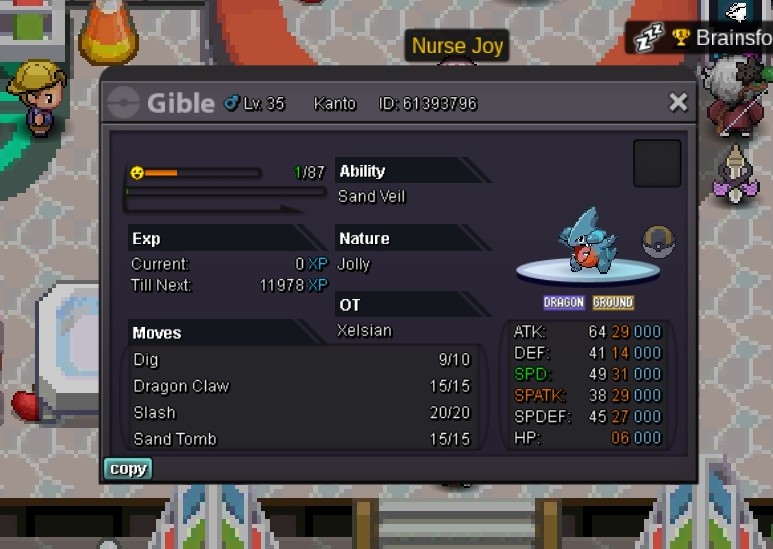
Auction 1 day. Start: Sunday 10pm End: Monday 10pm Start bid:200k Min raise:50k Ingame name :xelsian
-
Bump
-
Bump
-
Start
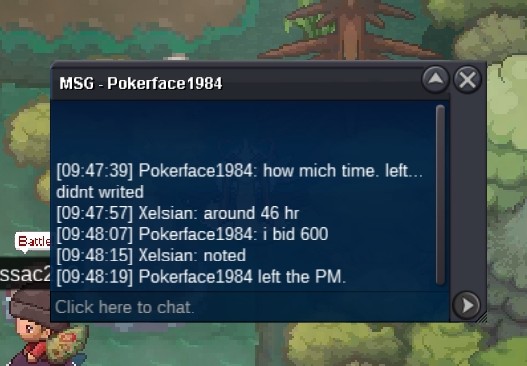 Start
Start BumpS.O :500K MIN RAISE:100K ACCEPT PAYMENT. CC:350K RR:650K AUCTION FOR 2 DAYS START SUNDAY 6.20AM(GMT +7) END TUESDAY 6.20AM(GMT+7) START AFTER FIRST BID TUESDAY 6
 BumpBumpBumpiv: def and spdef and hp iv need If trained then betterBumpBumpcc:350k rr:660k Auction for 3 days. Start 9.20am friday. End time: Sunday 9.20am (gmt+7) S.O:500k min bid:100k big in game or forum .
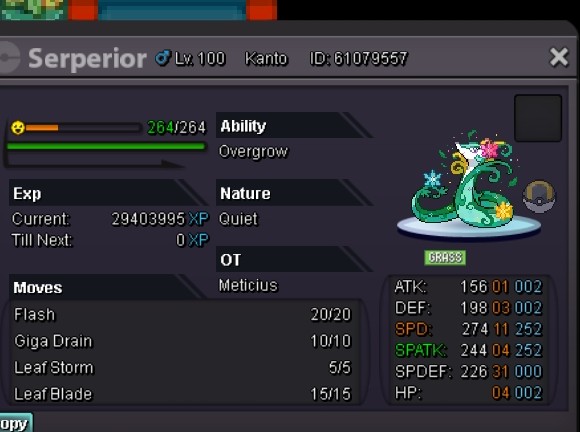 Auction for 1 day. start Friday:9.20am End: Saturday 9.20 am. S.O:200K mIn bid:50k
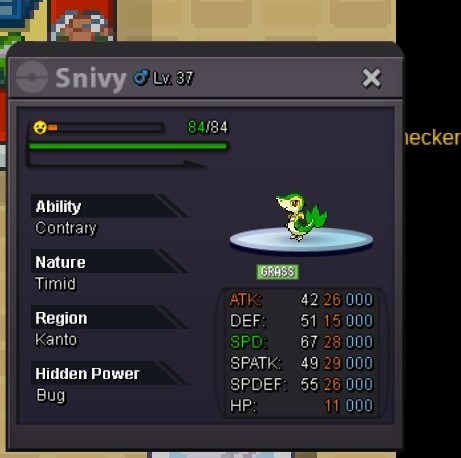 cc:350k🪙 rr:660k🎟️ Auction for 3 days. Start 9.20am friday. End time: Sunday 9.20am (gmt+7) S.O:500k min bid:100k big in game or forum . IN GAME NAME: Xelsian
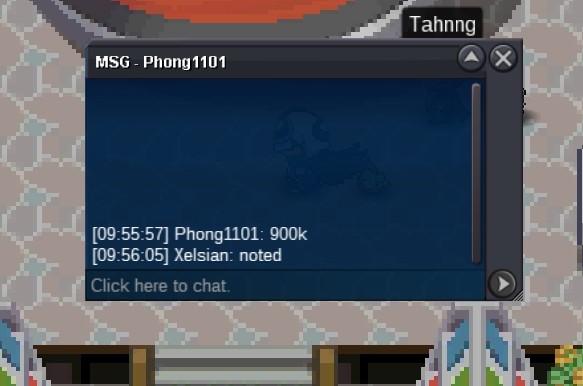
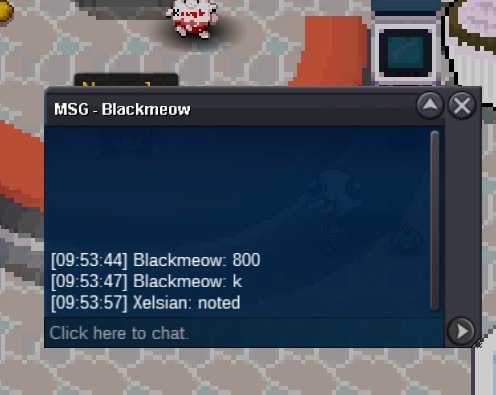
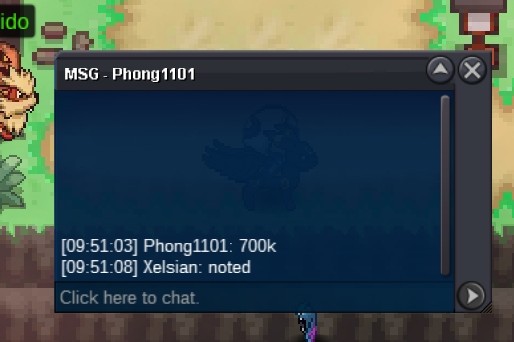
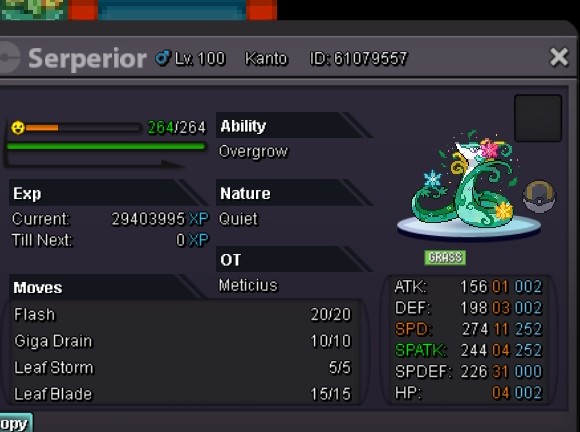 It was an honest typing mistake with the s.o i m so sorry but i fixed it within mins
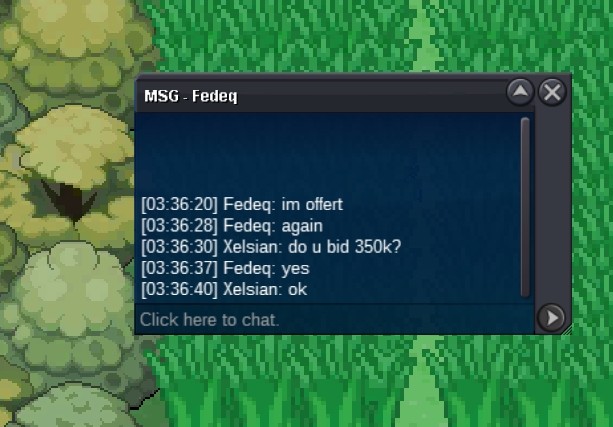
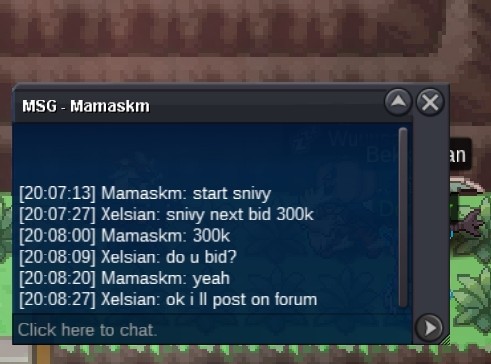
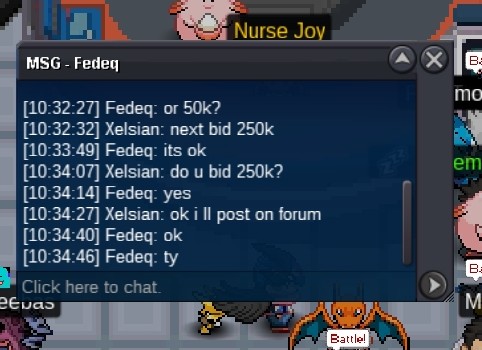
Account
Navigation
Search
Configure browser push notifications
Chrome (Android)
- Tap the lock icon next to the address bar.
- Tap Permissions → Notifications.
- Adjust your preference.
Chrome (Desktop)
- Click the padlock icon in the address bar.
- Select Site settings.
- Find Notifications and adjust your preference.
Safari (iOS 16.4+)
- Ensure the site is installed via Add to Home Screen.
- Open Settings App → Notifications.
- Find your app name and adjust your preference.
Safari (macOS)
- Go to Safari → Preferences.
- Click the Websites tab.
- Select Notifications in the sidebar.
- Find this website and adjust your preference.
Edge (Android)
- Tap the lock icon next to the address bar.
- Tap Permissions.
- Find Notifications and adjust your preference.
Edge (Desktop)
- Click the padlock icon in the address bar.
- Click Permissions for this site.
- Find Notifications and adjust your preference.
Firefox (Android)
- Go to Settings → Site permissions.
- Tap Notifications.
- Find this site in the list and adjust your preference.
Firefox (Desktop)
- Open Firefox Settings.
- Search for Notifications.
- Find this site in the list and adjust your preference.