




New Trade Zone
Trade Zone is now live
Use the new Trade Zone for auctions and instant-price trades so Pokemon and item offers are easy to find.

Zzbobbyzz
Registered User
-
Joined
-
Last visited
Everything posted by Zzbobbyzz
-
Omg it's crazzy, i found it. Tks @Mingrenpro
-
I finished mini game quest, and now i have some problem in next vulcan quest ahhhhhh. My quest need small fruits, but i look for small fruits every trees in fair, PC, .. but i can't find it ?
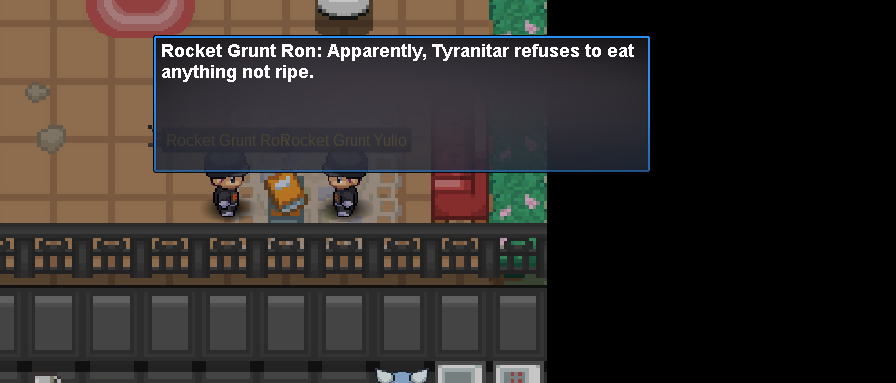
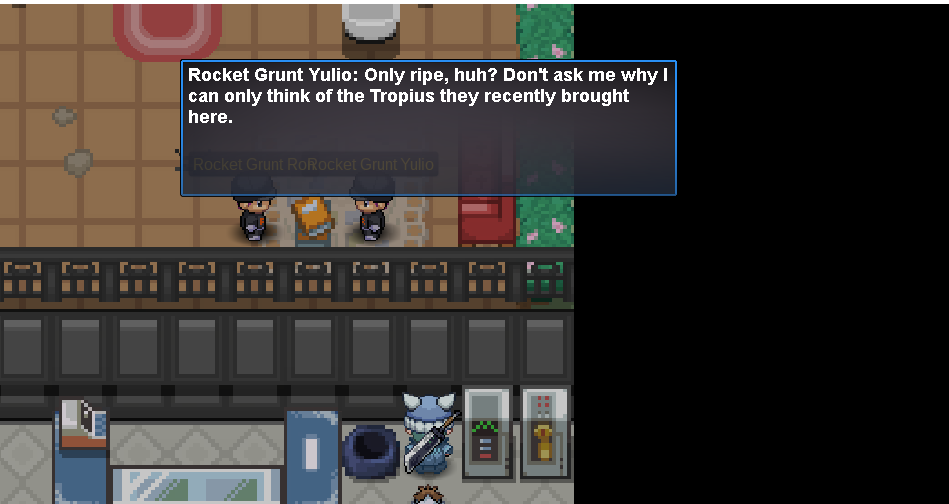
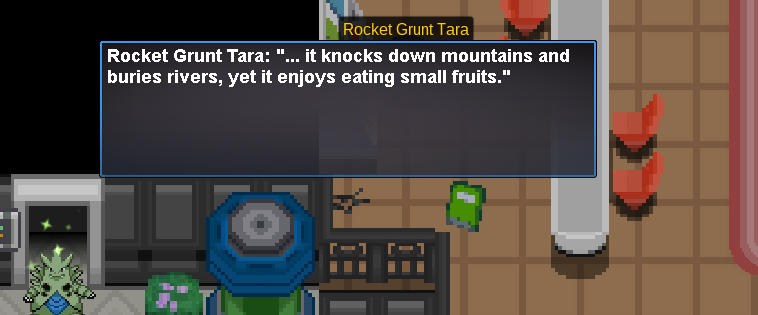
-
i'm in the mini game quest in the vulcan fair. I completed all the mini game in the 1st position but why ??? This is my mini-game rank
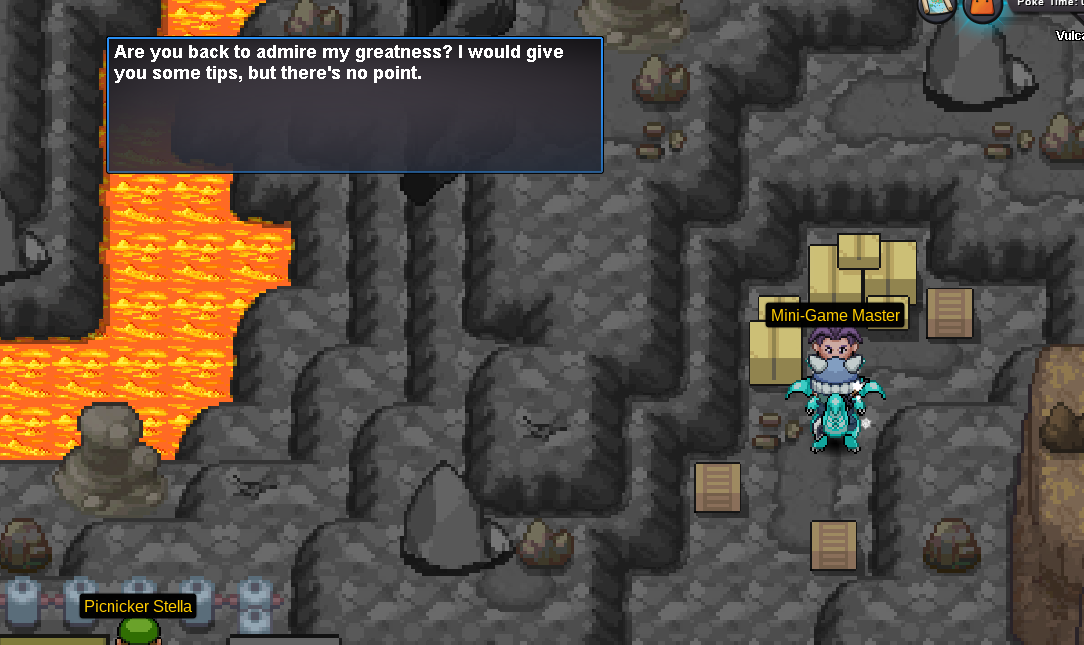
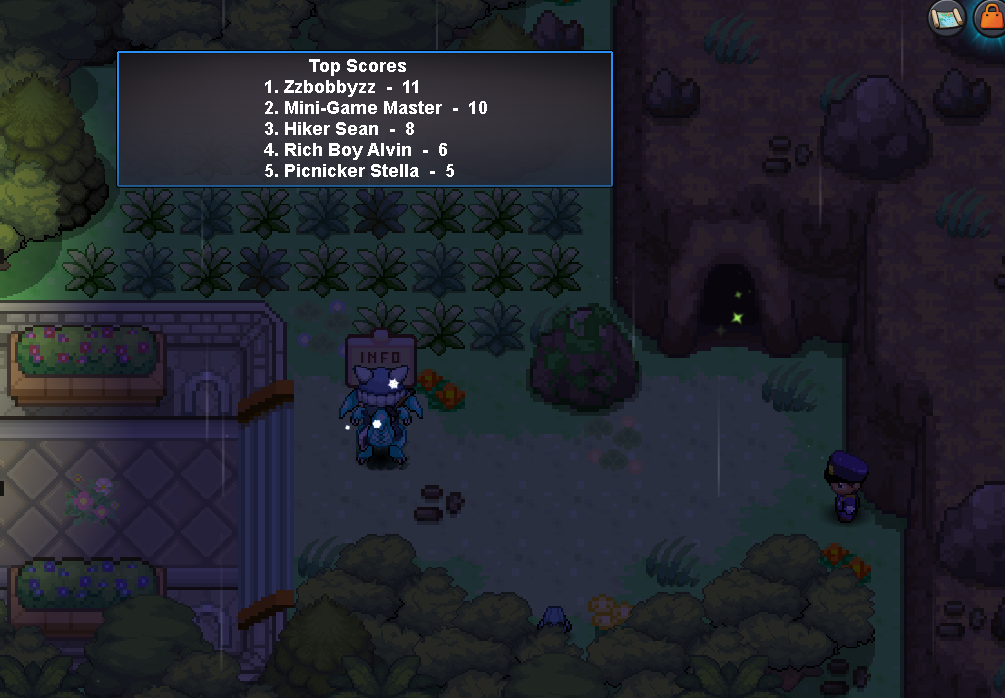
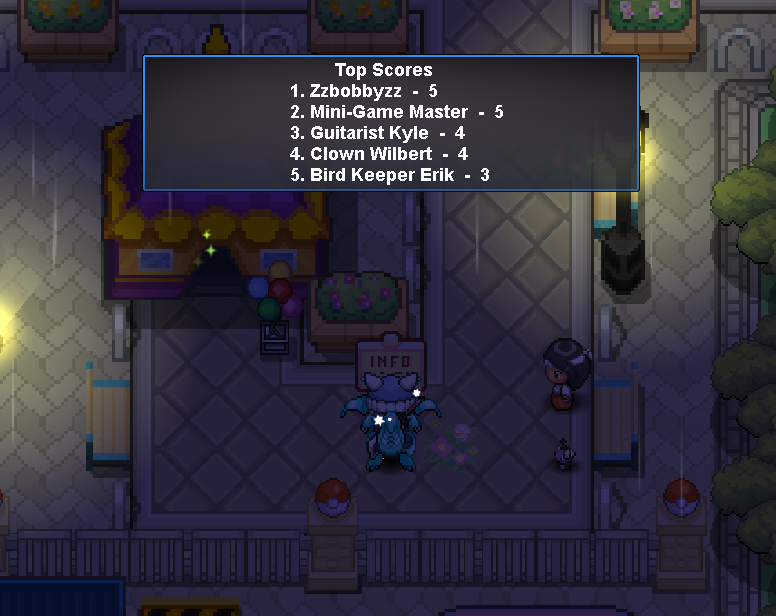
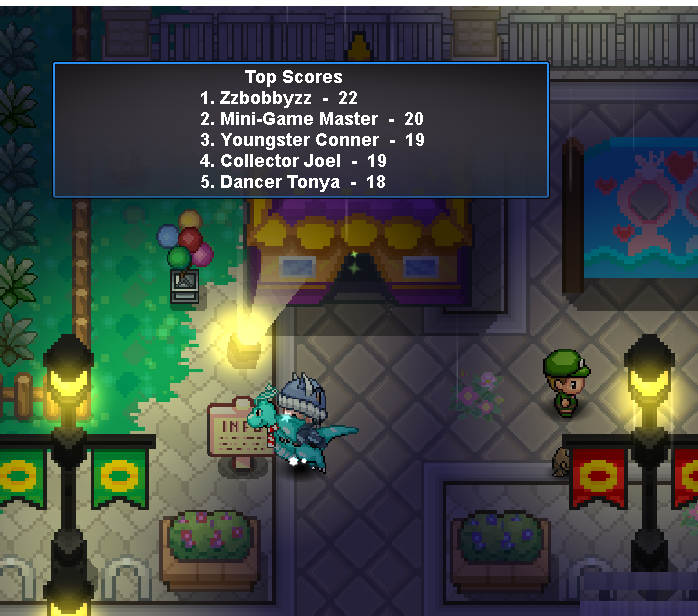
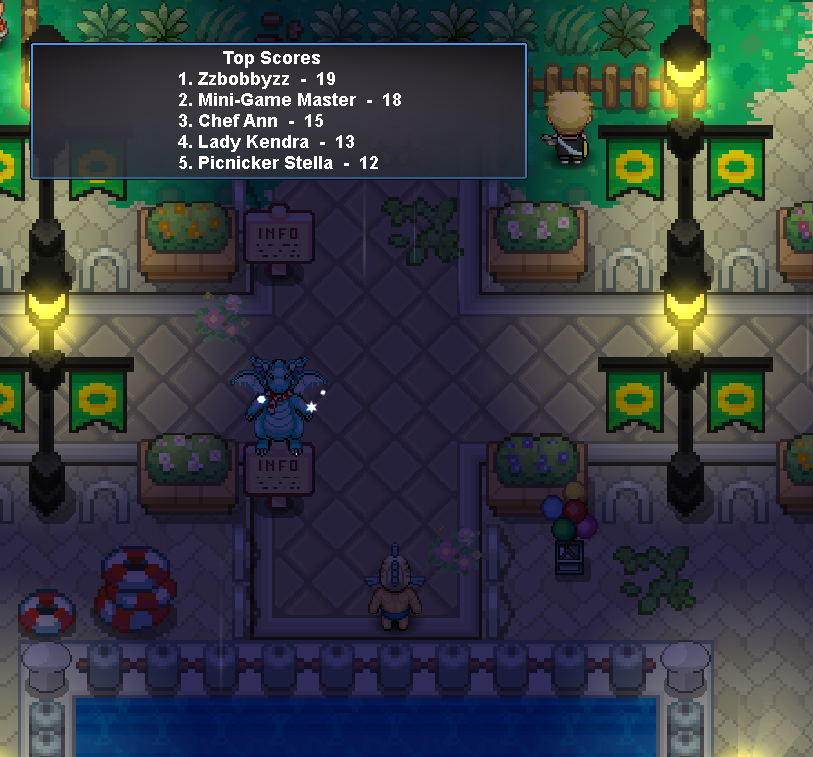
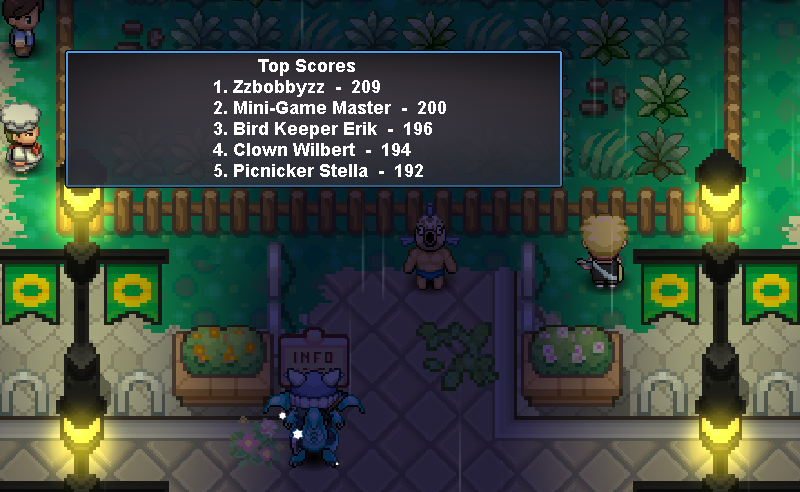
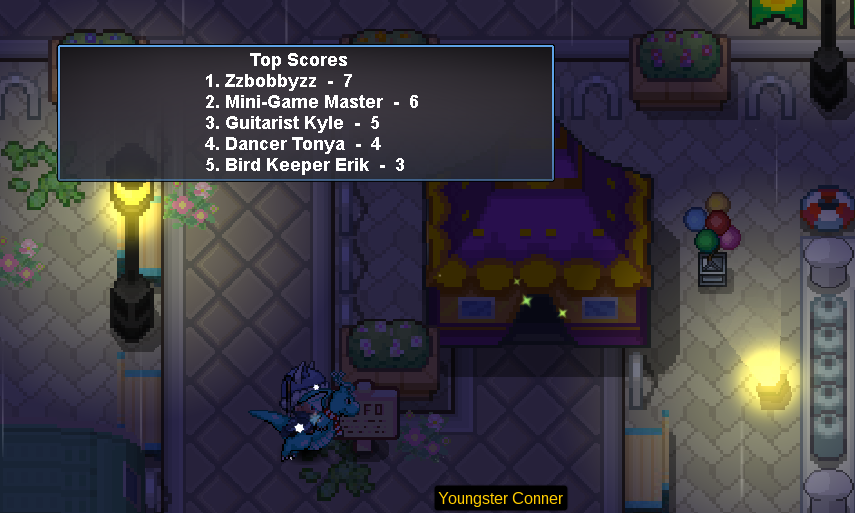
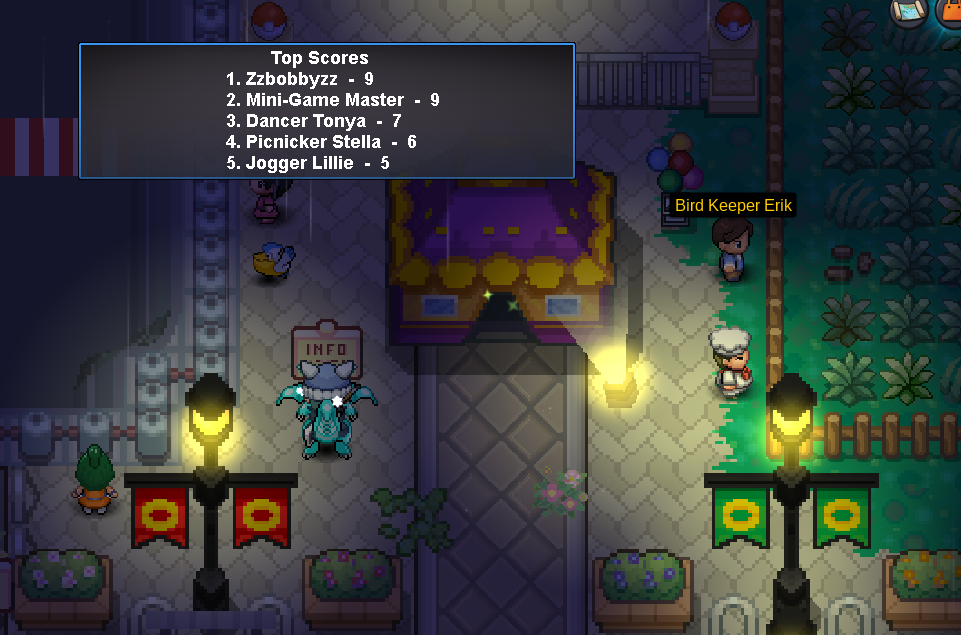
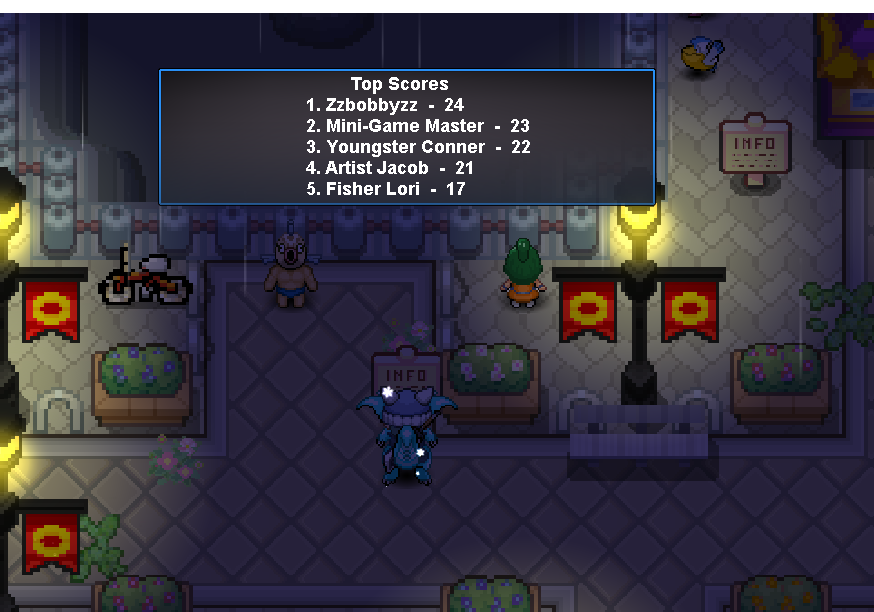
-
oh, i found it. the pvp button covered it in Mt.Pyre Exterior. Tks for your assistance.
-
Hello @Houndstone. I am glad you help. I came: - Starting Truck located in Littleroot Town. - Route 103 on the water (The lake on the right). - New Mauville in the upper right corner of the building. - The 2nd floor of Weather Institute - the reactor located in Mt. Chimney - Meteor Falls B1F 2R. - Mt.Pyre Exterior (i ran around this location) - The rooftop in Lilycove Department Store. - Around the Abandoned Ship (all the room in this ship). - The only house in Hoenn Safari Zone 2
-
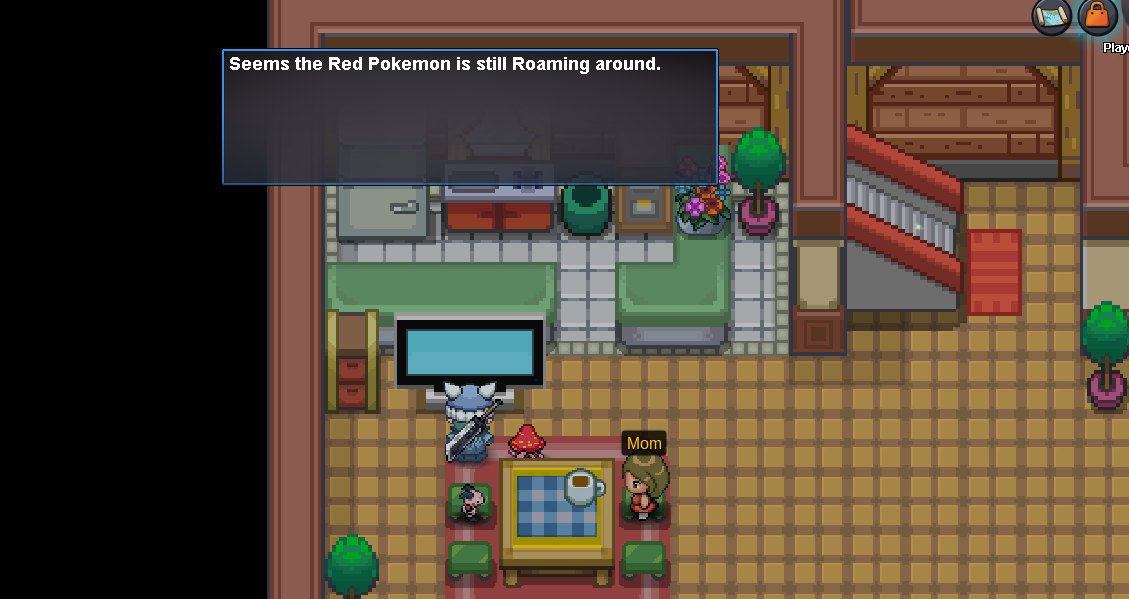
I'm doing the latias & latios task, but I can't find location of them. Firstly, I have completed all the requirements of the quest. I came the player house in littlerooth town and interacted with the TV. "Seems the red pokemon is still roaming around". So, I checked the wiki, came to 10 location in the guild at least 10 times, and don't see anything. I am waiting for help on this subject. Looking forward to hearing from supporter soon !
