




New Trade Zone
Trade Zone is now live
Use the new Trade Zone for auctions and instant-price trades so Pokemon and item offers are easy to find.

Gagile
Registered User
-
Joined
-
Last visited
-
I did all that too. I also talked to the professor again to see if some seen data was lost. But still nothing changed. If there is some way for you to check it please do, but I have tried everything and still I cant get the bells. Thank you, Best
-
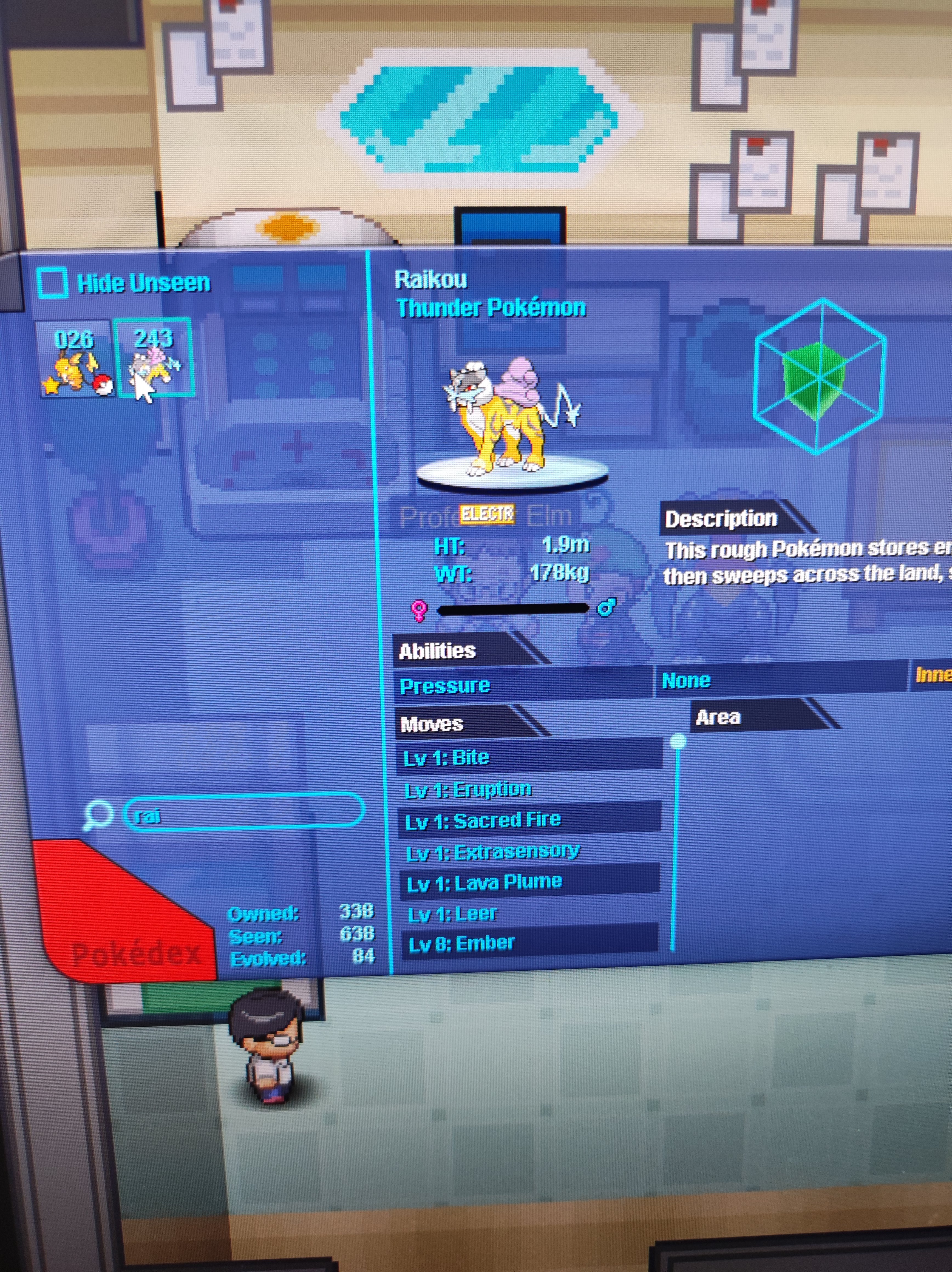
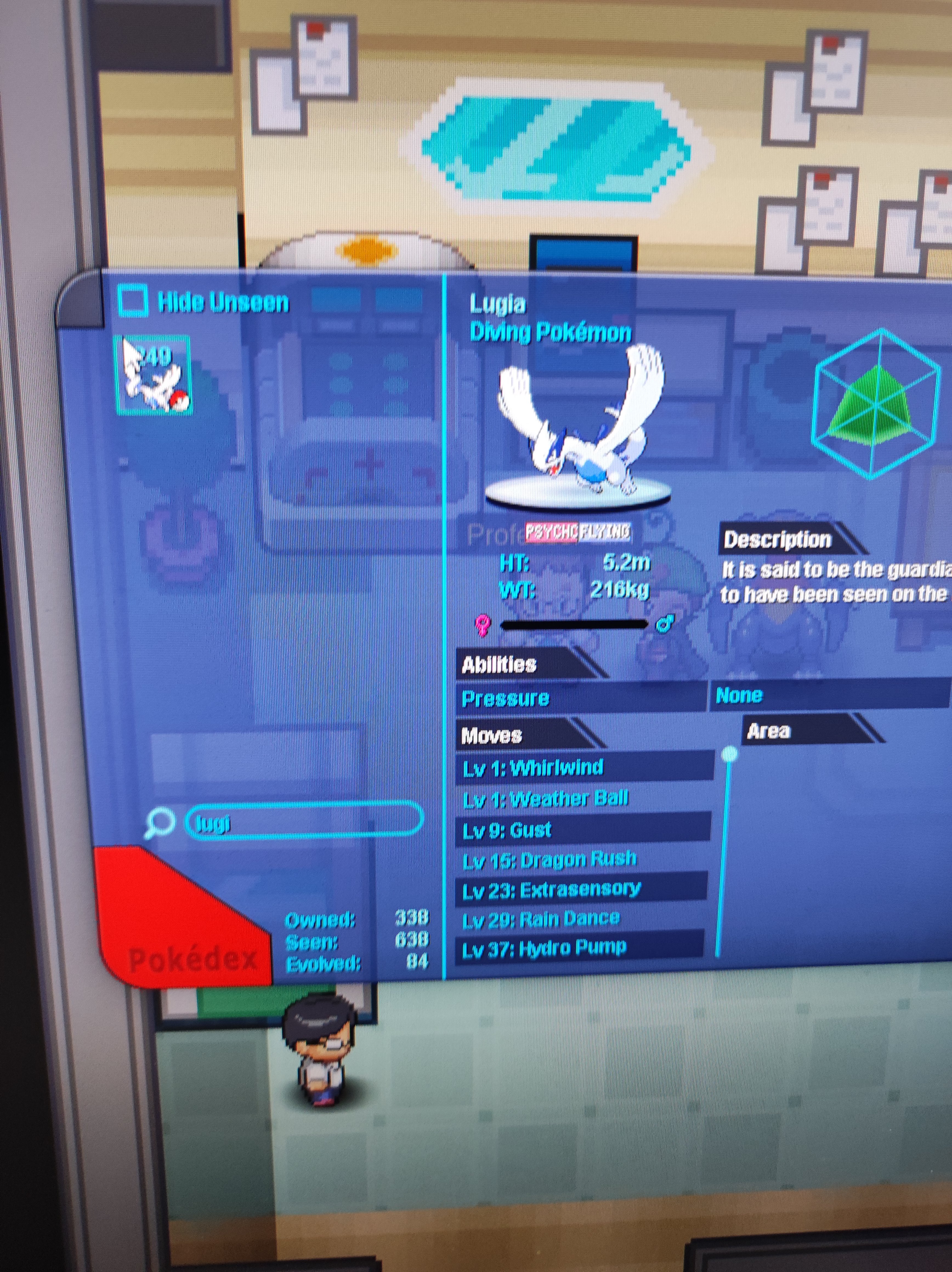
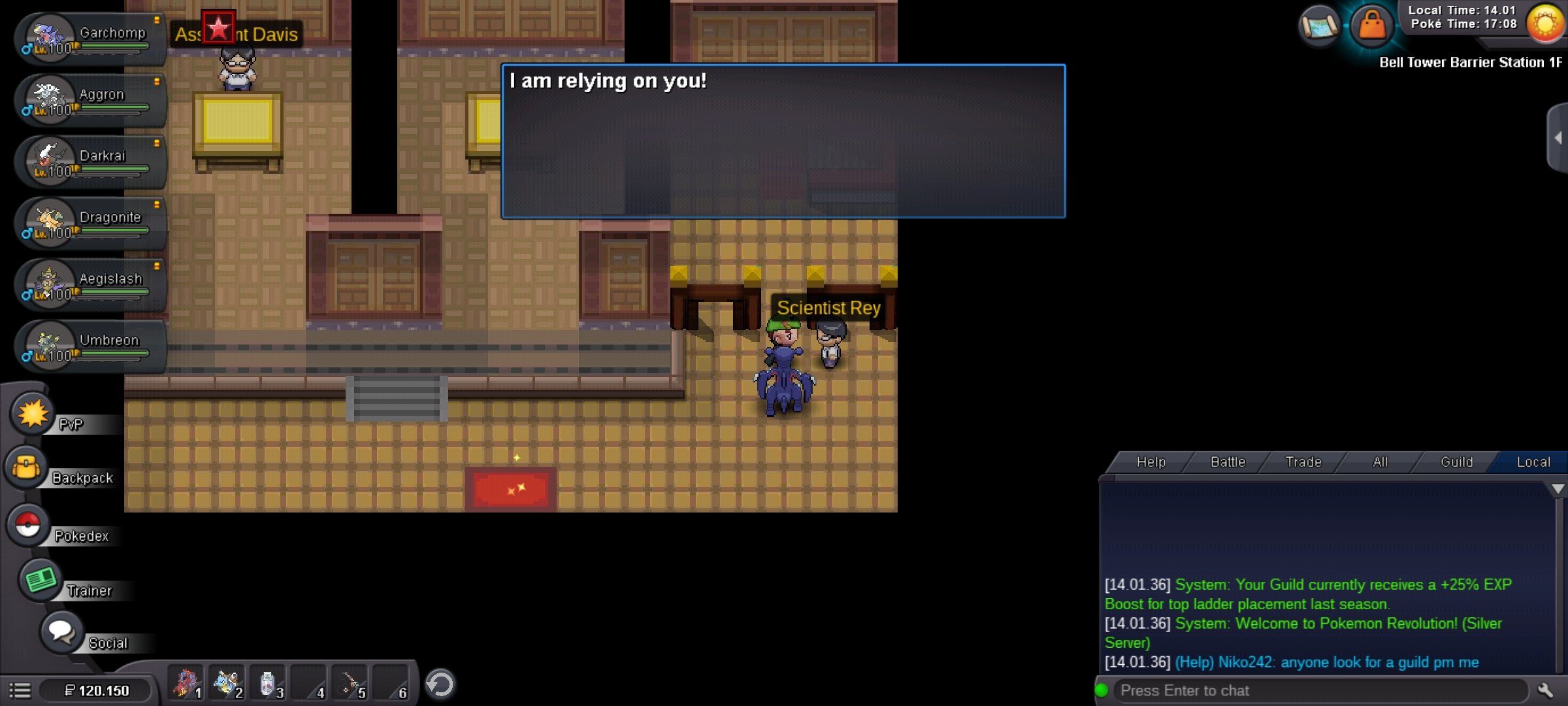
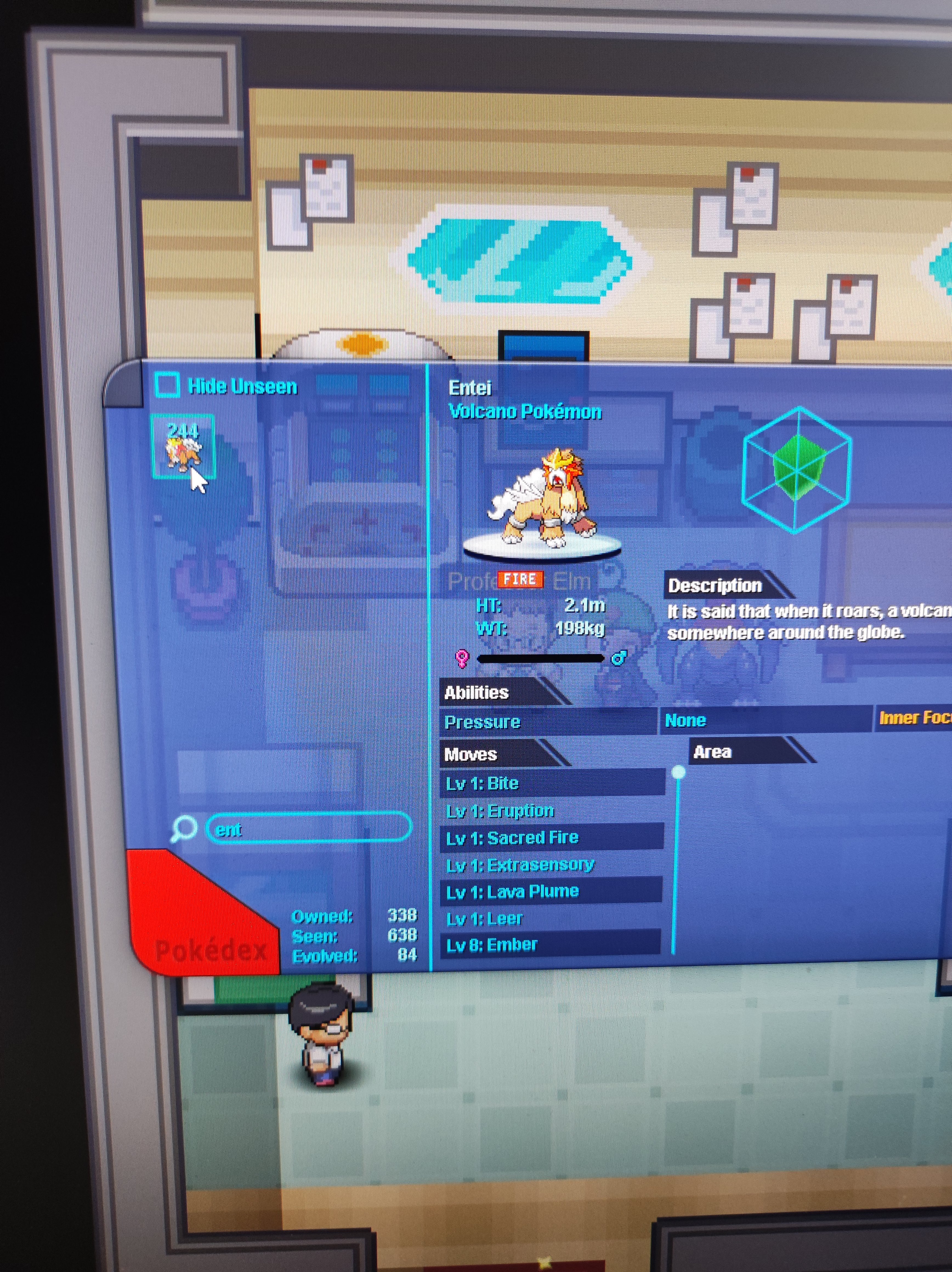
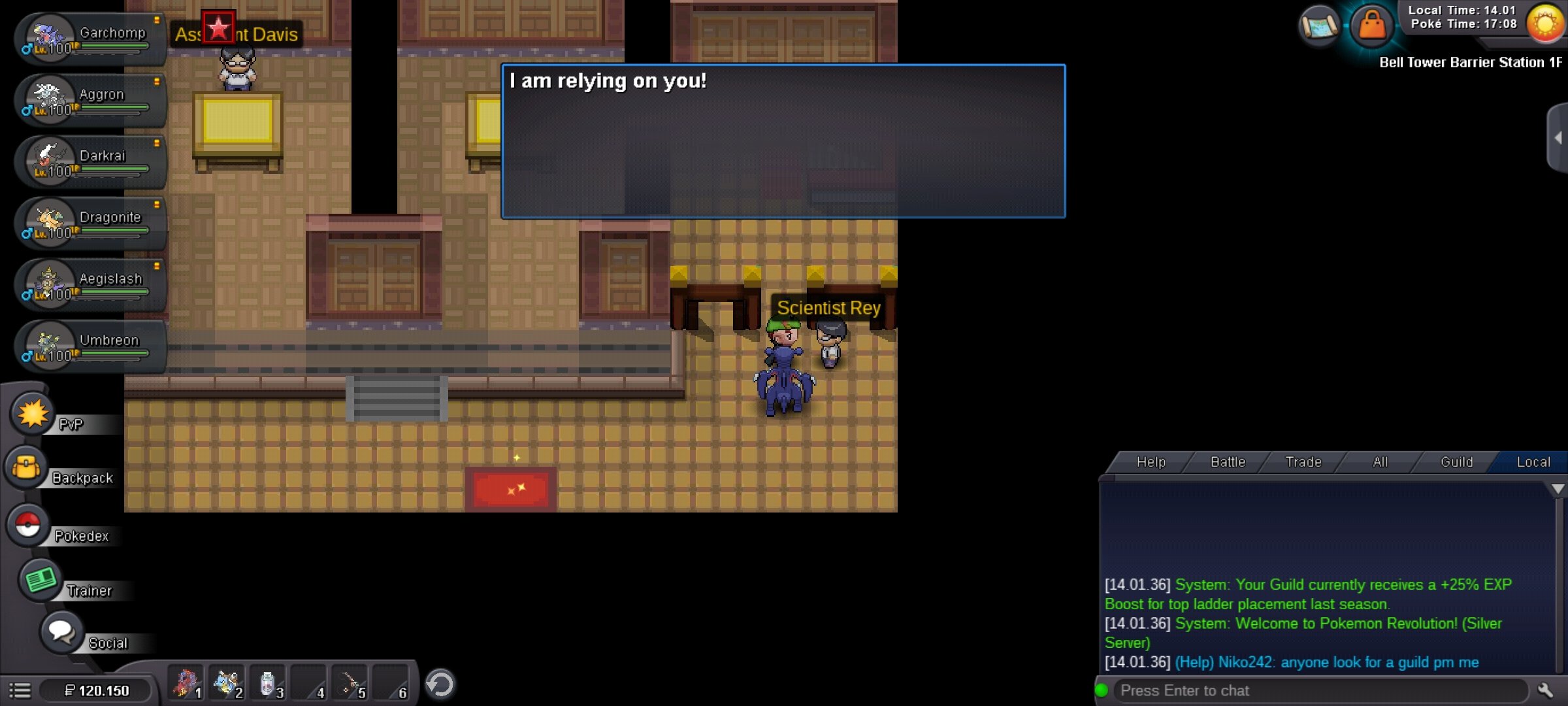
Ive done all the requirements for legendary beasts quest, but scientist wont give me any bells. I can fight beast guardians, but I dont have a bell and I cant get it. I have attached pictures showing that I have done everything that is required (For some reason picture with Ho-oh and Suicune wont upload, but I have their seen data too. Please fix this.


-
Ive done all the requirements for legendary beasts quest, but scientist wont give me any bells. I can fight beast guardians, but I dont have a bell and I cant get it. I have attached pictures showing that I have done everything that is required (For some reason picture with Ho-oh and Suicune wont upload, but I have their seen data too. Please fix this.



-
Scientist won't give me bells even tho I fulfilled all the requirements
-
I cant get bell from scientist for legendary beast, even though I have done all requirements.
