




Skip to content
View in the app

A better way to browse. Learn more.

Pokemon Revolution Online

A full-screen app on your home screen with push notifications, badges and more.

To install this app on iOS and iPadOS
  1. Tap the Share icon in Safari
  2. Scroll the menu and tap Add to Home Screen.
  3. Tap Add in the top-right corner.
To install this app on Android
  1. Tap the 3-dot menu (⋮) in the top-right corner of the browser.
  2. Tap Add to Home screen or Install app.
  3. Confirm by tapping Install.
New Trade Zone
Trade Zone is now live
Use the new Trade Zone for auctions and instant-price trades so Pokemon and item offers are easy to find.
Open Trade Zone

Dranz

Registered User
  • Joined

  • Last visited

Everything posted by Dranz

  1. Dranz posted a topic in Resolved Bugs
    Hi, Ive been having a bug with my Torchic for a couple days now with its levelling after combat for eg, My Torchic is level 53, I gain exp for 1 level but its says my torchic is now level 57 then as the combat window closes it will say my torchic is level 55, then at a later time the level will change to 54 and just keeps jumping around. Ive been only having this issue with my torchic. I attached an image of the pokemon.
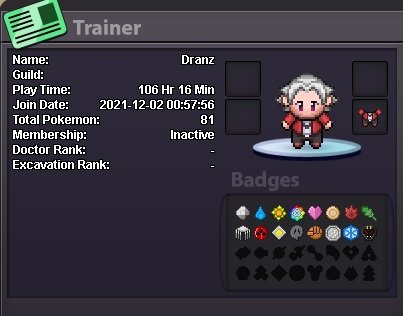
  2. Hey, I would like to join your guild. Discord Username is DranzerGT#9014 I am usually on for at least an hour everyday, and I'm just trying to unlock areas and regions, fill pokedex and build teams at the moment and then look towards PvP later on.
Account

Navigation

Search

Search

Configure browser push notifications

Chrome (Android)
  1. Tap the lock icon next to the address bar.
  2. Tap Permissions → Notifications.
  3. Adjust your preference.
Chrome (Desktop)
  1. Click the padlock icon in the address bar.
  2. Select Site settings.
  3. Find Notifications and adjust your preference.