New Trade Zone
Trade Zone is now live
Use the new Trade Zone for auctions and instant-price trades so Pokemon and item offers are easy to find.

Ninzardonxd
Registered User
-
Joined
-
Last visited
-
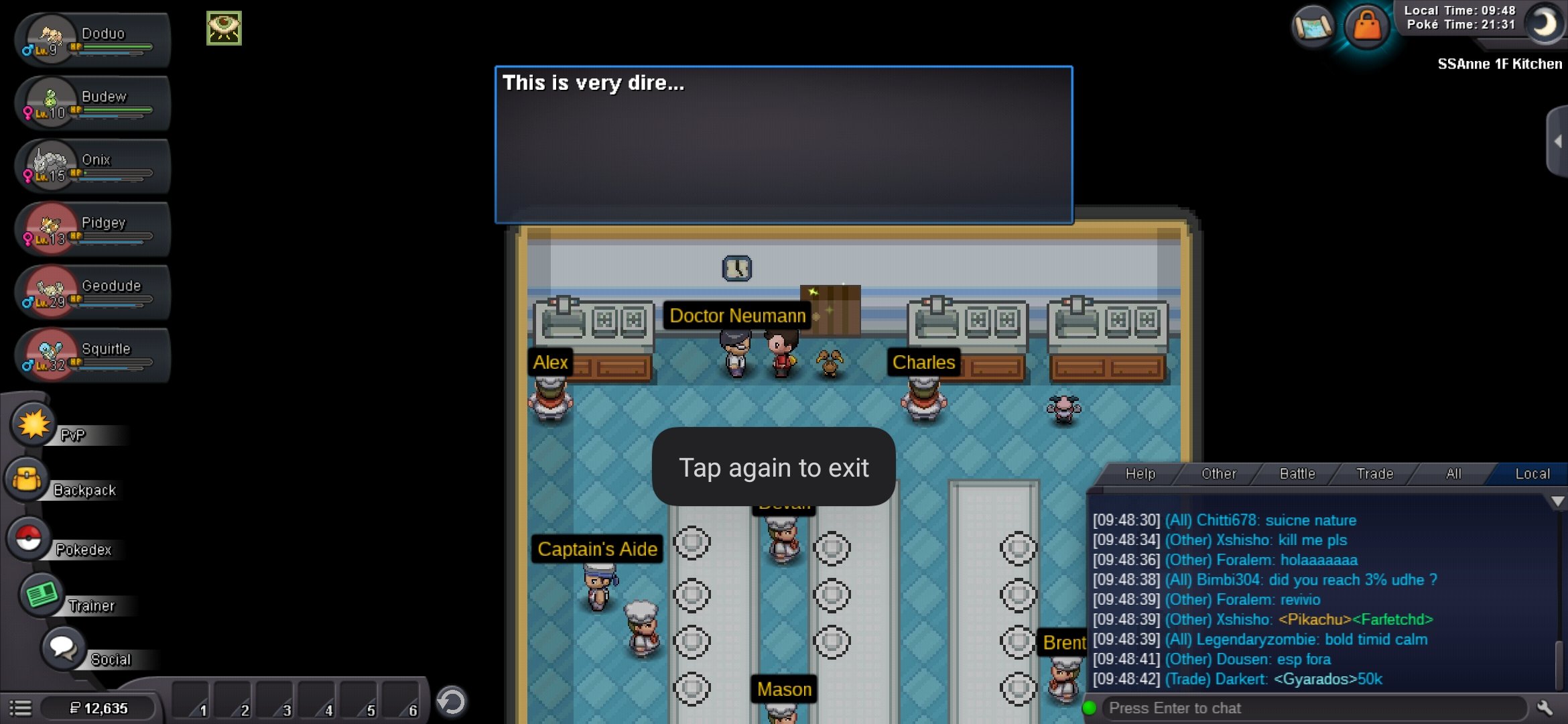
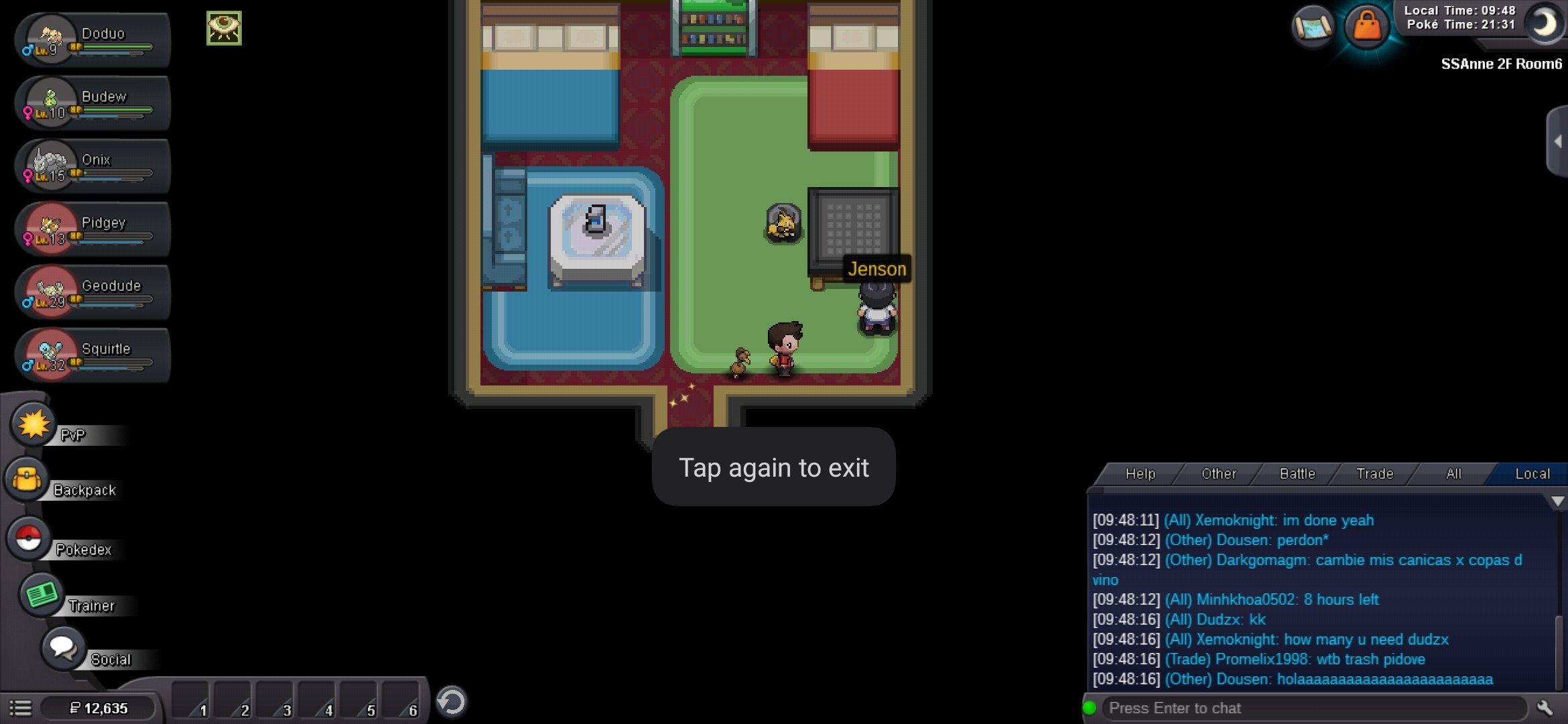
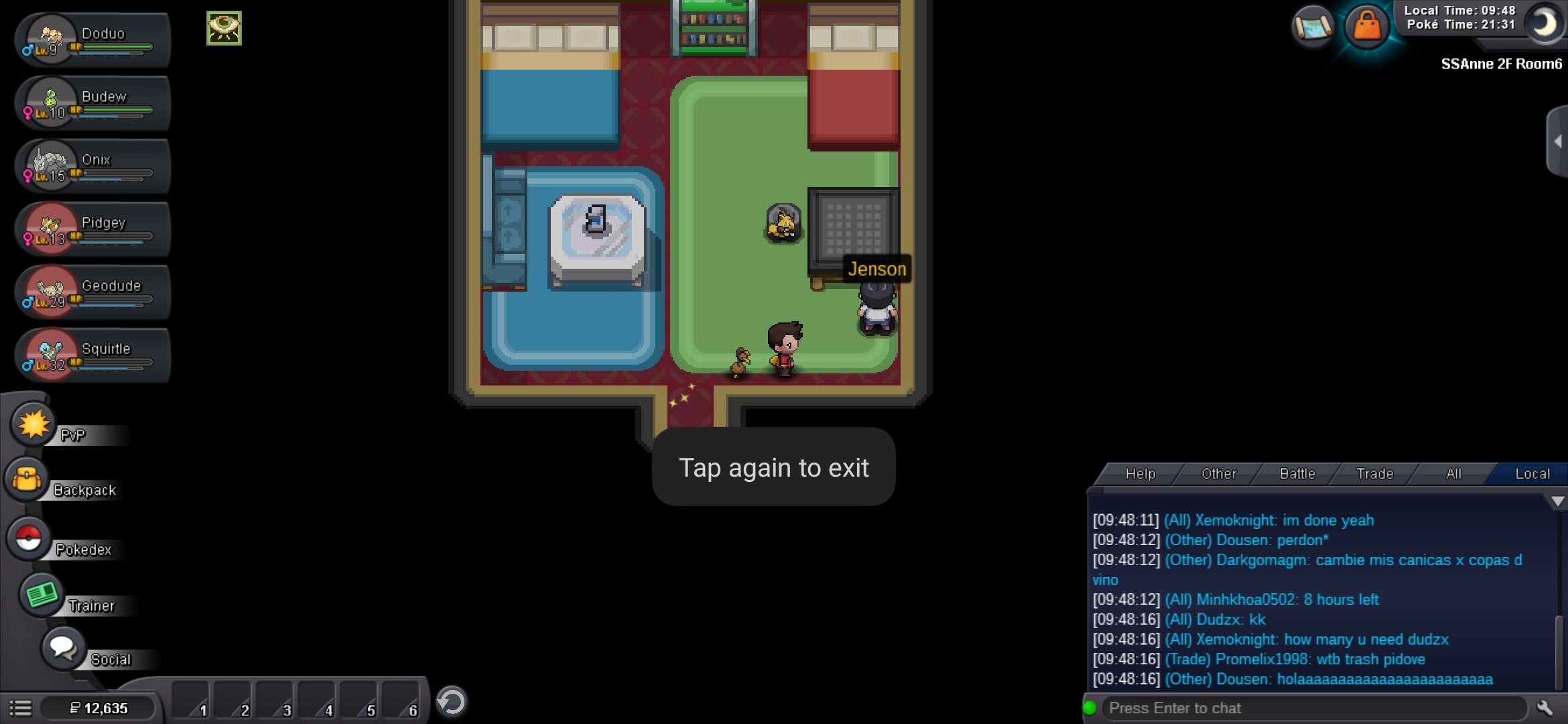
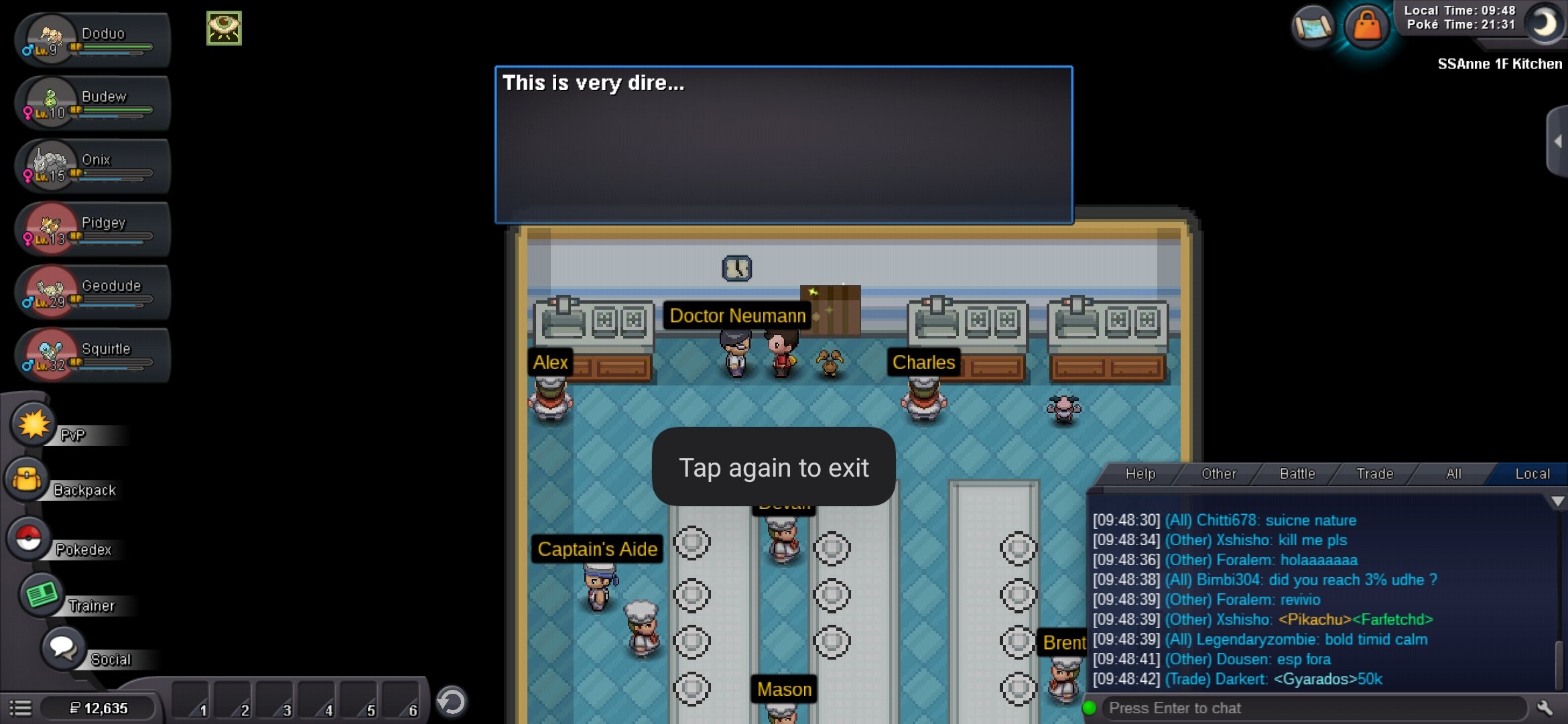
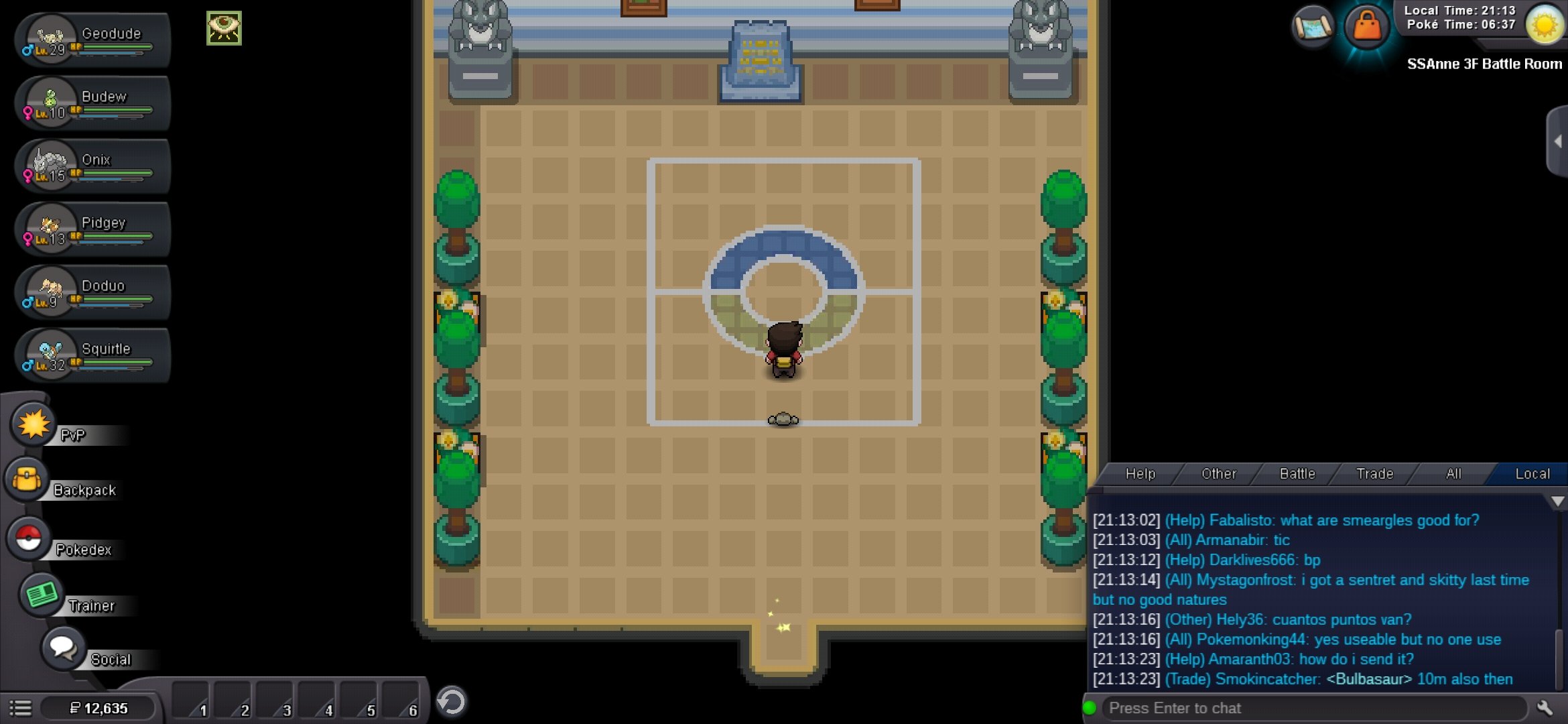
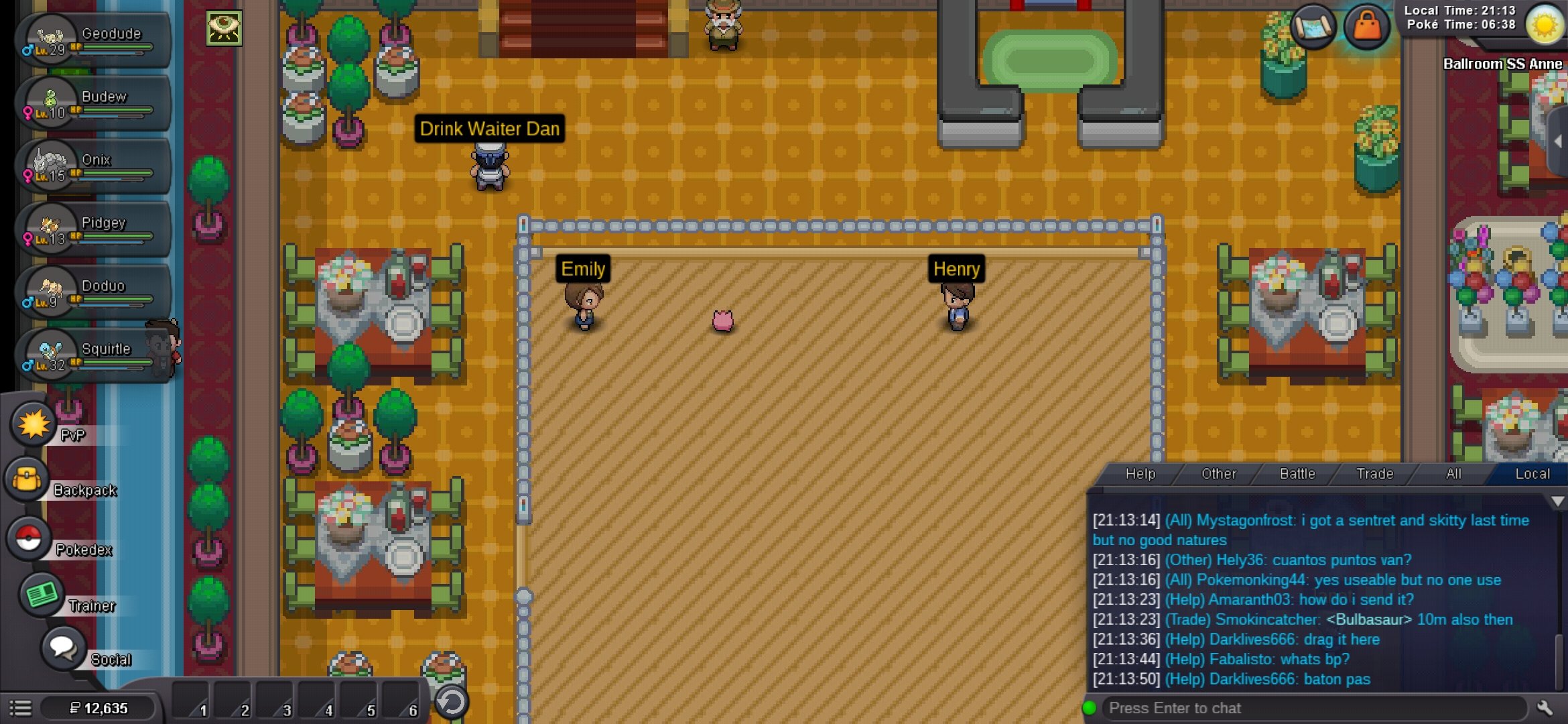
Good morning sir. I want to inform you about a glitch. As you already know about the ss aane quest, we have to take the secret potion to the captain. I have defeated Jackson and talked to Jenson and Dr neumann but still I there is no blissey in the place where she stands. I contacted the players who have already completed it for help but they couldn't dao anything and told it's a glitch/bug . Please help sir please transport me that secret potion which we give to gaurd or fix this bug as soon as possible.i will be grateful to you
-
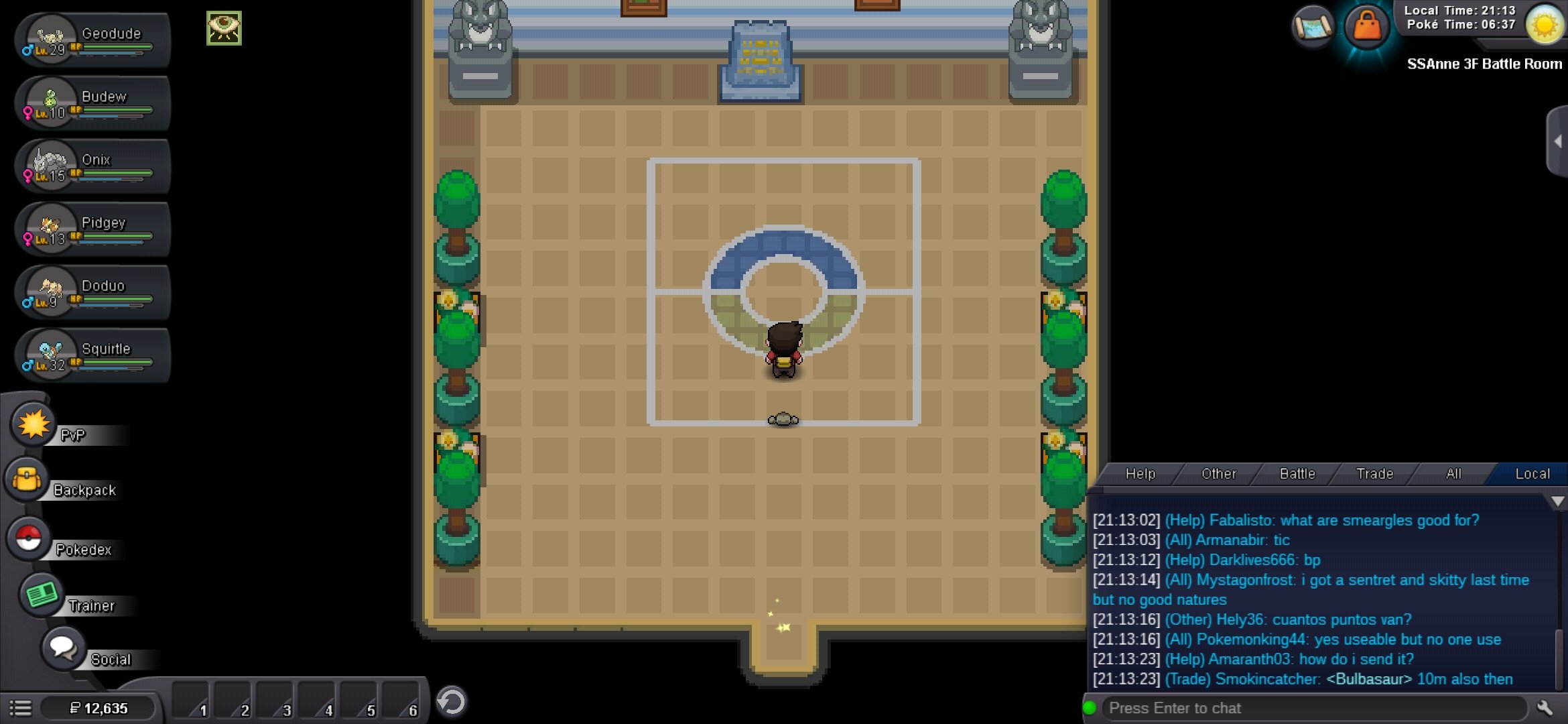
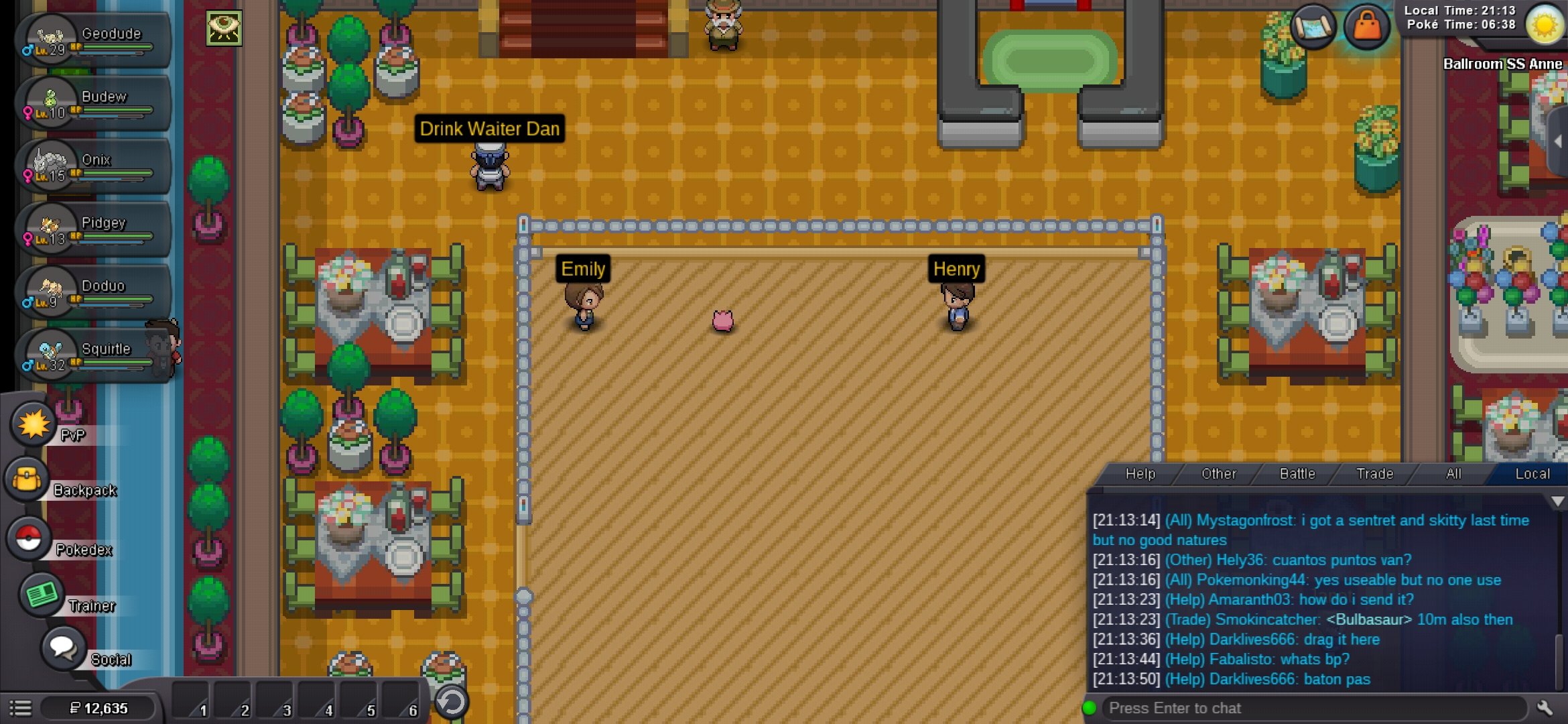
Good morning sir, I am new player of pro. In the ss aane quest as you know we have to defeat Jackson and then talk to Jenson and take secret potion from blissey to give it to captain, I have already did whatever we have to done but still there is not blissey. As you can see I have defeated Jackson and talked to doctor Neumann and Jenson but still there is no blissey to give that secret potion. I have contacted player who have already did this , they told me that it's a glitch . please help sir i can't do anything after that in the game before completing this...