New Trade Zone
Trade Zone is now live
Use the new Trade Zone for auctions and instant-price trades so Pokemon and item offers are easy to find.

Ironlady
Registered User
-
Joined
-
Last visited
Everything posted by Ironlady
-
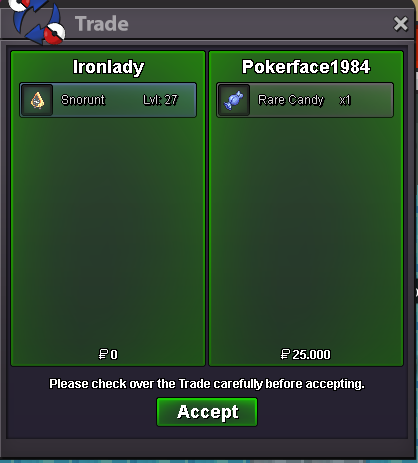
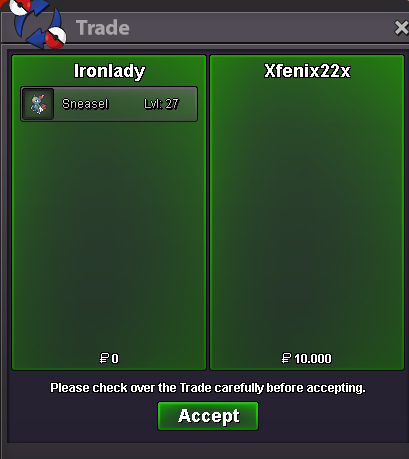
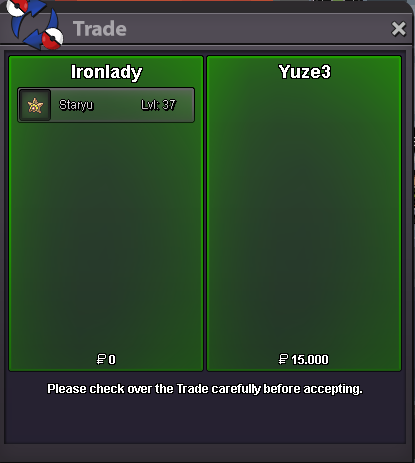
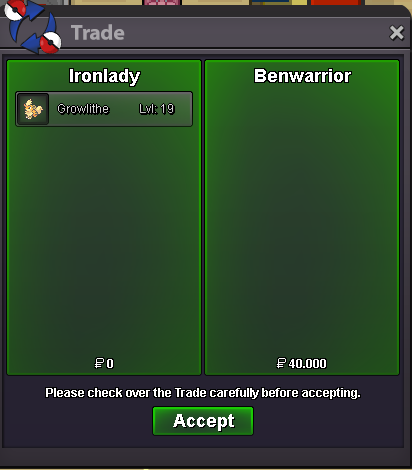
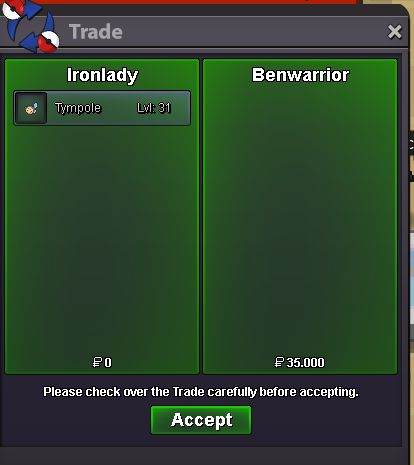
I tried to om u IG but got no answerHello, i'll be online in around 20 minutes, what's your IGN?Snorunt #53224557 Sold , no pictureThe only first bid i m able to see.
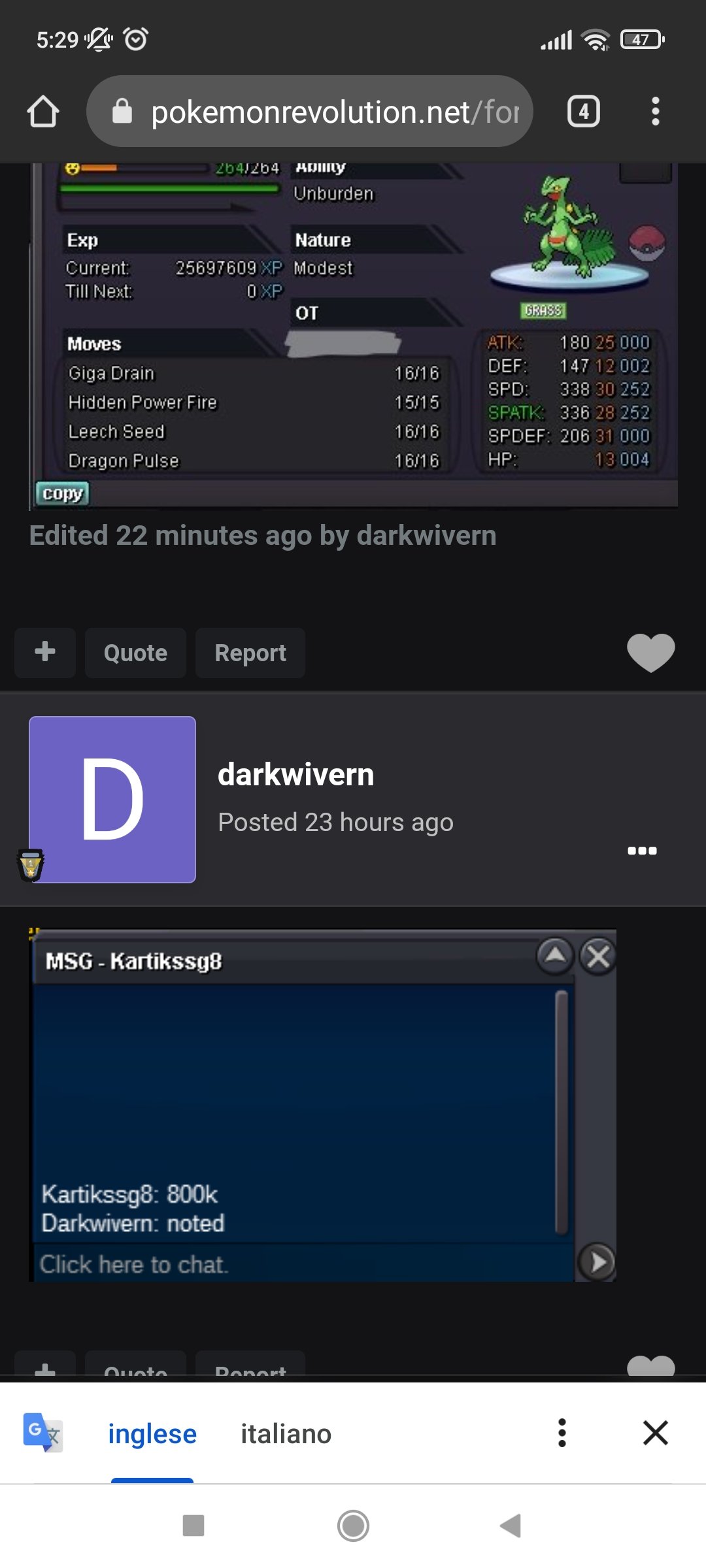 No first bid screenshot. That s all.And where is the proof of first bid on forum? The only first bid is kartissg8 LOLClosed 1 hours before the end, no screenshots for final fantasy offer, he said a moderator authorized to skip the 15 minute rule LOL this guy knows how to do auctions XD he modified original auction text where he wrote "no auctions last 5 minutes", last known offer was 1.1m + nature reroll and it s impossible to keep bidding (cuz auction is still valid) because of no screenshots.
Account
Navigation
Search
Configure browser push notifications
Chrome (Android)
- Tap the lock icon next to the address bar.
- Tap Permissions → Notifications.
- Adjust your preference.
Chrome (Desktop)
- Click the padlock icon in the address bar.
- Select Site settings.
- Find Notifications and adjust your preference.
Safari (iOS 16.4+)
- Ensure the site is installed via Add to Home Screen.
- Open Settings App → Notifications.
- Find your app name and adjust your preference.
Safari (macOS)
- Go to Safari → Preferences.
- Click the Websites tab.
- Select Notifications in the sidebar.
- Find this website and adjust your preference.
Edge (Android)
- Tap the lock icon next to the address bar.
- Tap Permissions.
- Find Notifications and adjust your preference.
Edge (Desktop)
- Click the padlock icon in the address bar.
- Click Permissions for this site.
- Find Notifications and adjust your preference.
Firefox (Android)
- Go to Settings → Site permissions.
- Tap Notifications.
- Find this site in the list and adjust your preference.
Firefox (Desktop)
- Open Firefox Settings.
- Search for Notifications.
- Find this site in the list and adjust your preference.