New Trade Zone
Trade Zone is now live
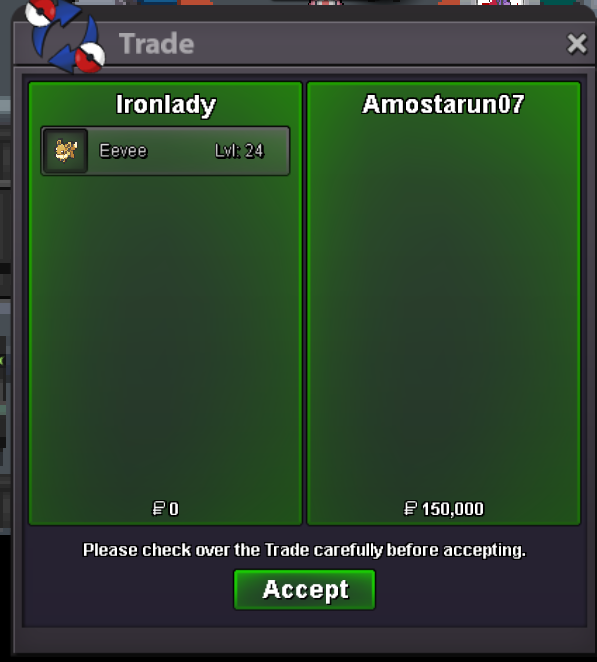
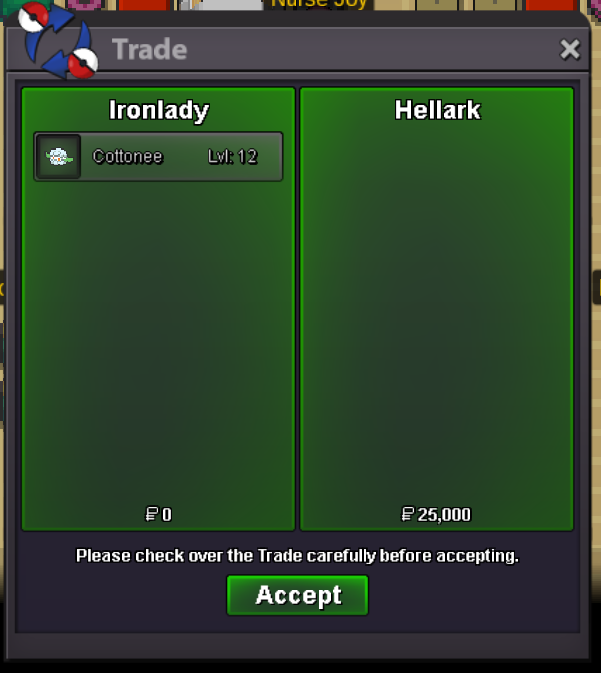
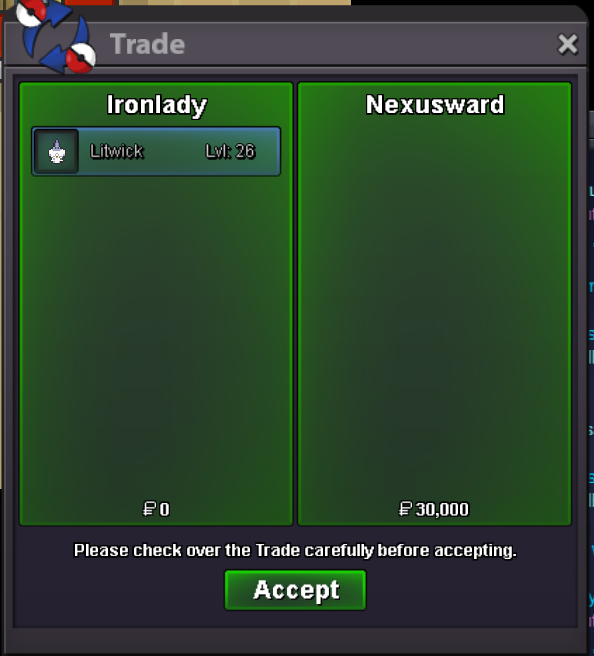
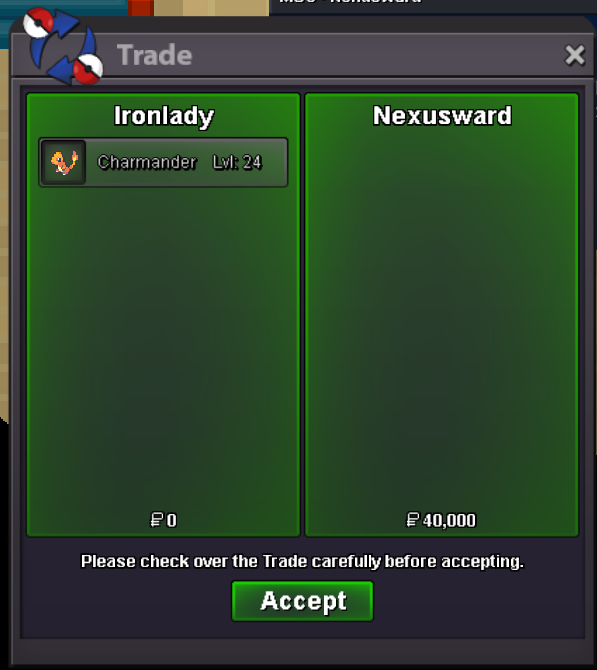
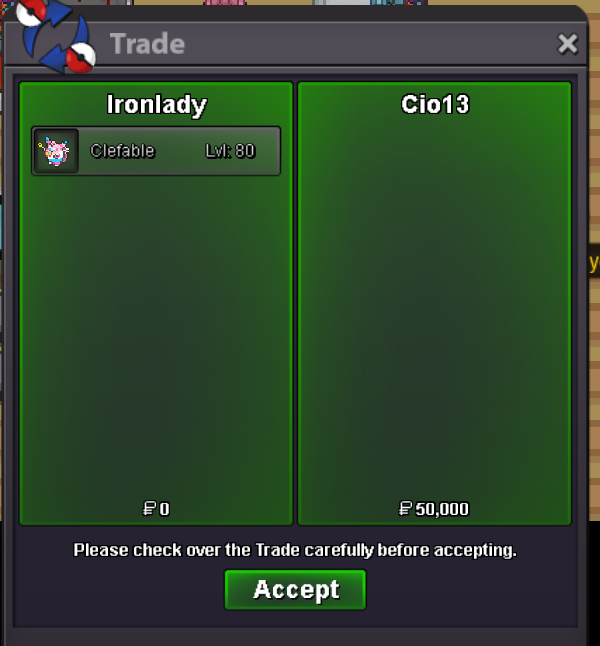
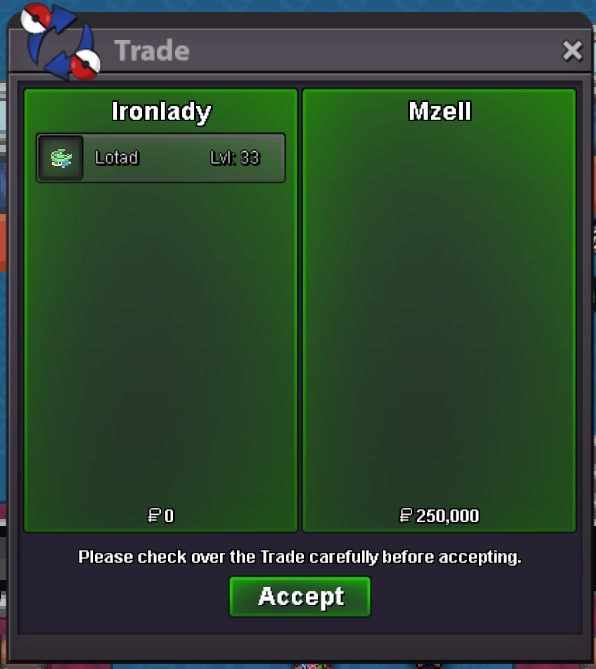
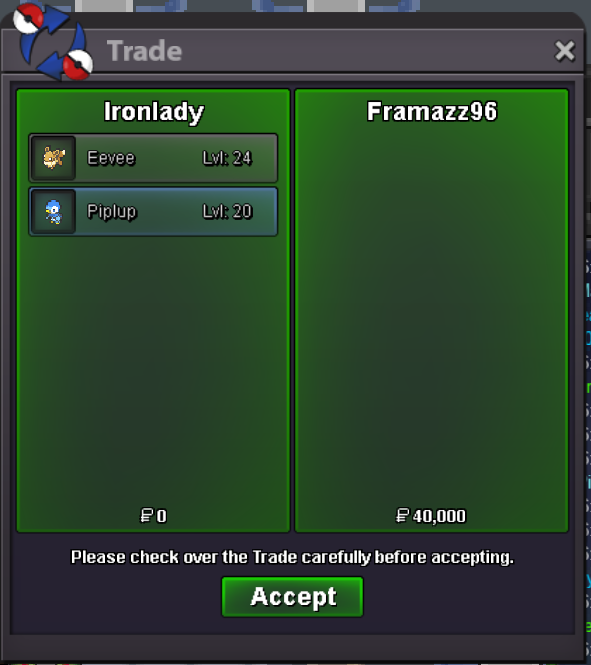
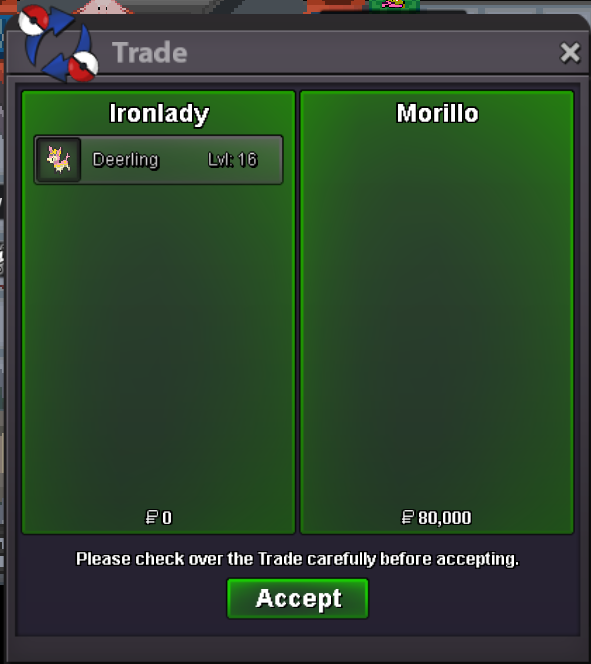
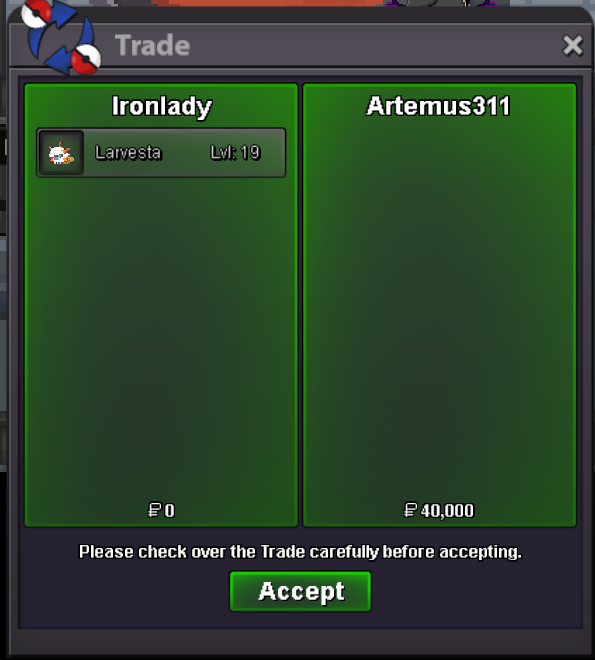
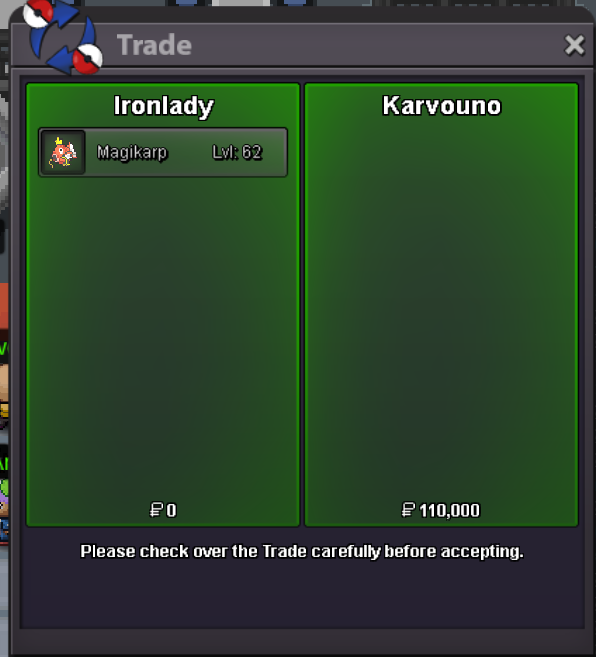
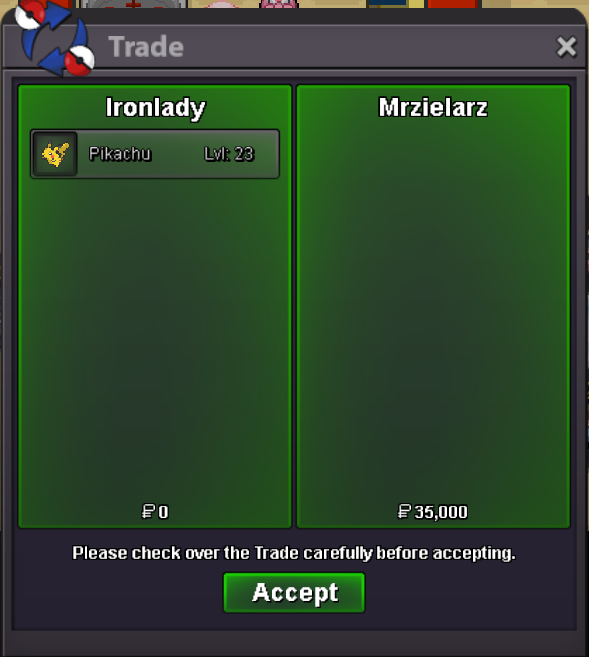
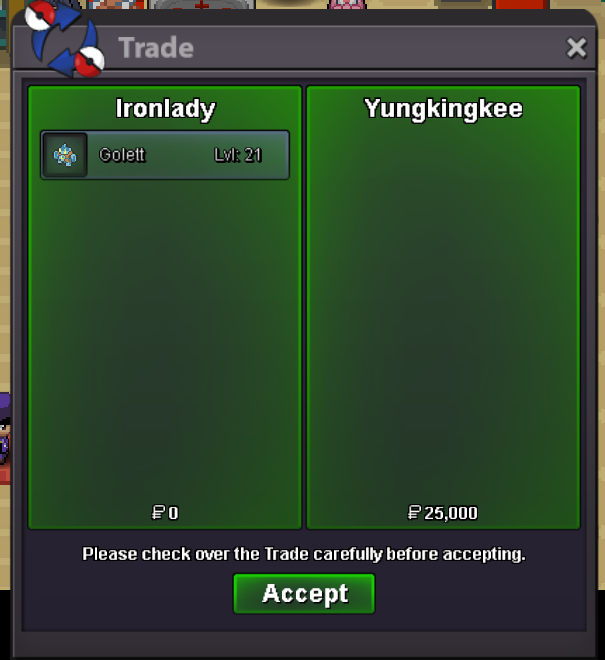
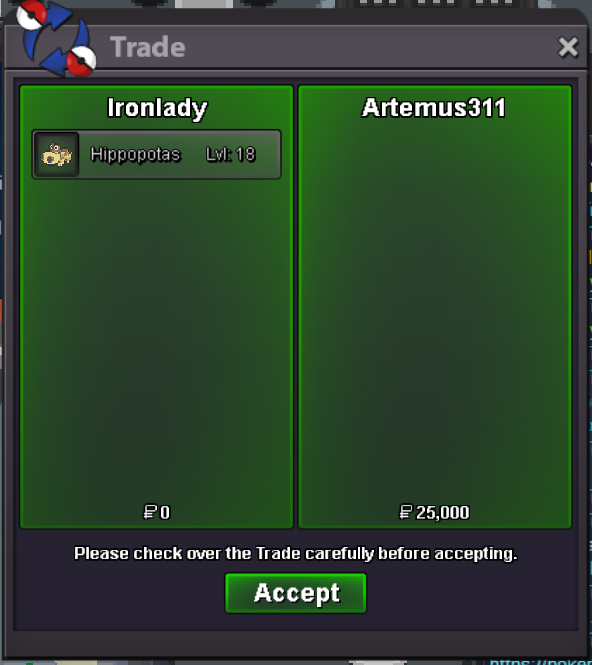
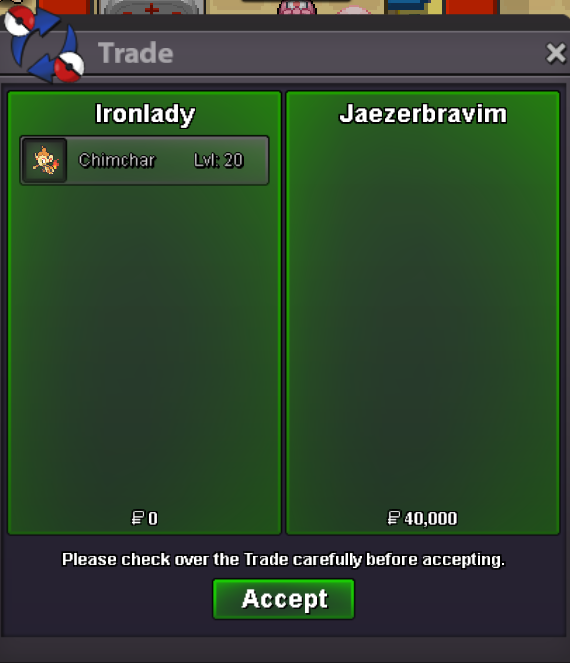
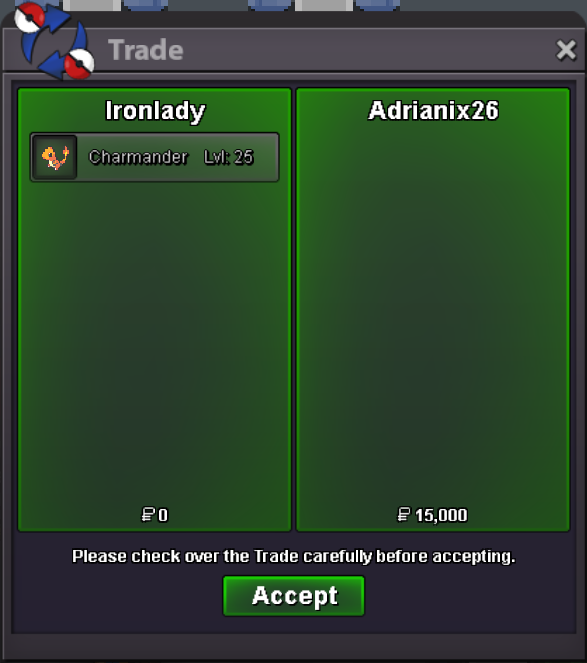
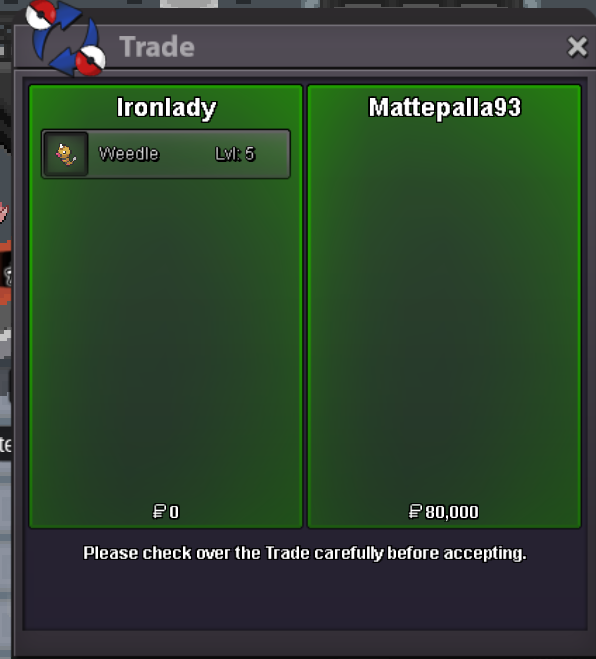
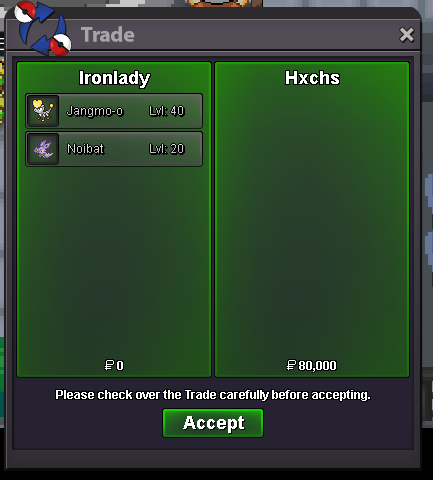
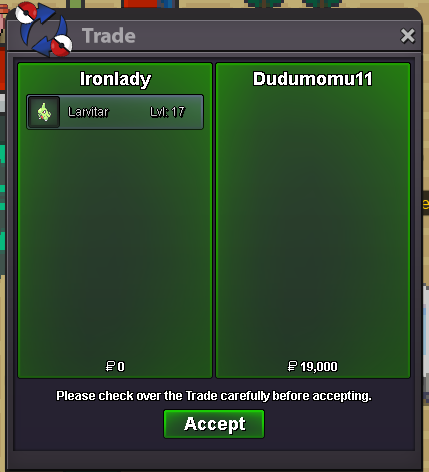
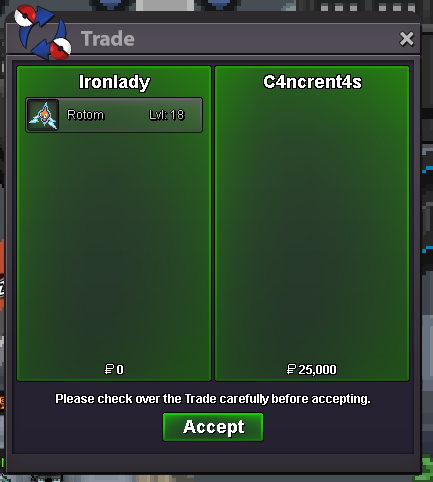
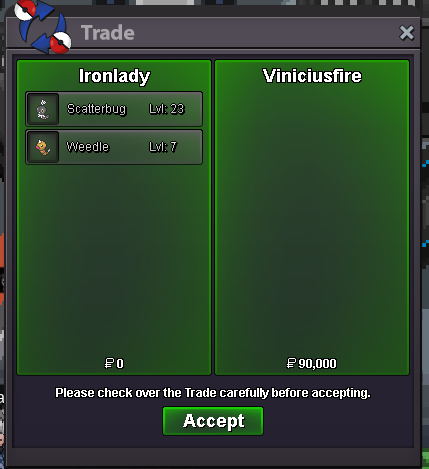
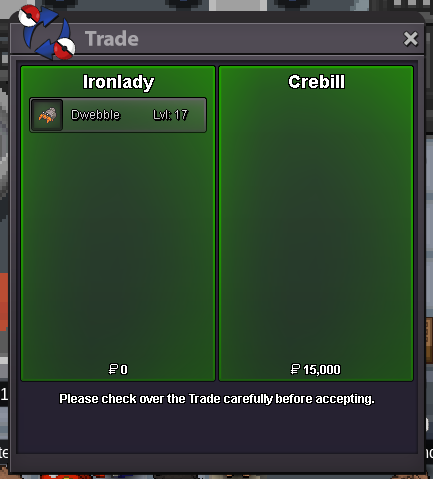
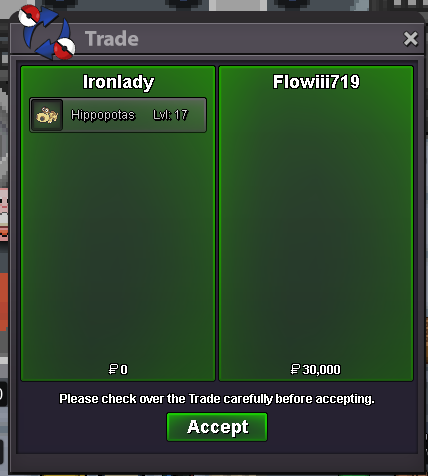
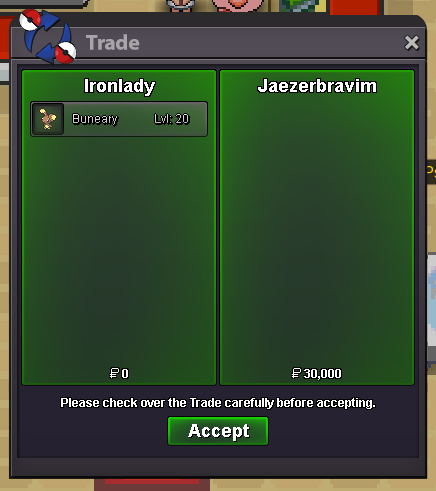
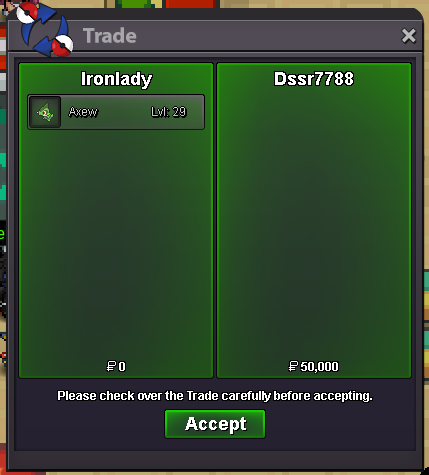
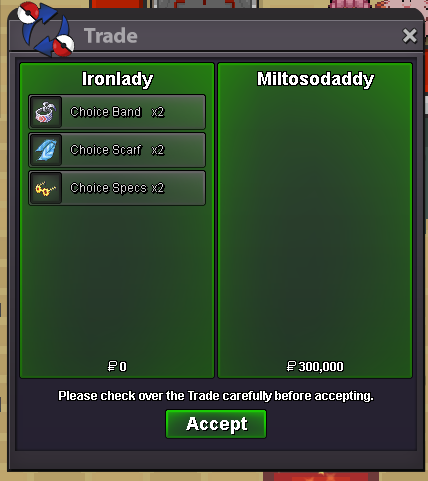
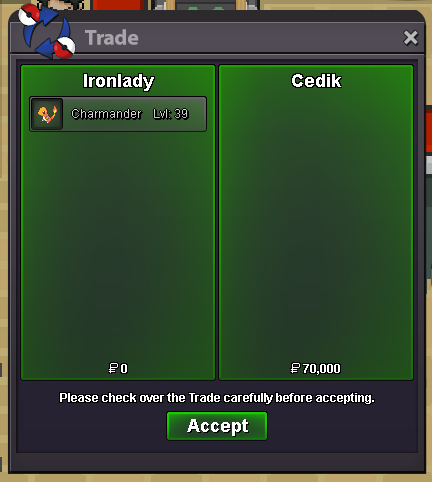
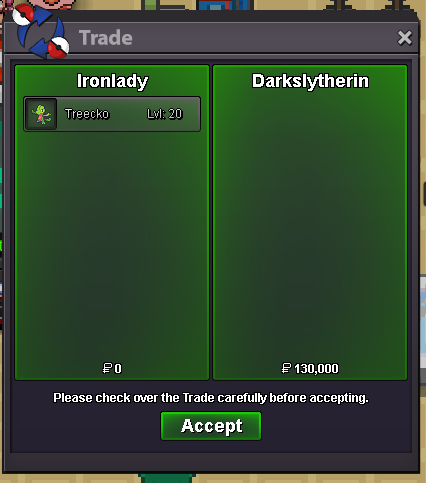
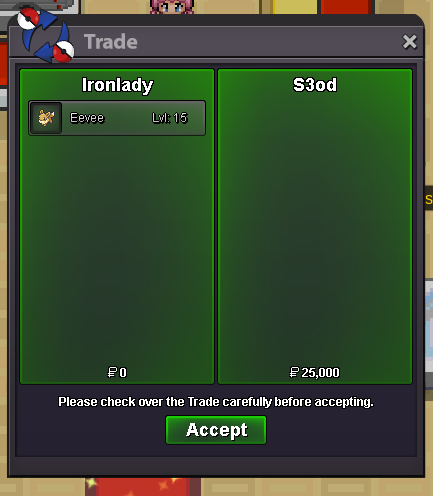
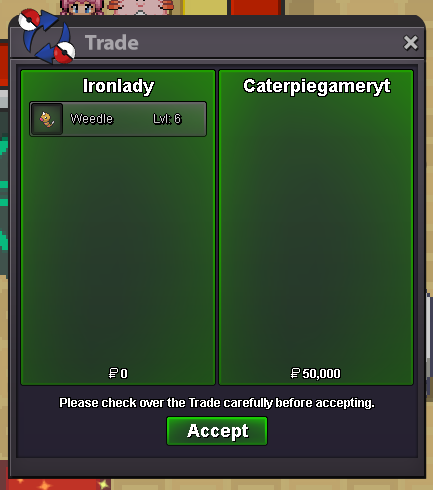
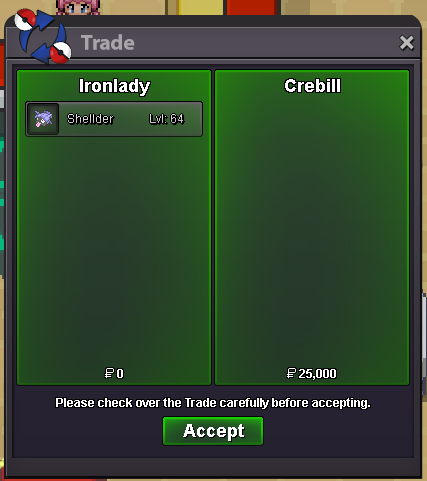
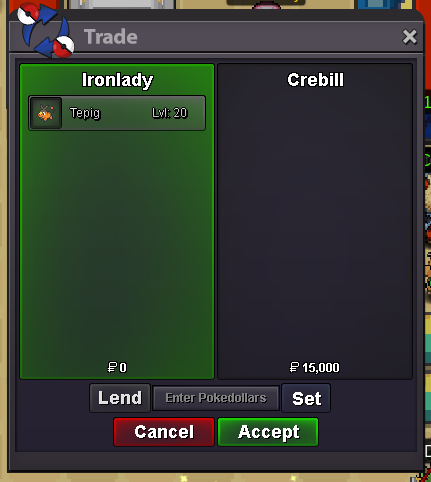
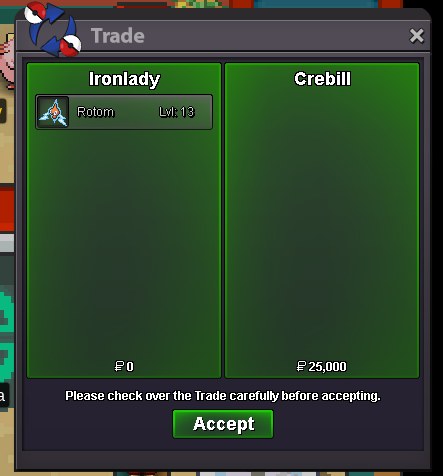
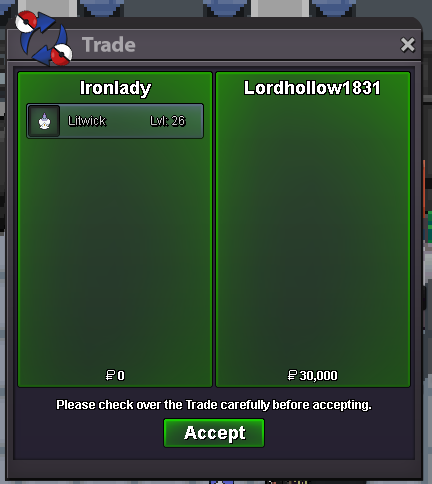
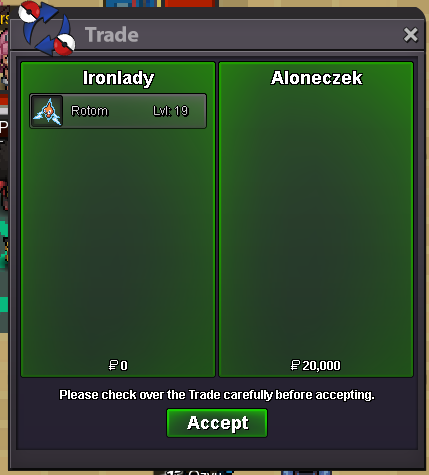
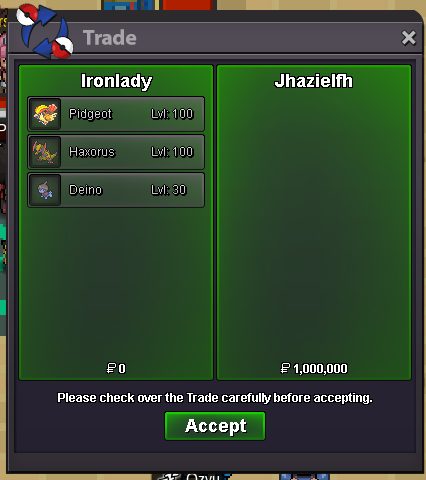
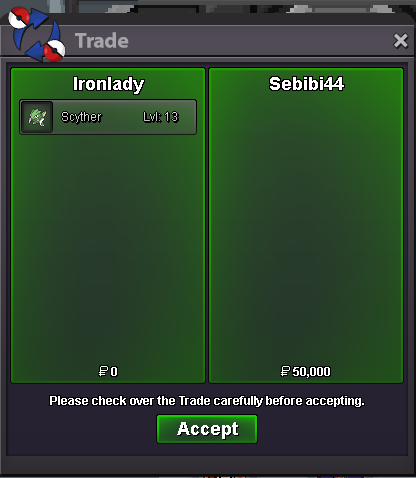
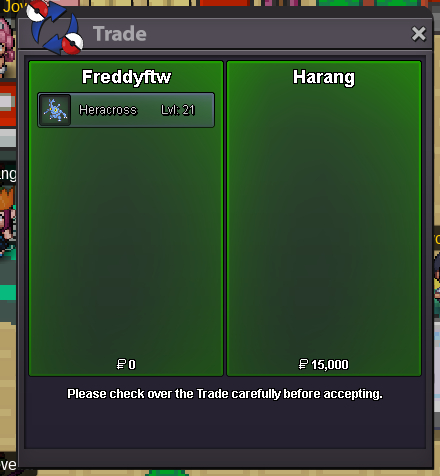
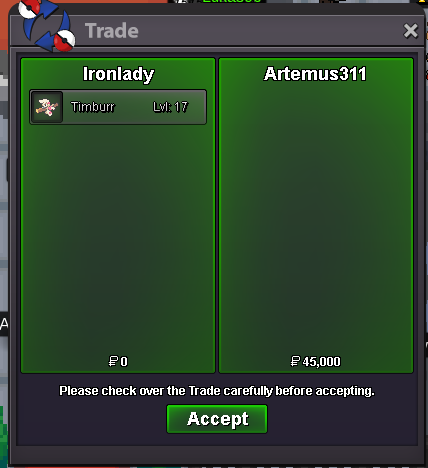
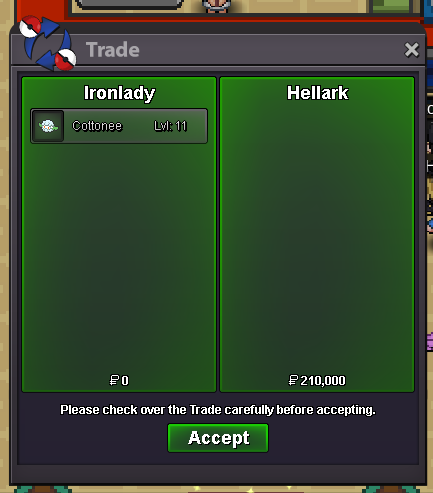
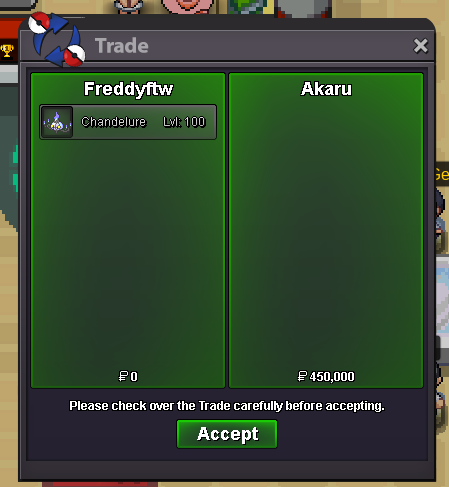
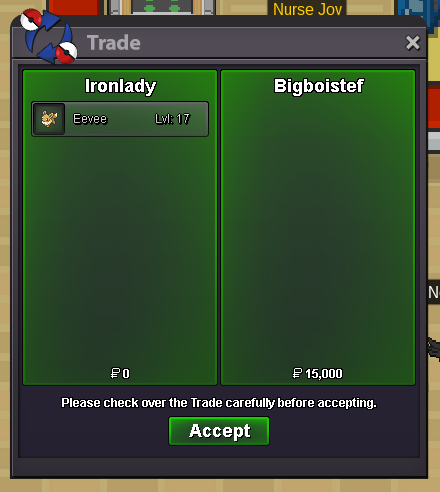
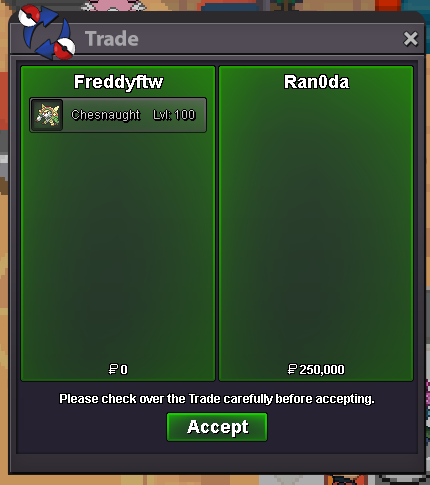
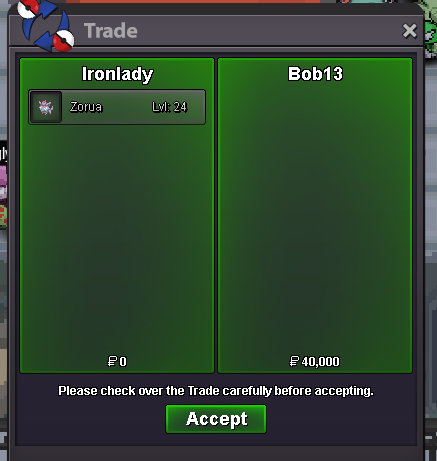
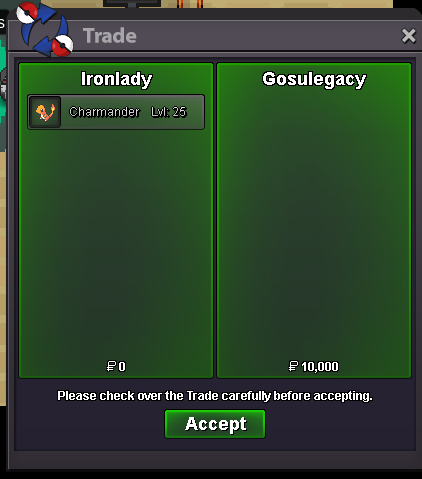
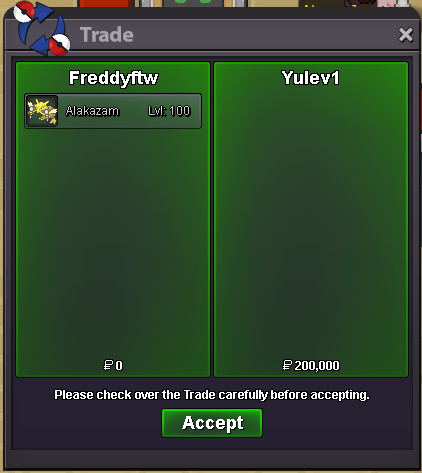
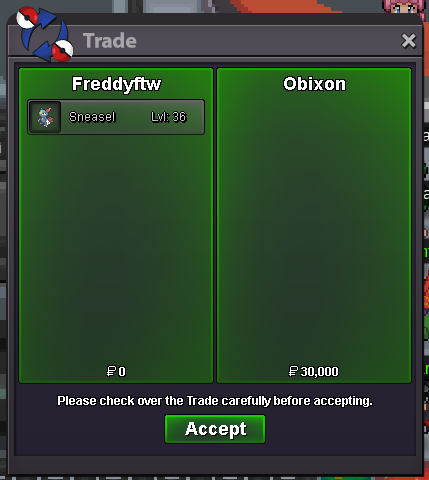
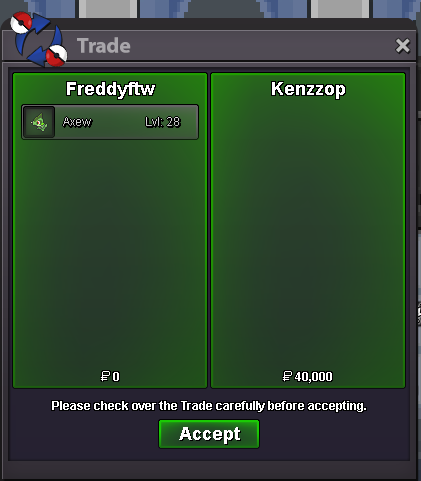
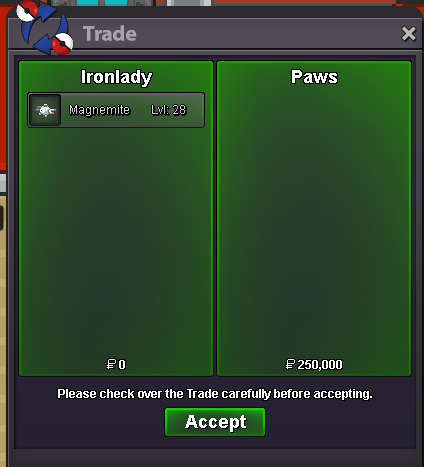
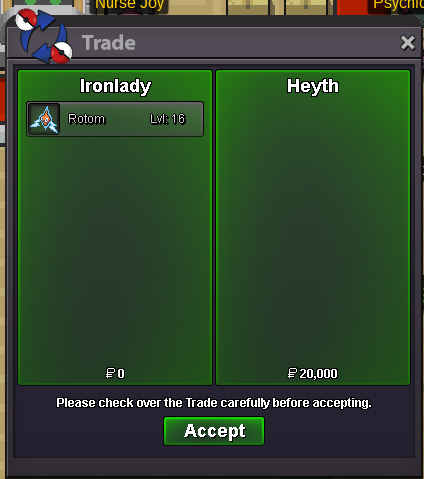
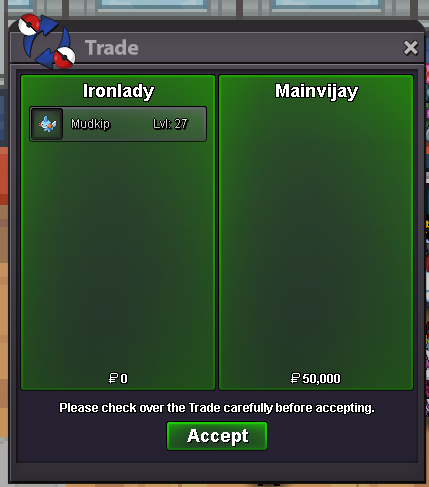
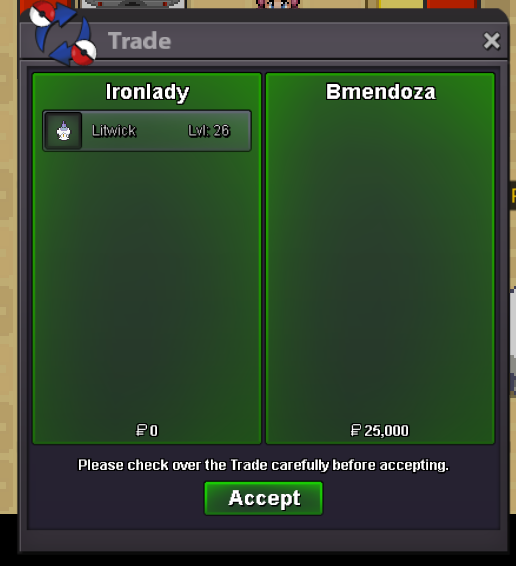
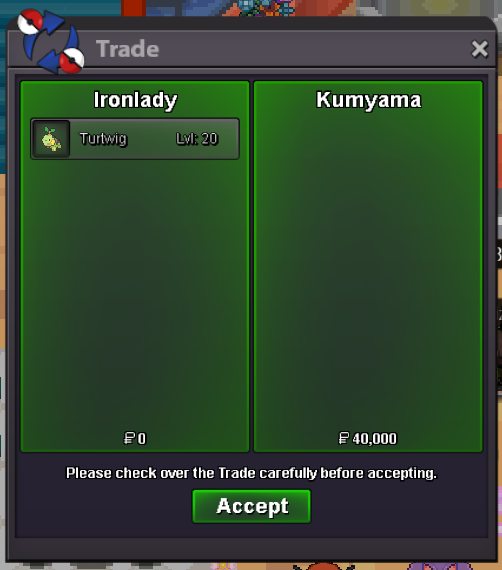
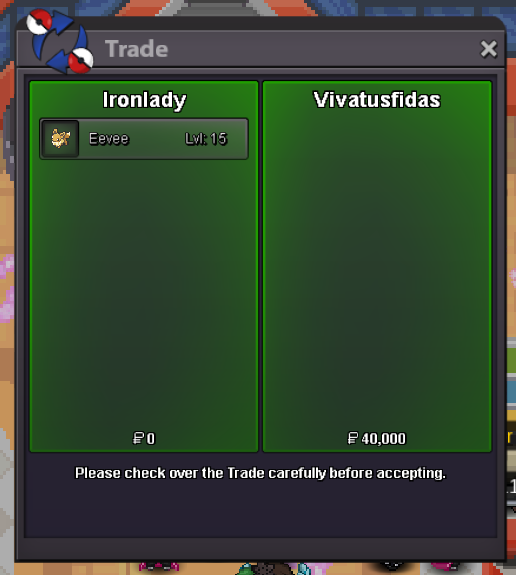
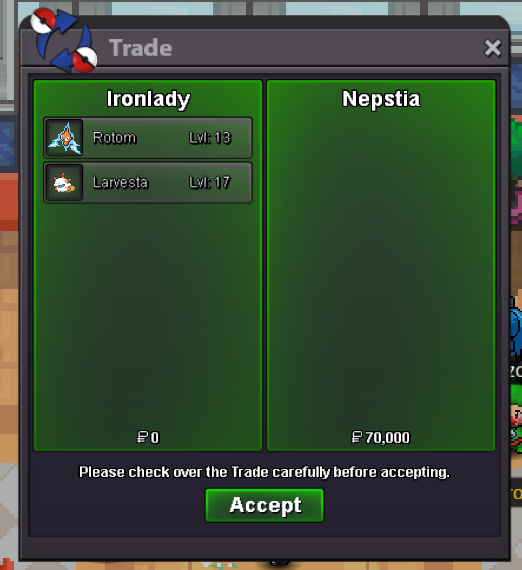
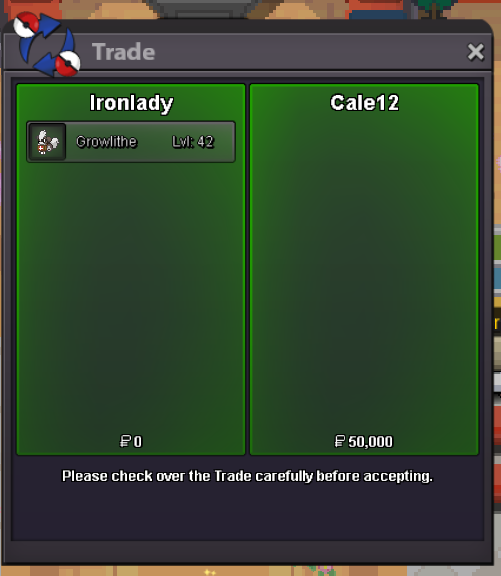
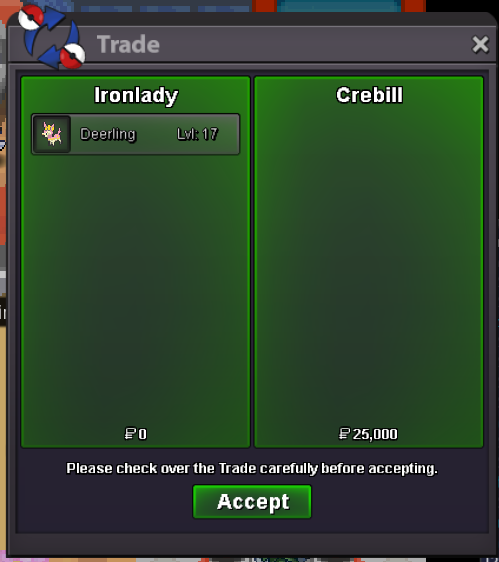
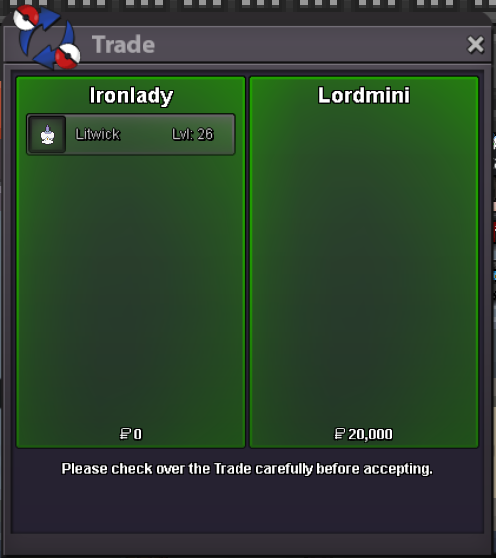
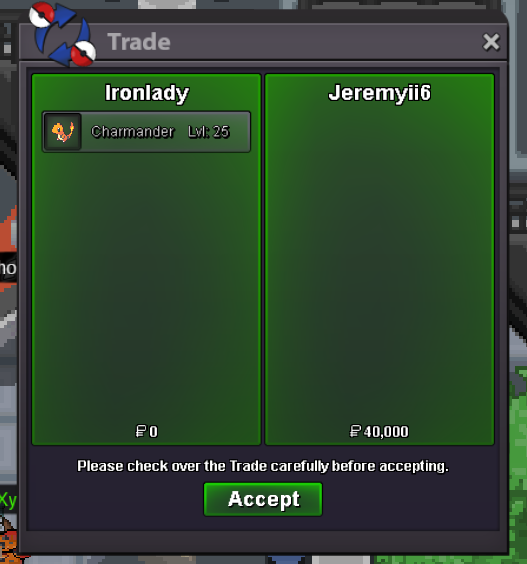
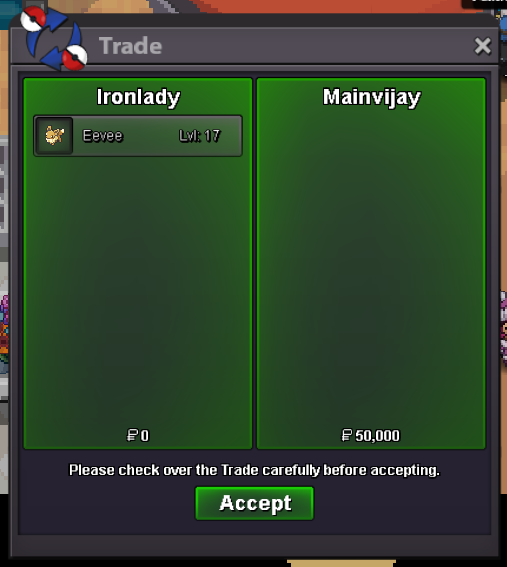
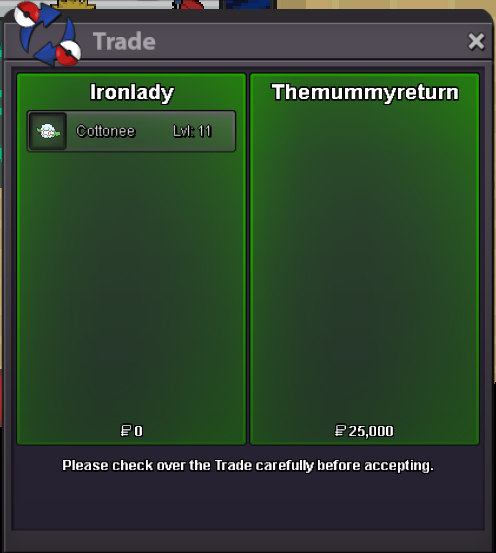
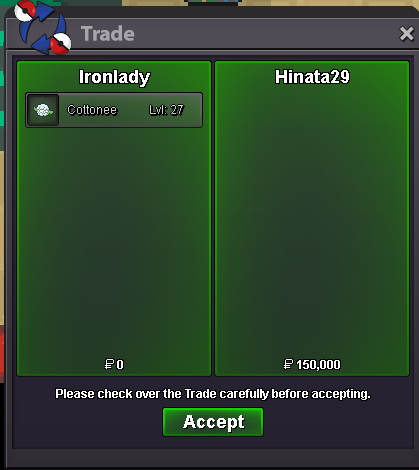
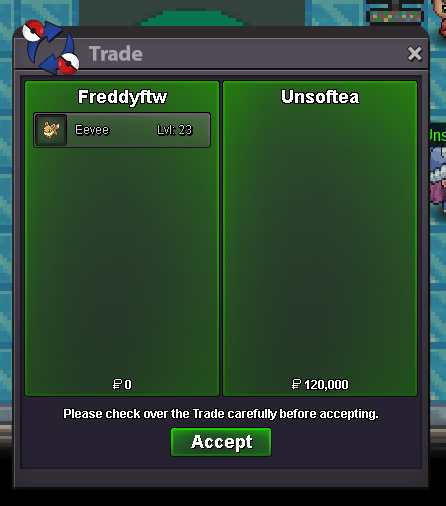
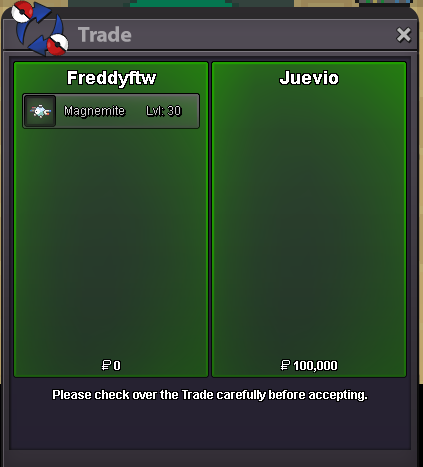
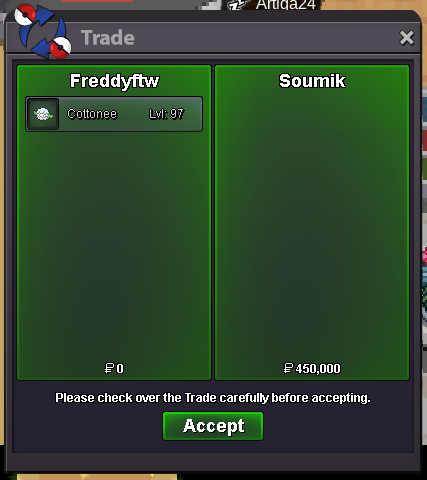
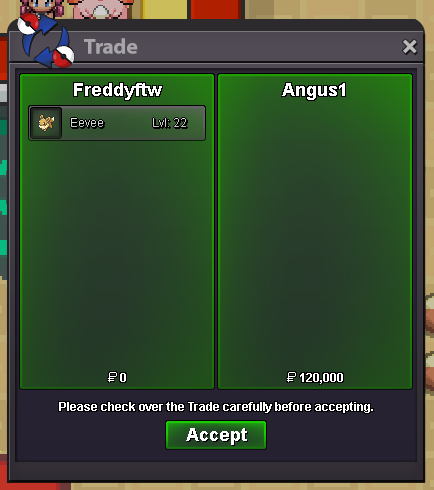
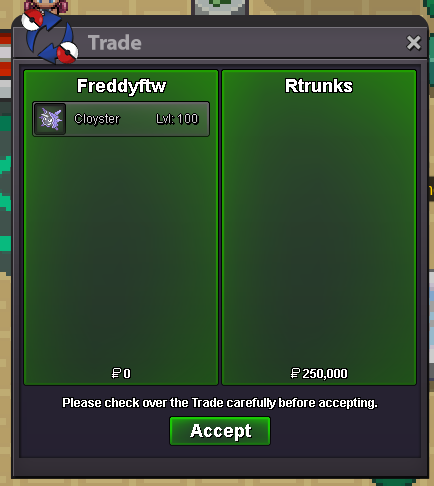
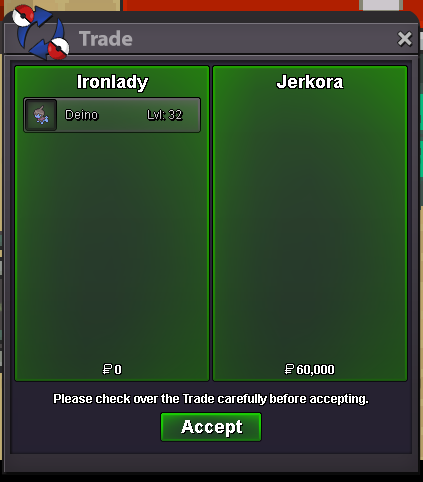
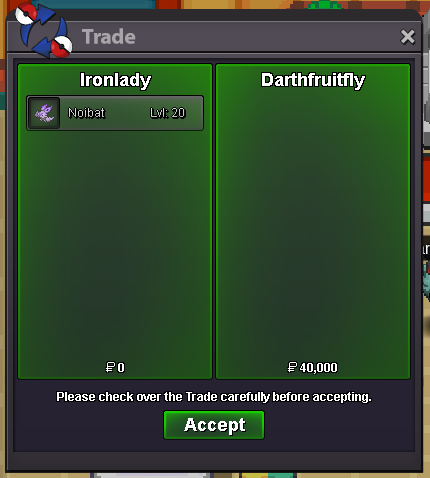
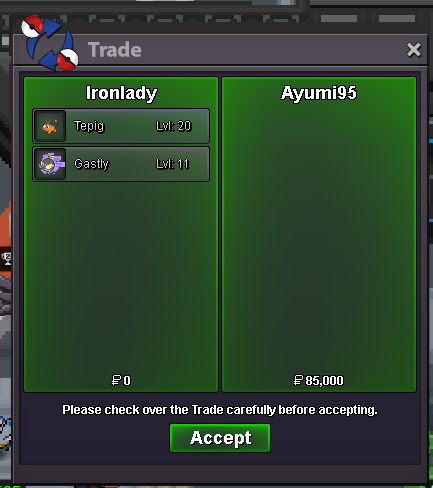
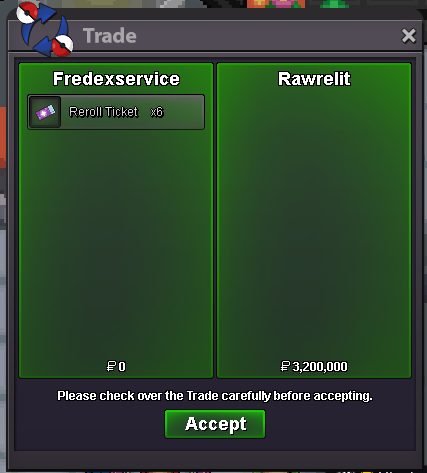
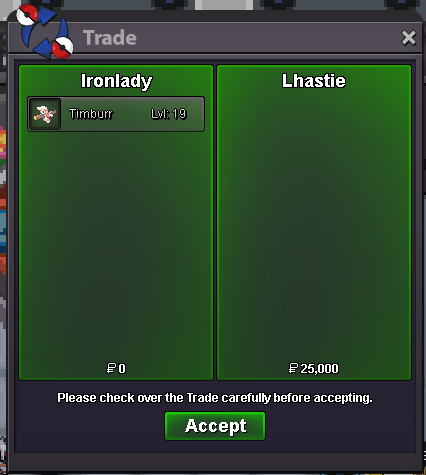
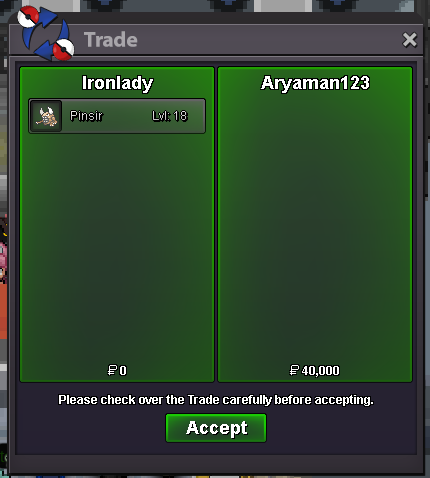
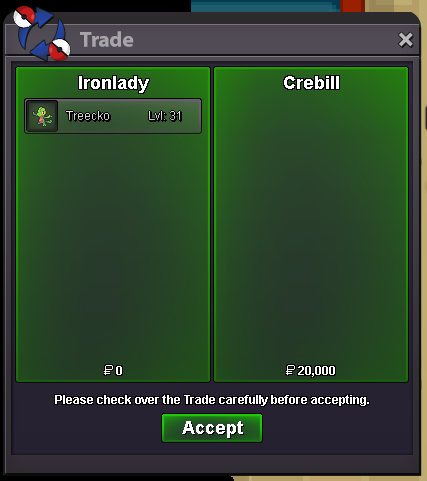
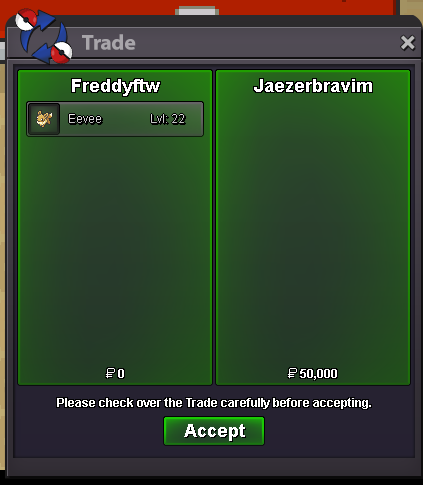
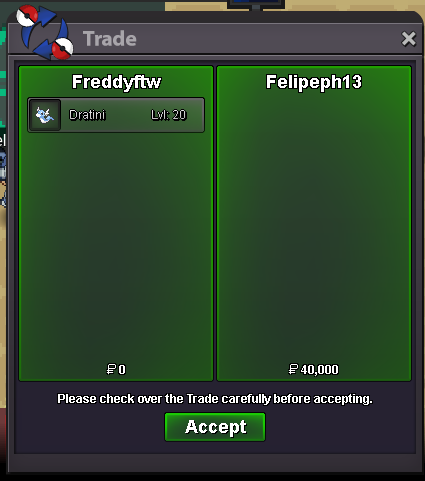
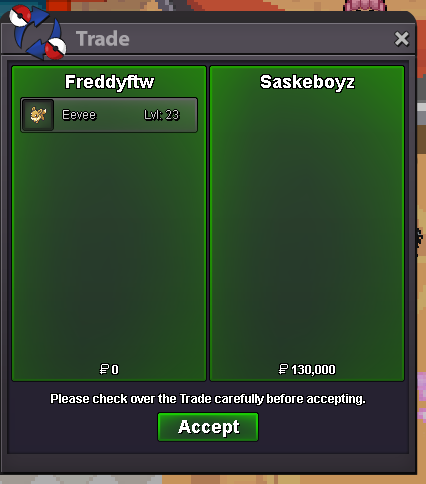
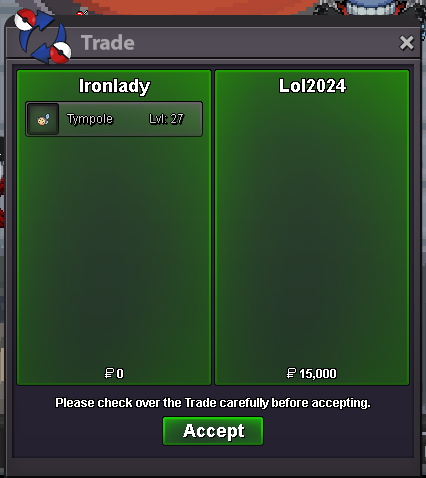
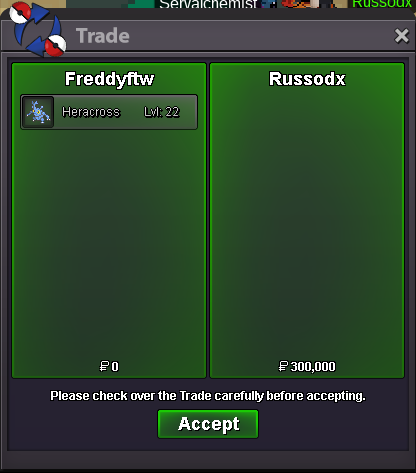
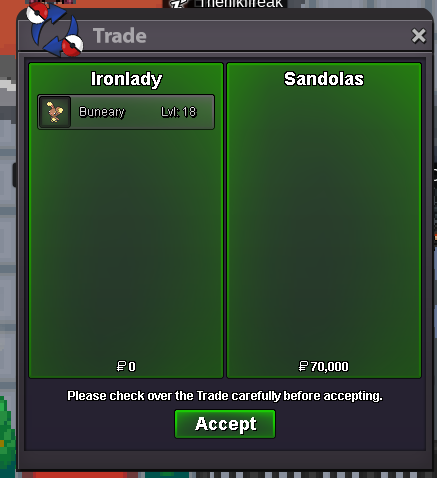
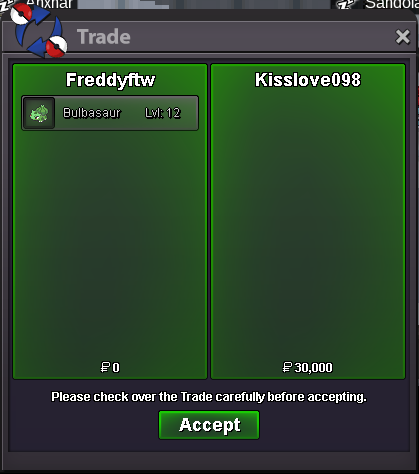
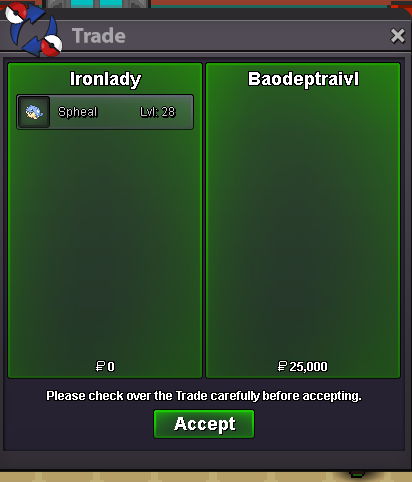
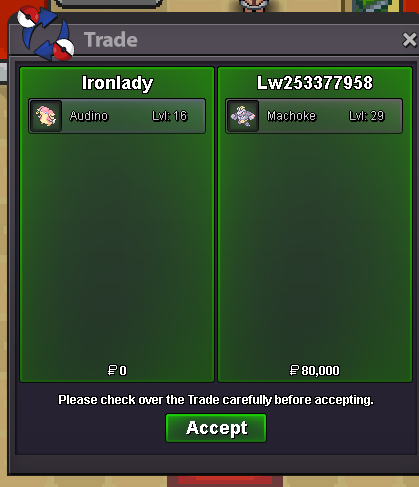
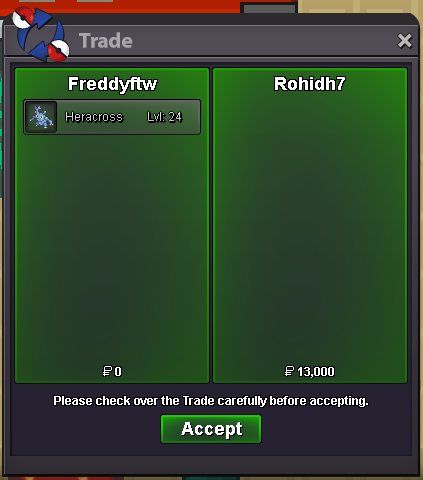
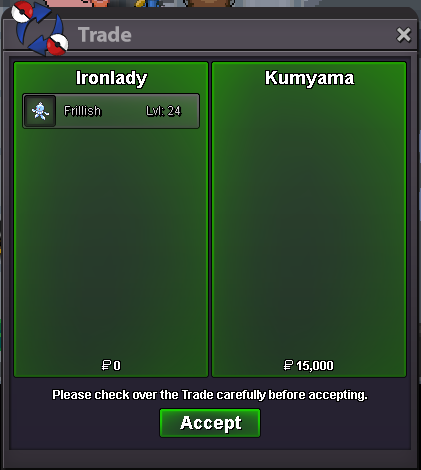
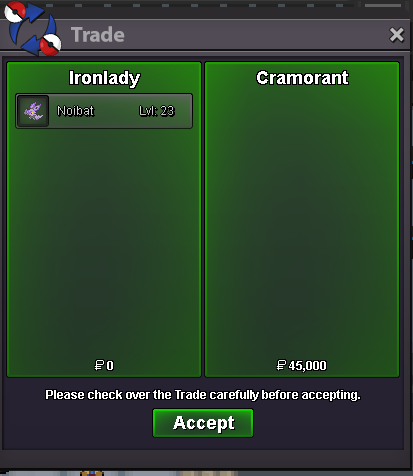
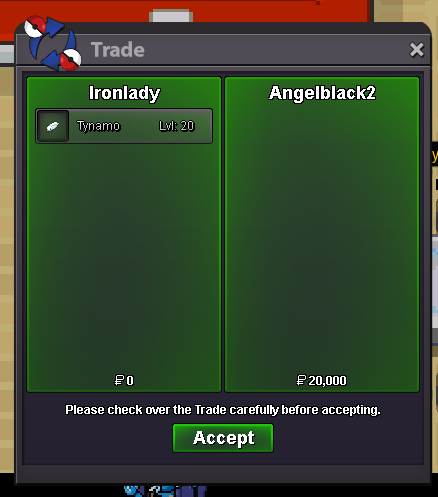
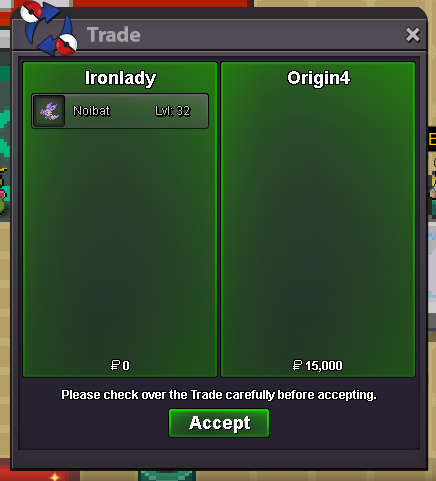
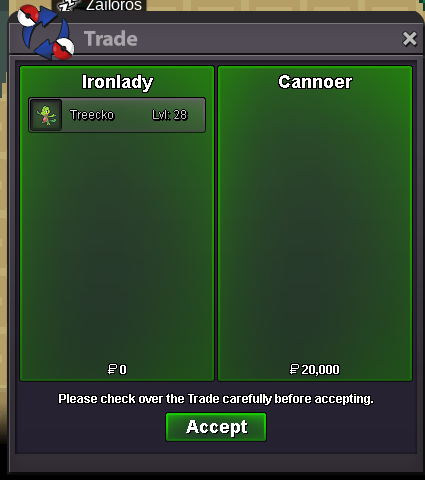
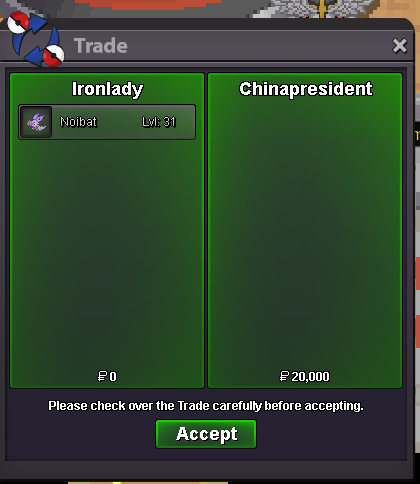
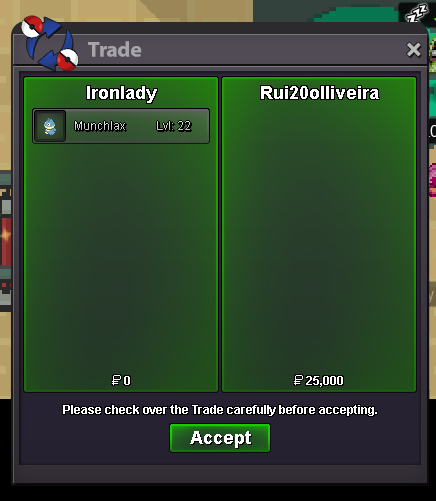
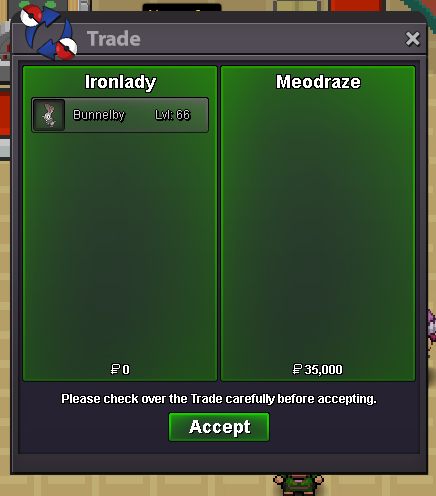
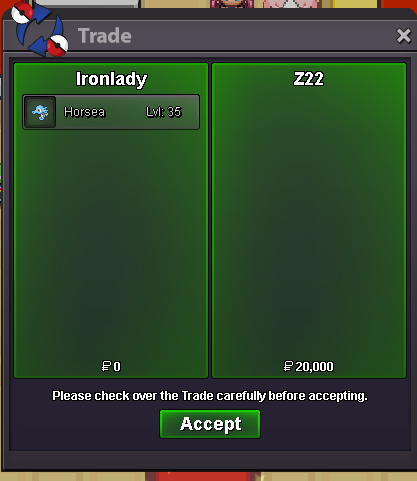
Use the new Trade Zone for auctions and instant-price trades so Pokemon and item offers are easy to find.

Ironlady
Registered User
-
Joined
-
Last visited
Everything posted by Ironlady
-
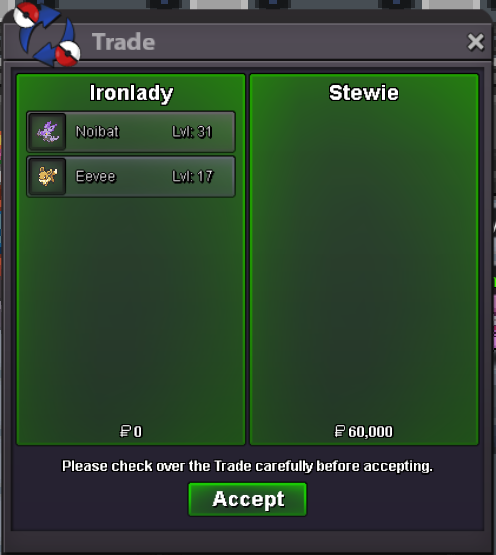
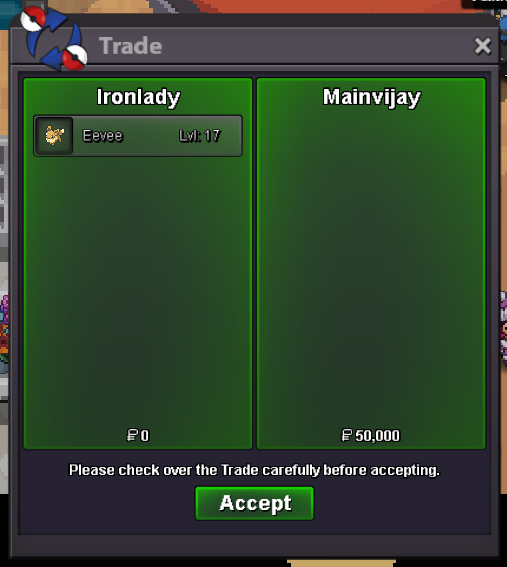
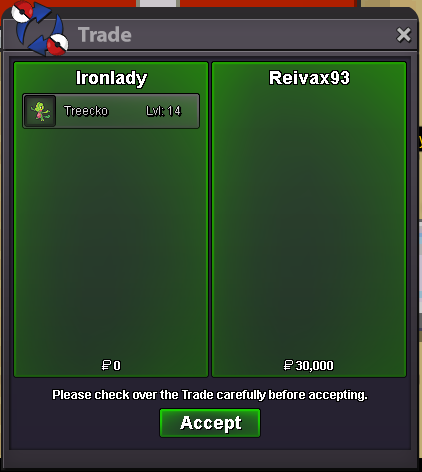
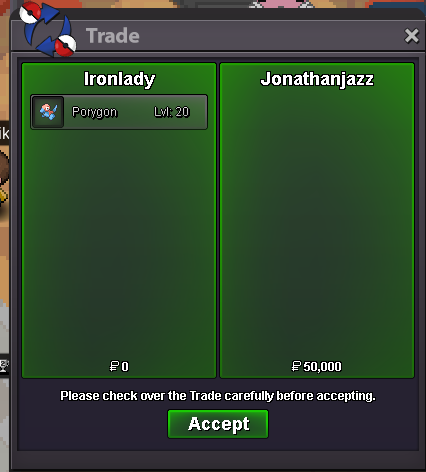
Dear @Incandescent, i would like to be contacted from players who wanna buy from my shop via discord or via IGN. Forum is not mentioned in the "Contact" section, and write on forum "WTB this this and this" doesn't autoryze the player or you, in this case, to force the trade. EDIT: also, the shop is not always updated so may happens that a pokemon showed here is no more available, that's why i want to be pmed directly, not under a forum section. RegardsWrong UpdateEverything's fine for me , thank you@Woshishui you won dratini, i'll be online again in around 15 hoursBump, around 100 minutes leftBe specific please, there r 2 auctionsBumpC.O. 50k Pokedollar Min Bid 1 Pokedollar 20 Hours After First Bid Only Pokedollars Accepted C.O. 100k Pokedollar Min Bid 1 Pokedollar 20 Hours After First Bid Only Pokedollars Accepted
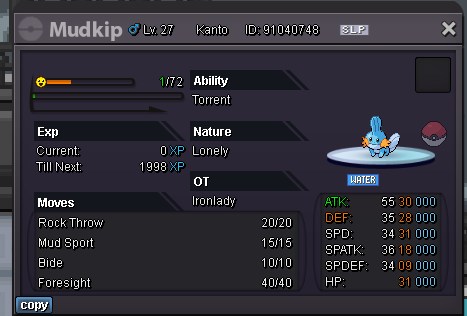
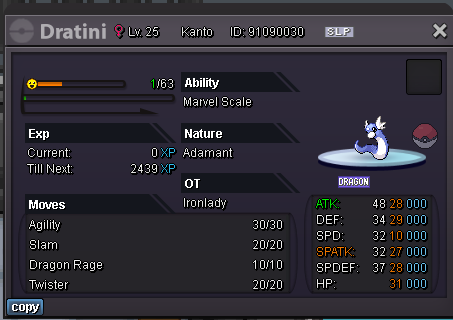 1.520.0001.420.000
Account
Navigation
Search
Configure browser push notifications
Chrome (Android)
- Tap the lock icon next to the address bar.
- Tap Permissions → Notifications.
- Adjust your preference.
Chrome (Desktop)
- Click the padlock icon in the address bar.
- Select Site settings.
- Find Notifications and adjust your preference.
Safari (iOS 16.4+)
- Ensure the site is installed via Add to Home Screen.
- Open Settings App → Notifications.
- Find your app name and adjust your preference.
Safari (macOS)
- Go to Safari → Preferences.
- Click the Websites tab.
- Select Notifications in the sidebar.
- Find this website and adjust your preference.
Edge (Android)
- Tap the lock icon next to the address bar.
- Tap Permissions.
- Find Notifications and adjust your preference.
Edge (Desktop)
- Click the padlock icon in the address bar.
- Click Permissions for this site.
- Find Notifications and adjust your preference.
Firefox (Android)
- Go to Settings → Site permissions.
- Tap Notifications.
- Find this site in the list and adjust your preference.
Firefox (Desktop)
- Open Firefox Settings.
- Search for Notifications.
- Find this site in the list and adjust your preference.