




New Trade Zone
Trade Zone is now live
Use the new Trade Zone for auctions and instant-price trades so Pokemon and item offers are easy to find.


Denef
Registered User
-
Joined
-
Last visited
Everything posted by Denef
-
@Joncar9 hello sir sorry for the tag, but its been 3 day and i cant contact litwick bidder @Alex123smith, can you do force trade?
-
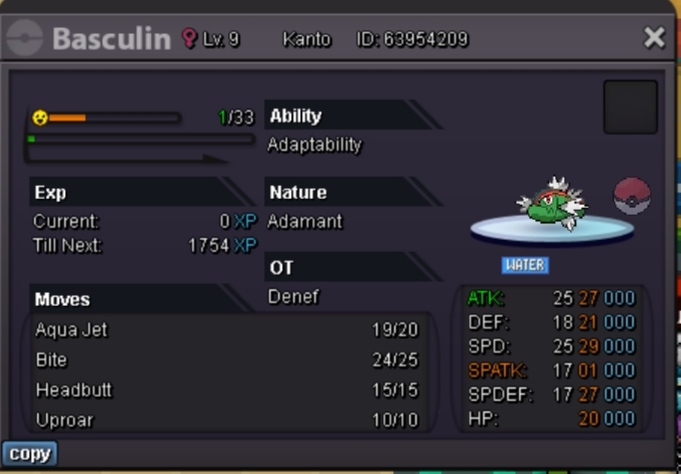
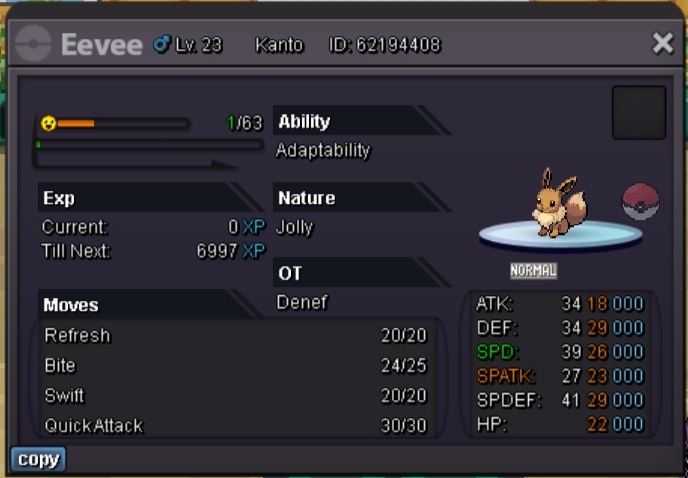
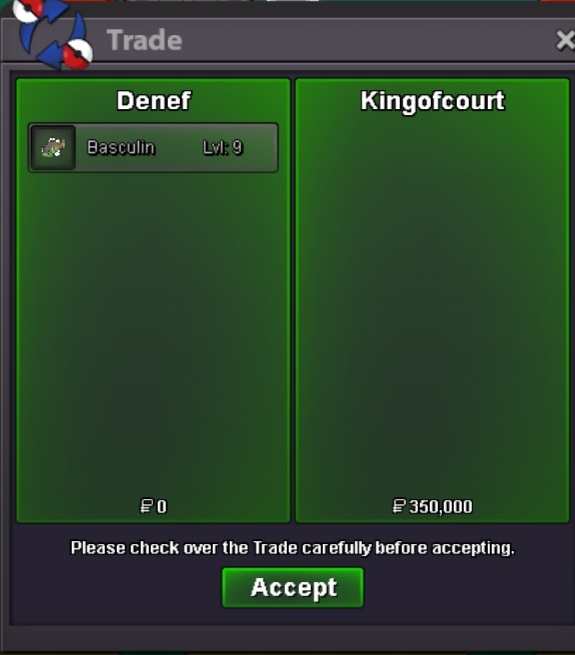
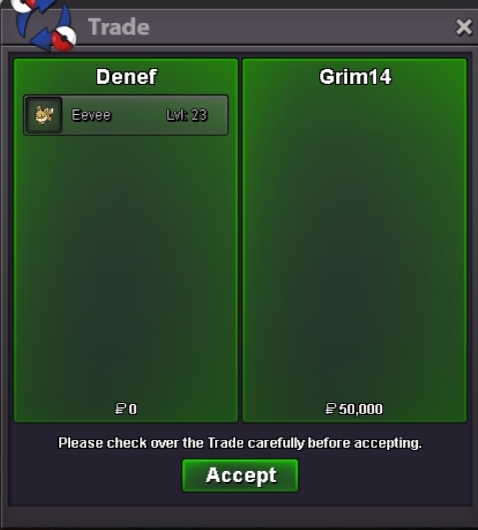
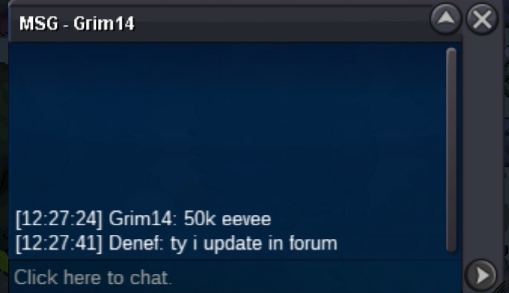
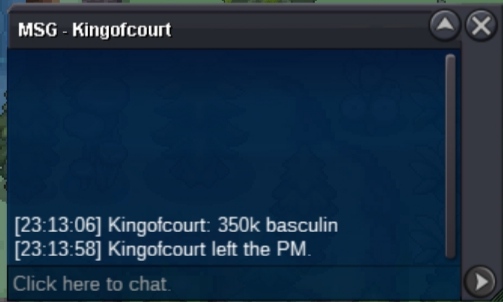
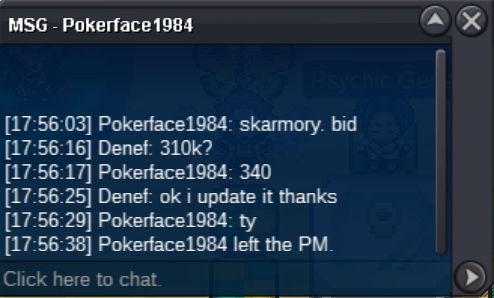
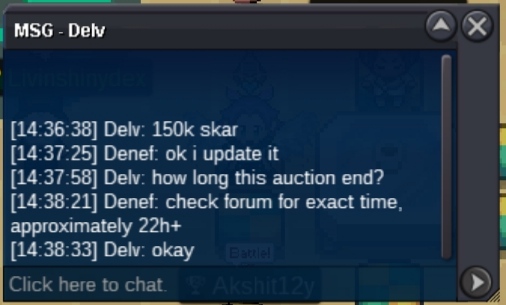
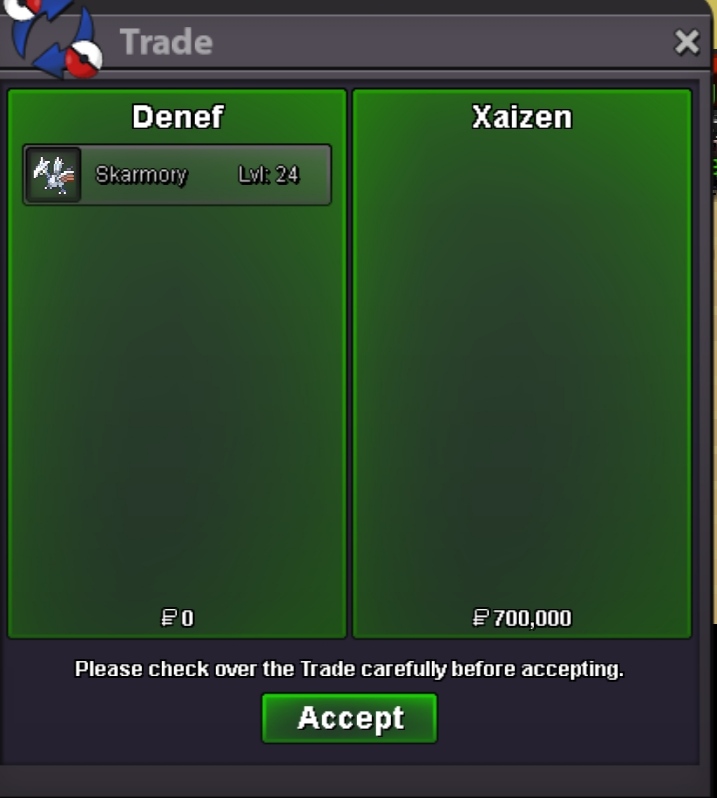
Auction End Basculin win by - @Kingofcourt 350k Skarmory win by - @Bluerise22 350k Eevee win by - @Grim14 50k All the winner please contact me through discord or here or pm ingame to complete the tradebumpStart Offer: 10k (each pokemon) No Insta Min. Raise: 10k Time : 24hour https://countingdownto.com/?c=4624914 Accepted Payment(s): Pokedollar CC : 360k Reroll : 550k Skar c.o : 350k Basculin c.o : 350k Eevee c.o : 50k Ign : Denef Discord : danial_f #7181

 Hey sry for the late update since im so busy today Shellder - win by @Janith with 150k bid Litwick - win by @Alex123smith with 50k bid ingame Treecko got no bid Pm me at discord or ingame when you are availableSure i will at least wait the winner auction by 3 day, after that ill ask trade mod for force tradeAnytime , whyStartJanith raise his bid to 150k
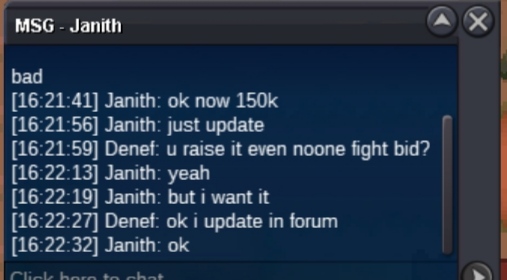 Alex123smith start litwick
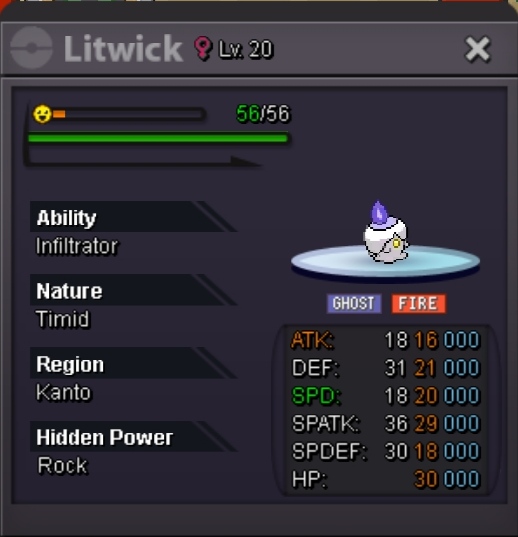
 Janith start shellder
 Start Offer: 50k each No Insta Min. Raise: 10k Time : 24 hour after S.O Accepted Payment(s): Pokedollar CC : 360k Reroll : 550k End by janith : 150k time : https://countingdownto.com/countdown-pages/DX3LgDmB End by alex123smith : 50k time :https://countingdownto.com/countdown-pages/tbr7St0B Ign : Denef Discord : danial_f #7181

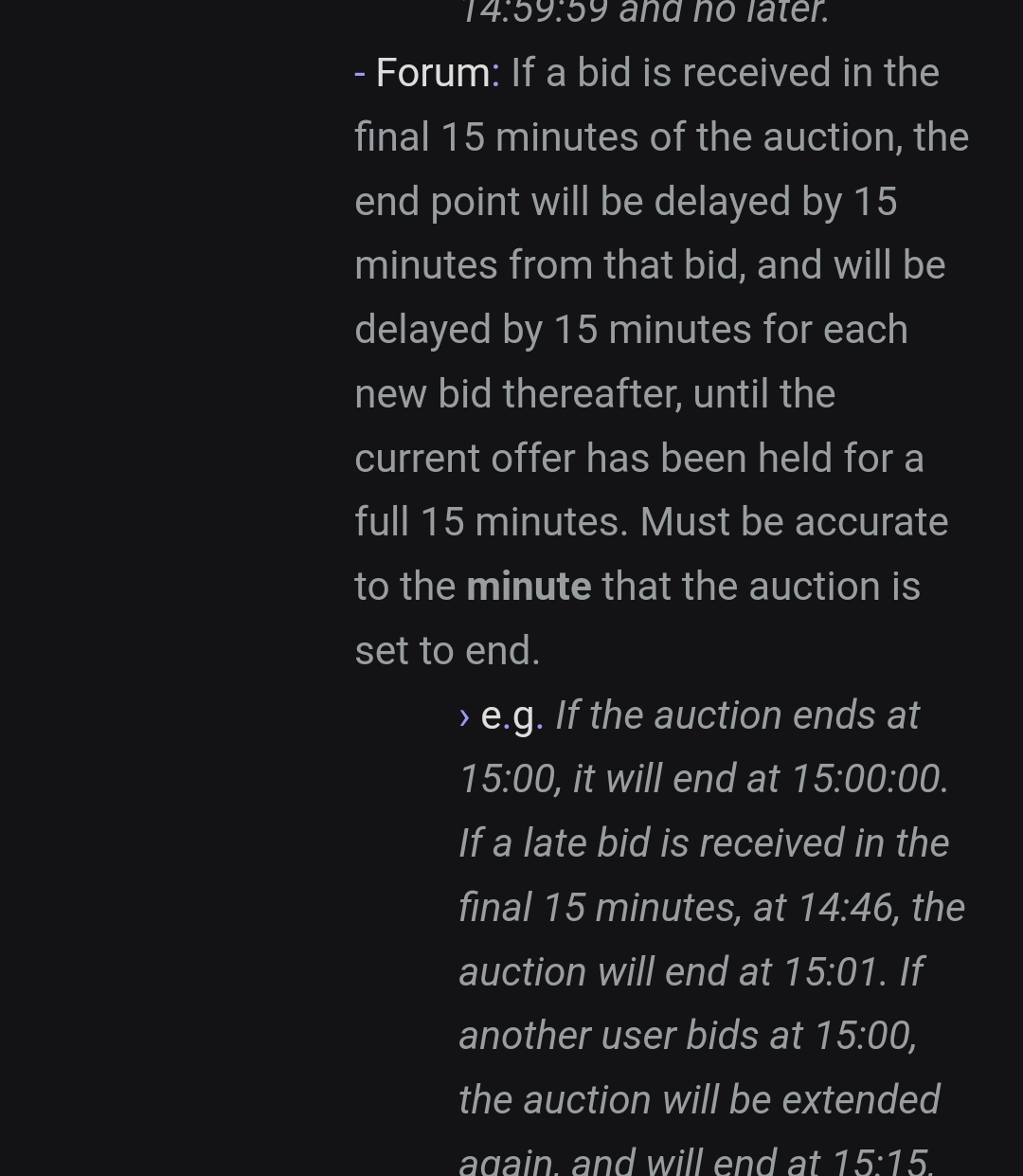
 Gz @Xaizen you win 🤩 Wanna trade now or later? You can pm my discord when you available to come onlineSo the conclusion is Berus bid 2min before time end, so it was extend for 15 min. And the last bid is by xaizen 700k and no other bid after that 15min by xaizen, Congratz Xaizen with auction with 700kApproximately 1 hour 25 min leftNoted, ty C.O : 666k by XaizenTy sir C.O 650k by Pragnayas34





Account
Navigation
Search
Configure browser push notifications
Chrome (Android)
- Tap the lock icon next to the address bar.
- Tap Permissions → Notifications.
- Adjust your preference.
Chrome (Desktop)
- Click the padlock icon in the address bar.
- Select Site settings.
- Find Notifications and adjust your preference.
Safari (iOS 16.4+)
- Ensure the site is installed via Add to Home Screen.
- Open Settings App → Notifications.
- Find your app name and adjust your preference.
Safari (macOS)
- Go to Safari → Preferences.
- Click the Websites tab.
- Select Notifications in the sidebar.
- Find this website and adjust your preference.
Edge (Android)
- Tap the lock icon next to the address bar.
- Tap Permissions.
- Find Notifications and adjust your preference.
Edge (Desktop)
- Click the padlock icon in the address bar.
- Click Permissions for this site.
- Find Notifications and adjust your preference.
Firefox (Android)
- Go to Settings → Site permissions.
- Tap Notifications.
- Find this site in the list and adjust your preference.
Firefox (Desktop)
- Open Firefox Settings.
- Search for Notifications.
- Find this site in the list and adjust your preference.