




New Trade Zone
Trade Zone is now live
Use the new Trade Zone for auctions and instant-price trades so Pokemon and item offers are easy to find.


Simodelmaz
Registered User
-
Joined
-
Last visited
Everything posted by Simodelmaz
-
Up
-
lopunny 29728 sold to bijoumode for 200k congratulations

-
sure noted sorry for delayed response ^^ end fixed at 8.50 am gmt+2 2 july 2022
-
bump!!! new insta and reduced time auction
-
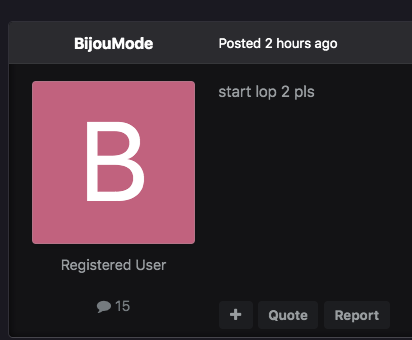
bump
-
25k
-
lopunny 1 sold to siegdragun Congratulations 😄 New lowered price on lopunny 2 and 3 in few min ❤️

-
start both
-
bump!!!
-
noted end lopunny 1 ----25/6/2022 9.45 am (italy time) also 7.45 gmt 0
-
sold can be closed
-
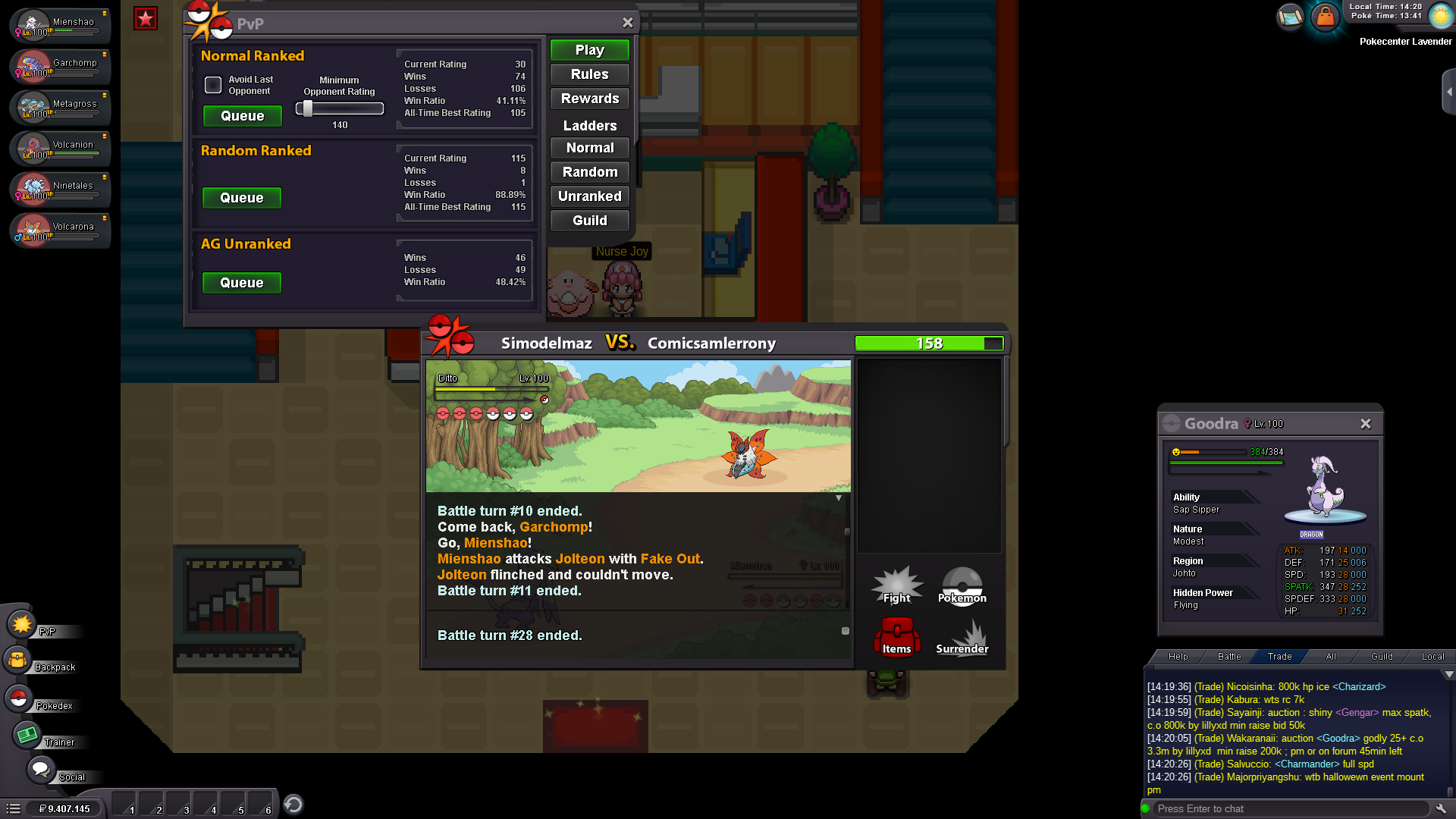
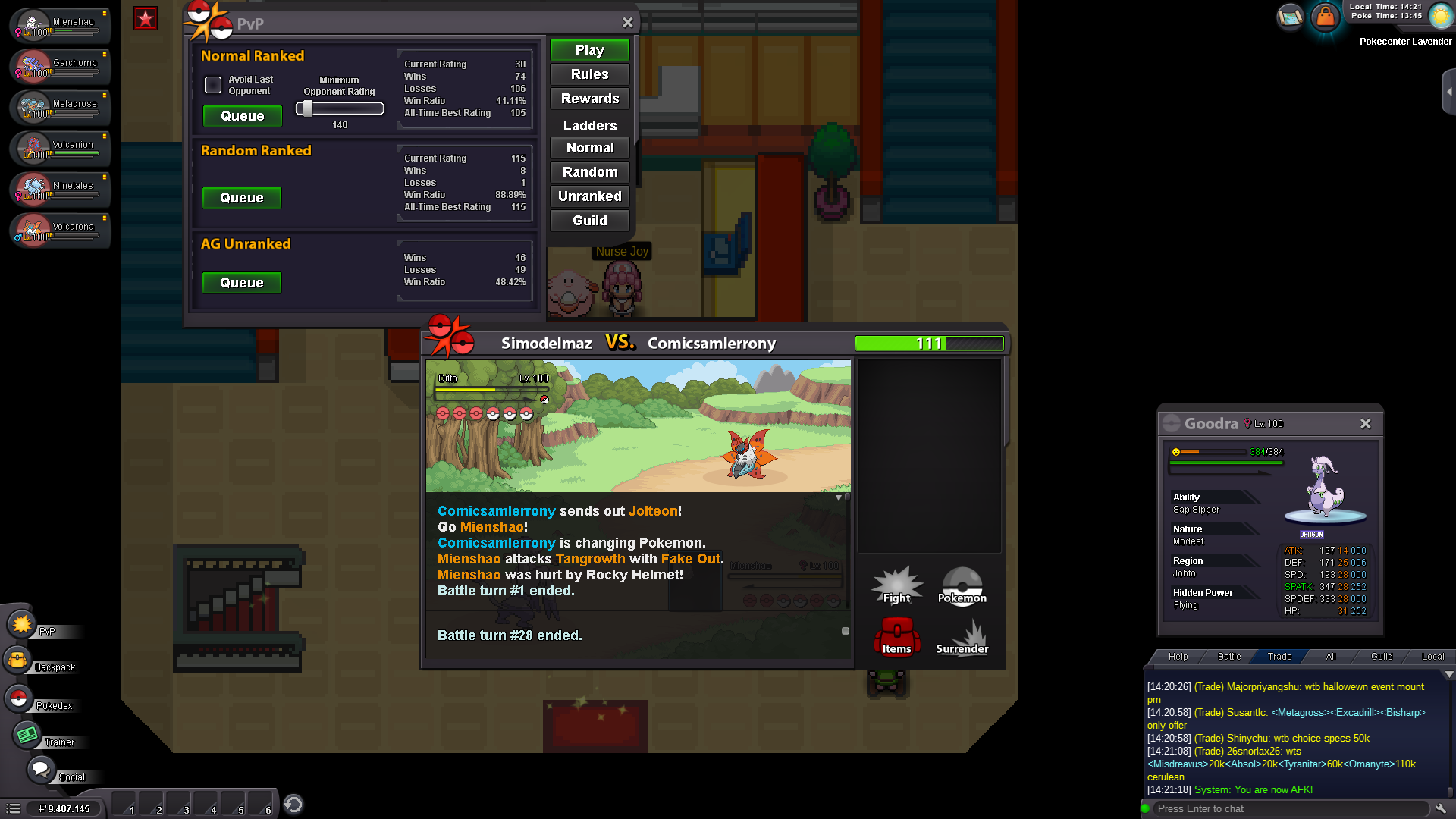
hi, i was doing some pvp match , in one match i found 2 thing's that can be considered bug i guess. on turn 10-12 the opponent jolteon become a tangrowth after we have waited to do ur move after near 2 min. the second one mine mienshao failed fake out when enter in battle 2 time. is possible to know why ? sadly i have only these screenshot to attach. thx for response ^^ have a nice day





-
noted thx
-
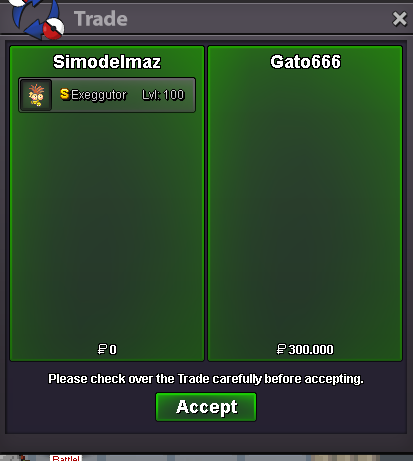
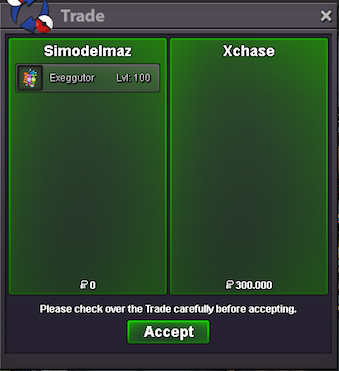
gratz to gato666 who won shiny exeggutor and xchase who won easter exeggutor crobat won by weaponsx (trade when we meet online)
-
sandlash 120k by proloy
 1m shupnotedsure im online 🙂noted sorry for delayed response. as i see ur reply is from 4hr ago so end is : 13.15 (italy time) 16/06/2022. i fixed the auction end, cause i saw ur reply and when i put mine it switched from 3 to 4 hr. sorry for inconvenient
 gratz raticate won by paok123!!!! (msg me for fix trade ^^)
 noted
noted



Account
Navigation
Search
Configure browser push notifications
Chrome (Android)
- Tap the lock icon next to the address bar.
- Tap Permissions → Notifications.
- Adjust your preference.
Chrome (Desktop)
- Click the padlock icon in the address bar.
- Select Site settings.
- Find Notifications and adjust your preference.
Safari (iOS 16.4+)
- Ensure the site is installed via Add to Home Screen.
- Open Settings App → Notifications.
- Find your app name and adjust your preference.
Safari (macOS)
- Go to Safari → Preferences.
- Click the Websites tab.
- Select Notifications in the sidebar.
- Find this website and adjust your preference.
Edge (Android)
- Tap the lock icon next to the address bar.
- Tap Permissions.
- Find Notifications and adjust your preference.
Edge (Desktop)
- Click the padlock icon in the address bar.
- Click Permissions for this site.
- Find Notifications and adjust your preference.
Firefox (Android)
- Go to Settings → Site permissions.
- Tap Notifications.
- Find this site in the list and adjust your preference.
Firefox (Desktop)
- Open Firefox Settings.
- Search for Notifications.
- Find this site in the list and adjust your preference.