New Trade Zone
Trade Zone is now live
Use the new Trade Zone for auctions and instant-price trades so Pokemon and item offers are easy to find.

Kevinava
Registered User
-
Joined
-
Last visited
Everything posted by Kevinava
-
Started
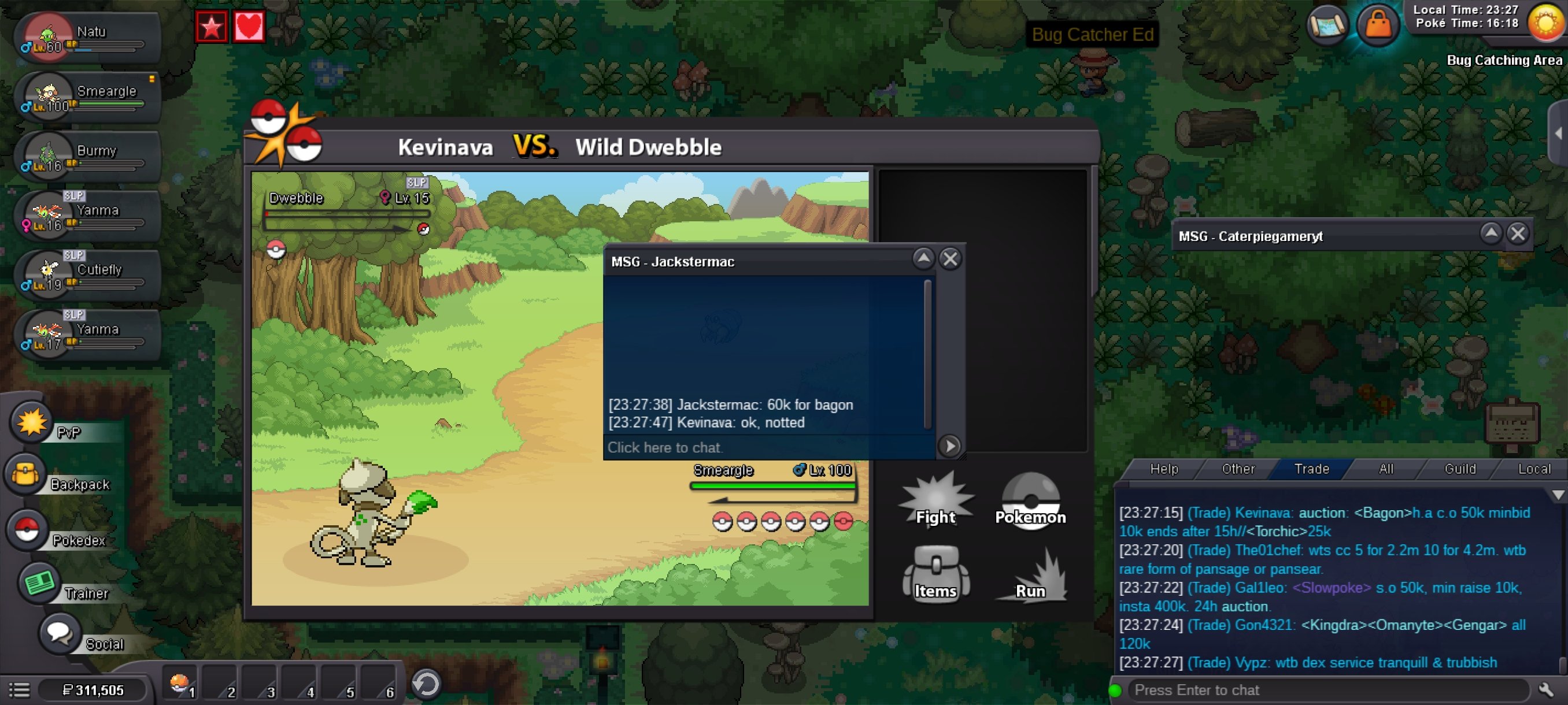
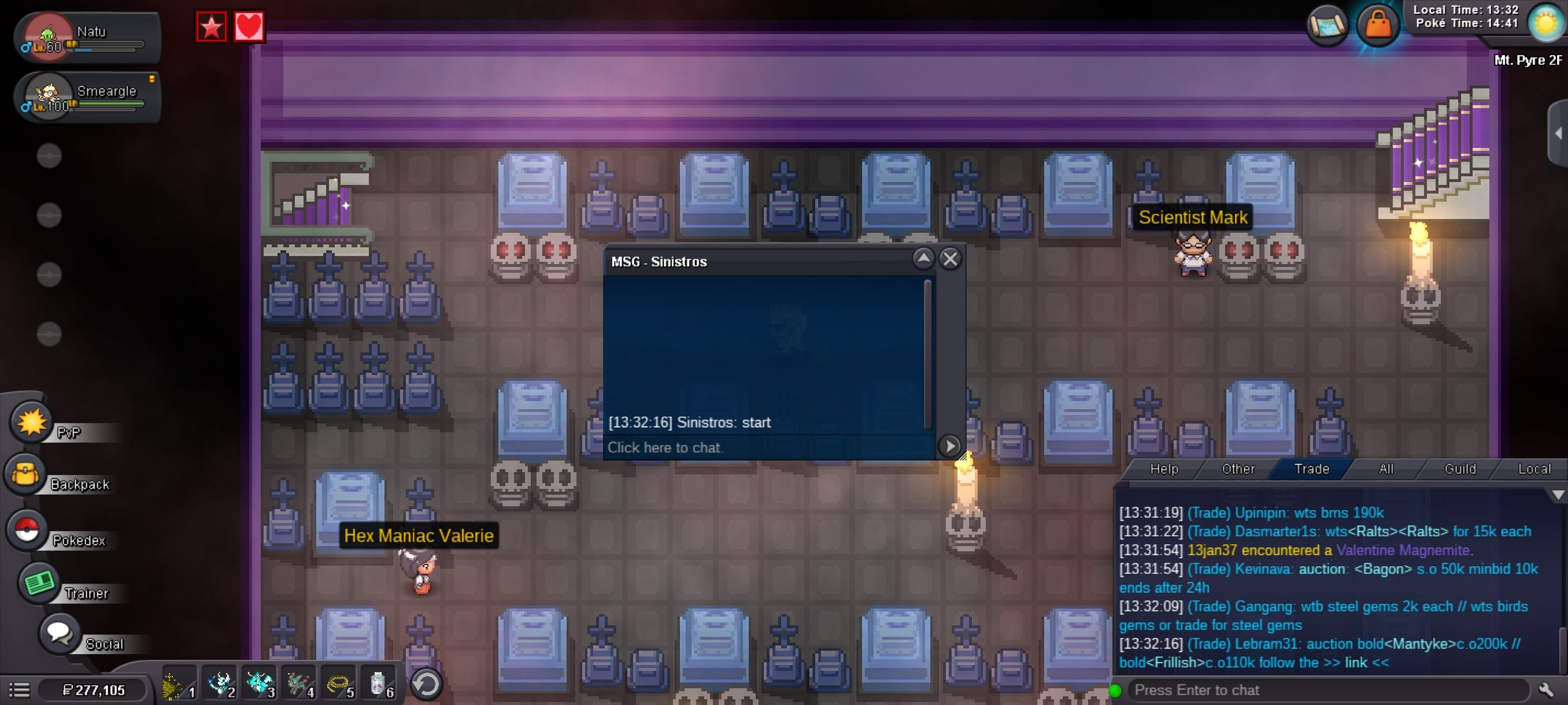 S.O.: 50k Minbid: 10k No insta Auction ended at https://reloj-alarma.es/temporizador/#countdown=24:00:00&date=2024-03-05T13:33:27 Accepted payment: - Cash - CC as 450k
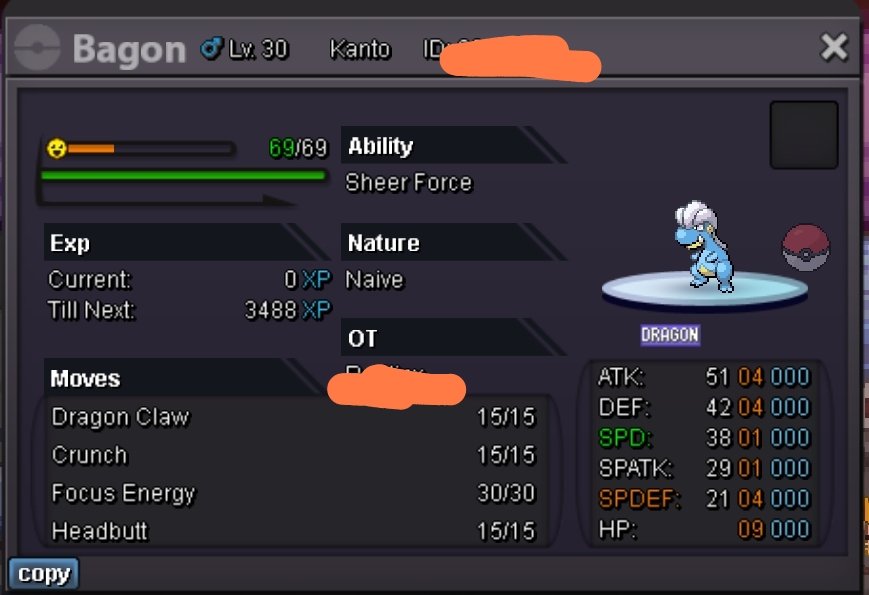 UpUpupHello! Im looking to sell this godly togekiss Im asking for 25M
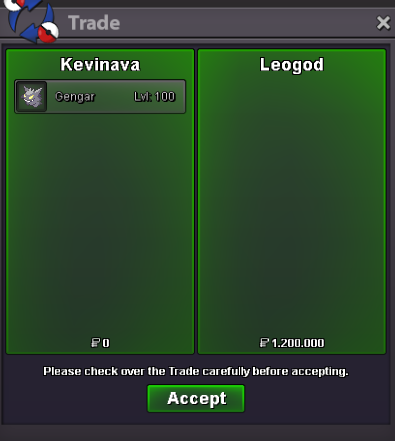
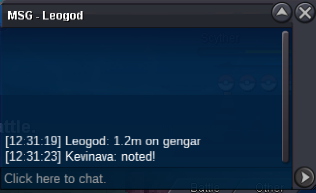
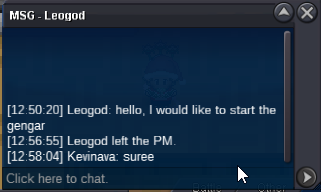
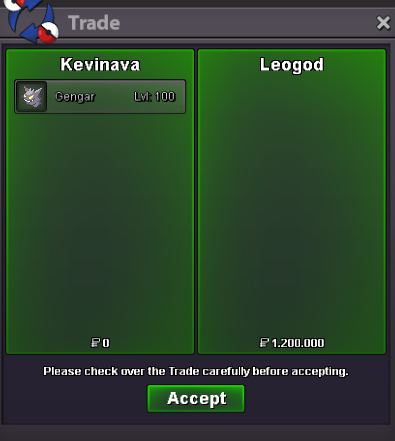
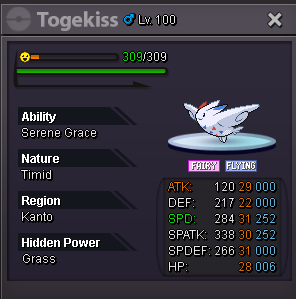 Auction finishedNoted!! 😄oh yes, sorry ThanksSold to Leogod https://www.tickcounter.com/countdown/3754100/halloween-gengar Ends 72h after first offer Current Offeer - 1.2m by Leogod Min Bid - 100k Insta - 5M Accepted Payments: CC 350k rr 650k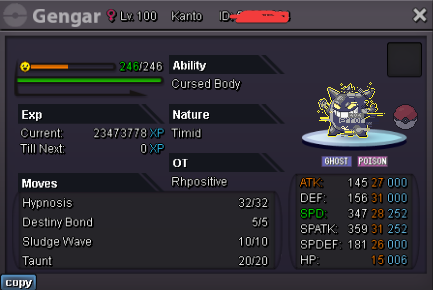
 350k200k sirAuction ended!
Account
Navigation
Search
Configure browser push notifications
Chrome (Android)
- Tap the lock icon next to the address bar.
- Tap Permissions → Notifications.
- Adjust your preference.
Chrome (Desktop)
- Click the padlock icon in the address bar.
- Select Site settings.
- Find Notifications and adjust your preference.
Safari (iOS 16.4+)
- Ensure the site is installed via Add to Home Screen.
- Open Settings App → Notifications.
- Find your app name and adjust your preference.
Safari (macOS)
- Go to Safari → Preferences.
- Click the Websites tab.
- Select Notifications in the sidebar.
- Find this website and adjust your preference.
Edge (Android)
- Tap the lock icon next to the address bar.
- Tap Permissions.
- Find Notifications and adjust your preference.
Edge (Desktop)
- Click the padlock icon in the address bar.
- Click Permissions for this site.
- Find Notifications and adjust your preference.
Firefox (Android)
- Go to Settings → Site permissions.
- Tap Notifications.
- Find this site in the list and adjust your preference.
Firefox (Desktop)
- Open Firefox Settings.
- Search for Notifications.
- Find this site in the list and adjust your preference.