New Trade Zone
Trade Zone is now live
Use the new Trade Zone for auctions and instant-price trades so Pokemon and item offers are easy to find.


Archaichunter
Registered User
-
Joined
-
Last visited
Everything posted by Archaichunter
-
ending soon
-
sry only silverhttps://countingdownto.com/?c=4885754Starting offer: 10k Min bid: 10k Ends in 24h after start Accept Pokedollars, cc: 400k, no insta Good luck
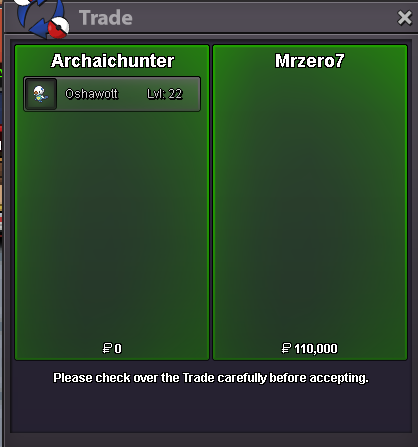
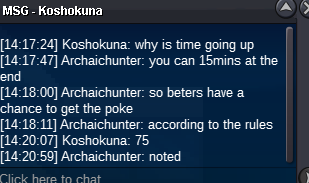
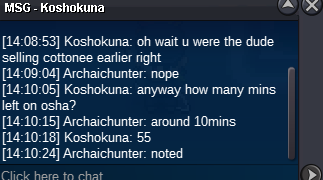
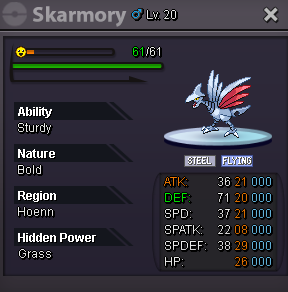 my understanding was i can add 15min after the time it started, so i did but i should have waiter 15mins like you said which is my bad, now i know that each bet extended the duration by 15min and i should wait 15mins after each one@Zoruami Hello the player who won the auction can not be reached, can you please force the trade or if not can i contact the runner up thank youTrade done thanks to all
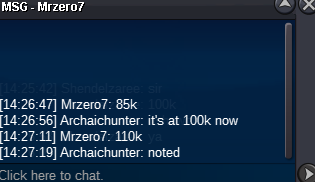
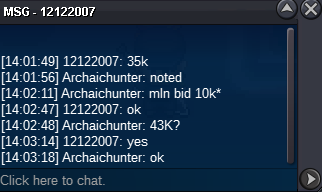
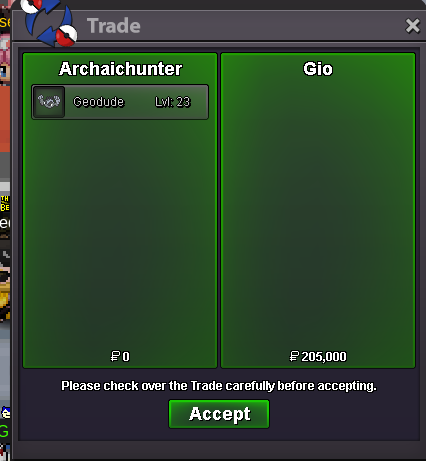 @Gio am available too let's meet at vermillionGio won the auction @Gio contact when availableMrzero7 won the auction!Last 15mins gl43.33k for 12122007
 Starting offer: 10k Min bid: 10k Ends 1h after start! Accept Pokedollars, cc: 400k, no insta Good luck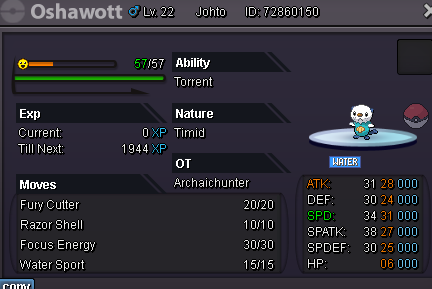
Account
Navigation
Search
Configure browser push notifications
Chrome (Android)
- Tap the lock icon next to the address bar.
- Tap Permissions → Notifications.
- Adjust your preference.
Chrome (Desktop)
- Click the padlock icon in the address bar.
- Select Site settings.
- Find Notifications and adjust your preference.
Safari (iOS 16.4+)
- Ensure the site is installed via Add to Home Screen.
- Open Settings App → Notifications.
- Find your app name and adjust your preference.
Safari (macOS)
- Go to Safari → Preferences.
- Click the Websites tab.
- Select Notifications in the sidebar.
- Find this website and adjust your preference.
Edge (Android)
- Tap the lock icon next to the address bar.
- Tap Permissions.
- Find Notifications and adjust your preference.
Edge (Desktop)
- Click the padlock icon in the address bar.
- Click Permissions for this site.
- Find Notifications and adjust your preference.
Firefox (Android)
- Go to Settings → Site permissions.
- Tap Notifications.
- Find this site in the list and adjust your preference.
Firefox (Desktop)
- Open Firefox Settings.
- Search for Notifications.
- Find this site in the list and adjust your preference.