




New Trade Zone
Trade Zone is now live
Use the new Trade Zone for auctions and instant-price trades so Pokemon and item offers are easy to find.

Baz1991
Registered User
-
Joined
-
Last visited
Everything posted by Baz1991
-
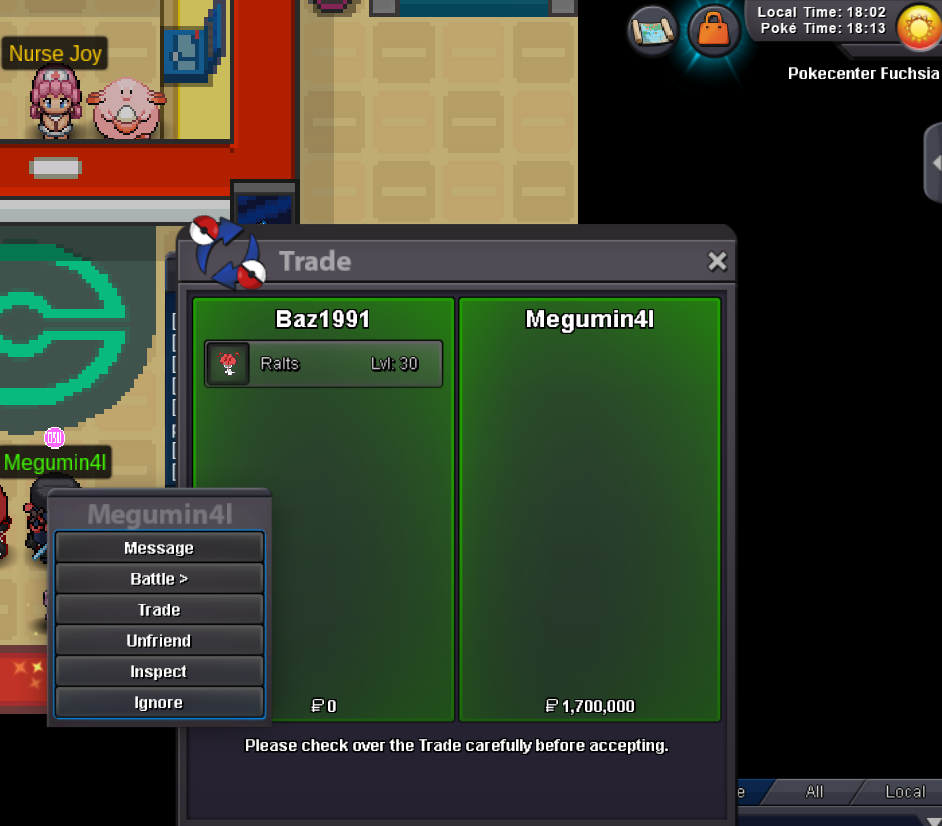
endwill be a little late but will sort when im homestart price - 800k Start time. 3.00pm GMT (london time) End time: monday 6pm 11.11.24 GMT (london) ****No insta**** Min. Raise: 100k Accepted Payment(s): ccs = 450k
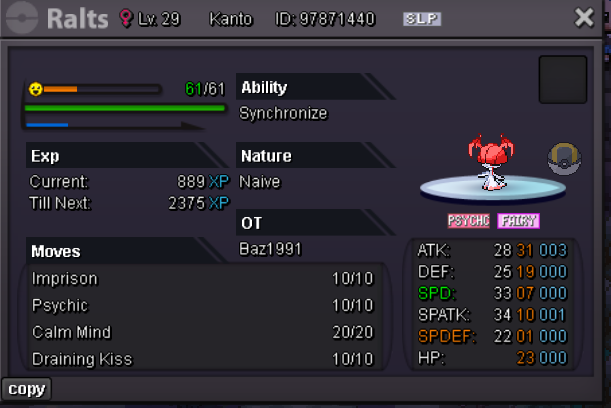 1.2mauction end.End time: 13/08/2023 8pm BST (British Standard time) - this has been there since the start. @Nguyen2311 . the auction has an end time, this hasnt ever changed.7 hours left. 8pm bst.current 1.1m
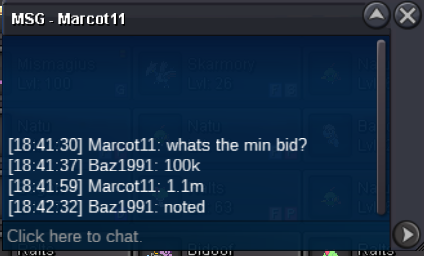 Starting offer 1m (approx 3 day auction) min increase 100k. End time: 13/08/2023 8pm BST (British Standard time accept CC @380k ea Accept Rare candies @7k ea *No insta*
 ended.
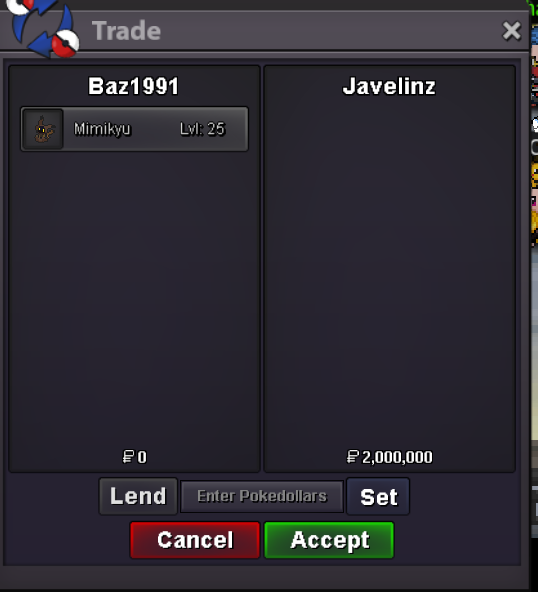
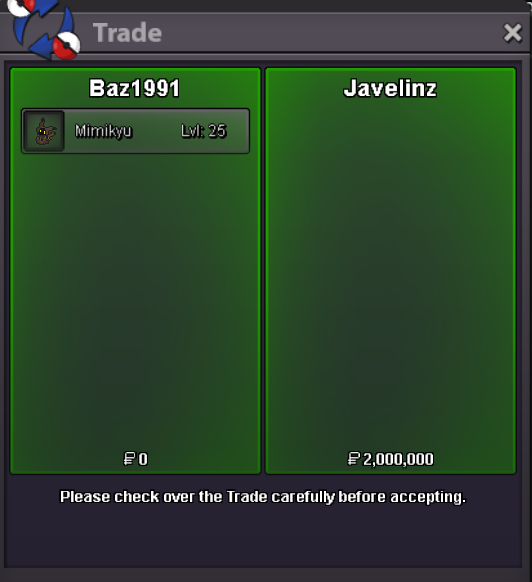
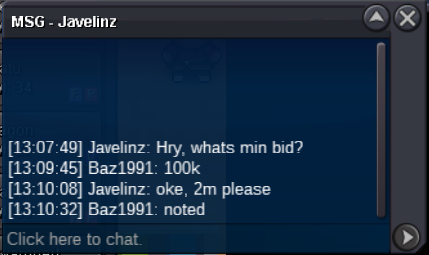
 auction ended thank you all 🙂@Swer4412min increase is 200k, 5.2m remains highest.@Eonthank you so much, genuine mistake, i was looking through both servers to see a rough sell price, it was my bad2m was started by sale01 min increase 200k. auction end date 1/05/2023 (UK format) at 1am BST.Levelling service - 200k (if you need to evolve it 98, as i don't handle evolutions) EV training - 50k in-game message : Baz1991 waiting times may very dependant on queue, you will be informed what position your batch of pokemon are. Completed pokemon will be left in the comments along with feedback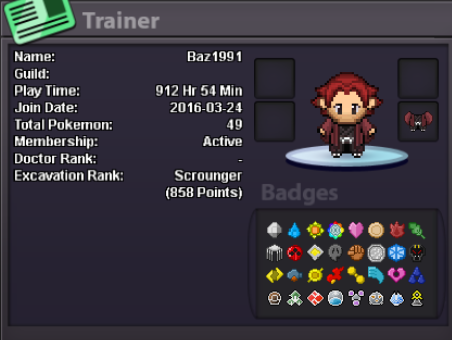

Account
Navigation
Search
Configure browser push notifications
Chrome (Android)
- Tap the lock icon next to the address bar.
- Tap Permissions → Notifications.
- Adjust your preference.
Chrome (Desktop)
- Click the padlock icon in the address bar.
- Select Site settings.
- Find Notifications and adjust your preference.
Safari (iOS 16.4+)
- Ensure the site is installed via Add to Home Screen.
- Open Settings App → Notifications.
- Find your app name and adjust your preference.
Safari (macOS)
- Go to Safari → Preferences.
- Click the Websites tab.
- Select Notifications in the sidebar.
- Find this website and adjust your preference.
Edge (Android)
- Tap the lock icon next to the address bar.
- Tap Permissions.
- Find Notifications and adjust your preference.
Edge (Desktop)
- Click the padlock icon in the address bar.
- Click Permissions for this site.
- Find Notifications and adjust your preference.
Firefox (Android)
- Go to Settings → Site permissions.
- Tap Notifications.
- Find this site in the list and adjust your preference.
Firefox (Desktop)
- Open Firefox Settings.
- Search for Notifications.
- Find this site in the list and adjust your preference.