




New Trade Zone
Trade Zone is now live
Use the new Trade Zone for auctions and instant-price trades so Pokemon and item offers are easy to find.

Turrrooo
Registered User
-
Joined
-
Last visited
Everything posted by Turrrooo
-
I don't have my account right now, is it possible to do it only in PRO ?
-
auction won by Modonmitrya for 800k, congratulations !
-
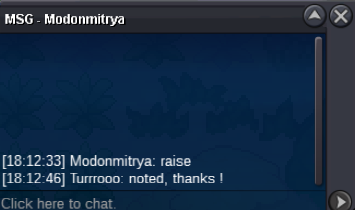
800 k for Modonmitrya
-
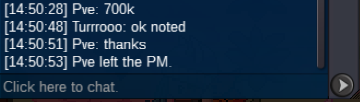
700k for Pve
-
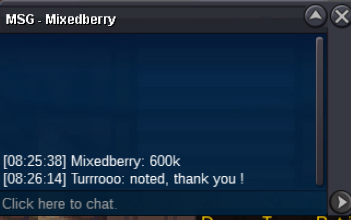
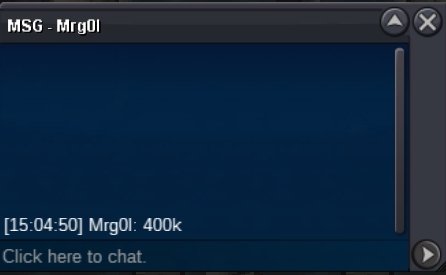
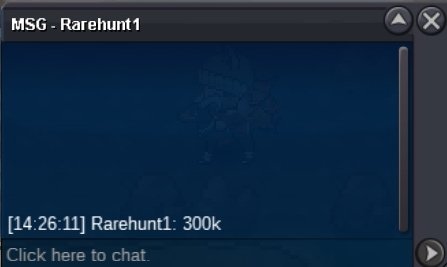
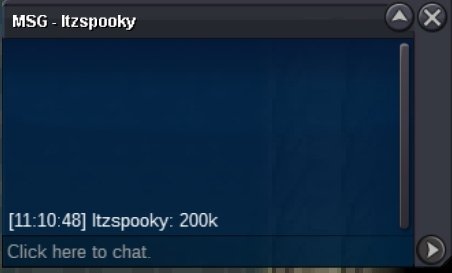
600k for mixedberry
-
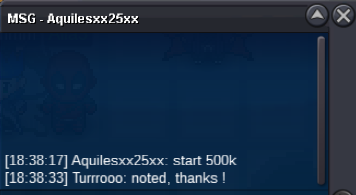
Auction started by Aquilesxx25xx with 500k
-
Starting offer : 500k - minimum bid : 100k no insta - cc accepted (400k) auction ends 48h after first bid Good luck !
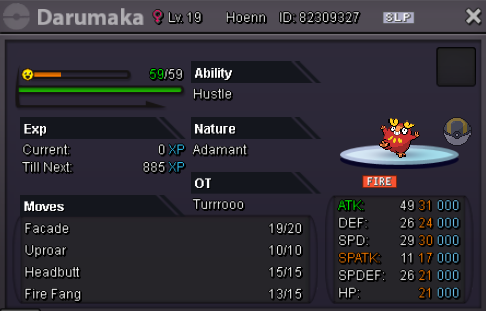
-
auction cancelled, a mistake was made in the making of the auction
-
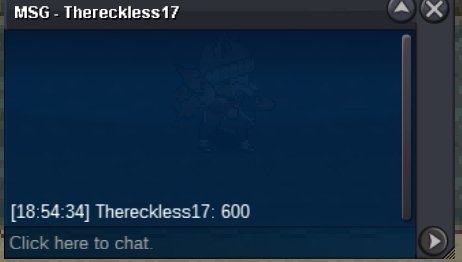
Auction won by Thereckless17 for 600k, congratz !
-
Wts summer snivy timid S.o. 100k Min bid 50k Accept cc ( 370k ) and rc ( 7.5k ) Duration : 10h 40min, end at 9 pm ( CET )
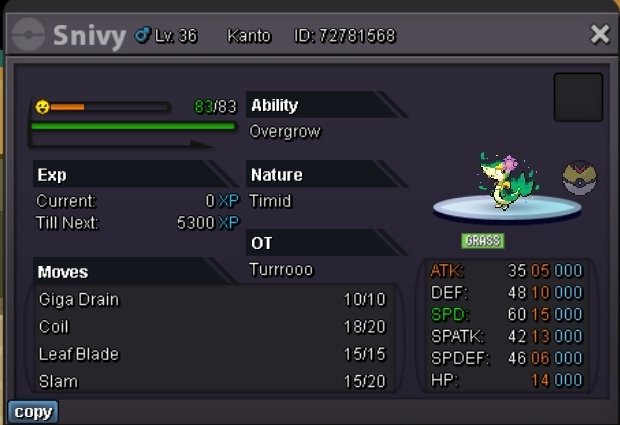 larvesta won by Mattia1305, congratz !650k for Mattia1305600k for lamxillia
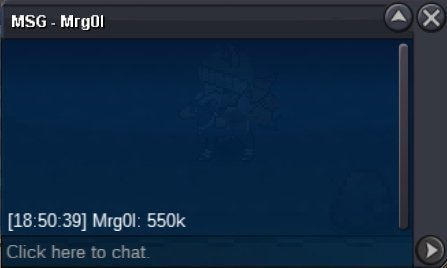
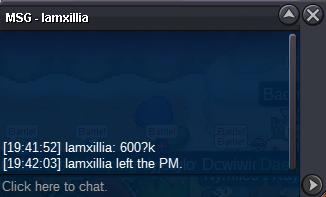 550k by Nico1231
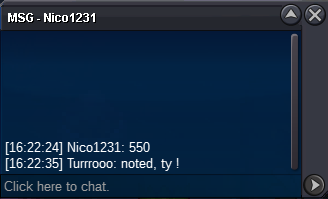 500k for Tokopedia
 started by 70mi for 200k !
 wts timid 31/31 larvesta starting offer : 200k min raise : 50k accept iv rroll (700k) and cc (370k) auction ends 24h after first bid good luck ! 🙂
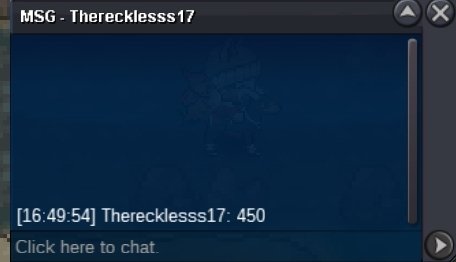
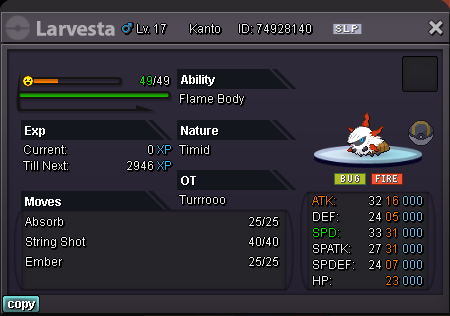 i posted after the auction had ended, but if you check the timestamp on the first message starting the auction it's 22:21:56, and i wrote this message at 22:22 so it is too late i'm sorry about that...

Account
Navigation
Search
Configure browser push notifications
Chrome (Android)
- Tap the lock icon next to the address bar.
- Tap Permissions → Notifications.
- Adjust your preference.
Chrome (Desktop)
- Click the padlock icon in the address bar.
- Select Site settings.
- Find Notifications and adjust your preference.
Safari (iOS 16.4+)
- Ensure the site is installed via Add to Home Screen.
- Open Settings App → Notifications.
- Find your app name and adjust your preference.
Safari (macOS)
- Go to Safari → Preferences.
- Click the Websites tab.
- Select Notifications in the sidebar.
- Find this website and adjust your preference.
Edge (Android)
- Tap the lock icon next to the address bar.
- Tap Permissions.
- Find Notifications and adjust your preference.
Edge (Desktop)
- Click the padlock icon in the address bar.
- Click Permissions for this site.
- Find Notifications and adjust your preference.
Firefox (Android)
- Go to Settings → Site permissions.
- Tap Notifications.
- Find this site in the list and adjust your preference.
Firefox (Desktop)
- Open Firefox Settings.
- Search for Notifications.
- Find this site in the list and adjust your preference.