




New Trade Zone
Trade Zone is now live
Use the new Trade Zone for auctions and instant-price trades so Pokemon and item offers are easy to find.


6ixty
Registered User
-
Joined
-
Last visited
-
THANK YOU FOR YOUR PARTICIPATION ended can be closed

-
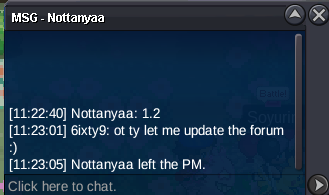
yes at aphrodia pc, pm 6ixty9 in game when you are there
-
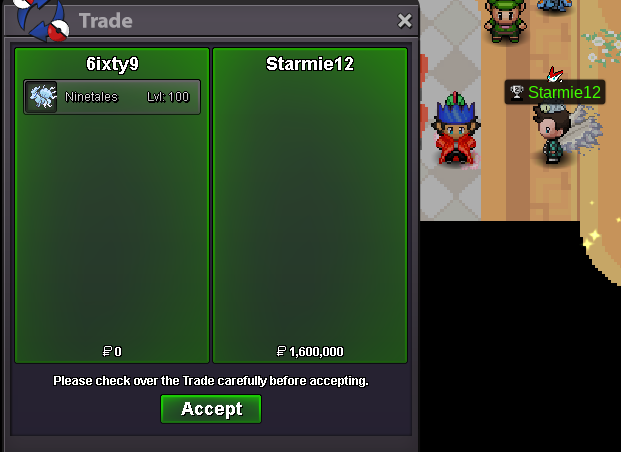
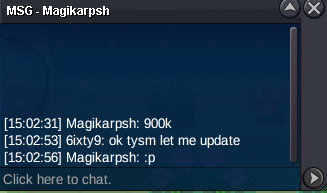
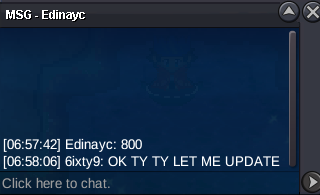
auction has ended winner @Starmie12 by a wonderful 1.6m bid, thank you all. @Starmie12 im at aphrodia pc if you are able to come
-
bump ... 1 hr left
-
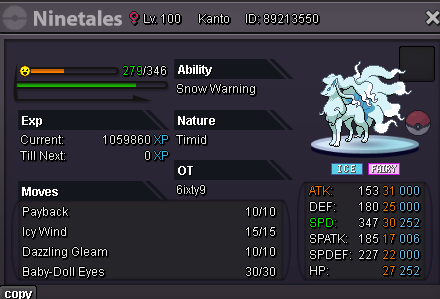
WELCOME TO THE AUCTION -Will end 72hrs(3DAYS) after first bid -Minimum bid is 100k -Starting offer is 500k -Bid on forum or send bid to 6ixty, 6ixty3 or 6ixty9 (all 1 person) -Cash only auction (CC, RC or RRs etc. not allowed) THANK YOU AND GOOD LUCK!!!
 She keeps telling me to get more candies when I battled all murky Npc for candies and bought more but she keeps telling me to go back I don't have enoughAuction has ended, @Nofuture is the winner plz contact me here or in discord @6ixtypipop so we agree where to meetI apologize for the lateness, I was clouded by unexpected issues irl. I was unable to go through the normal process for ending the auction and after asking around and got some information I will add the last 15mins for the auction. So the current offer is 500k , Min bid is 20k and coin capsules are expected 400k each. Ends in 15mins.BumpBumpBumpStarting price = 500k Minimum bid = 20k Can bid with: Cash Cc=400k Ends 72hrs after first bid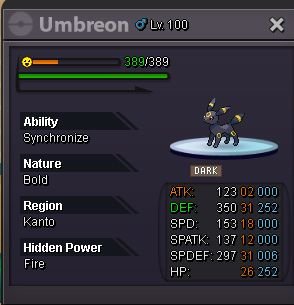

Account
Navigation
Search
Configure browser push notifications
Chrome (Android)
- Tap the lock icon next to the address bar.
- Tap Permissions → Notifications.
- Adjust your preference.
Chrome (Desktop)
- Click the padlock icon in the address bar.
- Select Site settings.
- Find Notifications and adjust your preference.
Safari (iOS 16.4+)
- Ensure the site is installed via Add to Home Screen.
- Open Settings App → Notifications.
- Find your app name and adjust your preference.
Safari (macOS)
- Go to Safari → Preferences.
- Click the Websites tab.
- Select Notifications in the sidebar.
- Find this website and adjust your preference.
Edge (Android)
- Tap the lock icon next to the address bar.
- Tap Permissions.
- Find Notifications and adjust your preference.
Edge (Desktop)
- Click the padlock icon in the address bar.
- Click Permissions for this site.
- Find Notifications and adjust your preference.
Firefox (Android)
- Go to Settings → Site permissions.
- Tap Notifications.
- Find this site in the list and adjust your preference.
Firefox (Desktop)
- Open Firefox Settings.
- Search for Notifications.
- Find this site in the list and adjust your preference.