New Trade Zone
Trade Zone is now live
Use the new Trade Zone for auctions and instant-price trades so Pokemon and item offers are easy to find.

Tjodon11
Registered User
-
Joined
-
Last visited
Everything posted by Tjodon11
-
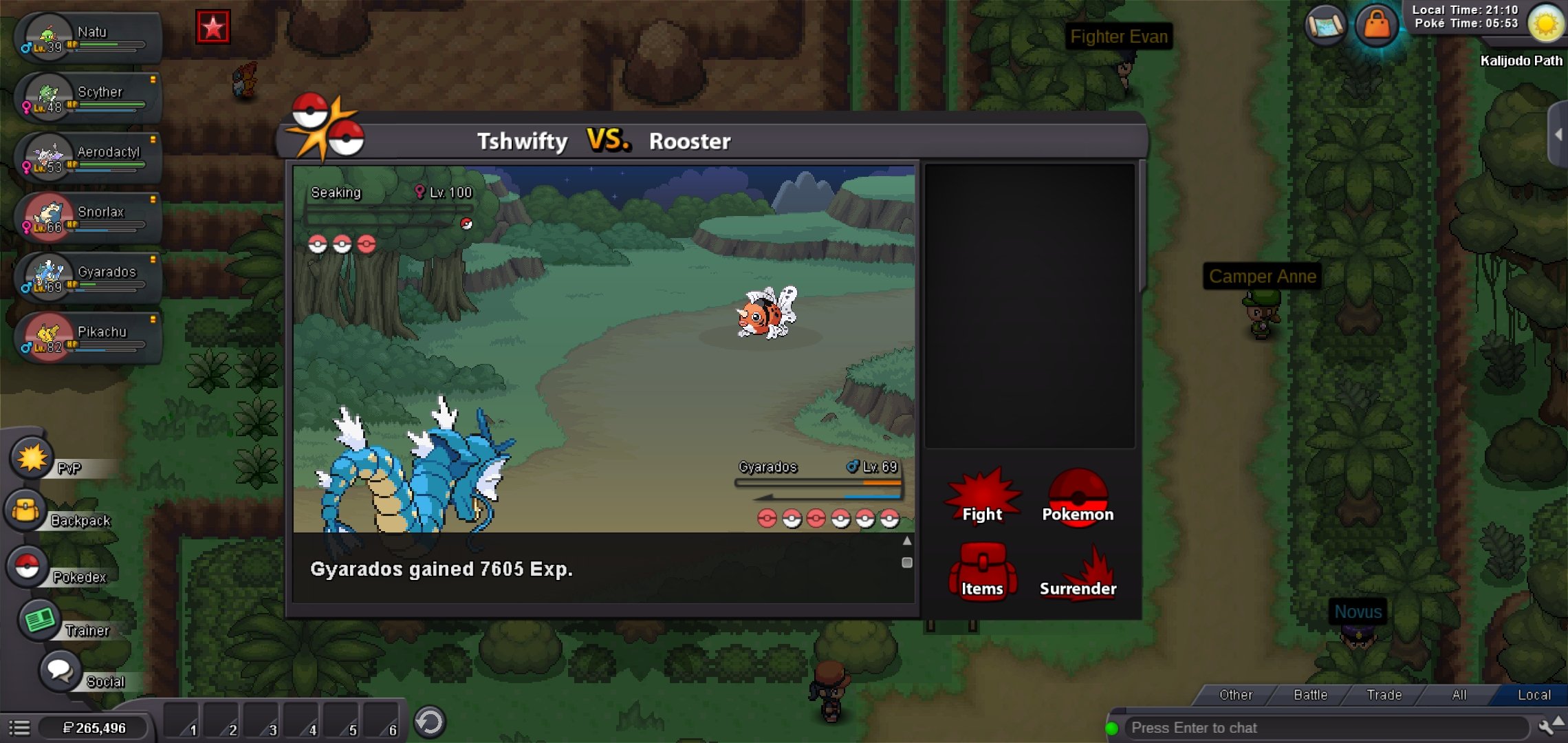
So I used an exp share, and ever since my pokemon don't receive anywhere near as much exp they should after fainting pokemon 40+ lvls above their levels. No matter which pokemon it is it seems that they all receive the same amount and no longer receive 150000 exp like I used to after fainting a pokemon of that level. I tried restarting application and most everything else. The exp share isn't equipped and it hasn't been since I realized the low amount of exp I was receiving when it was. please help!
-
Where
-
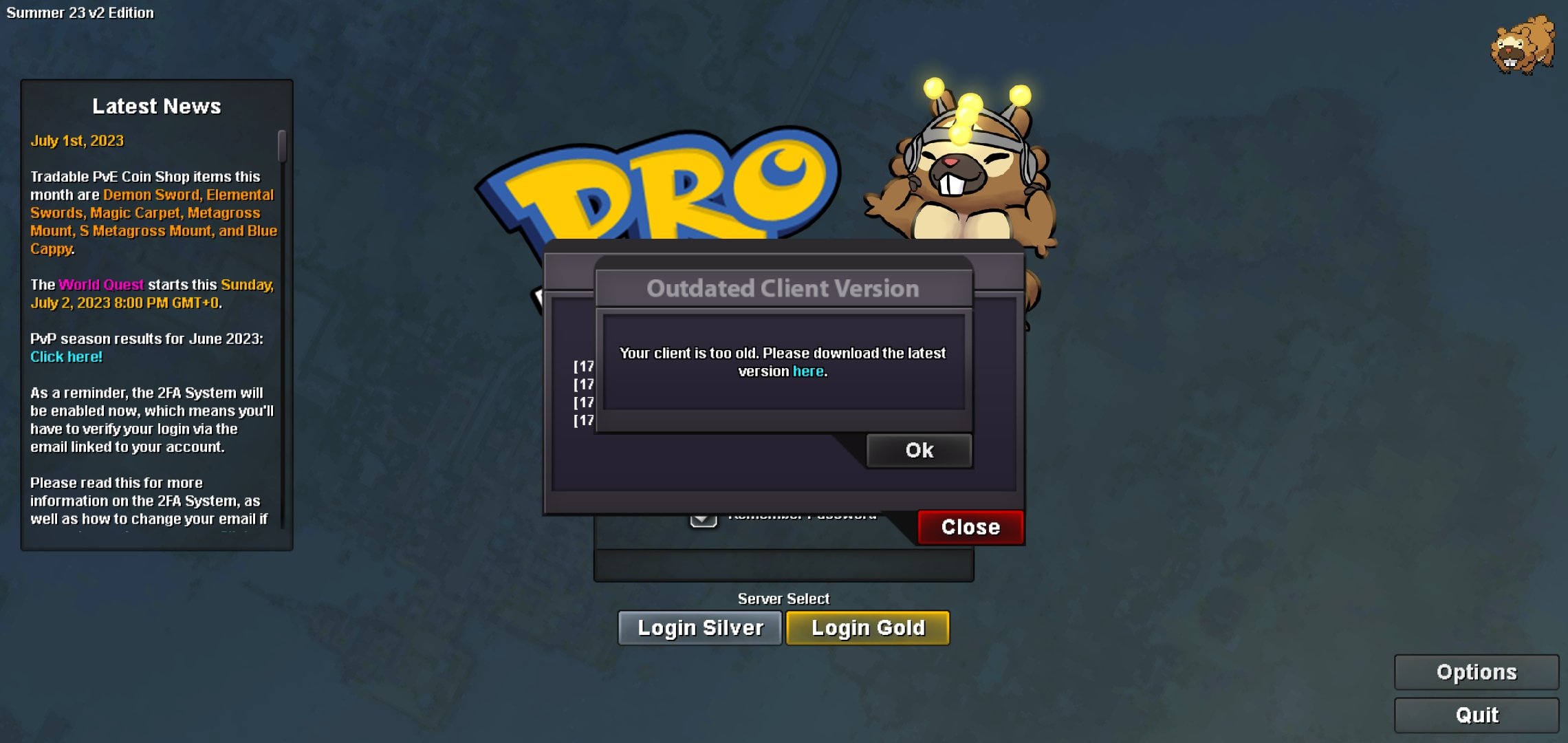
It won't give me the newest update and says client is too old... idk what to do and I was just playing yesterday
-
I've downloaded the latest and its saying client too old still after several downloads... I'm unsure why because I was just on it yesterday? I'm on android btw. Thanks for any help