New Trade Zone
Trade Zone is now live
Use the new Trade Zone for auctions and instant-price trades so Pokemon and item offers are easy to find.

SnappyWNL
Registered User
-
Joined
-
Last visited
Everything posted by SnappyWNL
-
..
-
Co 1.3m scizor
-
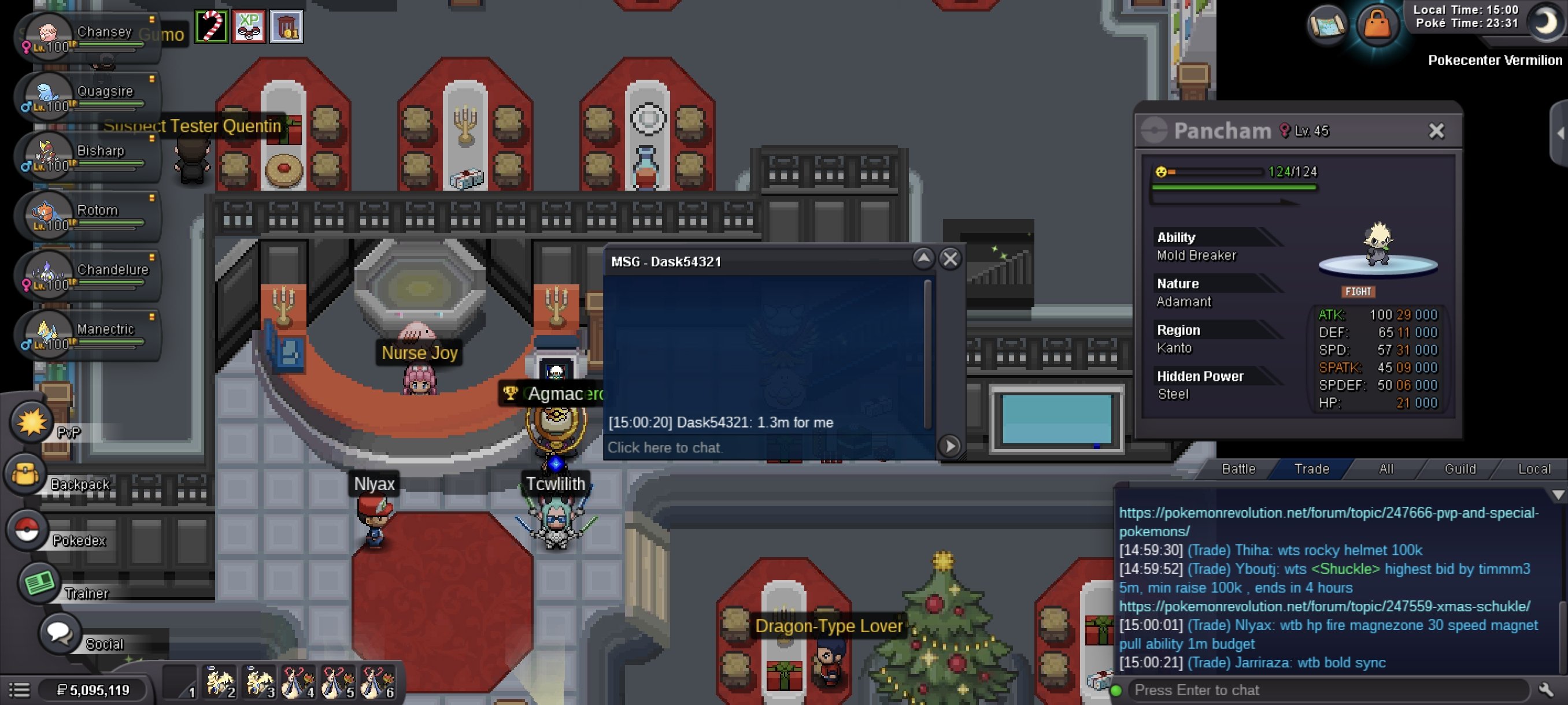
Auction end time for rotom extended from 24hrs to 48 hrsAuction Welcome This a separate auction so pls bid separately 24 hours Auction 48 hours only for rotom (+15 mins) Rules will be followed So - 500k min bid - 100k Insta - None (Blaziken) So - 1m min bid - 300k Insta-10m (Shiny Scizor) So - 1m min bid -250k Insta 10m (manectric) So - 800k min bid - 150k Insta (None) (chandelure) So - 5m Min bid 500k Insta - 40m (Rotom)


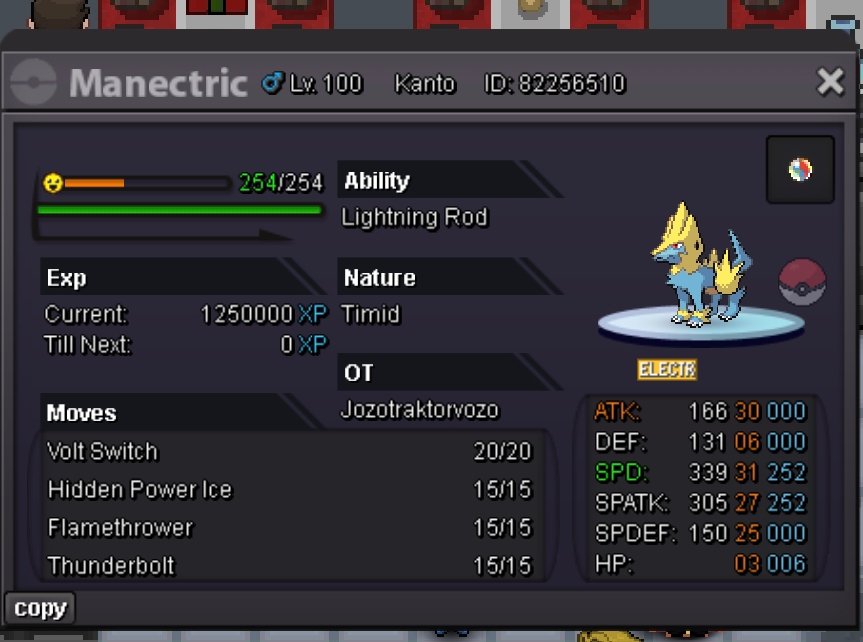

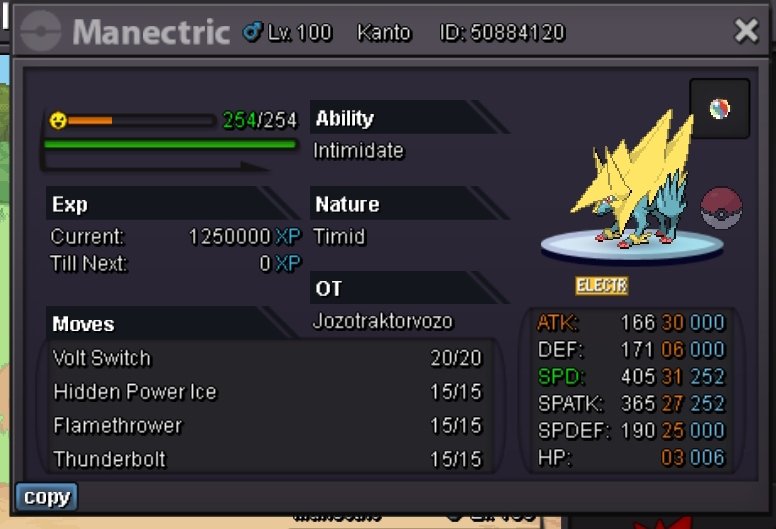
 3m1 marowak 1.3m pory2.4m marowak2.2m marowak1.2m pory 2m marowakEvent magnemite 4m800k porygon, 1.8m marowak17.2m3.8m13.5mBumpCan the so be lowered to 7m?BumpWelcome to the auction Rules 1. No offers shall be edited 2. No fake offers (will be reported) 3. The timer would be set Auction start pattern Start offer - 2m Current offer - None Instant offer - 10m Auction duration - 2 days Auction start - Auction end - Auction timer - Payment methods Coin capsule 360k Reroll ticket 450k Pokerollars Manectric ~ thank you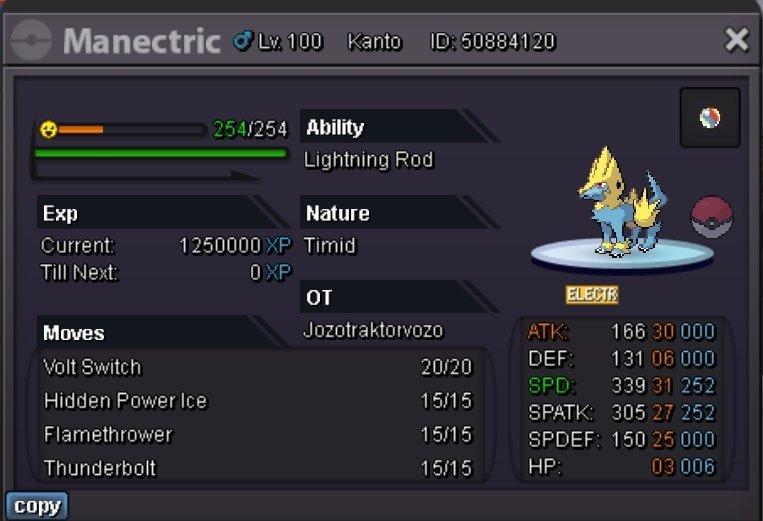
 @N1ghtmarexI'm online now