




New Trade Zone
Trade Zone is now live
Use the new Trade Zone for auctions and instant-price trades so Pokemon and item offers are easy to find.

Haramartisan
Registered User
-
Joined
-
Last visited
-
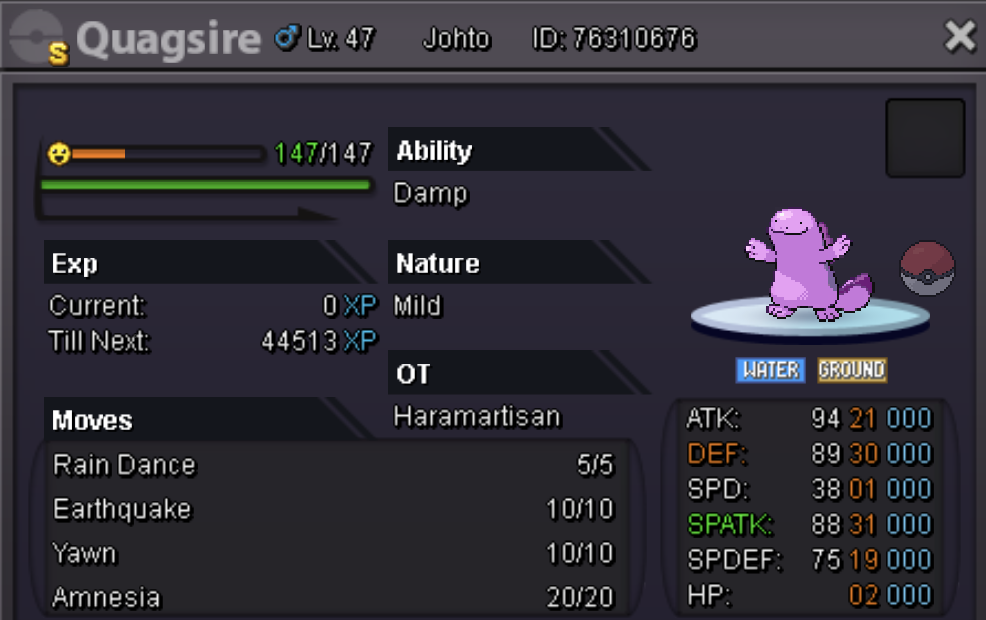
S.O: 400K Insta: None Min Raise: 25k Accepted Payment: CC@360k / Pokedollars Auction ends 48 hours after first bid
-
Thank you. It worked, but one small thing to report. My Chingling gave the prompt to evolve when it's happiness hit 255 this time and before it came close to leveling up.
-
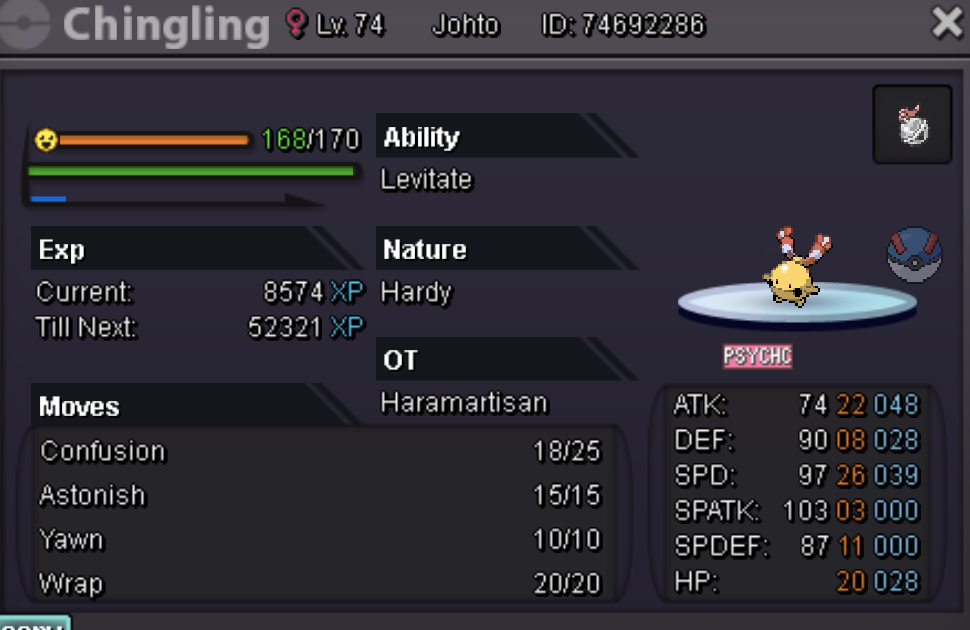
Server: Silver Name: Haramartisan Chingling Pokemon ID: 74692286 PFA an image. Checklist: 1) Max Happiness before leveling up 2) Night time Things I have tried: 1) Relogging in then leveling Chingling up 2) Reducing happiness by causing Chingling to faint, then increasing happiness to 255, then leveling up 3) A combination of the 2 things above Other things that I'm not sure if they have an effect on this: 1) I just evolved another Chingling right before this one (about 12 hours ago 2) I'm using a Soothe Bell 3) I'm leveling up at Mt. Silver Exterior
-
Thank you! It's up now.
-
Hi, I'm unable to download the MAC OS client from any of the mirrors. I understand it was said the client would be uploaded at a later time, so I was just wondering if we had an ETA?
