




New Trade Zone
Trade Zone is now live
Use the new Trade Zone for auctions and instant-price trades so Pokemon and item offers are easy to find.

Tbz
Registered User
-
Joined
-
Last visited
Everything posted by Tbz
-
Xenox56 is the winner. Thank you all for participating.
-
Auctioning Shiny Duskull 30×3 Starting Offer: 500k Min Raise: 200k I do accept BM (150K) CC (350K) AND RC (7k) No Insta, auction will end 48hrs after start. GL & TY FOR PARTICIPATING
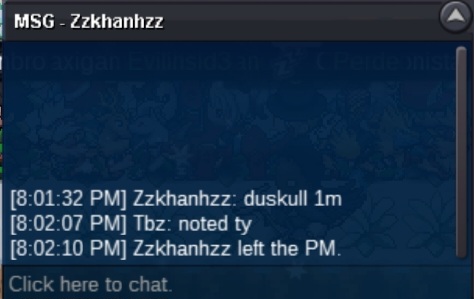
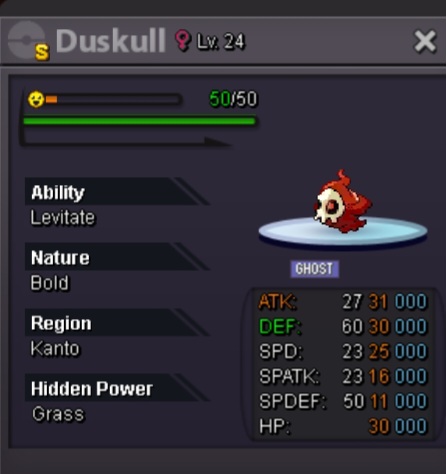 Sold to Donator for 35.5m. Auction is closed, ty all for participating and gz Donator!1:45 left in bidding, GL>24 hours to go!350k250k>48 hrs leftAuctioning off my fresh shiny Fennekin (I am OT) HP ELECTRIC Auction will end on Friday @ 9:15pm CST. STARTING OFFER: 20M MIN RAISE: 1M Accept payments: - Coin Capsule (360k) - IV Reroll (660k) - NRR (330k) GL ALL AND TY FOR PARTICIPATING
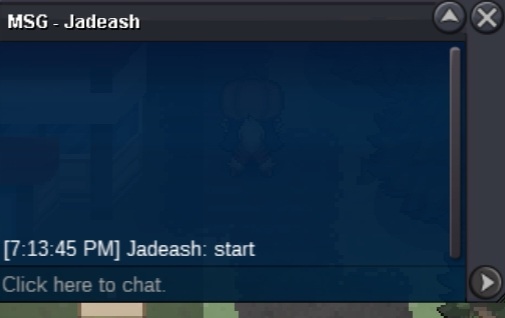
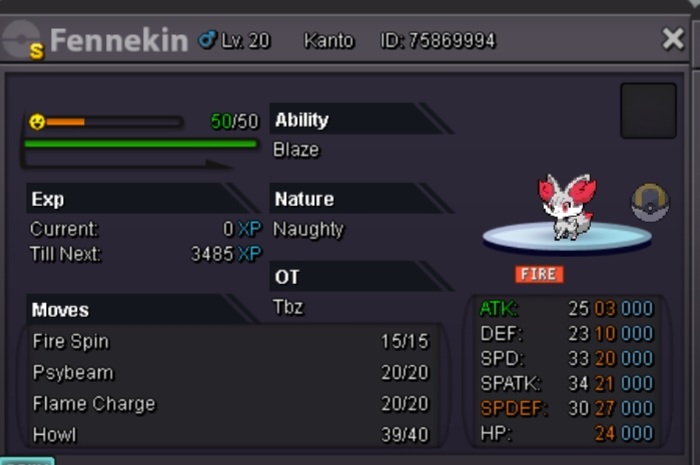 Auction won by Iceskater with 25m bid. Thank you all for participating12 hours left til end! Gl all and ty for participating ❤️18 hours to go!FRESH SHINY LARVESTA, I AM OT Ability: Flame Body Nature: Timid HP: Rock Auction will end @ 7:13pm Saturday, CST Starting offer: 10m Minimum raise: 500k NO INSTA GL ALL ❤️
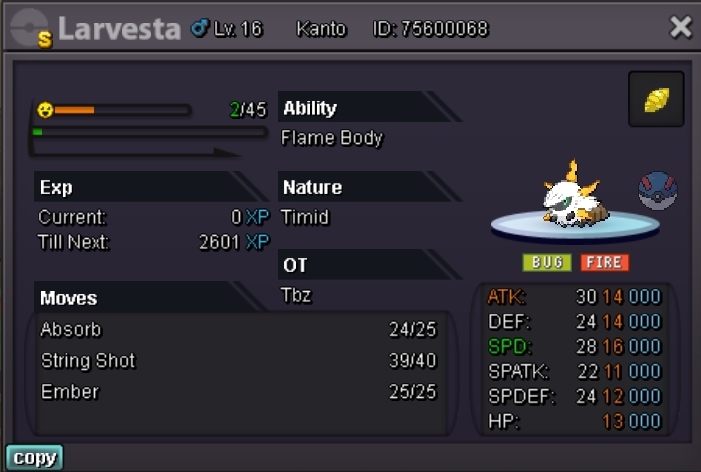 Because I had the auction set to end at 12am CST, @Ks16 wins with 600k. Thank you all for participating. Logging in now, if you are around KSNoted, current best 550k8 hours leftStart
 AUCTION FOR 60 HOURS STARTING AFTER 1ST BET. 3 hours left. S.O. 200K C.O 550k by Chvkz502 MIN RAISE 50K HP DRAGON CROSS POSTED ON GAME/DISCORD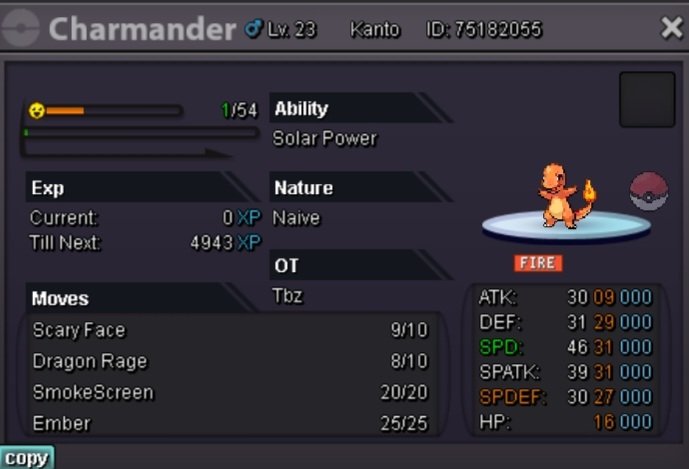






Account
Navigation
Search
Configure browser push notifications
Chrome (Android)
- Tap the lock icon next to the address bar.
- Tap Permissions → Notifications.
- Adjust your preference.
Chrome (Desktop)
- Click the padlock icon in the address bar.
- Select Site settings.
- Find Notifications and adjust your preference.
Safari (iOS 16.4+)
- Ensure the site is installed via Add to Home Screen.
- Open Settings App → Notifications.
- Find your app name and adjust your preference.
Safari (macOS)
- Go to Safari → Preferences.
- Click the Websites tab.
- Select Notifications in the sidebar.
- Find this website and adjust your preference.
Edge (Android)
- Tap the lock icon next to the address bar.
- Tap Permissions.
- Find Notifications and adjust your preference.
Edge (Desktop)
- Click the padlock icon in the address bar.
- Click Permissions for this site.
- Find Notifications and adjust your preference.
Firefox (Android)
- Go to Settings → Site permissions.
- Tap Notifications.
- Find this site in the list and adjust your preference.
Firefox (Desktop)
- Open Firefox Settings.
- Search for Notifications.
- Find this site in the list and adjust your preference.