




New Trade Zone
Trade Zone is now live
Use the new Trade Zone for auctions and instant-price trades so Pokemon and item offers are easy to find.

Jackstermac
Registered User
-
Joined
-
Last visited
Everything posted by Jackstermac
-
420k
-
@Cameron40 - selling?
-
^BUMP
-
^BUMP
-
320k
-
^BUMP
-
^BUMP
-
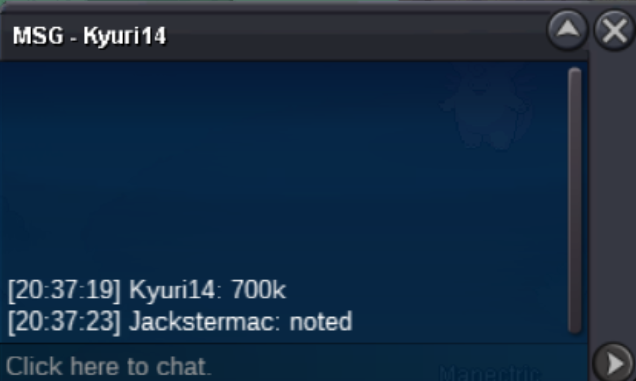
@Kyuri14
-
s.o = 500k insta = 1.3m min bid = 50k auction ends = 36hrs after initial bid accepted payment types = pokedollars, cc (450k), iv rr (700k), nat rr (300k)

-
I'll start at 100k...
-
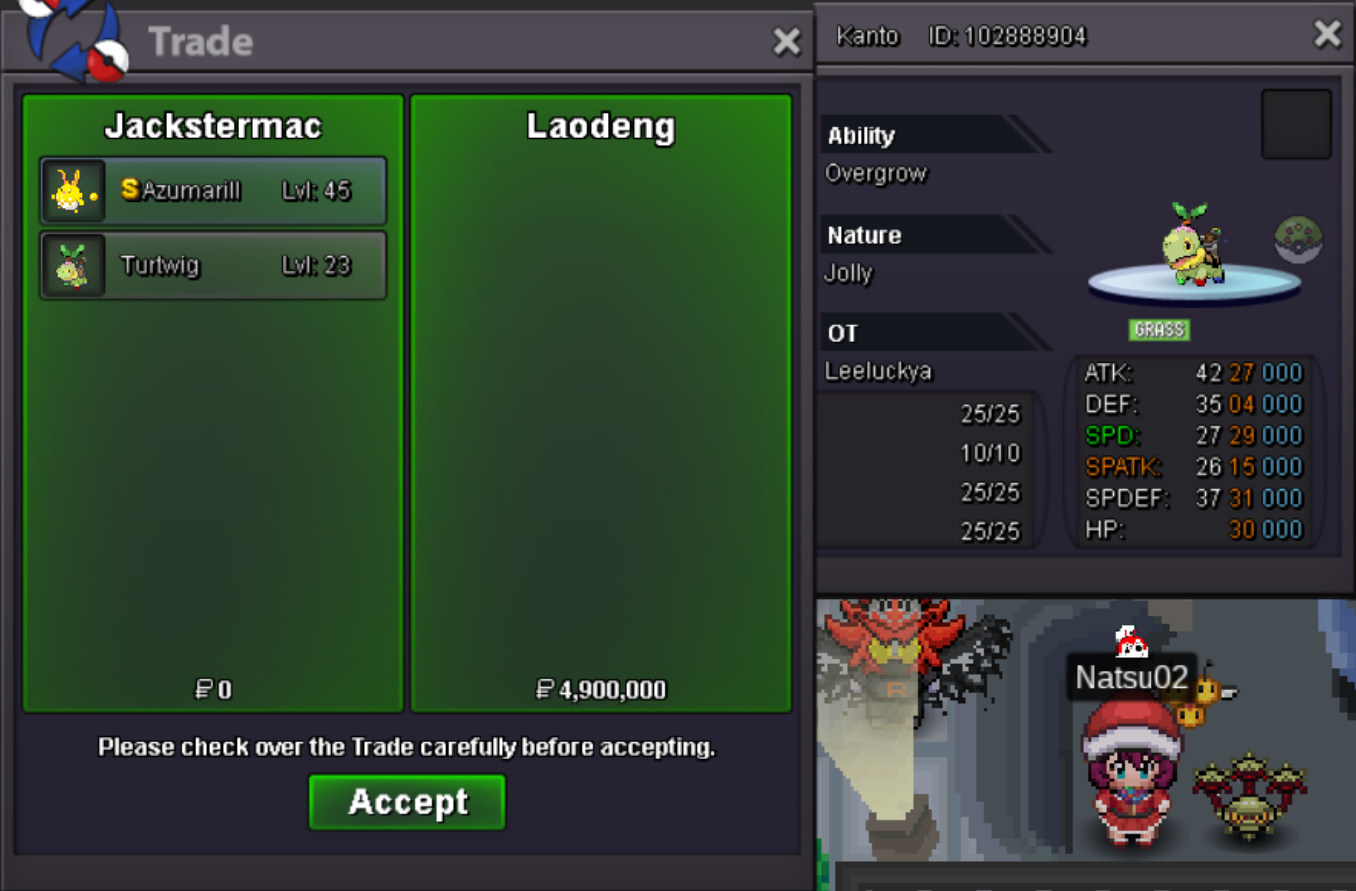
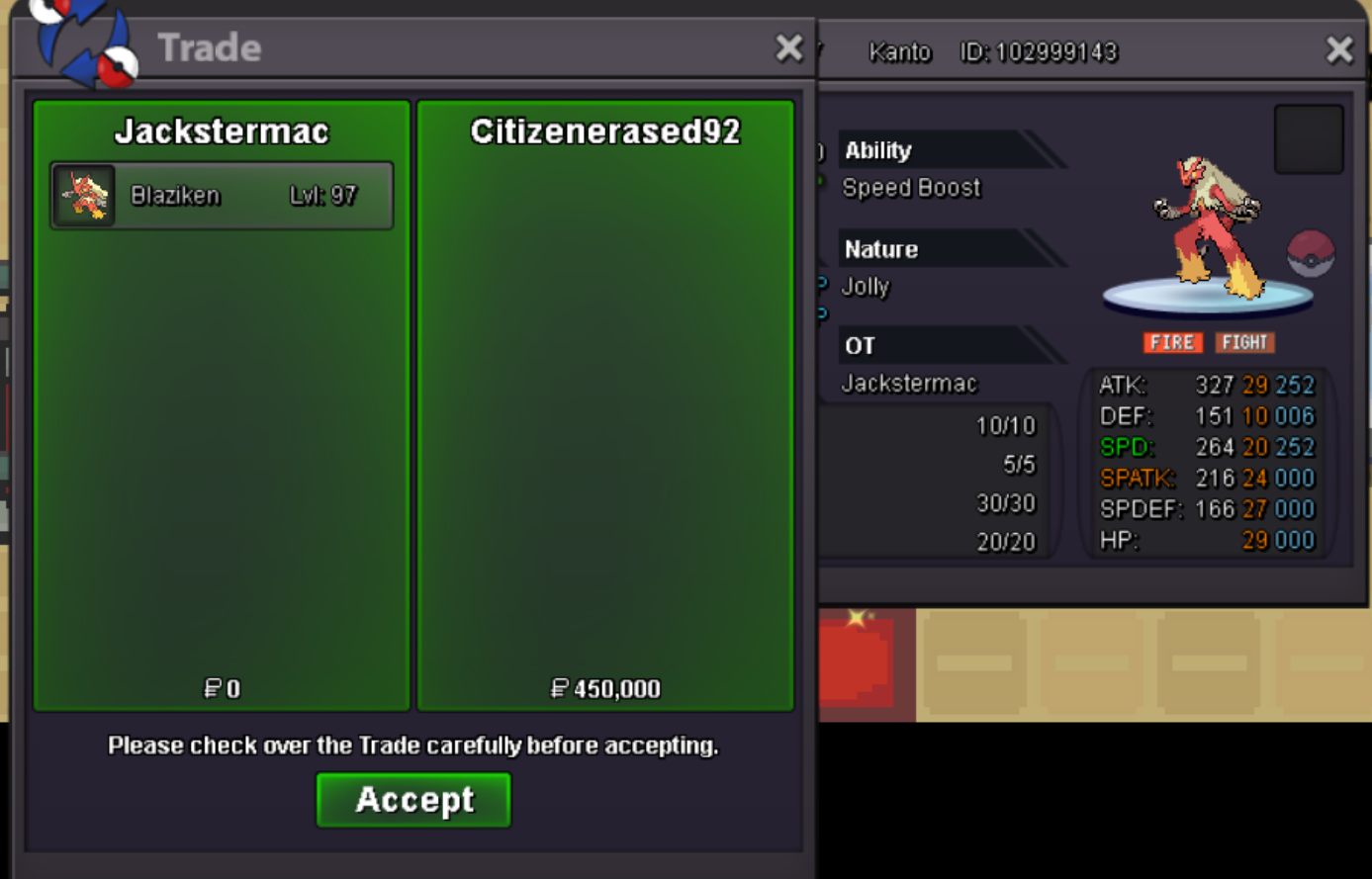
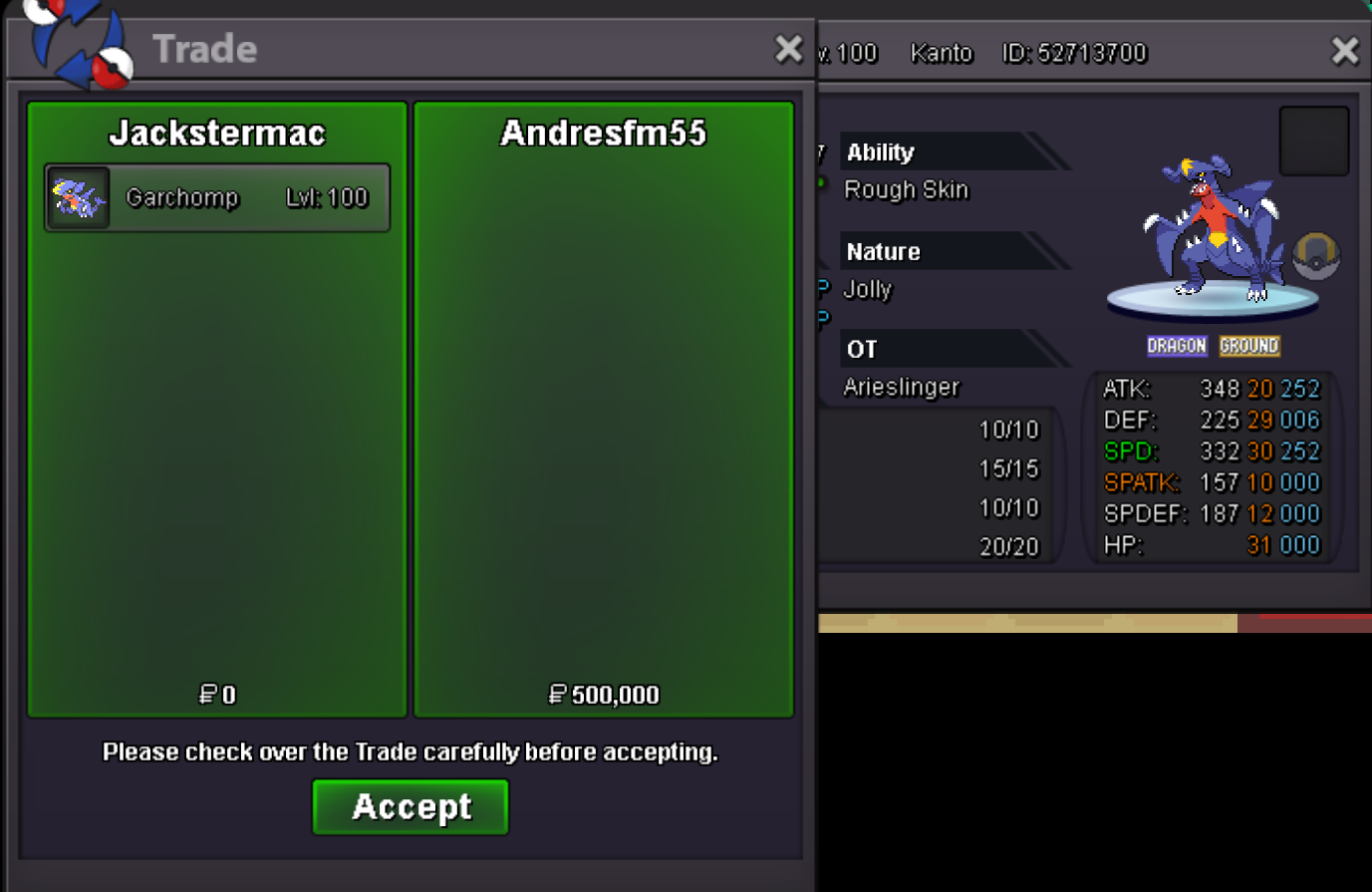
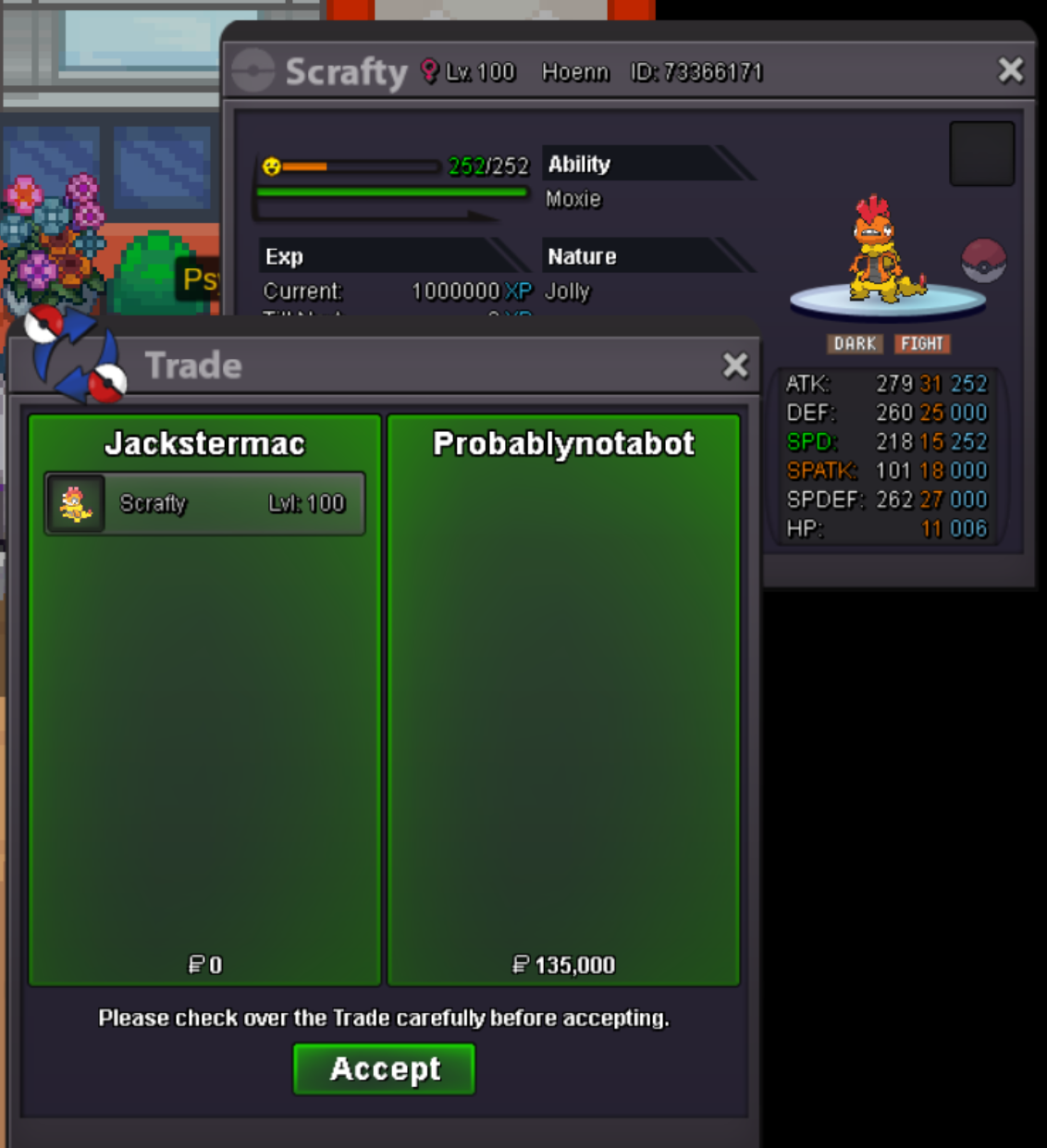
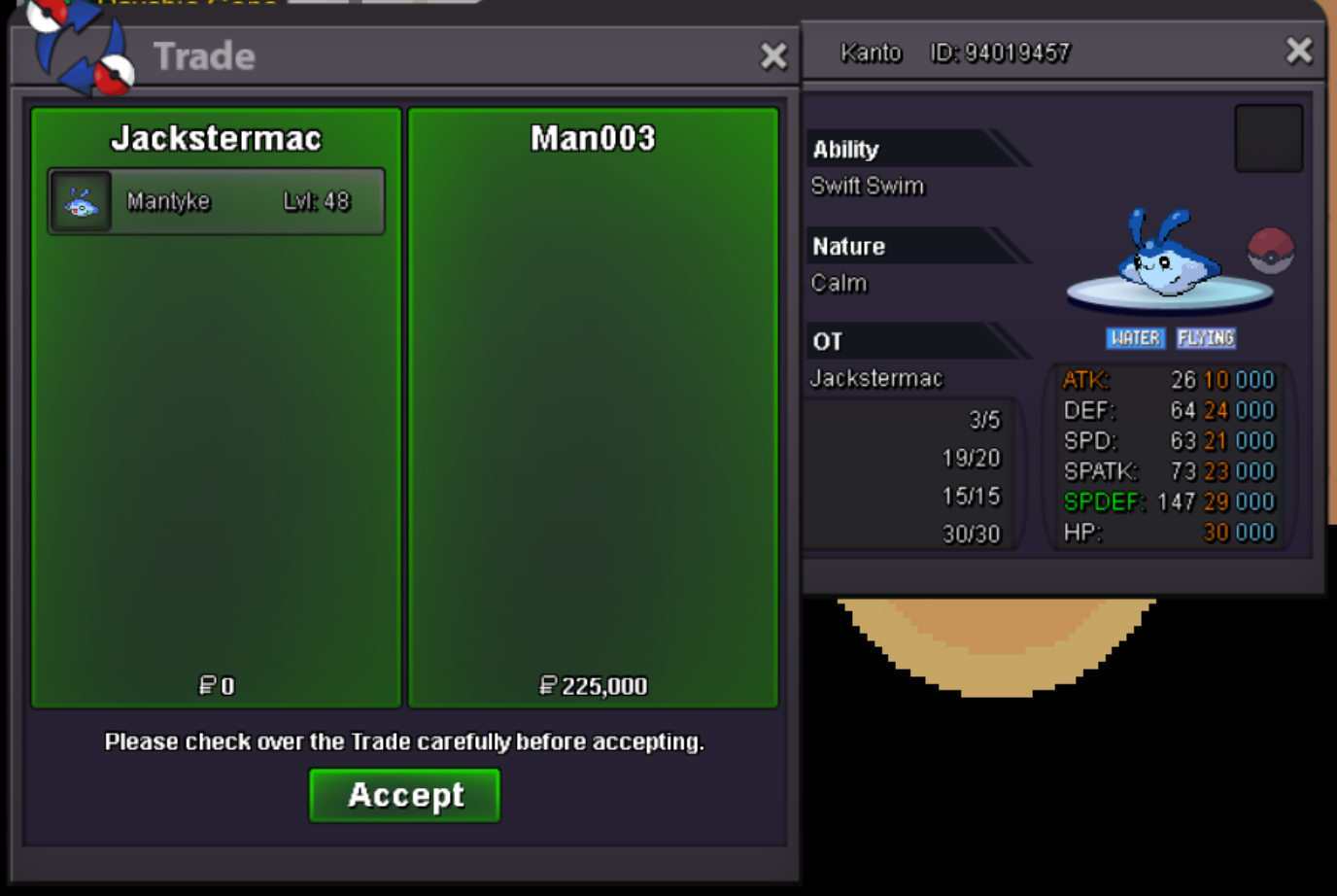
^BUMP600k happinystart first beldum (29/31 Jolly)^BUMPbought from eevila, thanks!Current Wants: Can be poke or Evos (ABILITY || NATURE -> REQUIREMENTS) Aggron: Sturdy || Jolly -> epic/godly (except sp atk) Amoongus: Regenerator || Relaxed -> epic/godly (except speed) [H.P fire] Audino: Regenerator || Bold -> 25+ def/sp def/hp, 20+ other (except atk) Dragonite: Marvel Scale || Jolly -> 31 speed + atk, epic (except sp atk) Escavalier: Overcoat || Impish -> epic/godly (except sp atk) Espeon: Magic Bounce || Timid -> 30 speed, epic/godly (except atk) [H.P fire] Froslass: Cursed Body || Timid -> epic/godly (except atk) Gastrodon: Storm Drain || Sassy -> epic/godly (except speed) Malamar: Contrary || Careful -> epic/godly (except sp atk) Mandibuzz: Overcoat || Careful -> epic/godly (except sp atk) Miltank: Thick Fat || Calm -> epic/godly (except sp atk) Porygon-Z: Adaptability || Timid -> 30+ speed, 25+ sp atk, epic/godly (except atk) Sneasler: Poison Touch || Jolly -> 31 speed, 28+ atk, epic/godly (except sp atk) Sneasler: Unburden || Adamant -> 31 speed, 28+ atk, epic/godly (except sp atk) Snorlax: Thick Fat || Impish/Careful -> epic/godly (except speed) Serperior: Contrary || Timid -> 30 speed, 20+ other [H.P fire] Venusaur: Overgrow || Bold -> epic (except speed & atk) [H.P fire] Old Wants: Oshawott/evo: Shell Armor (h.a), Jolly -> godly/epic Scyther/Scizor: Steadfast, Jolly -> 27+ speed & atk, 20+ other Pawniard/evo: Inner Focus, Adamant -> 28+ ask & 31 speed, 20+ other Slowpoke: Regenerator, Calm -> 25+ godly (except speed) Tentacruel: Liquid Ooze || Calm -> godly, 27+ (except atk) Medicham: Pure Power || Jolly -> 31 speed, 28+ atk, 20+ other Charizard: Blaze || Adamant/Jolly -> 31 speed, 26+ atk, godly/epic other (except sp atk) Metagross: Clear Body || Jolly -> 31 speed, 27+ atk, 17+ other stats (except sp atk) Volcarona: Flame Body || Bold -> godly/epic (except atk) [H.P ground/ice would be nice] Ralts/Gallade: Any || Jolly -> 31 speed, 26+atk, epic (except sp atk)Current Wants: Can be poke or Evos (ABILITY || NATURE -> REQUIREMENTS) Aggron: Sturdy || Jolly -> epic/godly (except sp atk) Amoongus: Regenerator || Relaxed -> epic/godly (except speed) [H.P fire] Audino: Regenerator || Bold -> 25+ def/sp def/hp, 20+ other (except atk) Dragonite: Marvel Scale || Jolly -> 31 speed + atk, epic (except sp atk) Escavalier: Overcoat || Impish -> epic/godly (except sp atk) Espeon: Magic Bounce || Timid -> 30 speed, epic/godly (except atk) [H.P fire] Froslass: Cursed Body || Timid -> epic/godly (except atk) Gastrodon: Storm Drain || Sassy -> epic/godly (except speed) Malamar: Contrary || Careful -> epic/godly (except sp atk) Mandibuzz: Overcoat || Careful -> epic/godly (except sp atk) Miltank: Thick Fat || Calm -> epic/godly (except sp atk) Porygon-Z: Adaptability || Timid -> 30+ speed, 25+ sp atk, epic/godly (except atk) Sneasler: Poison Touch || Jolly -> 31 speed, 28+ atk, epic/godly (except sp atk) Sneasler: Unburden || Adamant -> 31 speed, 28+ atk, epic/godly (except sp atk) Snorlax: Thick Fat || Impish/Careful -> epic/godly (except speed) Serperior: Contrary || Timid -> 30 speed, 20+ other [H.P fire] Venusaur: Overgrow || Bold -> epic (except speed & atk) [H.P fire] Old Wants: Oshawott/evo: Shell Armor (h.a), Jolly -> godly/epic Scyther/Scizor: Steadfast, Jolly -> 27+ speed & atk, 20+ other Pawniard/evo: Inner Focus, Adamant -> 28+ ask & 31 speed, 20+ other Slowpoke: Regenerator, Calm -> 25+ godly (except speed) Tentacruel: Liquid Ooze || Calm -> godly, 27+ (except atk) Medicham: Pure Power || Jolly -> 31 speed, 28+ atk, 20+ other Charizard: Blaze || Adamant/Jolly -> 31 speed, 26+ atk, godly/epic other (except sp atk) Metagross: Clear Body || Jolly -> 31 speed, 27+ atk, 17+ other stats (except sp atk) Volcarona: Flame Body || Bold -> godly/epic (except atk) [H.P ground/ice would be nice] Ralts/Gallade: Any || Jolly -> 31 speed, 26+atk, epic (except sp atk)wtb ada ambipom@Niomode - Ahh, seems like I was a few mins late. I'm at work atm, but I do want to buy it! (Garchomp) Add me on discord so we can coordinate the trade later 🙂 >> @jackwmacwtb garchomp 300k h.a, vaporeon + milotic@Sagrario0396 - 2m (4cc)wtb xmas houndoom wings + vday ninetales ring






Account
Navigation
Search
Configure browser push notifications
Chrome (Android)
- Tap the lock icon next to the address bar.
- Tap Permissions → Notifications.
- Adjust your preference.
Chrome (Desktop)
- Click the padlock icon in the address bar.
- Select Site settings.
- Find Notifications and adjust your preference.
Safari (iOS 16.4+)
- Ensure the site is installed via Add to Home Screen.
- Open Settings App → Notifications.
- Find your app name and adjust your preference.
Safari (macOS)
- Go to Safari → Preferences.
- Click the Websites tab.
- Select Notifications in the sidebar.
- Find this website and adjust your preference.
Edge (Android)
- Tap the lock icon next to the address bar.
- Tap Permissions.
- Find Notifications and adjust your preference.
Edge (Desktop)
- Click the padlock icon in the address bar.
- Click Permissions for this site.
- Find Notifications and adjust your preference.
Firefox (Android)
- Go to Settings → Site permissions.
- Tap Notifications.
- Find this site in the list and adjust your preference.
Firefox (Desktop)
- Open Firefox Settings.
- Search for Notifications.
- Find this site in the list and adjust your preference.