




New Trade Zone
Trade Zone is now live
Use the new Trade Zone for auctions and instant-price trades so Pokemon and item offers are easy to find.

Omenrl
Registered User
-
Joined
-
Last visited
Everything posted by Omenrl
-
2.5m
-
2m
-
1.5m
-
1m
-
Hey Haunted! Please reply with your discord information so I can add you as a friend and we can discuss this further.
-
-
Welcome to Limitless! Leaders: Dutchblazey Muneb Officers: Omenrl Th0maszz Shravu Rayfr0st C1qiqibtw Why Limitless? We are a new guild, created from a merger between two perennial top 10 guilds, Dominion and Code Red. We came together to create a new guild where we strive to compete on the PVP ladder while also creating a fun, relaxed PVE environment. We have multiple experienced PVP players ready to offer advice to newcomers and any members striving to improve. Additionally, we host multiple guild events and giveaways, as well as daily dungeon runs and group hunts. During our second season as a guild we achieved a 10k overall guild rating and finished top 3. We intend to continue striving for top 3 on the ladder. We have a few requirements to join. Those are: - Must have completed the story (through Sinnoh). - Must maintain a monthly level of activity. - Must be willing to play PvP - Must make fun of Dutchblazey upon recruitment to the guild. Together, the possibilities are Limitless! Reply to this forum or message any leader/officer mentioned above in game to discuss recruitment.

-
Hi Crackmire, yes we are actively looking. Add me on discord Omen#4893
-
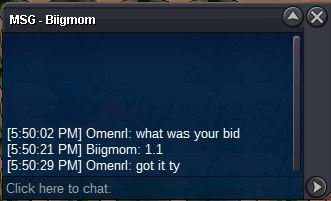
1.1m
-
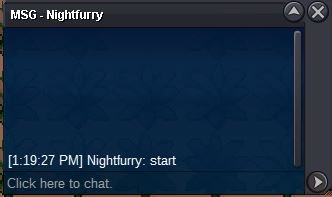
Do I still have high offer? I don’t know if this was clear but when I said “start” that was a 2m offer
-
start
-
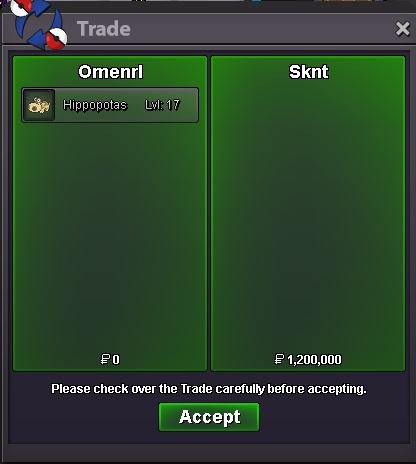
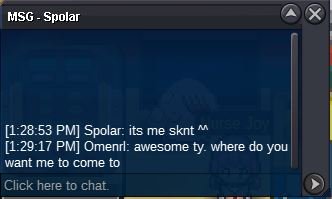
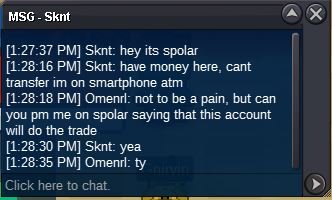
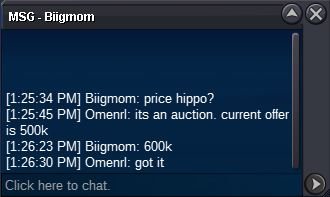
Auciton over, congrats spolar PM me in game for pick upbumppppStarting Offer: 500k Min. Bid: 100k Accepted currencies: - Pokedollar - IV RR: 500k - Nat RR: 250k - CC: 350k Auction Time: 24 hours after start No Insta Current Offer: 1.2m by spolar
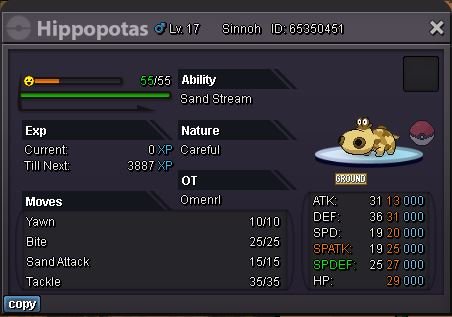 500k gligarHi! We are the guild "Dominion" in gold server. We are a friendly, PVP and PVE guild. We are looking to add some members to our guild and have 10 spots left. Our Leaders are: Owner: DutchBlazey Officers: Outraged, Omenrl, Donator, Fietsverkoper, and 6ixty. Why Dominion? - We are a tightknit and inclusive group of PRO players that actively play the game together. We are always in the top 10 for PVP rating and receive the top guild 25% EXP boost every season. We always have a fun, lighthearted active chat on both PRO and Discord, and we hold fun, guild exclusive events with prizes and rewards. In addition, we have some members/officers with several seasons of PVP experience ready to offer tips and help teach those interested. We have a few requirements to join. Those are: - Have the story completed (finished through sinnoh elite 4). - Be an active chat member OR actively play PVP. - Follow all PRO rules and regulations. - Make fun of DutchBlazey at least once per week. Feel free to contact me here or on discord. My tag is Omen#4893. Thank you for checking this out and we hope to hear from you soon!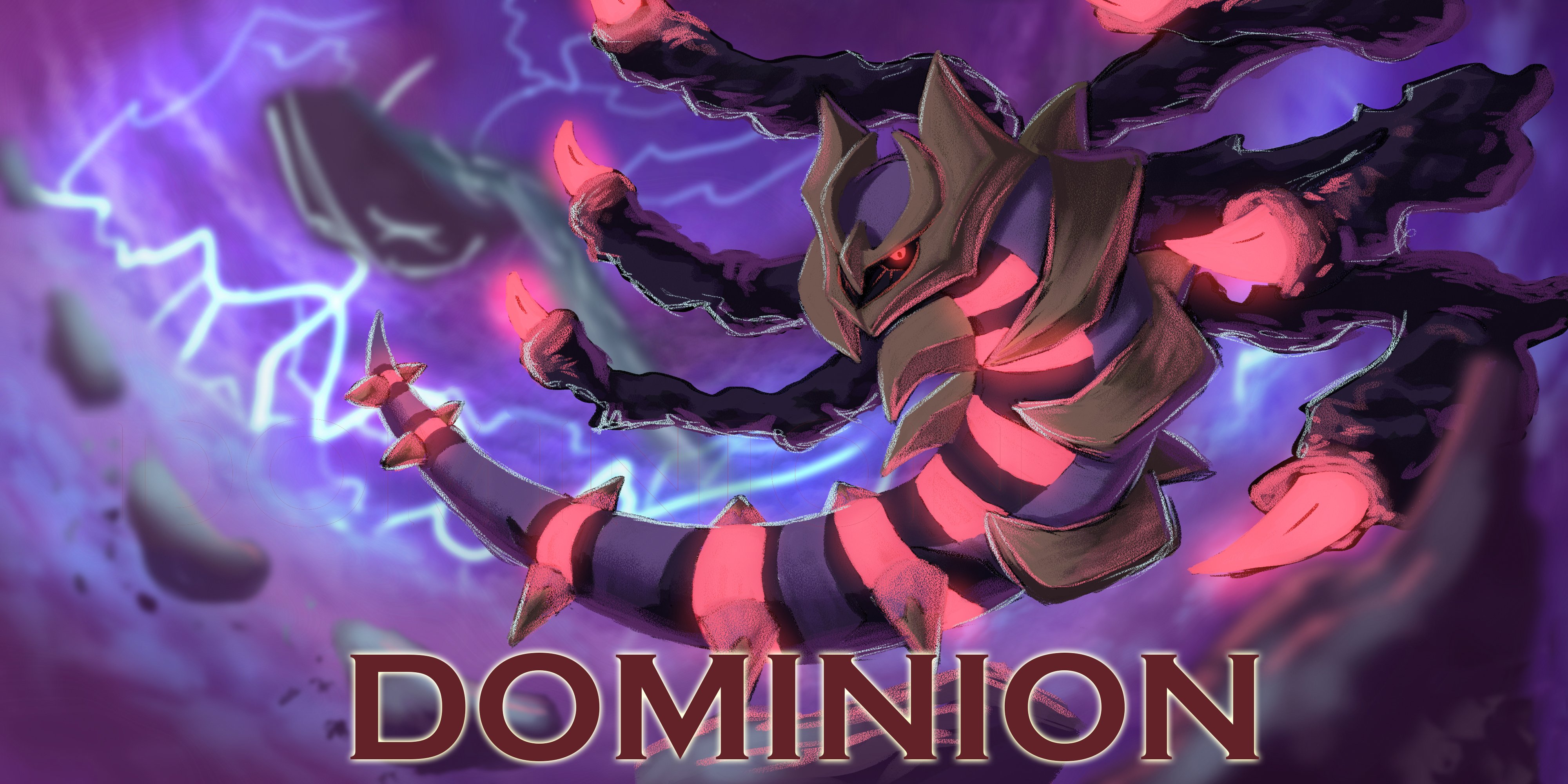


Account
Navigation
Search
Configure browser push notifications
Chrome (Android)
- Tap the lock icon next to the address bar.
- Tap Permissions → Notifications.
- Adjust your preference.
Chrome (Desktop)
- Click the padlock icon in the address bar.
- Select Site settings.
- Find Notifications and adjust your preference.
Safari (iOS 16.4+)
- Ensure the site is installed via Add to Home Screen.
- Open Settings App → Notifications.
- Find your app name and adjust your preference.
Safari (macOS)
- Go to Safari → Preferences.
- Click the Websites tab.
- Select Notifications in the sidebar.
- Find this website and adjust your preference.
Edge (Android)
- Tap the lock icon next to the address bar.
- Tap Permissions.
- Find Notifications and adjust your preference.
Edge (Desktop)
- Click the padlock icon in the address bar.
- Click Permissions for this site.
- Find Notifications and adjust your preference.
Firefox (Android)
- Go to Settings → Site permissions.
- Tap Notifications.
- Find this site in the list and adjust your preference.
Firefox (Desktop)
- Open Firefox Settings.
- Search for Notifications.
- Find this site in the list and adjust your preference.