




New Trade Zone
Trade Zone is now live
Use the new Trade Zone for auctions and instant-price trades so Pokemon and item offers are easy to find.

Nightraven91
Registered User
-
Joined
-
Last visited
Everything posted by Nightraven91
-
Got a trade ban ,already opened the topic to supports idk what's the reason.
-
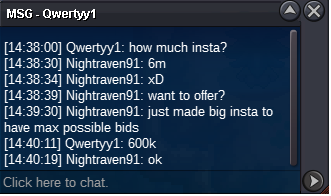
Is that a real bid?
-
!!!
-
Time is at the end its timer
-
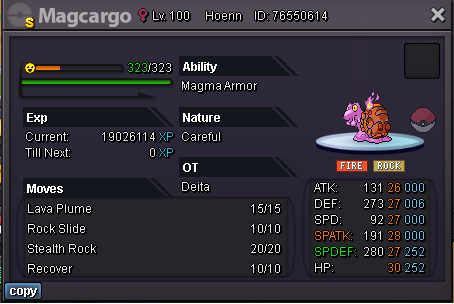
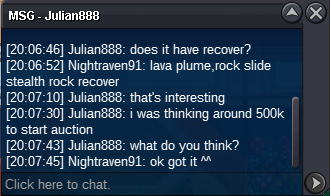
Start offer is 500k Min bid :50k Insta 6m Payments:cc-350k; rr-600k Pokedollars Timer: https://www.tickcounter.com/countdown/3876405/my-countdown
-
erm does not the time pass already?
-
start
-
@
-
!
-
Start offer 2m Insta:10m Payments: pokedollars, cc350k ,rr 600k https://www.tickcounter.com/countdown/3841238/my-countdown

-
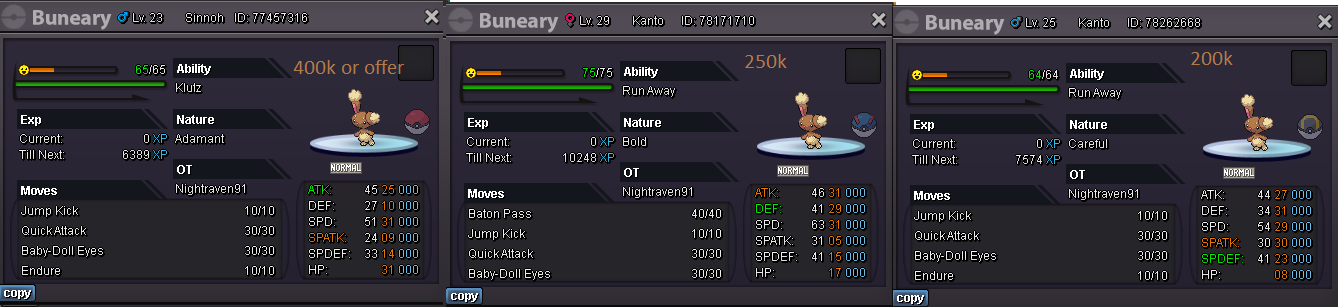
Hello Buddy Welcome To My Shop Pm me Offer here or in Msg or In my discord ByaKA#7836 Payment Methods :pokedollars , CC 350k , rr 600k
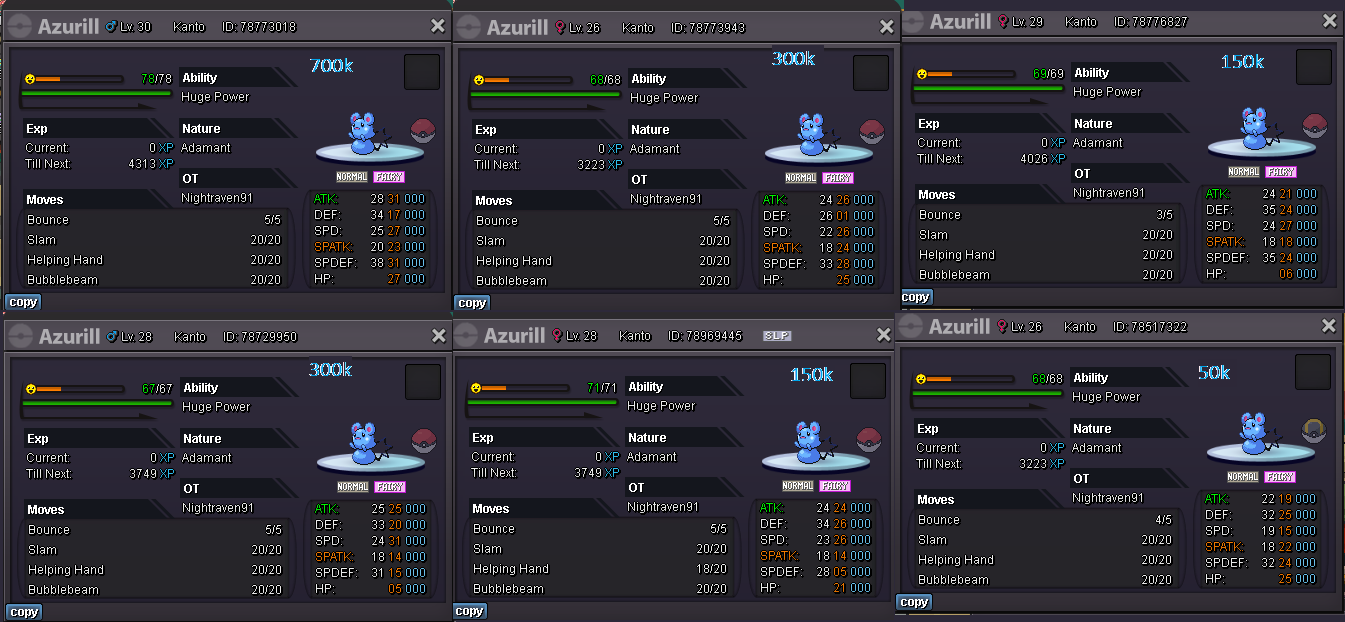
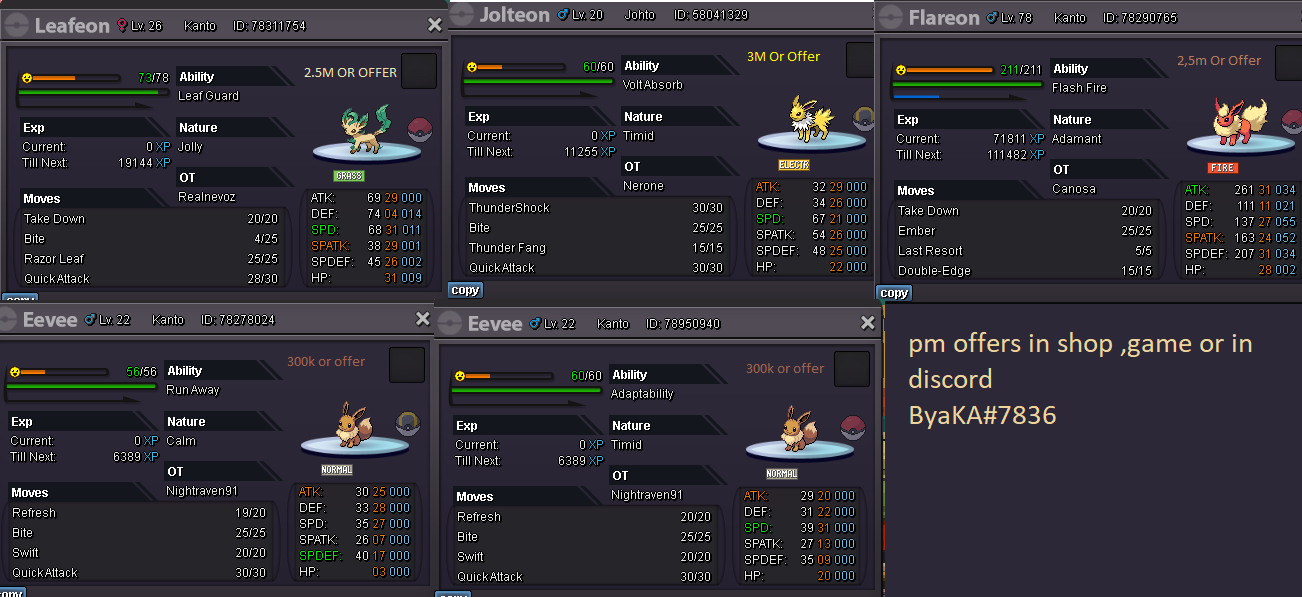
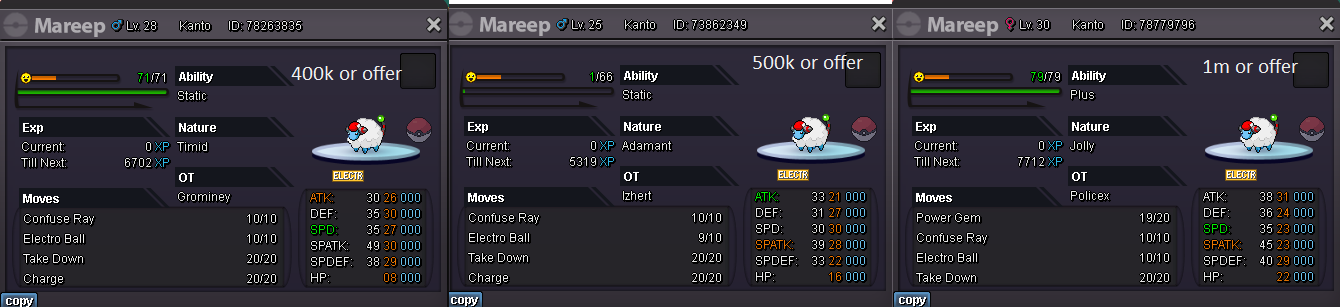
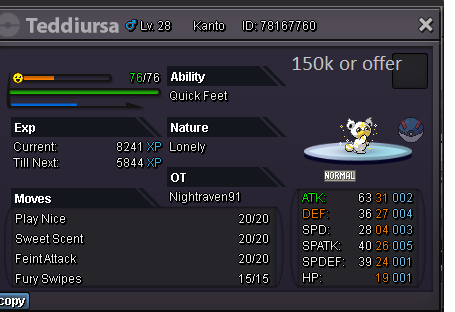
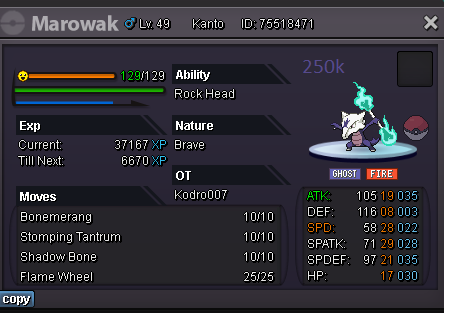
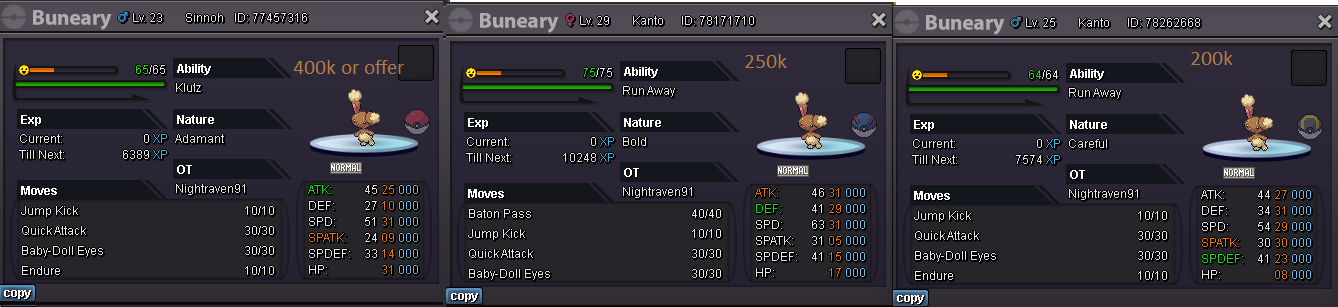
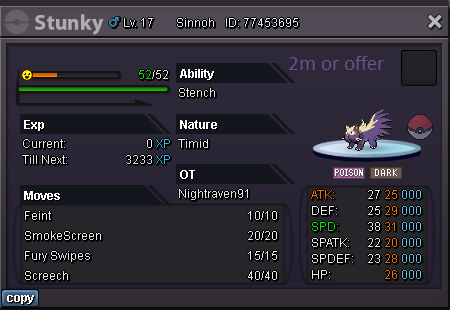
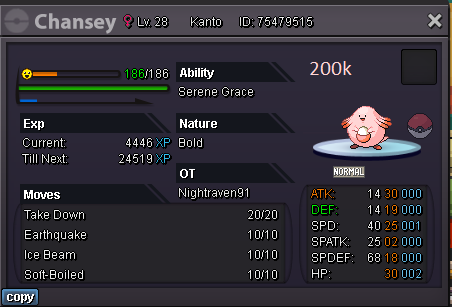
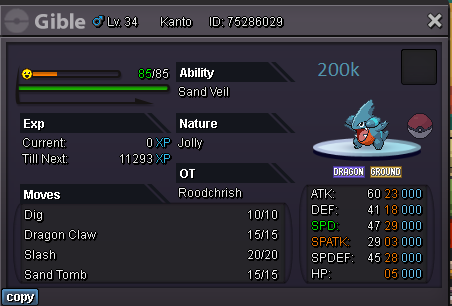
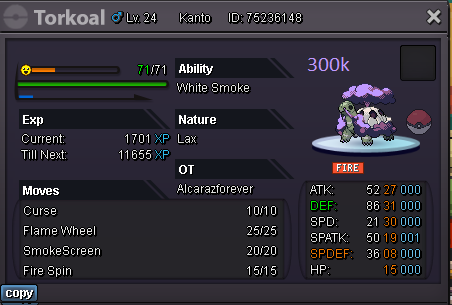
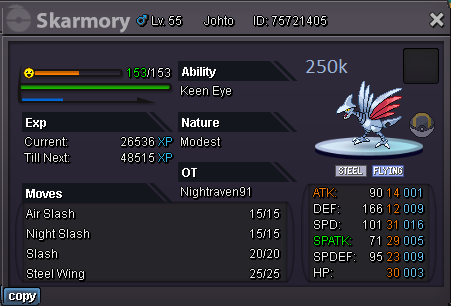

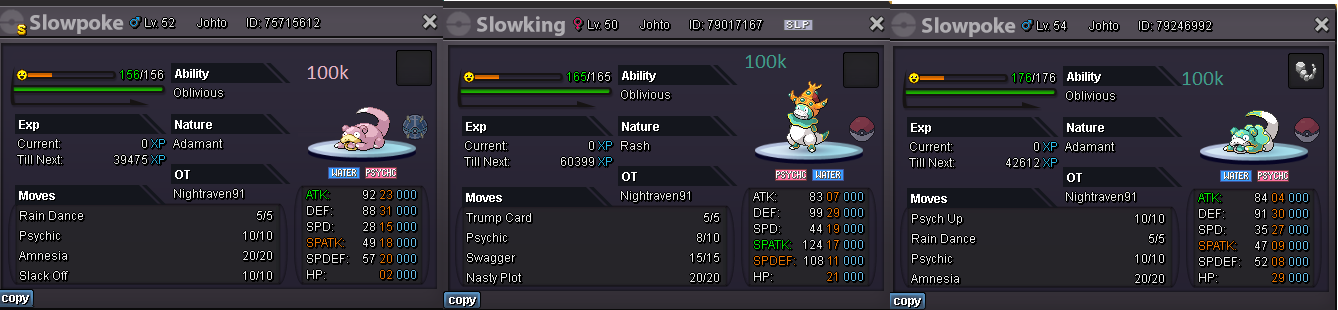
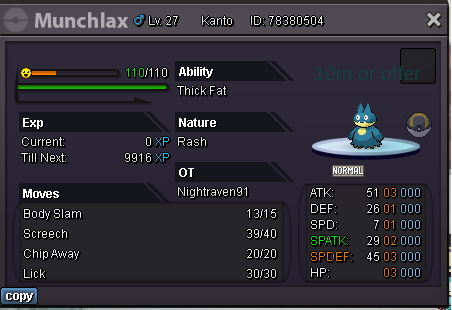
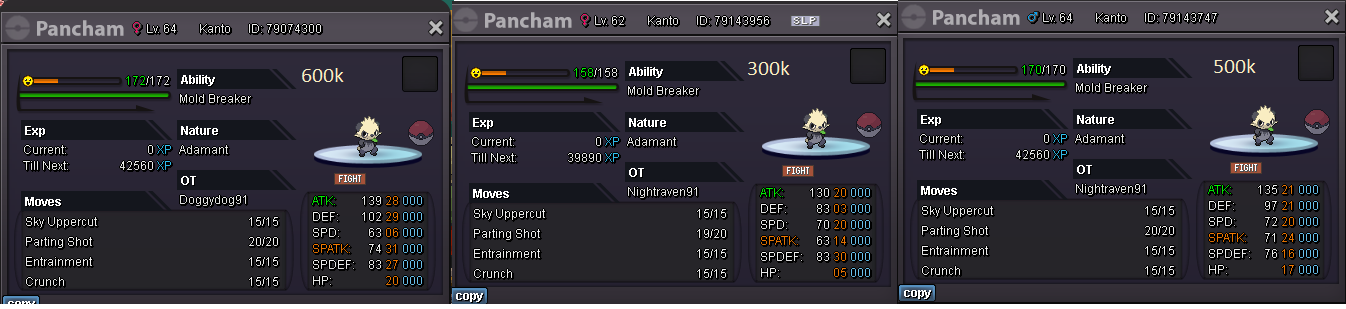
-
He just says me that i can pass what should i do?

-
i passed all over the map 2,5 hours and its not here i checked every bush,tree stone and else,its not on the map. there is 1 place that is a thing on my way ,but i cant press on it https://www.youtube.com/watch?v=Wpv502ccArc
-
150k
-
!
-
!
-
STARTING OFFER 1M MIN RAISE 100K INSTA:5M PAYMENTS : POKEDOLLARS CC-350K RR-600K TIMER:https://www.tickcounter.com/countdown/3787027/azu
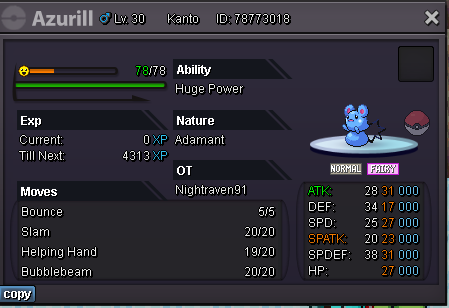
-
700k
-
1m
-
700k
-
400k
-
500k
-
200k
-
Looking for 1st offer to start auction.
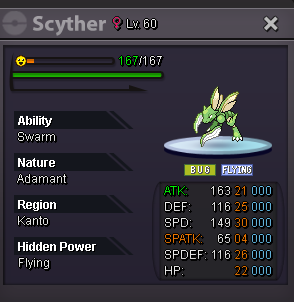
-
UP!
