New Trade Zone
Trade Zone is now live
Use the new Trade Zone for auctions and instant-price trades so Pokemon and item offers are easy to find.

Superphenotype
Registered User
-
Joined
-
Last visited
-
Superphenotype changed their profile photo
-
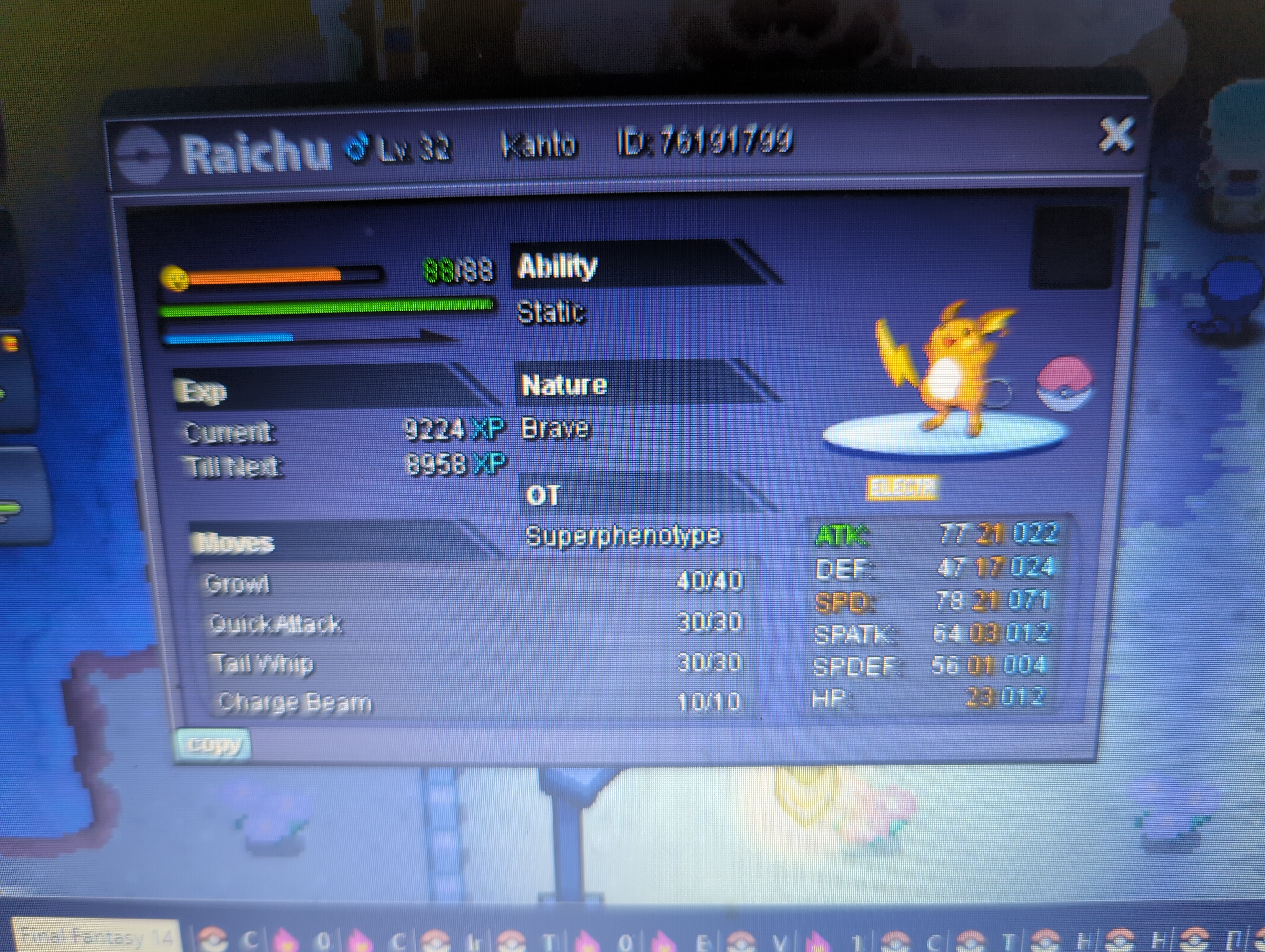
Hello. I've only just recently started the playing, however I seem to have run into a bit of a bug. So, I started out with Pikachu, evolved him into Raichu early on, without realizing Raichu won't learn any new abilities, because of this I've been looking for electric type skills to train him with. Upon defeating surge and purchasing Charge Beam from the merchant I opened up my inventory, selected the TM, opened up Raichu's Skill List by clicking his icon on the left hand side. I was reorganizing the skills within the list, but didn't realize that the skill listing within the selection screen for the TM I was about to teach him hadn't changed to reflect the changes within the skill listing I had just finished shifting around...... So I overwrote ThunderShock by accident, when I had actually selected to change out Tail Whip with the new TM for Charge Beam.... please help? I don't want to have to re-train a new pikachu and evolve it with a stone.