




New Trade Zone
Trade Zone is now live
Use the new Trade Zone for auctions and instant-price trades so Pokemon and item offers are easy to find.


Shashwat01
Registered User
-
Joined
-
Last visited
Everything posted by Shashwat01
-
Start
-
Really .. oh that's great
-
I m back to game after a long time like almost a year and I wanted to know the price of a poke as cause prices of pokes changes with time cause of its rareity It's a snivy Hp fire Countray Att - 11 , def - 22 , speed -30 , spatt - 16 , sp def - 17 , hp -01 Is this mon worth 2.5m cause recently I bought it in that price as I know that it's kinda very rare as my previous experience so pls tell me ......
-
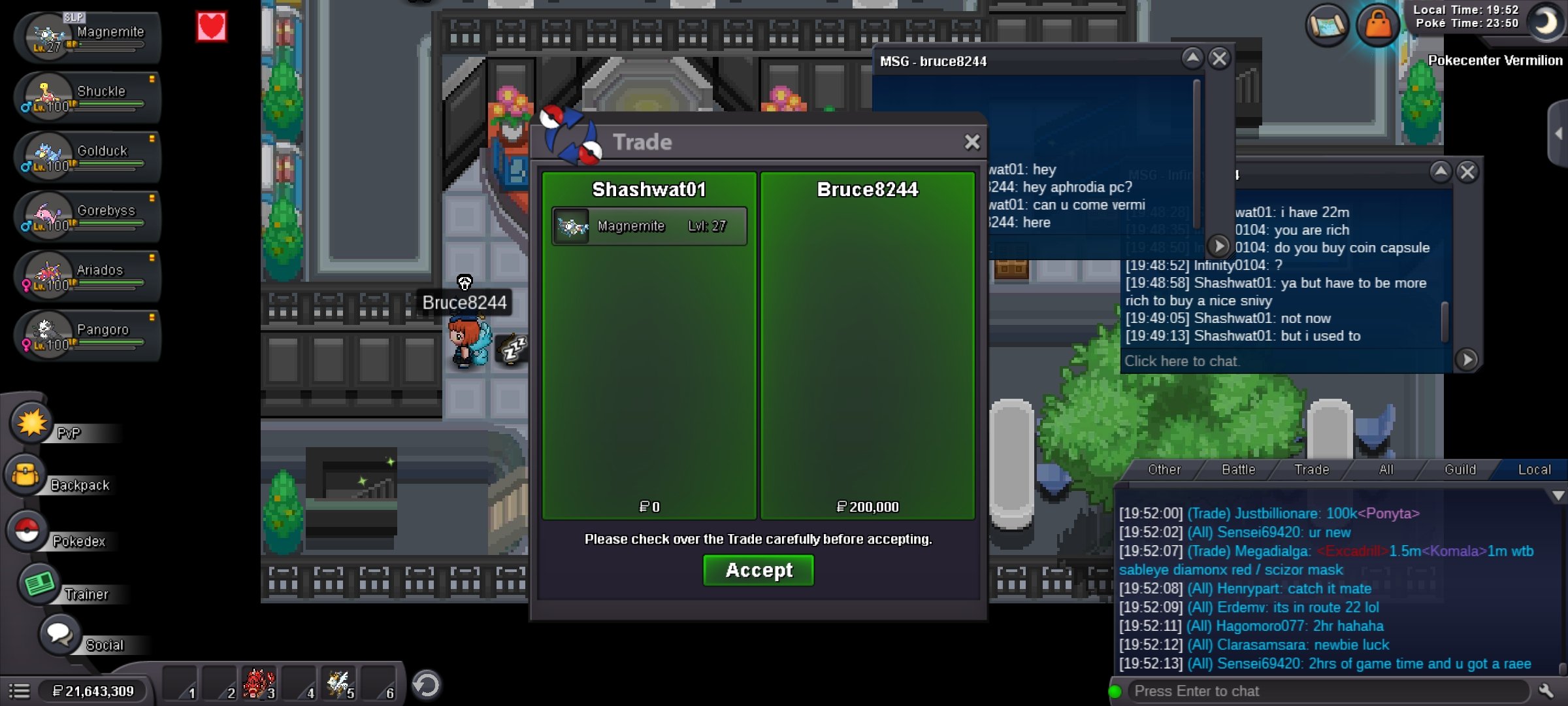
Meet me in vermi Ign - Shashwat01 Dis - shashwat#0474Congratulations @Bruce8244 u won105k by Akshay97
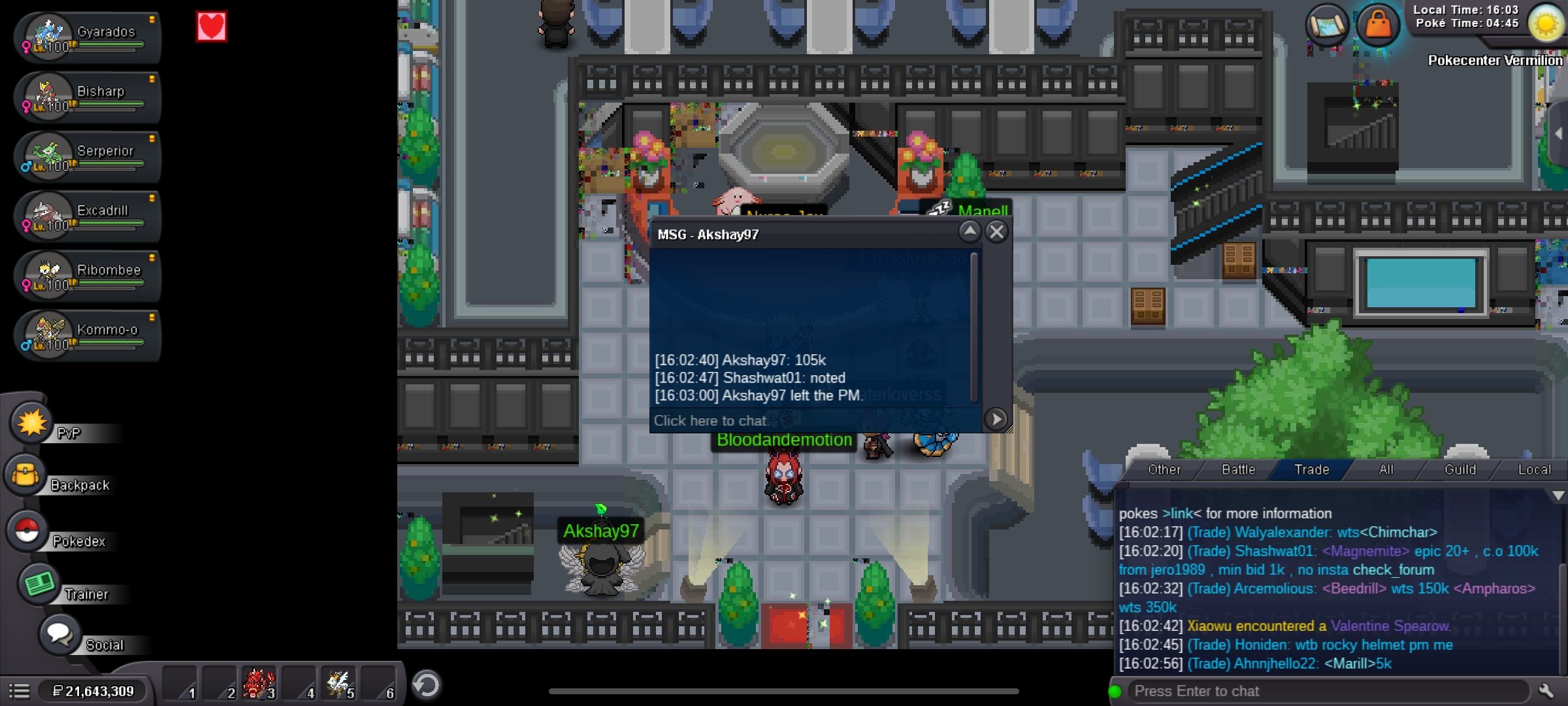 51k by Akshay97
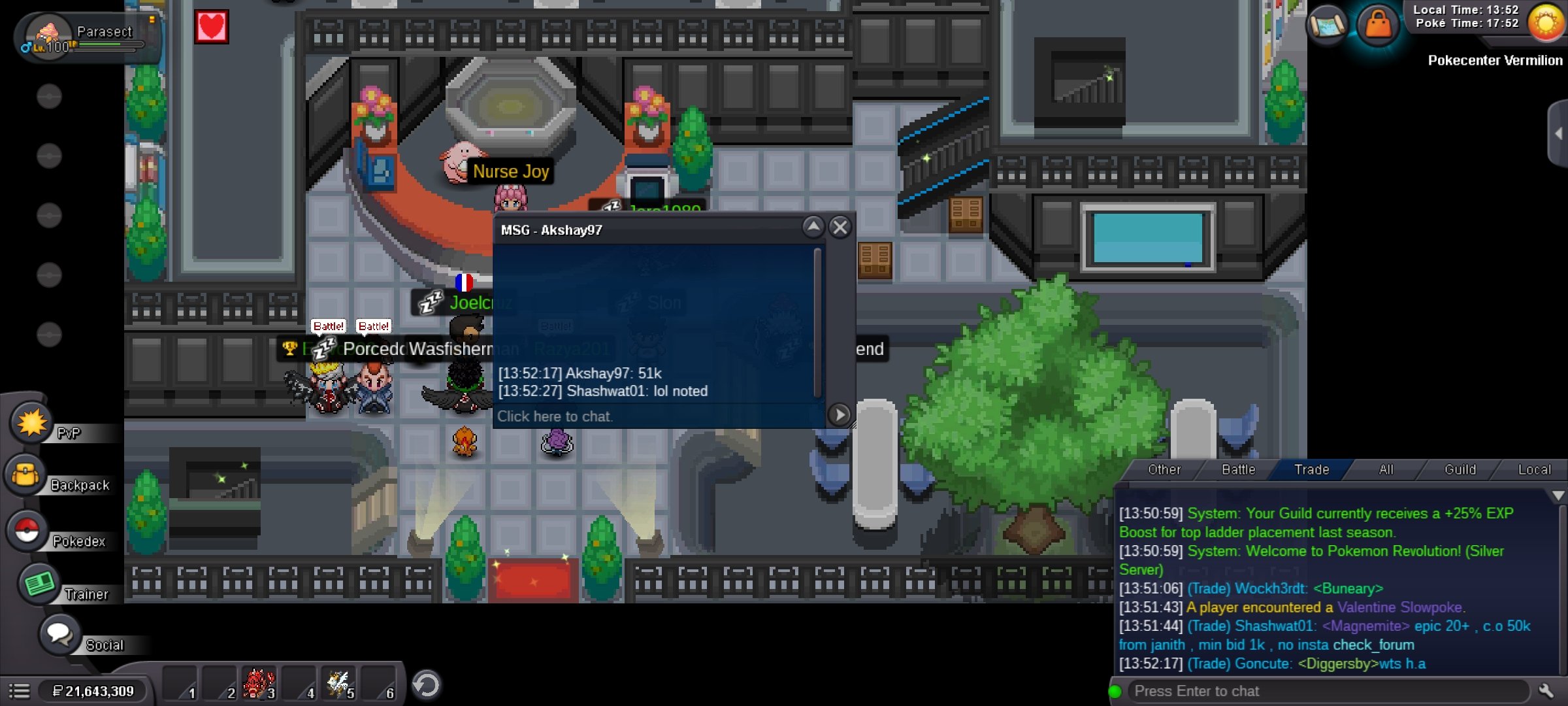 50k by janith
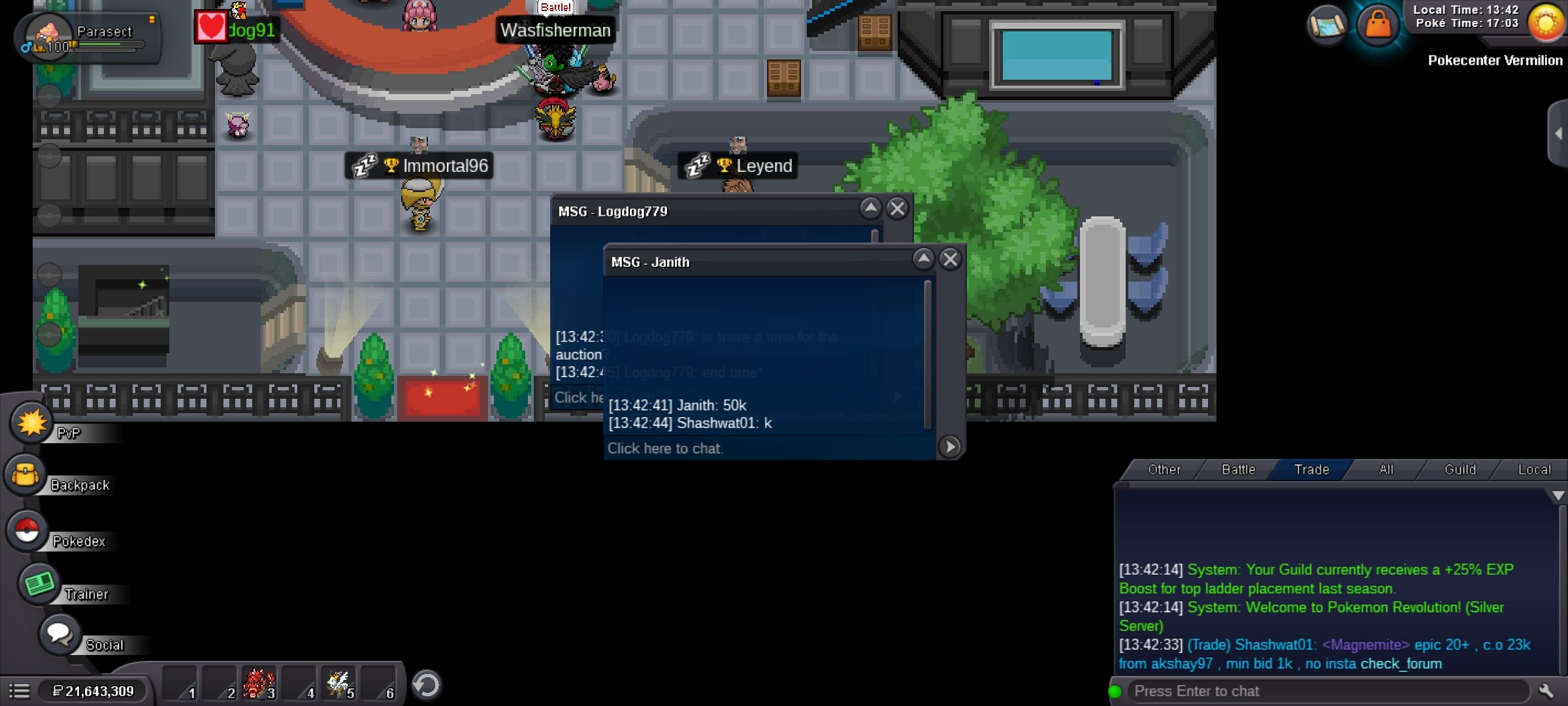 20k from janith
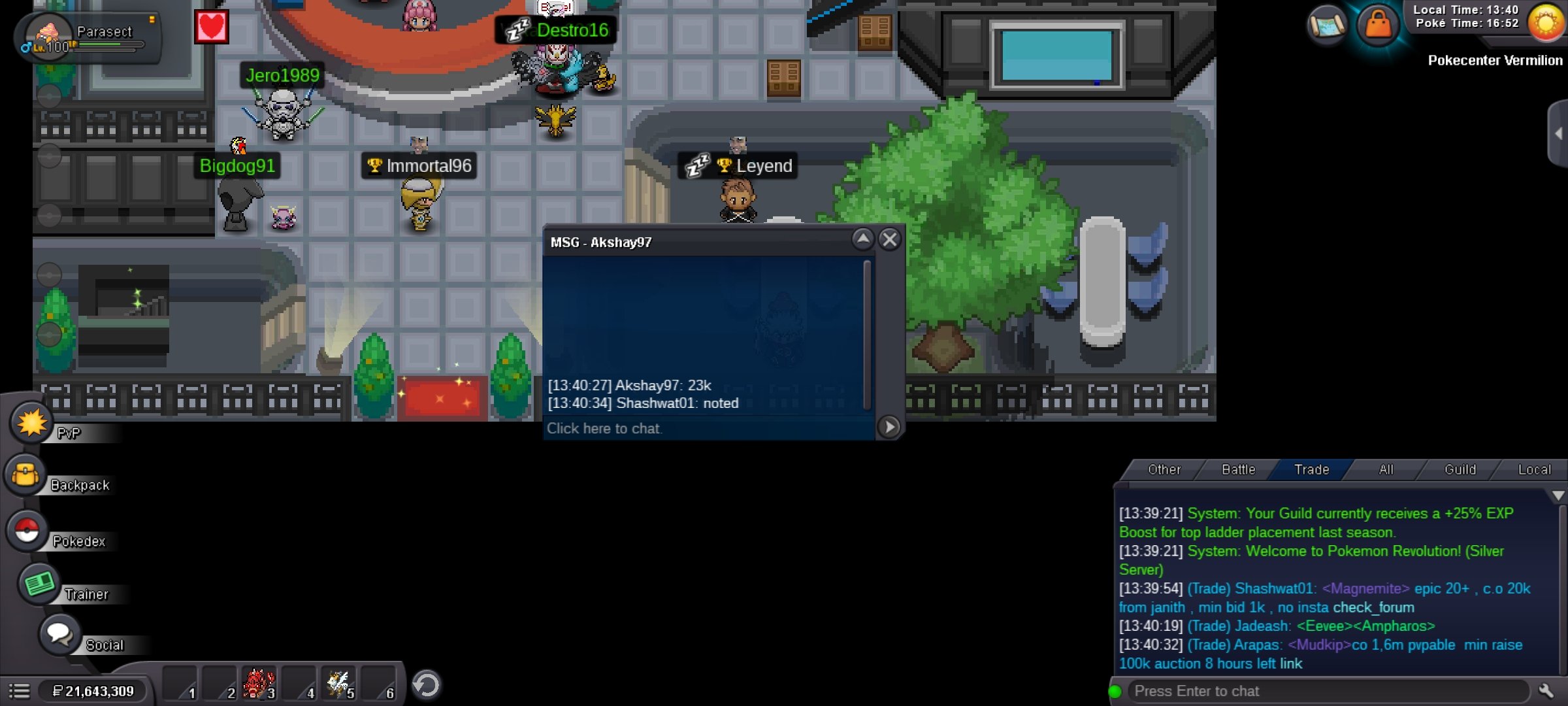
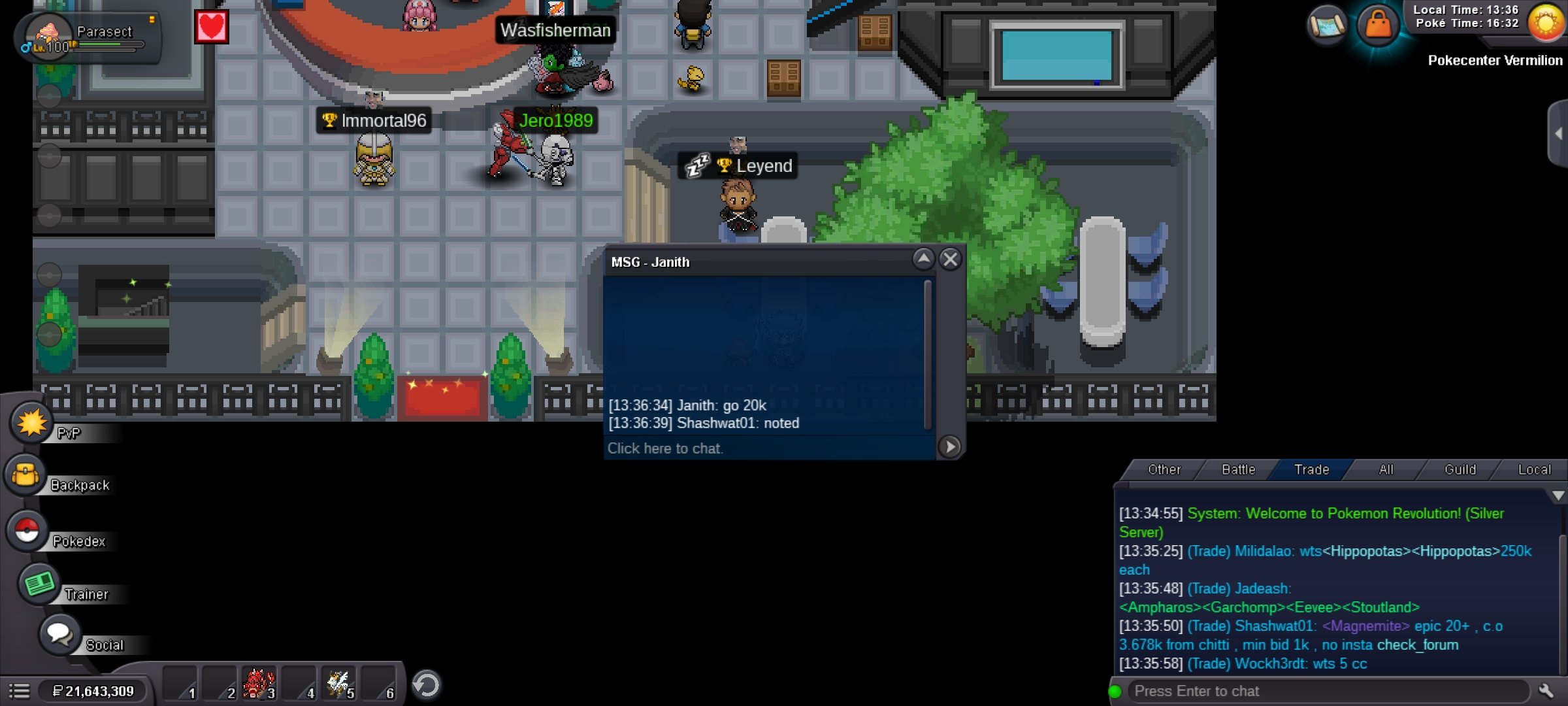 • S.o 1k • Min bid 1k • No insta • Ends in 24 hours after first bid • Accepts payment in Pokedollars, rr 480k, cc 380k
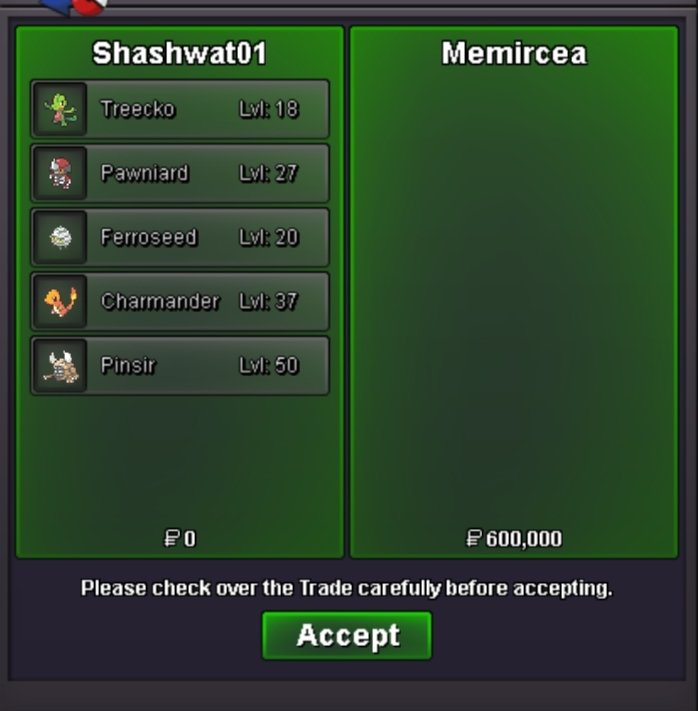
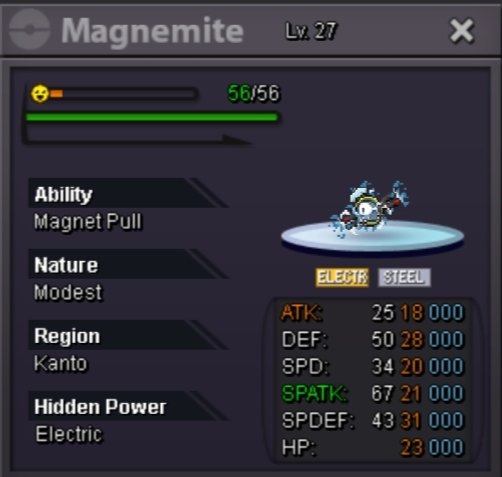 @Memircea Congratulations u won the auctionLast 20 minutes left...Last 2 hr 40 minutes left ...@Incandescent as I already mentioned the auction will end in 30 hrs after start and u can see there darklight0 srted the auction few hours ago ... So according to auction rules the end time of auction is mentioned clearlyStart Price: 50k Ends in 30 hrs after srt No Insta Min Raise: 50k Accepted Payment(s): POKEDOLLARS, cc 390k , rr 490k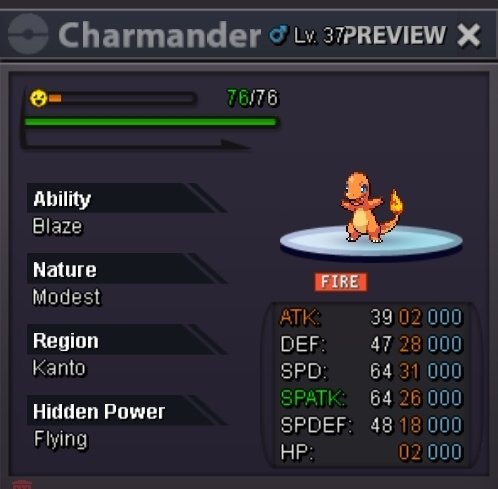

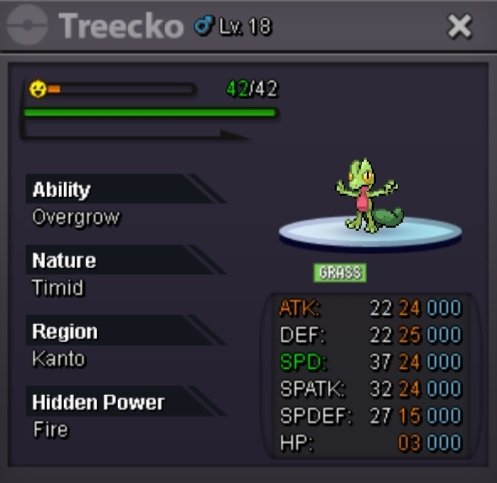
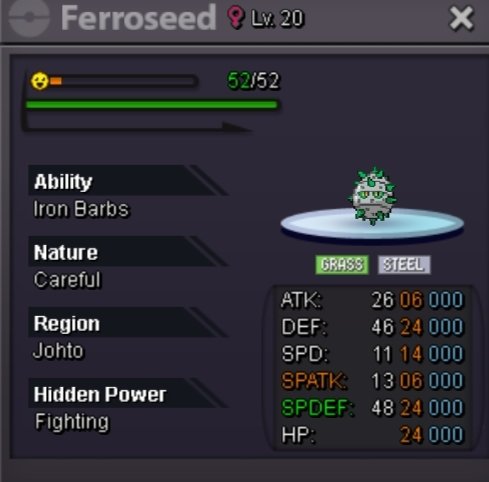
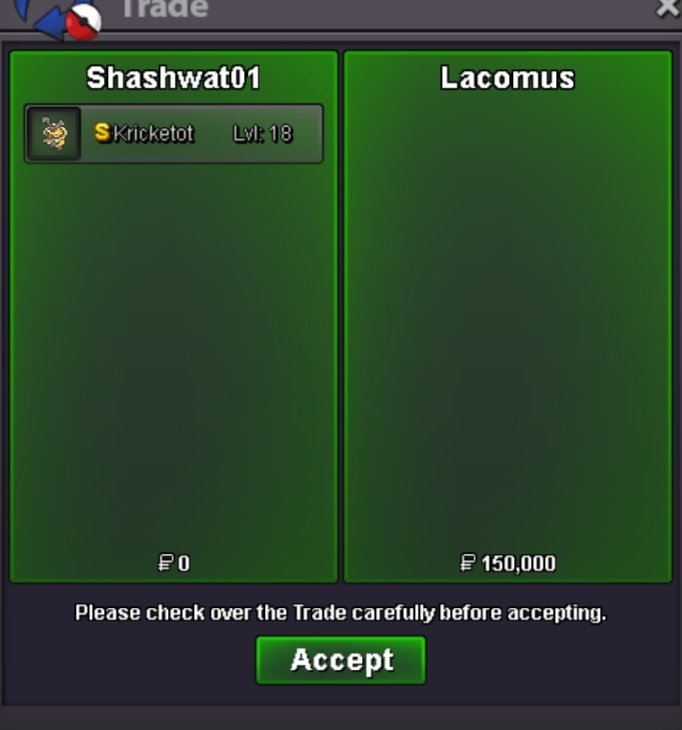
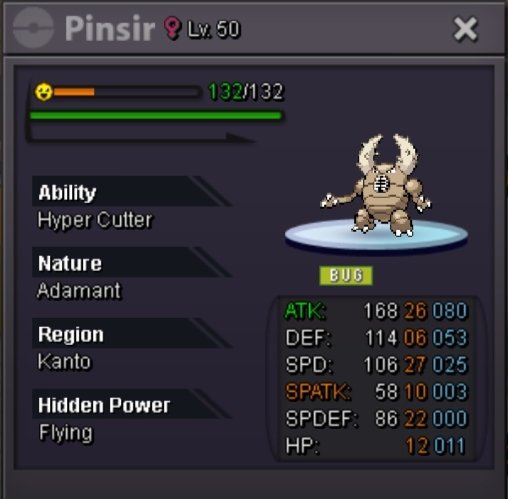 70159654@Lacomus wonLast 20 min left...Last hour left... Gl all


Account
Navigation
Search
Configure browser push notifications
Chrome (Android)
- Tap the lock icon next to the address bar.
- Tap Permissions → Notifications.
- Adjust your preference.
Chrome (Desktop)
- Click the padlock icon in the address bar.
- Select Site settings.
- Find Notifications and adjust your preference.
Safari (iOS 16.4+)
- Ensure the site is installed via Add to Home Screen.
- Open Settings App → Notifications.
- Find your app name and adjust your preference.
Safari (macOS)
- Go to Safari → Preferences.
- Click the Websites tab.
- Select Notifications in the sidebar.
- Find this website and adjust your preference.
Edge (Android)
- Tap the lock icon next to the address bar.
- Tap Permissions.
- Find Notifications and adjust your preference.
Edge (Desktop)
- Click the padlock icon in the address bar.
- Click Permissions for this site.
- Find Notifications and adjust your preference.
Firefox (Android)
- Go to Settings → Site permissions.
- Tap Notifications.
- Find this site in the list and adjust your preference.
Firefox (Desktop)
- Open Firefox Settings.
- Search for Notifications.
- Find this site in the list and adjust your preference.